
Best Payroll Automation Software in 2026: Automation Platforms vs Dedicated Tools
Compare the best payroll automation software for 2026, from general-purpose automation platforms to dedicated payroll tools, and find the right fit for your team.

By: Deepit Patil
Co-Founder and CTO
Published
Updated
Edited by Craze Editorial Team · See our Editorial Process
Payroll errors cost time, damage trust, and create compliance headaches that compound as headcount grows. Manual spreadsheets and disconnected tools work until they do not, and by then you are fixing problems instead of running payroll.
Payroll automation replaces that manual overhead with reliable, repeatable processes. This guide compares two categories of payroll automation software: general-purpose automation platforms that handle payroll workflows alongside other business processes, and dedicated payroll tools built specifically for pay processing, tax filing, and compliance. You will find tool reviews for both, a comparison table, and a decision framework to help you pick the right approach.
At a Glance
- Payroll automation reduces manual calculations, cuts errors, and keeps tax filings on schedule.
- Automation platforms (Craze, Make, n8n, Zapier) connect your existing tools and automate the workflows around payroll as part of broader business automation.
- Dedicated payroll tools (Gusto, Rippling, Paycor, Deel, Zoho Payroll, OnPay, ADP) are purpose-built for pay processing, tax filing, and compliance with deeper payroll-specific features.
- The best choice depends on whether you need cross-functional automation flexibility or deep, built-in payroll functionality.
What Payroll Automation Software Does
Payroll automation software handles the repetitive, calculation-heavy tasks in the payroll cycle so your team can focus on higher-value work. Core capabilities include:
- Pay calculations: Automatically computes gross pay, deductions, overtime, bonuses, and net pay based on your compensation rules.
- Tax processing: Handles federal, state, and local tax withholdings, files quarterly and annual returns, and generates W-2s and 1099s.
- Direct deposit: Transfers wages to employee bank accounts on schedule without manual intervention.
- Pay stubs and records: Generates detailed pay stubs with breakdowns of earnings, deductions, and year-to-date totals.
- Compliance tracking: Monitors changing tax laws and labor regulations and applies updates automatically.
Key Features to Look For
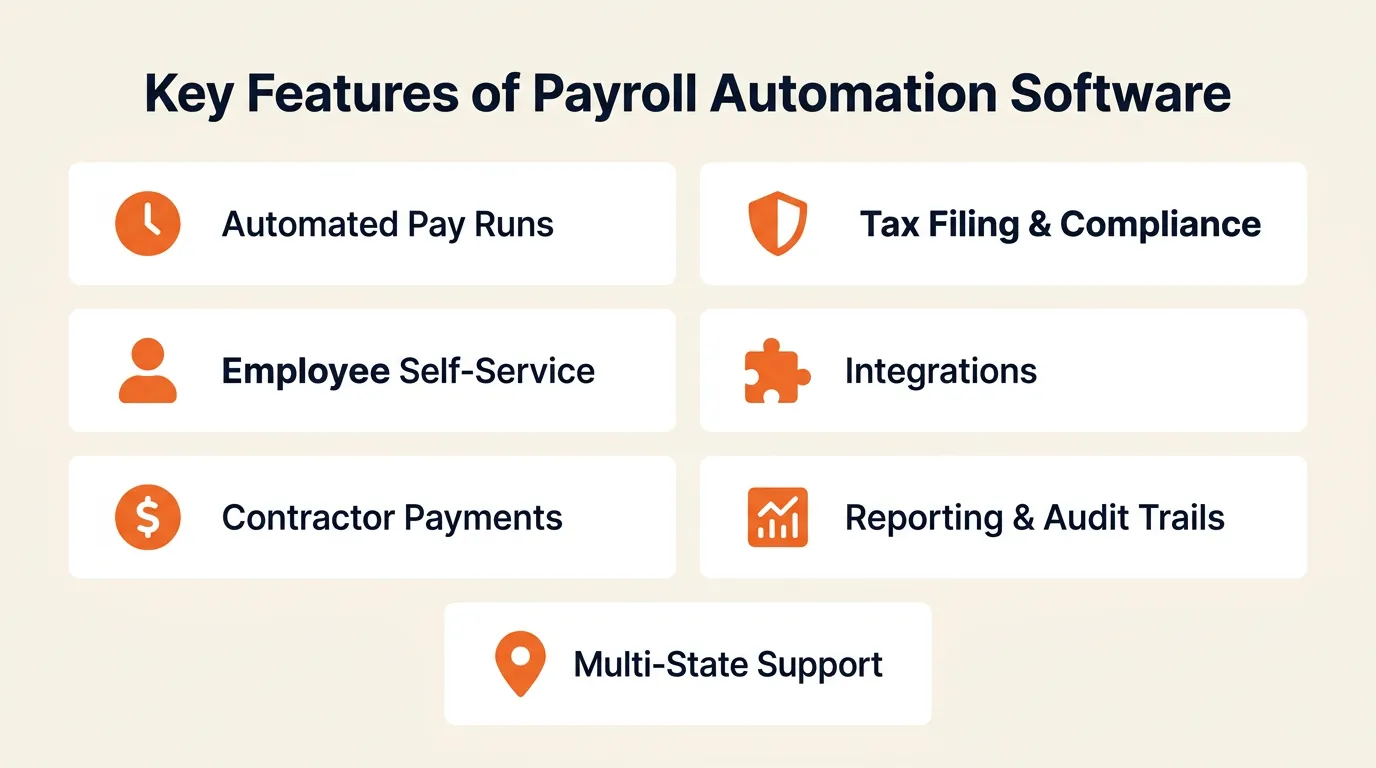
Before comparing tools, understand the features that separate adequate payroll software from a solution that actually saves time:
- Automated pay runs: Schedule and process payroll with minimal manual input, including off-cycle runs for bonuses or corrections.
- Tax filing and compliance: Automatic calculation and filing of federal, state, and local taxes, with support for multi-state operations.
- Employee self-service: Portals where employees can view pay stubs, download tax documents, update direct deposit details, and manage benefits.
- Integrations: Connections with your accounting software, time tracking tools, HRIS, and banking systems to eliminate duplicate data entry. Good integrations also cover adjacent workflows like document management and attendance tracking.
- Contractor and freelancer payments: Support for 1099 contractors alongside W-2 employees, including year-end tax document generation.
- Reporting and audit trails: Payroll reports, tax liability summaries, and detailed logs of every change for audit readiness.
- Multi-state and multi-country support: For distributed teams, the ability to handle different tax jurisdictions, currencies, and labor laws.
Quick Comparison: Payroll Automation Software
This guide splits tools into two sections. Section A covers automation platforms that can handle payroll workflows as part of broader business automation. Section B covers dedicated payroll software built specifically for pay processing and compliance.
Section A: Automation Platforms
Tool | Type | How It Handles Payroll | Best For |
Craze | Multi-model AI workspace | AI agents for payroll data sync, approval routing, reconciliation workflows | Teams using AI-first approaches to automate cross-functional work |
Make | Visual automation platform | Complex payroll data flows with conditional logic, multi-step transforms | Operations teams needing detailed, multi-step payroll automations |
n8n | Open-source workflow automation | Custom payroll integrations with code flexibility and self-hosting | Technical teams wanting full control and data privacy |
Zapier | No-code automation platform | Connects payroll apps with 8,000+ integrations; AI agents for autonomous tasks | Non-technical teams connecting fragmented payroll tools |
Section B: Dedicated Payroll Software
Tool | Type | What It Automates | Best For |
Gusto | Payroll-first HR platform | Full-service payroll, tax filing, benefits, compliance | Small US-based teams needing reliable payroll and benefits |
Rippling | Unified HR, IT, and finance | Payroll, benefits, device provisioning, cross-functional automation | Mid-market companies wanting payroll + HR + IT in one platform |
Paycor | HCM platform | Payroll processing, tax filing, workforce analytics | Mid-market to enterprise with complex payroll needs |
Deel | Global employment platform | Global payroll, EOR, contractor management, multi-country compliance | Companies hiring internationally across 150+ countries |
Zoho Payroll | Cloud payroll software | Payroll processing, tax compliance, employee self-service | Businesses in the Zoho ecosystem |
OnPay | Small business payroll | Payroll, tax filing, benefits, HR basics | Small businesses wanting straightforward, affordable payroll |
ADP | Enterprise payroll and HCM | Payroll processing, tax services, benefits, compliance at scale | Large enterprises with complex, multi-state or global payroll |
Section A: Automation Platforms
These platforms are not built exclusively for payroll. They handle workflows across HR, finance, operations, marketing, and other departments. The advantage: one platform for cross-functional automation instead of siloed tools per department. For payroll specifically, they automate the workflows around payroll (data syncing, approval routing, notifications, reconciliation) rather than processing payroll directly.
1. Craze
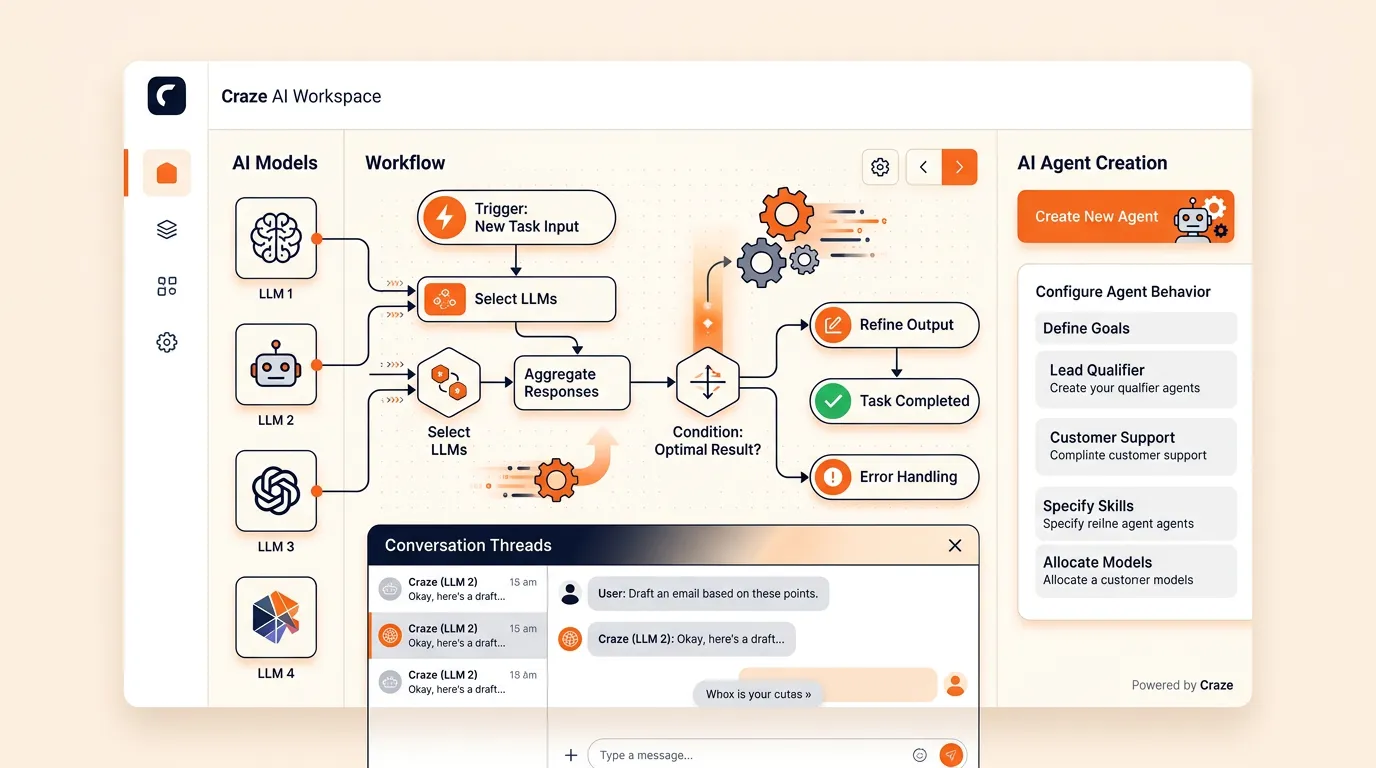
Craze is a multi-model AI workspace where teams can work with different LLMs, create AI agents, and run AI-assisted workflows. For payroll automation, this means building agents that handle the repetitive processes surrounding payroll: syncing time-tracking data to your payroll tool, routing approval requests, flagging discrepancies before a pay run, and notifying stakeholders when payroll completes.
Key Features:
- Multi-model access: work with different LLMs in one place to choose the best model for each task.
- AI agent creation: build agents that handle repeatable payroll-adjacent workflows (data sync, approval chains, exception alerts, reconciliation checks).
- Conversations and automation: combine chat-based AI interactions with structured workflow automation.
- Cross-functional: the same platform handles payroll workflows, HR, operations, finance, and other processes.
Best For: Teams that want to use AI agents and LLM-powered workflows to automate payroll-adjacent tasks as part of a broader AI-first work approach, rather than buying a dedicated payroll tool.
Pros:
- One workspace for multiple AI models and agent-based automation.
- Not limited to payroll; handles automation across departments.
Cons:
- Not a payroll engine. Does not process pay runs, calculate taxes, or file returns; you still need a dedicated payroll tool for that.
- Best suited for teams already adopting AI tools in their workflows.

2. Make
Make (formerly Integromat) is a visual automation platform that lets teams build complex, multi-step workflows by connecting apps through a drag-and-drop interface. For payroll, it handles data syncing between time-tracking and payroll tools, approval routing, conditional logic for different pay rules, and reconciliation between payroll and accounting systems.
Key Features:
- Visual workflow builder with routers, filters, and conditional branching for complex payroll decision trees.
- 3,000+ pre-built app connections, including payroll, accounting, HRIS, and communication tools.
- Built-in data manipulation for transforming and syncing employee data across systems.
- Error handling with automated retries and alerts for critical payroll processes.
Best For: Operations teams that need sophisticated, branching automations with detailed control over data flow between payroll and other business systems.
Pros:
- Deep customization for complex workflows that simpler tools cannot handle.
- Strong observability with execution logs and analytics dashboards.
- Cost-efficient at scale for high-volume, multi-step workflows.
Cons:
- Steeper learning curve than simpler automation tools; requires time to master field mapping and scenario architecture.
- Does not process payroll directly; connects and automates around your payroll engine.
3. n8n
n8n is an open-source workflow automation platform that combines a visual, node-based editor with the ability to write JavaScript or Python code within workflows. For payroll teams with technical resources, it offers deep customization and full data control through self-hosting, which is particularly valuable when handling sensitive payroll data.
Key Features:
- Visual node-based editor with inline JavaScript/Python for custom logic.
- 400+ native integrations, plus an HTTP request node for connecting any API.
- AI agent nodes for building LLM-powered payroll workflows with reasoning and memory.
- Self-hostable for full control over employee and payroll data security.
- Triggers and scheduling for automated payroll reminders, data sync, and recurring tasks.
Best For: Technical teams and developers who want full control over their payroll automation, need self-hosting for data privacy, or want to embed code logic into workflows.
Pros:
- Open-source with self-hosting option for complete data control.
- Hybrid approach: visual builder plus real code for complex logic.
- Active community and growing integration library.
Cons:
- Steeper learning curve for non-technical users; expressions, error handling, and AI wiring require technical comfort.
- Does not process payroll natively; automates the workflows around your payroll tool.
- Documentation has gaps in some areas; community forums fill in, but direct support is limited.
4. Zapier
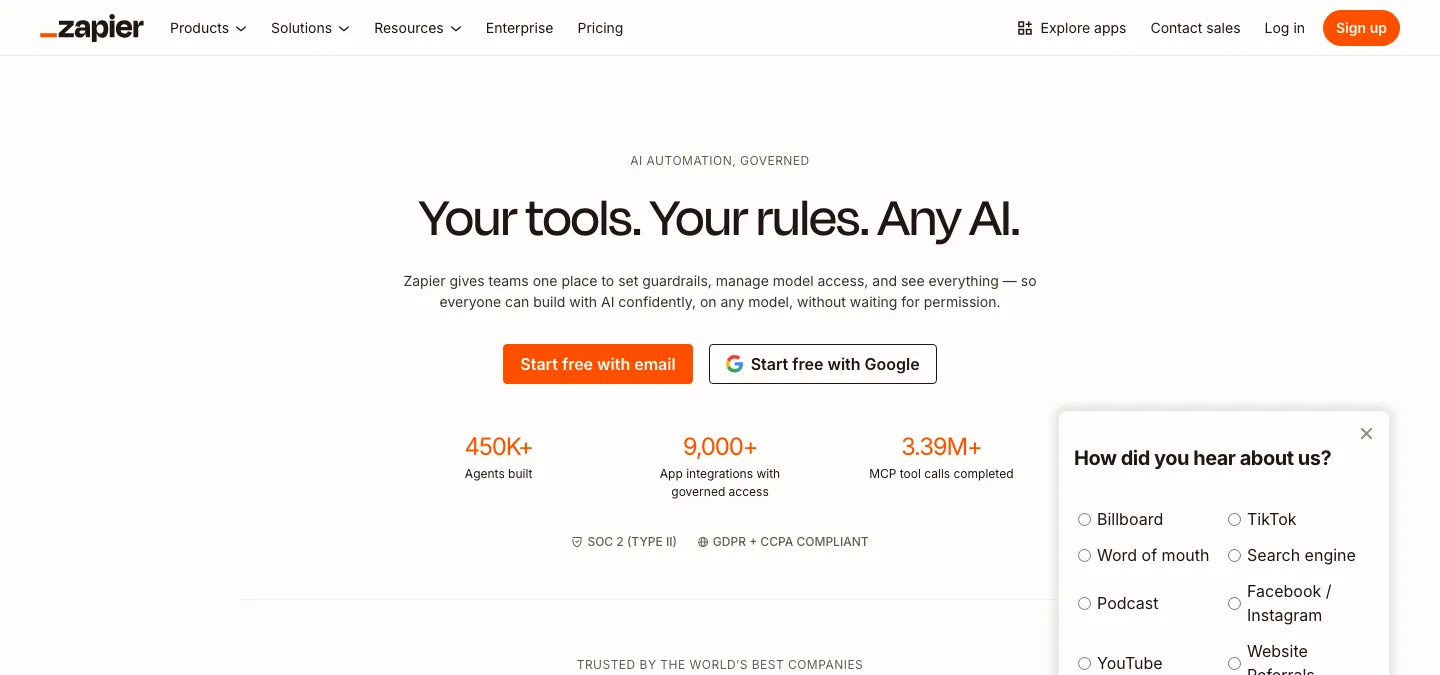
Zapier is a no-code automation platform with the largest app integration library in the category (8,000+ connections). It automates payroll workflows by connecting tools like your payroll provider, time tracking app, HRIS, accounting software, and Slack without requiring any code.
Key Features:
- No-code workflow builder with “Copilot” for building automations via natural language.
- 8,000+ app integrations, including Gusto, ADP, Rippling, QuickBooks, Xero, and most payroll tools.
- AI agents for autonomous task execution and AI chatbots for employee support.
- Built-in “Tables” for lightweight data storage and “Interfaces” for custom forms and dashboards.
- Enterprise controls: audit logs, SSO, granular permissions, SOC 2 and GDPR compliance.
Best For: Non-technical HR and finance teams that need to connect payroll apps quickly without developer support.
Pros:
- Easiest setup in the category; accessible to non-technical users.
- Industry-leading breadth of native integrations, including most payroll providers.
- Exceptional uptime and reliability for production workflows.
Cons:
- Task-based pricing can get expensive at high automation volumes.
- Lacks native loops and advanced error handling that power users may need.
- Does not process payroll directly; connects your existing payroll tool with everything else.
Section B: Dedicated Payroll Software
These platforms are purpose-built for pay processing, tax filing, and compliance. They handle the core payroll engine (calculating pay, withholding taxes, filing returns, issuing payments) with native modules that work out of the box. The advantage: deeper payroll functionality without configuration overhead.
1. Gusto
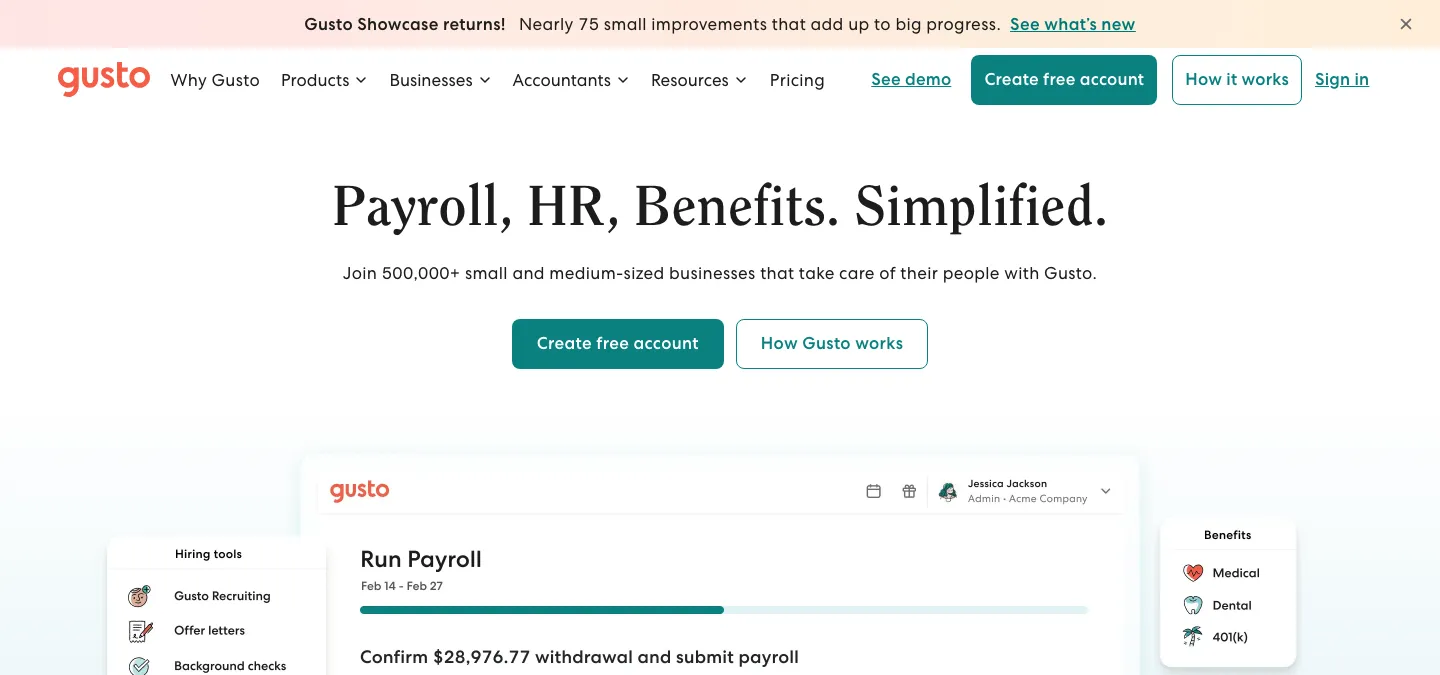
Gusto is a payroll-first HR platform built for small US-based businesses. It handles full-service payroll, tax filing, benefits administration, and basic HR features with transparent pricing and minimal setup.
Key Features:
- Full-service payroll with automatic tax calculations, filings, and year-end reporting (W-2, 1099).
- Benefits administration including health insurance, 401(k), and workers’ comp.
- Employee self-service with pay stubs, tax documents, and benefits enrollment.
- Built-in compliance tools for federal, state, and local requirements.
- Contractor payments with 1099 filing.
Best For: Small US-based teams (1 to 200 employees) that want reliable payroll and benefits without managing a complex system.
Pros:
- Transparent, straightforward pricing with no hidden fees.
- Excellent payroll reliability and US tax compliance.
- Easy onboarding with a clean, modern interface.
Cons:
- US-only; does not support international payroll or global teams.
- Limited advanced HR features (performance management, workforce analytics) compared to full HCM platforms.
2. Rippling
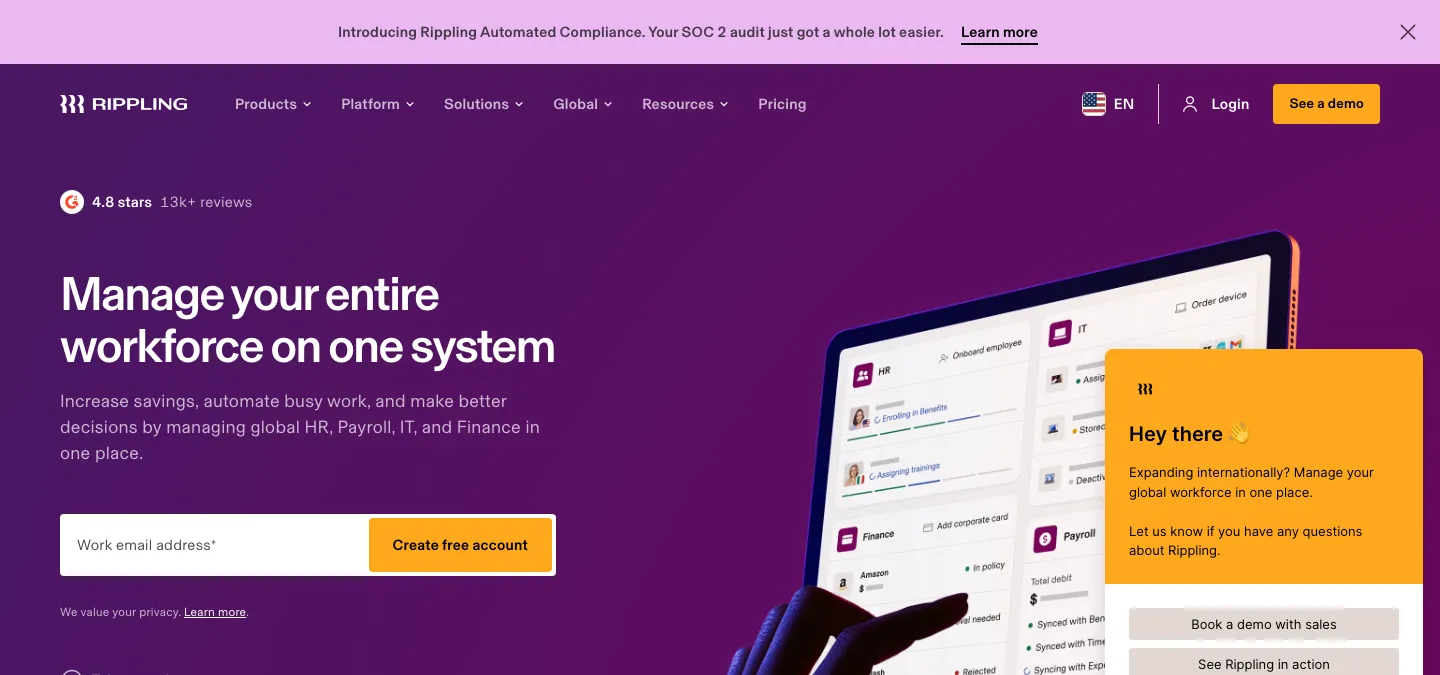
Rippling unifies HR, IT, and finance into a single platform. For payroll, its strength is cross-functional automation: when you onboard a new hire, Rippling can automatically set up payroll, provision their laptop, grant software access, and enroll them in benefits in one workflow.
Key Features:
- Unified HR, IT, and finance with a single employee graph powering all modules.
- Automated state registration and multi-state compliance for US-based companies.
- Global payroll in 50+ countries.
- Custom workflow builder for automating approvals, notifications, and policy enforcement.
- Device management and app provisioning tied directly to the employee lifecycle.
Best For: Mid-market, tech-forward companies that want payroll, HR, and IT managed from one platform with strong cross-functional automation.
Pros:
- True unification of HR, IT, and finance reduces duplicate data and manual handoffs.
- Powerful automation engine that triggers actions across departments from payroll events.
- Strong multi-state and multi-country compliance.
Cons:
- Can be complex to fully configure due to the breadth of modules.
- Higher cost compared to single-function payroll tools.
3. Paycor
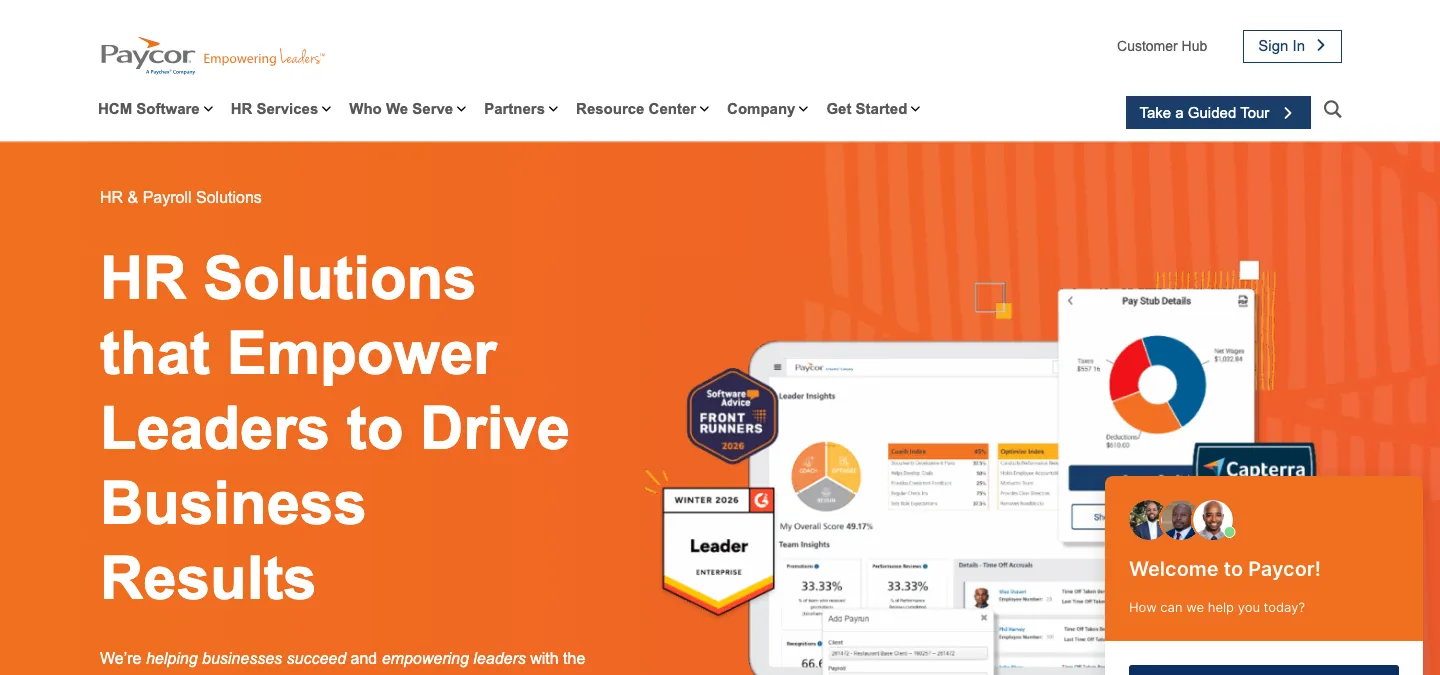
Paycor is an HCM platform with deep payroll expertise and scalable infrastructure. It covers the full employee lifecycle from recruiting through retirement, with particular strength in payroll processing, tax filing, and workforce analytics.
Key Features:
- Payroll processing with automated tax filing and compliance for all US states.
- Talent management: recruiting, onboarding, performance, and learning modules.
- Workforce analytics and reporting for labor costs, turnover, and compliance.
- Benefits administration with carrier connectivity and open enrollment automation.
Best For: Mid-market to enterprise organizations (200+ employees) with complex payroll requirements and multi-state operations.
Pros:
- Deep payroll and tax-filing expertise with strong US compliance coverage.
- Comprehensive HCM suite covering the full employee lifecycle.
- Scalable for organizations with complex regulatory and reporting needs.
Cons:
- Can feel heavyweight for smaller teams with simpler payroll needs.
- Implementation timelines can be longer due to the breadth of modules.
4. Deel
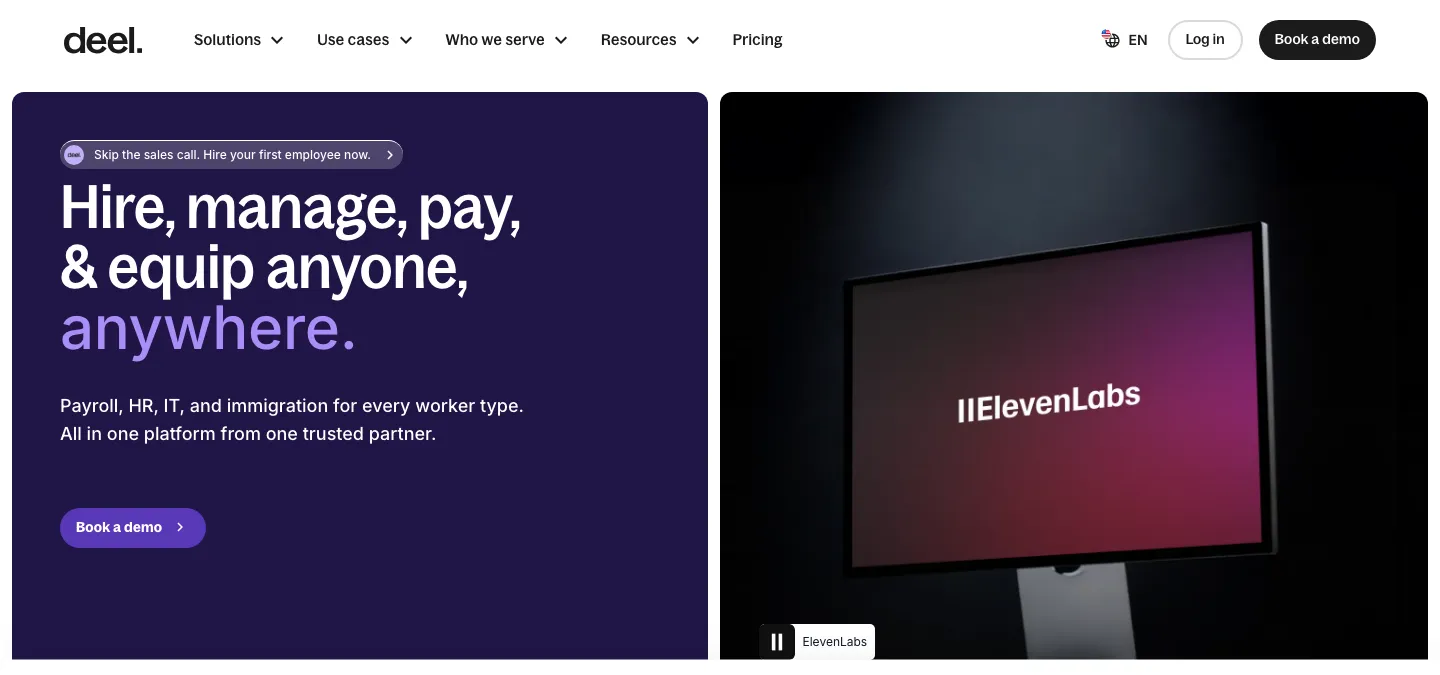
Deel is a global employment platform that handles international hiring, payroll, and compliance across 150+ countries. It acts as an Employer of Record (EOR), allowing companies to hire globally without establishing local legal entities.
Key Features:
- EOR services in 150+ countries with localized contracts and compliance.
- Global payroll for employees and contractors with multi-currency support.
- Automated tax and benefits compliance per country.
- Built-in contractor management with invoicing and payment automation.
- Immigration and visa support for international hires.
Best For: Companies hiring internationally that need compliant payroll and contractor management across multiple countries.
Pros:
- Industry-leading global coverage for EOR and contractor management.
- Reduces the legal and compliance burden of international hiring significantly.
- Fast onboarding for global hires.
Cons:
- EOR fees can be significant for large international teams.
- Less depth in core payroll features for domestic-only teams compared to platforms like Gusto or ADP.
5. Zoho Payroll
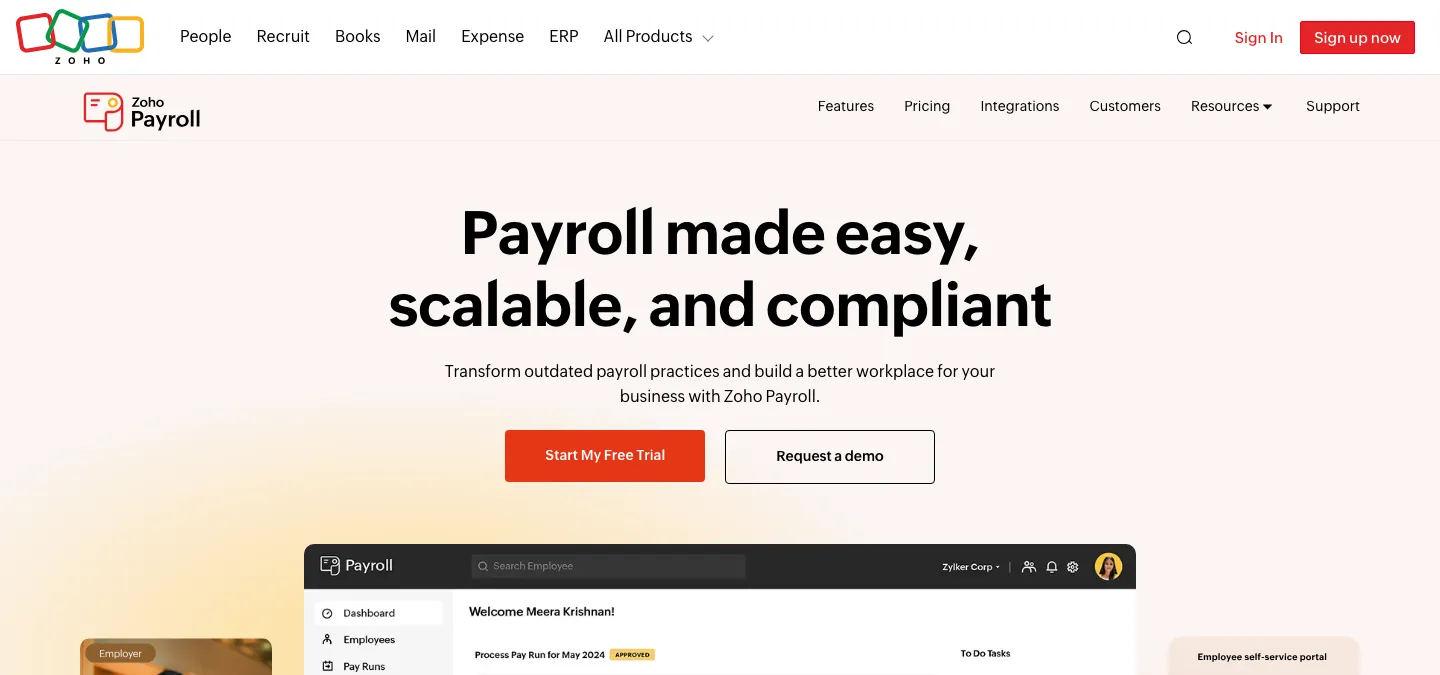
Zoho Payroll is a cloud payroll platform that automates pay calculations, tax compliance, and employee self-service. It integrates tightly with Zoho’s broader suite of business tools, making it a natural fit for teams already using Zoho for accounting, HR, or CRM.
Key Features:
- Automated pay runs with configurable salary structures and deduction rules.
- Tax compliance for US federal and state requirements, with automatic updates.
- Employee self-service portal for pay stubs, tax documents, and leave balances.
- Deep integration with Zoho Books, Zoho People, and other Zoho apps.
- Support for both employee and contractor payroll.
Best For: Businesses already using the Zoho ecosystem that want payroll tightly integrated with their existing accounting and HR tools.
Pros:
- Tight integration with Zoho’s suite of business tools eliminates duplicate data entry.
- Clean, straightforward interface.
- Affordable for small to mid-sized teams.
Cons:
- Strongest when paired with other Zoho products; less compelling as a standalone payroll tool.
- Fewer third-party integrations outside the Zoho ecosystem compared to competitors.
6. OnPay
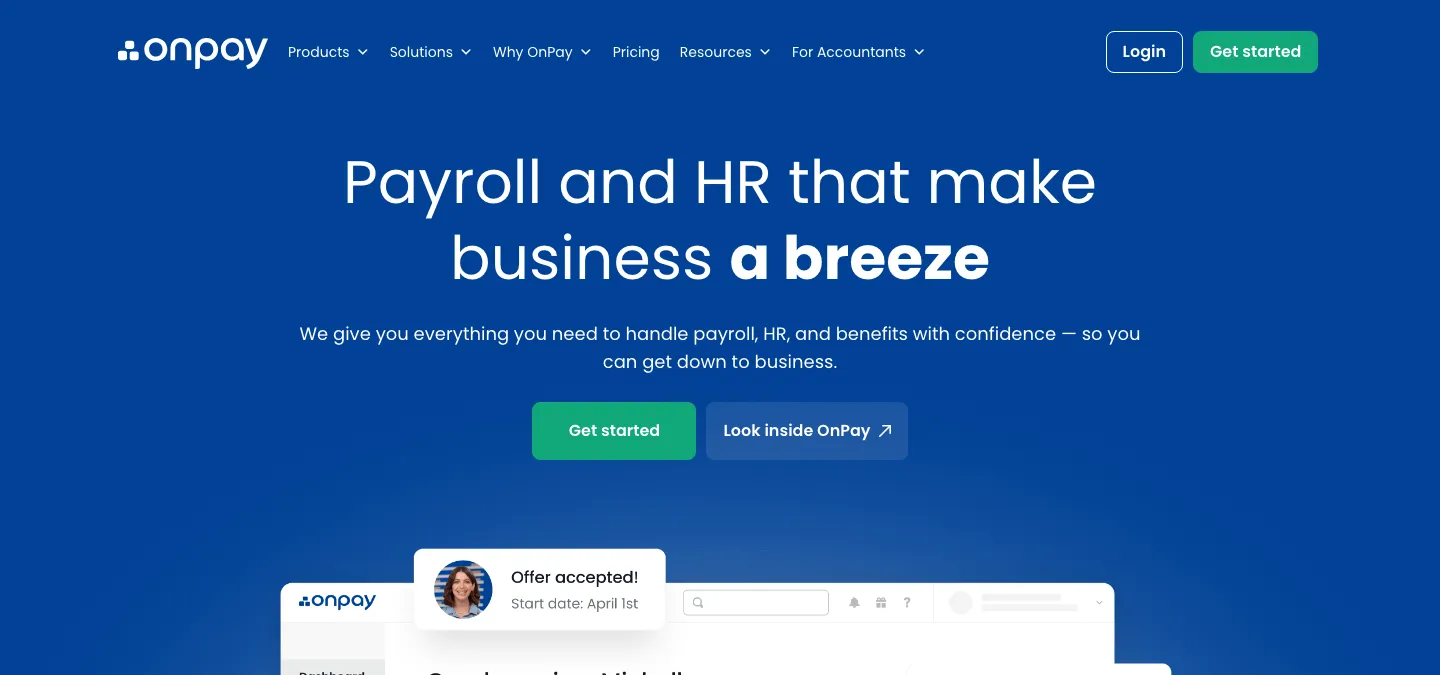
OnPay is a payroll and HR platform designed for small businesses. It offers full-service payroll with tax filing, direct deposit, and basic HR features at a transparent price point.
Key Features:
- Full-service payroll with automated tax calculations, filings, and W-2/1099 generation.
- Multi-state payroll support.
- Benefits administration including health, dental, vision, and 401(k).
- Employee self-service portal.
- Integrations with QuickBooks, Xero, and other accounting tools.
Best For: Small businesses (1 to 100 employees) that want reliable, affordable payroll without unnecessary complexity.
Pros:
- Simple, transparent pricing with all features included.
- Strong tax-filing accuracy and compliance.
- Good integration with popular accounting tools.
Cons:
- Limited advanced HR features beyond payroll and benefits.
- Not built for complex enterprise payroll requirements.
7. ADP
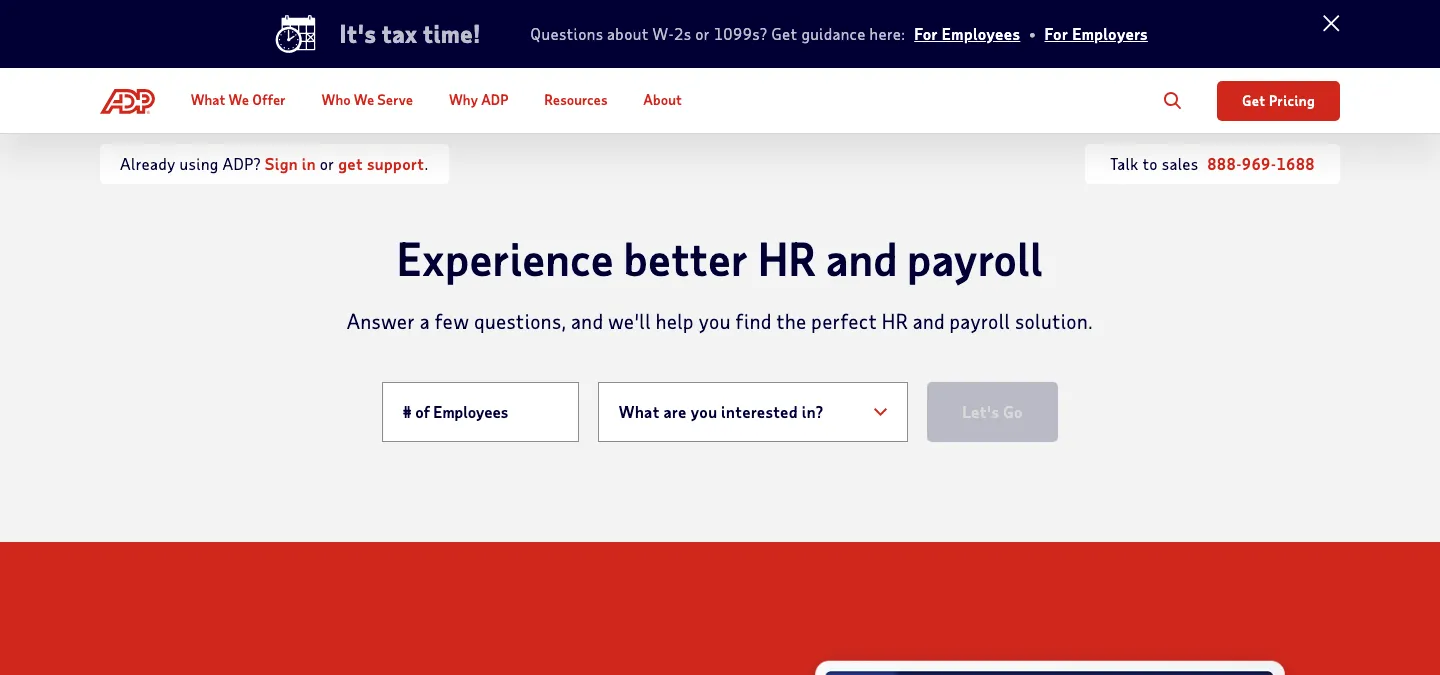
ADP is one of the largest payroll and HCM providers, serving businesses from small teams (ADP Run) to large enterprises (ADP Workforce Now, ADP Vantage HCM). Its strength is scale: deep payroll infrastructure, extensive compliance coverage, and a long track record in tax processing.
Key Features:
- Payroll processing for businesses of all sizes, from 1 to 1,000+ employees.
- Comprehensive tax filing and compliance services across all US states, with global payroll capabilities.
- Benefits administration, retirement services, and workers’ compensation.
- Workforce analytics, time tracking, and talent management modules.
- Extensive integration marketplace.
Best For: Mid-market to enterprise organizations that need proven payroll infrastructure, extensive compliance coverage, and the ability to scale.
Pros:
- Decades of payroll and tax-filing expertise with industry-leading compliance infrastructure.
- Scalable from small businesses to large enterprises.
- Broad ecosystem of integrations and add-on services.
Cons:
- Can be more expensive than smaller, focused competitors.
- Interface can feel dated compared to newer payroll platforms.
- Implementation and support quality can vary depending on plan tier.
How to Choose: Automation Platform vs Dedicated Payroll Software
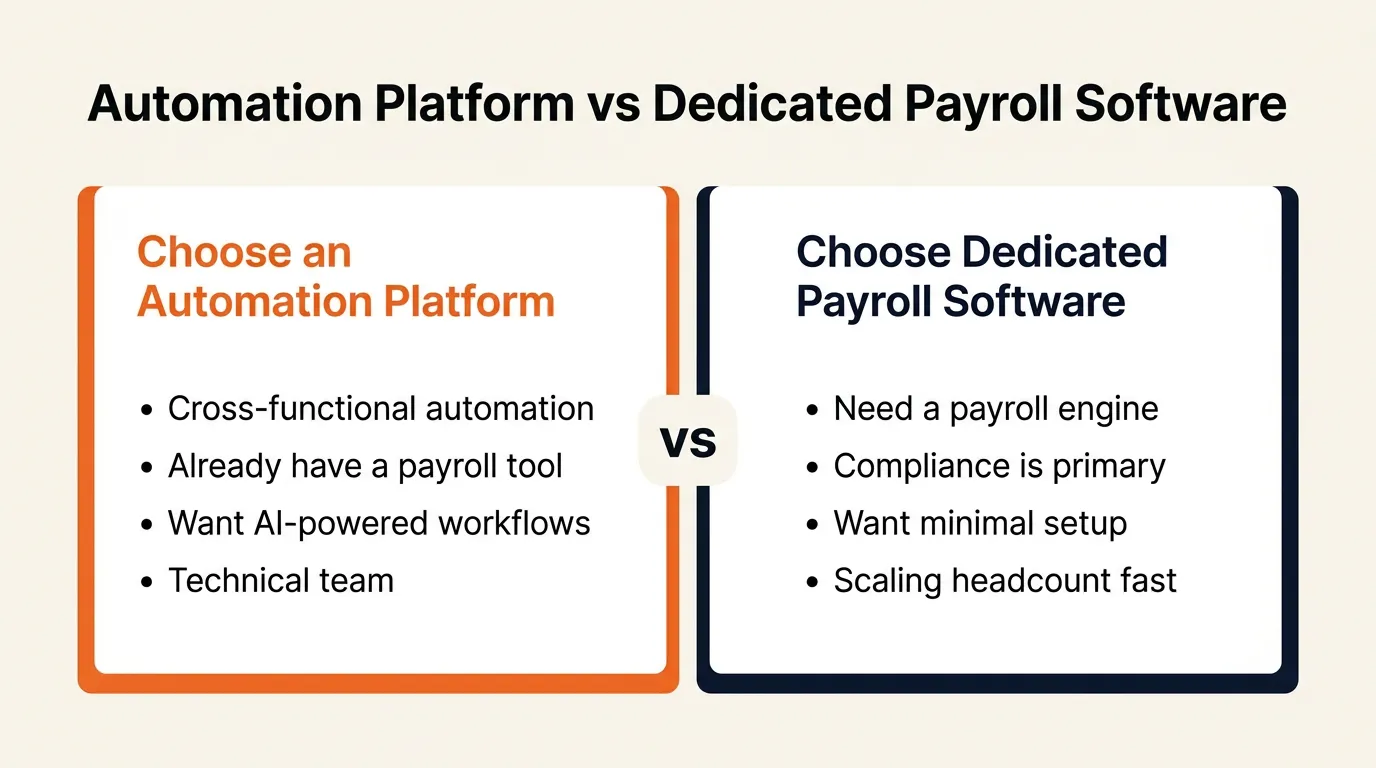
The right choice depends on your team size, technical resources, and where your biggest payroll pain points are.
Choose an Automation Platform If:
- You need cross-functional automation. Your payroll workflows connect to tools in other departments (HR, finance, IT, operations) and you want one platform to automate all of them.
- You already have a payroll tool you like. You do not want to replace your existing payroll provider; you want to connect it with your HRIS, accounting software, and communication tools to automate the gaps between them.
- You want AI-powered workflows. You want to use AI agents, LLM routing, or intelligent automation to handle decisions and tasks around payroll that go beyond simple if-then rules.
- Your team is technical or AI-forward. You have the technical comfort to configure workflows, or you want to experiment with agent-based automation.
Choose Dedicated Payroll Software If:
- You need a payroll engine. Pay calculations, tax withholdings, direct deposit, and tax filing need to work out of the box without building custom workflows.
- Compliance is a primary concern. You operate in multiple states or countries and need automated tax filing, regulatory updates, and audit trails built into the platform.
- You want minimal setup. Your team needs to be running payroll quickly with tax compliance handled automatically.
- You are scaling headcount fast. Purpose-built payroll platforms handle the complexity of rapid growth (multi-state tax registration, benefits enrollment, year-end filings) more smoothly than a general automation layer.
Decision Checklist
Use this checklist to narrow your choice:
- Primary pain point: Is it connecting disconnected tools around payroll (automation platform) or replacing manual payroll processing (dedicated payroll software)?
- Compliance requirements: Do you need built-in tax filing, regulatory updates, and state registrations? That points to dedicated tools.
- Integrations: Map your current tech stack. If you need to connect 5+ tools around payroll, an automation platform may save time.
- Technical resources: Do you have someone comfortable configuring workflows, or do you need a plug-and-play payroll solution?
- AI readiness: If you want to experiment with AI agents for payroll workflows, automation platforms are further ahead.
- Team size and growth: Sub-50 teams can often start with a simple payroll tool plus an automation platform; 100+ teams with complex compliance usually benefit from a full-featured payroll platform.
Verdict
There is no single best payroll automation tool for every team. The right choice depends on how you work and what problems you are solving.
If you want cross-functional automation and AI-powered workflows, start with an automation platform. Zapier is the easiest to get started with; Make gives you the most control over complex workflows; n8n is ideal if you want self-hosting and code flexibility; and Craze is built for teams adopting AI agents across their work.
If you need purpose-built payroll functionality, choose a dedicated tool. Gusto is the most reliable payroll-first option for small US teams; Rippling is the strongest choice for unified payroll + HR + IT; Paycor scales well for mid-market organizations with complex payroll needs; Deel leads for global payroll and compliance; Zoho Payroll fits best inside the Zoho ecosystem; OnPay is the simplest, most affordable option for very small teams; and ADP offers the deepest payroll infrastructure for enterprises.
Many teams end up using both: a dedicated payroll tool for core processing, and an automation platform to connect everything and handle the workflows between systems. If you are also evaluating HR automation tools or AI recruiting tools, those guides follow a similar framework.
FAQs
What is the difference between an automation platform and dedicated payroll software?
An automation platform (like Zapier, Make, or n8n) connects multiple apps and automates workflows across your entire tech stack, including payroll. Dedicated payroll software (like Gusto, ADP, or Rippling) is purpose-built for payroll processing, tax filing, and compliance. Automation platforms offer flexibility across departments; dedicated tools offer deeper payroll-specific features out of the box.
Can I use an automation platform to handle payroll?
Yes, but with caveats. Automation platforms can connect your payroll tool with time tracking, accounting, HRIS, and communication apps to automate the workflows around payroll (data syncing, approval routing, notifications, reconciliation). They typically do not process payroll directly or file taxes; you still need a payroll engine for that.
What are the essential features to look for in payroll automation software?
Look for automated pay calculations, tax filing and compliance, direct deposit, employee self-service portals, multi-state or multi-country support if relevant, integrations with your accounting and HR tools, and clear reporting and audit trails.
Can payroll automation software handle multi-state or multi-country payroll?
Most dedicated payroll platforms support multi-state payroll for US-based companies. For multi-country payroll, platforms like Deel and Rippling offer global payroll processing. Automation platforms can help sync data across systems but rely on the dedicated payroll tool for actual processing.
Is payroll automation software suitable for small businesses and startups?
Yes. Tools like Gusto and OnPay are designed specifically for small teams with simple payroll needs. Automation platforms like Zapier can connect lightweight payroll tools with the rest of your stack as you grow.
More Articles
What Is an AI Agent? Types, Examples, and How They Work

Learn what AI agents are, how they work, the 5 main types, and how they differ from chatbots and AI assistants. Practical examples for non-technical teams.
Best AI Recruiting Tools in 2026: 18 Platforms Compared
Compare the 18 best AI recruiting tools and automation platforms for 2026. Features, pricing, and which tool fits your hiring team best.
Best HR Automation Software in 2026: Automation Platforms vs Dedicated Tools
Compare the best HR automation software for 2026, from general-purpose automation platforms to dedicated HR tools, and find the right fit for your team.


