
The 8 Best Zapier Alternatives in 2026 (Tested & Compared)
The 8 best Zapier alternatives for 2026, anchored to why people leave Zapier, with current pricing, third-party ratings, honest pros and cons, and the best pick for each reason to switch.

By: Deepit Patil
Co-Founder and CTO
Published
Updated
Edited by Craze Editorial Team · See our Editorial Process
Most people do not go looking for a Zapier alternative because Zapier is bad. They go looking because the bill crept up. You start with a couple of Zaps, then a few more fire on every record, and one busy month later you are staring at a task count that costs more than the apps it connects.
Zapier earned its lead, and it is worth saying so plainly. It connects more apps than anything else (8,000+), it is the easiest automation tool to set up, and it rarely breaks. If you want the widest coverage with the least effort and the price does not bother you, staying put is a perfectly good decision.
But if you are here, something is pushing you to switch, and it is usually one of four things: price, the depth of logic you can build, the need to self-host and own your data, or the fact that you want AI actually doing the work instead of just shuttling data between apps.
I compared more than 20 automation tools (the full list is at the end of this guide), narrowed them to the 8 I would actually recommend, and organized them around those four reasons. For each tool you get what it does better than Zapier, current pricing, third-party ratings, where it falls short, and who should pick it.
Top picks at a glance
If you only read this far, here is the short version:
- Make : the best overall Zapier alternative, with a visual builder that handles complex logic far cheaper at volume.
- Craze : the best pick when you want AI agents doing the work, with chat, agents, and automation in one workspace (free to start).
- n8n : the best choice for developers who want open-source control and self-hosting.
- Pabbly Connect : the best for a tight budget, with flat-rate pricing and no per-task charges.
- Gumloop : the best for AI-first, text-to-flow automation over messy data.
- Activepieces : the best open-source, AI-native option you can host yourself.
- Power Automate : the best fit for teams already inside Microsoft 365.
- Lindy : the best for autonomous AI agents that run your apps end to end.
Why people leave Zapier
Zapier’s pricing is usage-based: above the free tier you pay by tasks, and a task is counted every time a Zap moves a piece of data. That model is fine at low volume and gets expensive fast as your automations multiply, which is why “Why is Zapier so expensive?” is one of the most common questions people ask about it. The tool is not overpriced for what it does; it just scales its cost with your usage in a way that surprises people.
The other three reasons are about capability, not cost. Some people hit the ceiling of Zapier’s logic and want the deeper branching and data manipulation that a visual builder like Make offers. Some cannot send their data to a third-party cloud at all and need to self-host, which Zapier does not allow. And a growing group wants automation that is AI-native, where an agent reads a message, decides what to do, and acts, rather than a rigid trigger-action chain. Each alternative below answers one of these four reasons better than Zapier does.
How I compared these Zapier alternatives
I started with more than 20 automation tools and narrowed the list to the 8 here. The full set I looked at is in the table at the end. There are no sponsored placements and no affiliate links: a tool made the list because it earned a spot on the criteria below, and where Zapier still wins, I say so.
I scored each tool from 1 to 5 on five weighted criteria, chosen to match what a Zapier switcher actually weighs (weights add up to 100%):
- Price and value (25%): what you pay, and how predictable the bill is as usage grows.
- Workflow power (20%): how much logic, branching, and data manipulation you can build.
- AI capability (20%): whether AI is genuinely native or bolted on.
- Integration breadth (20%): how many of your apps it connects out of the box.
- Ease of setup (15%): how fast a normal person gets a working automation running.
Pricing and third-party ratings reflect published figures as of June 2026 and change often, so confirm on the vendor’s page before you buy. A tool scoring lower on ease of setup (n8n, for example) is not being marked down unfairly; that is the tradeoff for the power and control it gives you.
Best Zapier alternatives: side-by-side comparison
| # | Tool | Best for | Pricing model | Integrations | Logic | AI-native | Self-host | Starting price | Score |
|---|---|---|---|---|---|---|---|---|---|
| 0 | Zapier (baseline) | Widest app coverage, easiest setup | Per-task | 8,000+ | Moderate | Add-on | No | Free; Pro $19.99/mo | n/a |
| 1 | Make | Visual, complex workflows, cheaper | Per-operation | 2,000+ | Deep, visual | Add-on | No | Free; Core $9/mo | 4.7 |
| 2 | Craze | AI-native automation in one workspace | Subscription | 1,000+ and growing | Agent-driven | Native | No | Free ($0); Plus $20/mo | 4.6 |
| 3 | n8n | Developers, self-hosting, open-source | Per-execution / free self-host | 400+ nodes | Deep, code-friendly | Native nodes | Yes | Self-host free; Cloud $24/mo | 4.5 |
| 4 | Pabbly Connect | Budget, flat-rate, no per-task billing | Flat-rate tasks | 2,000+ | Moderate | Add-on | No | Free; Standard $16/mo | 4.2 |
| 5 | Gumloop | AI-first, text-to-flow automation | Credits | Moderate | Visual + AI nodes | Native | No | Free; from $37/mo | 4.2 |
| 6 | Activepieces | Open-source, AI-native, self-hostable | Per active flow / free self-host | 300+ pieces | Visual | Native | Yes | Open-source free; cloud $5/active flow/mo | 4.0 |
| 7 | Power Automate | Microsoft 365 teams and RPA | Per-user / per-bot | 1,000+ | Deep | AI Builder | No | Premium $15/user/mo | 4.2 |
| 8 | Lindy | AI agents that run your apps | Credits | 1,600+ | Agent-driven | Native | No | Free; Pro $49/mo | 4.2 |
The 8 best Zapier alternatives in 2026
1. Make: best overall Zapier alternative

- Best for: People who want deeper logic and branching than Zapier, at a fraction of the price.
- Score: 4.7/5
- Pricing: Free; Core $9/month (10,000 operations); Pro $18.82/month; Teams $34.12/month.
- Third-party ratings: G2 4.7/5; Capterra 4.8/5.
What it is: Make (formerly Integromat) is a visual automation platform built around a drag-and-drop canvas where you can see and shape every step of a workflow. It bills by operation rather than by task, and each step in a scenario counts as one operation.
How I used it: I rebuilt my social-posting pipeline in Make. It pulls a row from a Google Sheet, runs the copy through an AI step to tailor it per platform, and posts to LinkedIn and X in a single run. The same logic took three stacked Zaps before, and Make ran it for less.
Key features:
- Visual flowchart builder with real branching and routing.
- Per-operation pricing that is cheaper than Zapier at most volumes.
- 2,000+ app integrations plus a generic HTTP module for anything else.
- MCP server support for connecting AI models.
Pros:
- The best balance of power and price for most switchers.
- Visual canvas makes complex logic easier to reason about.
- Generous operations on the cheapest paid tier.
Cons:
- Operation-based billing still scales with usage; heavy scenarios add up.
- Steeper learning curve than Zapier’s linear setup.
- The interface can feel dated, and it is not as polished as Zapier.
Bottom line: Make is the best overall Zapier alternative for most people who want more workflow power without the Zapier bill.
2. Craze: best for AI-native automation in one workspace
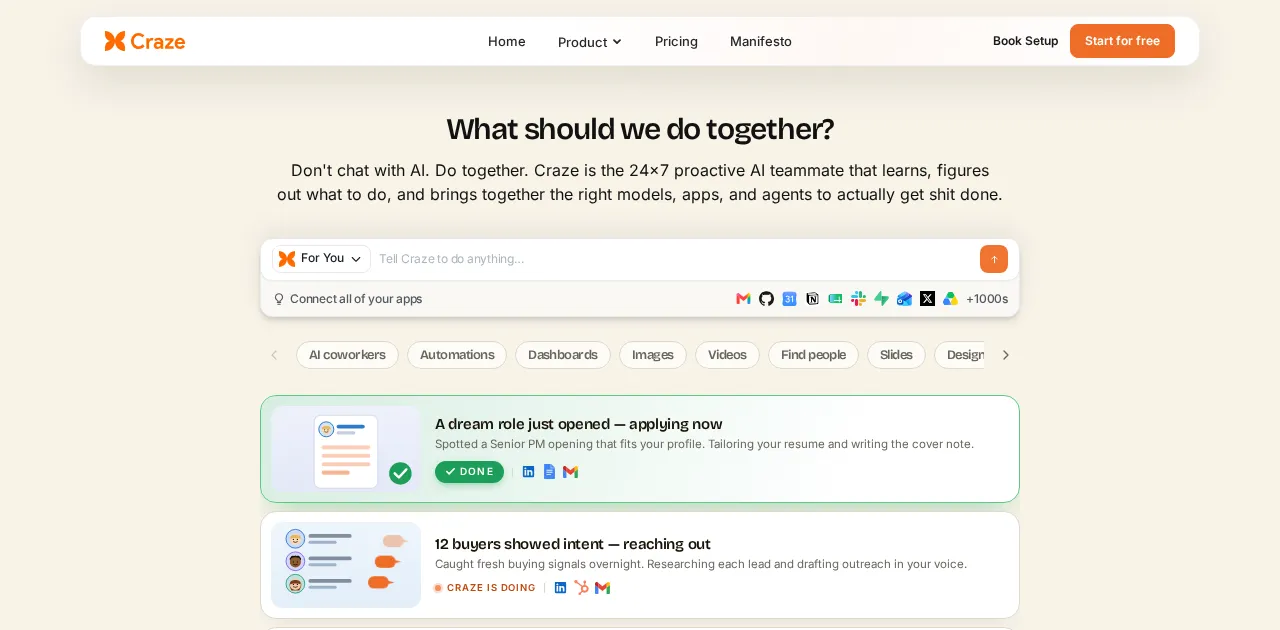
- Best for: Teams who want AI agents to do the work, not just move data, with chat, agents, and automation in one place.
- Score: 4.6/5
- Pricing: Free ($0); Plus $20/month.
What it is: Craze is the AI workspace platform where chat across leading models, no-code AI agents, workflows, and scheduling live together. Instead of wiring a rigid trigger-action chain, you can describe a job to an agent and have it carry out the multi-step work, then save it as something you run again. We built Craze for people who want AI to handle repeatable work without stitching together separate tools.
How I used it: I described an agent in Craze to sort incoming customer feedback, tag it by theme, and draft a reply for each one. It handled the read-decide-act loop on its own, which is exactly the judgment step a fixed Zap cannot make.
Key features:
- Chat across leading AI models in one workspace.
- No-code AI agents that run multi-step work.
- Workflows and scheduling to make that work repeatable.
- Free to use to start, with no API keys to manage.
Pros:
- Brings chat, agents, and automation together instead of a single-purpose connector.
- Agent-driven automation handles judgment-based steps a rule-based Zap cannot.
- Free to use to start.
Cons:
- Far fewer prebuilt connectors than Zapier’s 8,000+, so deep app-to-app coverage is narrower.
- Newer than the established automation platforms.
- It is an AI workspace, not a dedicated iPaaS, so it is not built for Make-level deep branching across thousands of apps.
Bottom line: Craze is the best Zapier alternative when you want AI agents doing the work inside one workspace, and it is free to start. For raw integration breadth, reach for Make or n8n.
3. n8n: best for developers and self-hosting

- Best for: Technical teams that want open-source control and the option to self-host for free.
- Score: 4.5/5
- Pricing: Self-hosted Community Edition free (unlimited executions, you pay only for the server); Cloud Starter $24/month (2,500 executions); Pro $60/month.
- Third-party ratings: G2 4.5/5; Capterra 4.9/5 (figures vary by source).
What it is: n8n is a fair-code, node-based automation tool you can run on your own infrastructure or as a managed cloud service. It sits between no-code automation and developer tooling, with the ability to drop into code when a node does not exist.
How I used it: I self-hosted n8n on a small VPS and wired up a content pipeline where one AI step drafts, another runs an SEO pass, and it publishes on a schedule. Because it was self-hosted, none of those runs counted against a per-task meter, which is the whole reason I moved it off Zapier.
Key features:
- Self-hostable and open-source, with unlimited executions when self-hosted.
- 400+ nodes plus custom code steps for anything missing.
- Execution-based cloud pricing with unlimited active workflows (as of 2026).
- Strong fit for AI workflows and custom logic.
Pros:
- Free and unlimited if you self-host.
- Complete control over data and infrastructure.
- Flexible enough for genuinely technical automations.
Cons:
- Self-hosting requires technical setup and maintenance.
- Cloud execution limits can be eaten quickly by frequent polling.
- You bring your own LLM API keys rather than getting models bundled in.
Bottom line: n8n is the best Zapier alternative for developers and privacy-conscious teams who want self-hosting and open-source control.
4. Pabbly Connect: best for flat-rate, budget automation
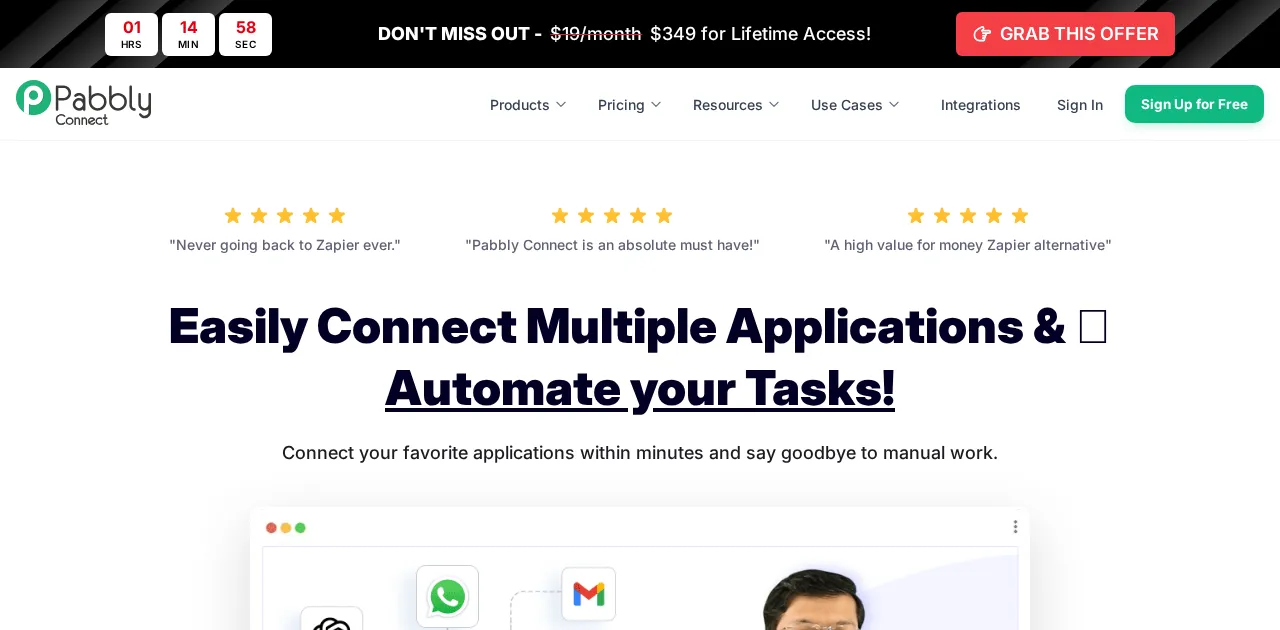
- Best for: Budget-conscious users who want predictable, flat-rate pricing with no per-task surprises.
- Score: 4.2/5
- Pricing: Free (100 tasks/month); Standard $16/month for 12,000 tasks (annual); Pro $33/month; Ultimate $67/month; lifetime deals from $249 one-time.
- Third-party ratings: Capterra 4.5/5 (84+ reviews).
What it is: Pabbly Connect is a workflow automation tool built around flat-rate pricing. Internal steps do not burn your task count the way some platforms charge, and every paid plan includes unlimited workflows.
How I used it: I moved a couple of my highest-volume automations to Pabbly purely to escape per-task billing. On the flat-rate plan, a busy month no longer spiked the bill, and the internal steps inside each workflow did not quietly eat my task count the way they did on Zapier.
Key features:
- Flat-rate task pricing with unlimited workflows on paid plans.
- One-time lifetime deals as an alternative to subscriptions.
- 2,000+ integrations.
- Internal multi-step actions that do not each count as a task.
Pros:
- Among the cheapest serious automation tools, especially via lifetime deals.
- Predictable pricing that does not punish complex workflows.
- Low barrier to entry with a usable free tier.
Cons:
- Interface feels less polished than Zapier or Make.
- Smaller community and fewer templates.
- AI features are limited compared with the AI-native tools.
Bottom line: Pabbly Connect is the best Zapier alternative for anyone whose main complaint is the price.
5. Gumloop: best for AI-first, text-to-flow automation
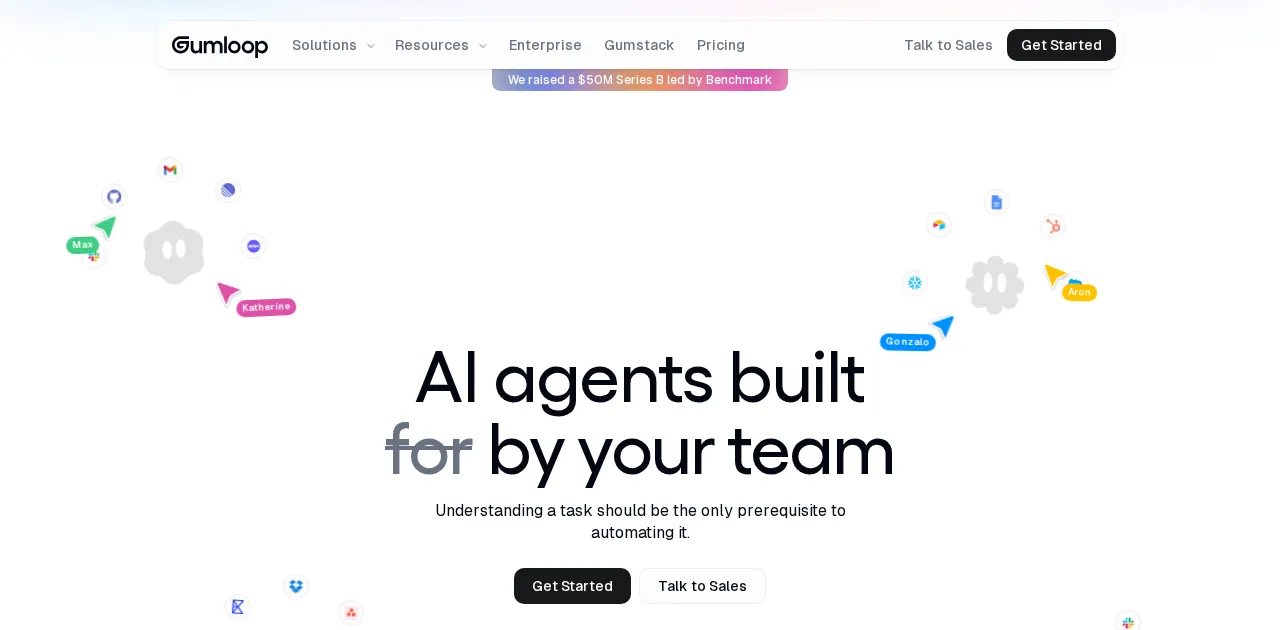
- Best for: People automating unstructured-data tasks (research, scraping, summarizing) with AI at the center.
- Score: 4.2/5
- Pricing: Free; Solo $37/month; Team $244/month.
- Third-party ratings: G2 4.8/5 (small sample, about 6 reviews).
What it is: Gumloop is an AI-first automation platform with a visual builder where AI nodes do the heavy lifting. It is aimed at workflows that involve reading, extracting, and transforming messy data rather than tidy record-to-record syncs.
How I used it: I pointed Gumloop at a subreddit, had it pull the past week’s most-engaged posts, and summarize the recurring pain points into a short list of content ideas. That is the kind of unstructured-data job that is genuinely painful to wire up in Zapier, and Gumloop treated the AI step as a first-class node.
Key features:
- Visual builder with native AI nodes and a build assistant.
- Strong at web scraping and unstructured-data workflows.
- Credit-based pricing that covers premium LLM access.
- Interfaces feature to turn automations into shareable apps.
Pros:
- AI is genuinely native, not an add-on.
- Good fit for research and content workflows.
- Approachable visual interface.
Cons:
- Credits burn quickly on heavy AI calls.
- Fewer traditional app integrations than Zapier.
- Less suited to simple, high-volume record syncing.
Bottom line: Gumloop is the best Zapier alternative for AI-first workflows over messy, unstructured data.
6. Activepieces: best open-source AI alternative
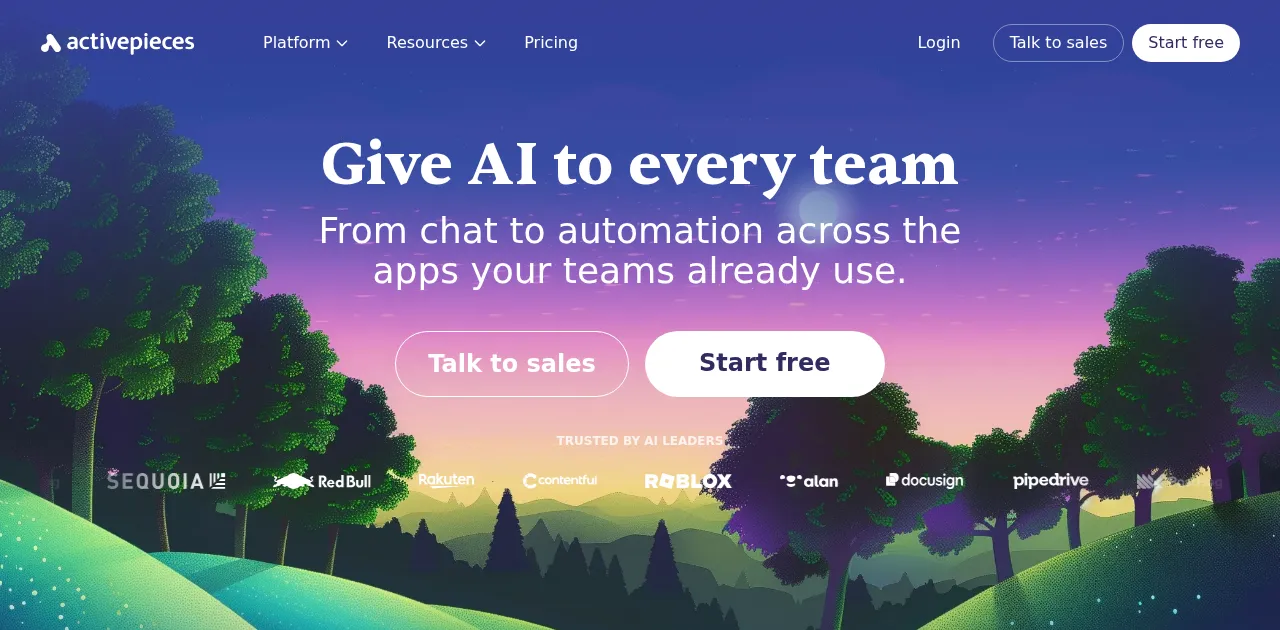
- Best for: Teams who want an open-source, AI-native automation tool they can host themselves.
- Score: 4.0/5
- Pricing: Open-source and free to self-host (MIT-licensed); cloud Standard has a free tier (10 active flows, unlimited runs), then $5 per active flow per month; Ultimate is custom (annual).
- Third-party ratings: G2 4.8/5 (140+ reviews).
What it is: Activepieces is an open-source automation platform with a growing library of “pieces” (its term for integrations) and native AI steps. It combines the self-hosting freedom of n8n with a friendlier, more no-code-leaning interface.
How I used it: I spun up Activepieces on my own server to keep data in-house and rebuilt a simple flow that tags incoming form submissions with an AI step. Setup felt lighter than n8n, and because the AI pieces are built in, I did not have to bolt on a separate service for the smart part.
Key features:
- Open-source with self-hosting.
- 300+ pieces and native AI steps.
- More no-code-friendly than n8n.
- Active community contributing new pieces.
Pros:
- Free to self-host with full data control.
- AI-native and reasonably approachable.
- Transparent open-source codebase.
Cons:
- Smaller integration library than Zapier or Make.
- Self-hosting still requires some technical comfort.
- Younger ecosystem with fewer templates.
Bottom line: Activepieces is the best Zapier alternative for teams who want open-source self-hosting without n8n’s developer learning curve.
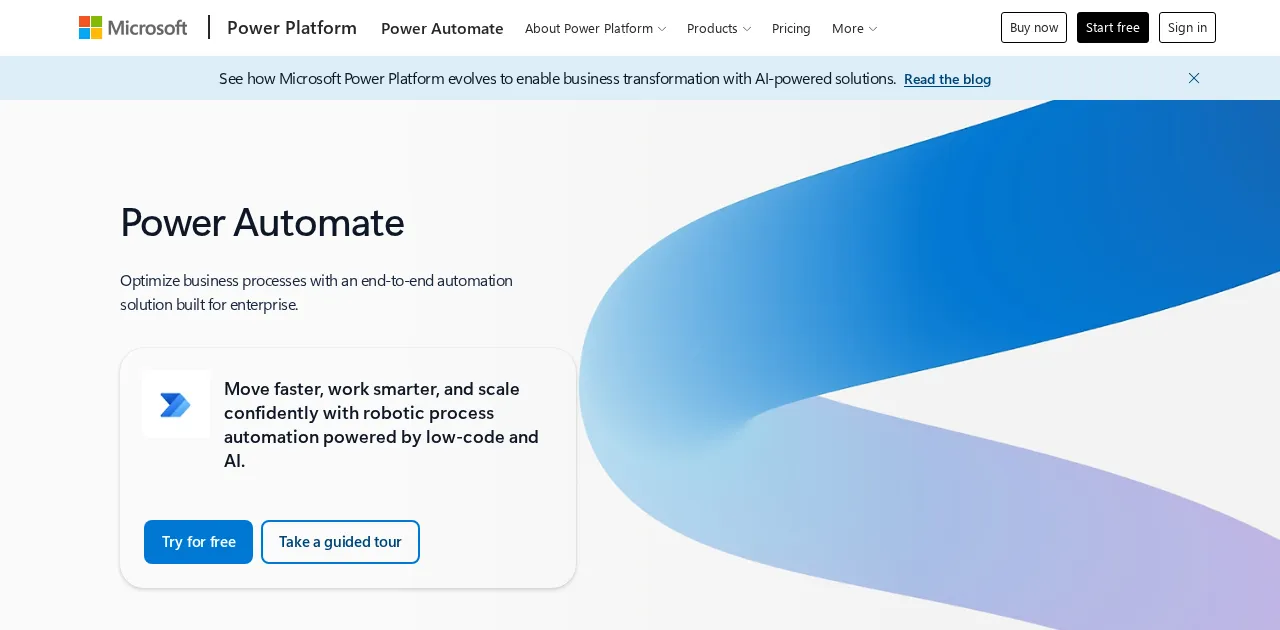
7. Microsoft Power Automate: best for Microsoft 365 teams
- Best for: Organizations already standardized on Microsoft 365 that also need RPA.
- Score: 4.2/5
- Pricing: Premium $15/user/month (unlimited cloud flows); Process $150/bot/month for unattended RPA; Hosted Process $215/bot/month.
- Third-party ratings: G2 4.5/5 (1,000+ reviews).
What it is: Power Automate is Microsoft’s automation platform, tightly integrated with Office 365, Teams, SharePoint, and Azure. It spans cloud flows and desktop RPA in one product.
How I used it: Inside a Microsoft 365 account, I set up an approval flow that moves a request from an Outlook email into a Teams approval and logs the result in SharePoint. The native connectors did in a few clicks what would have taken custom steps and extra auth on a vendor-neutral tool.
Key features:
- Native Microsoft 365 and Azure integration.
- Cloud flows plus desktop RPA in one platform.
- AI Builder and Copilot-assisted flow building.
- Per-user pricing with unlimited cloud flows.
Pros:
- Unbeatable fit inside the Microsoft ecosystem.
- Combines automation and RPA.
- Predictable per-user cost for cloud flows.
Cons:
- Clunky and complex outside the Microsoft world.
- RPA bot licensing gets expensive fast.
- Licensing model is genuinely confusing.
Bottom line: Power Automate is the best Zapier alternative if you live in Microsoft 365, and an awkward fit if you do not.
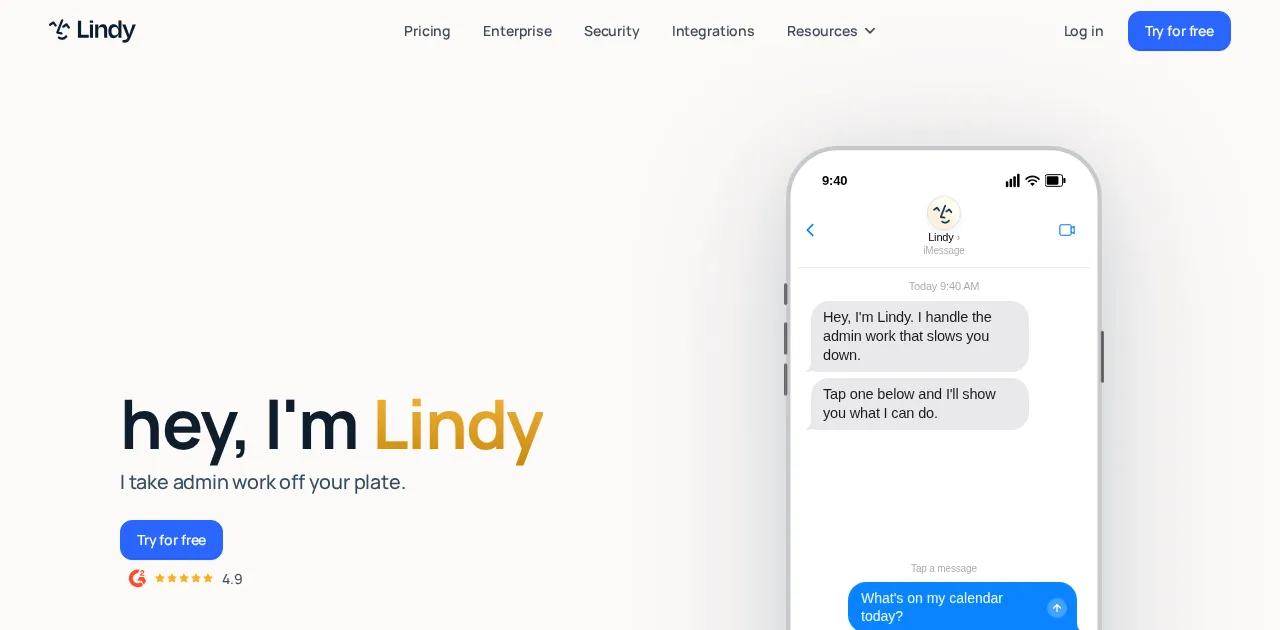
8. Lindy: best for AI agents that run your apps
- Best for: People who want autonomous AI agents handling work across their apps, not just data transfers.
- Score: 4.2/5
- Pricing: Free (400 credits/month); Pro $49/month; Business $199/month.
What it is: Lindy is an AI agent platform where you build assistants that take actions across your tools, like triaging an inbox or following up on leads. It leans further toward autonomous agents than classic automation, and you set agents up by describing them in natural language.
How I used it: I built a Lindy agent to triage my inbox, label what mattered, and draft replies for the routine messages. Describing it in plain language was faster than mapping triggers and actions, and it handled the judgment calls a linear Zap would have forced me to hard-code.
Key features:
- No-code AI agent builder with a chat-based setup.
- 1,600+ integrations for agents to act on.
- Strong focus on sales and customer-service roles.
- Templates for common agent jobs.
Pros:
- Genuinely agent-first, beyond rule-based automation.
- Natural-language setup is approachable.
- Good library of role templates.
Cons:
- Credit billing can spike with heavy agent usage.
- The entry paid plan is pricier than most tools here.
- Less suited to marketing or HR use cases, and to simple deterministic syncs.
Bottom line: Lindy is the best Zapier alternative when you want AI agents operating your apps, not just moving data between them.
The verdict: which Zapier alternative should you pick?
- Best overall alternative: Make, for more workflow power at a lower cost.
- Best for AI-native automation: Craze, free to start, when you want agents doing the work in one workspace.
- Best for developers and self-hosting: n8n.
- Best for a tight budget: Pabbly Connect, especially the lifetime deal.
- Best for Microsoft teams: Power Automate.
- Best for autonomous AI agents: Lindy.
If your only real problem with Zapier is the bill, start with Make or Pabbly. If you want AI to actually do the work rather than route it, look at Craze or Gumloop. And if you need to own your data, self-host n8n or Activepieces. The honest catch: none of these matches Zapier’s 8,000+ integrations or its setup speed, so if those are what you value most, the best move may be to stay and tune your Zaps.
Every tool I evaluated
For transparency, here is the full set of automation tools I looked at before settling on the 8 above, and why each one did or did not make the shortlist.
| Tool | Category | Made the top 8? | Why or why not |
|---|---|---|---|
| Make | Visual automation | Yes (#1) | Best balance of power and price |
| Craze | AI workspace | Yes (#2) | AI agents plus chat and workflows in one place |
| n8n | Open-source automation | Yes (#3) | Self-hosting and developer control |
| Pabbly Connect | Budget automation | Yes (#4) | Flat-rate pricing, no per-task billing |
| Gumloop | AI-first automation | Yes (#5) | Native AI over unstructured data |
| Activepieces | Open-source AI | Yes (#6) | Open-source with friendlier setup than n8n |
| Power Automate | Enterprise / Microsoft | Yes (#7) | Best inside Microsoft 365 |
| Lindy | AI agents | Yes (#8) | Autonomous agents across apps |
| Relay.app | AI automation | No | Clean but stripped-down; edged out by Make and Gumloop |
| IFTTT | Personal automation | No | Best for simple personal automations, not business work |
| Workato | Enterprise iPaaS | No | Enterprise-only, no self-serve, custom pricing |
| Tray.ai | Enterprise iPaaS | No | Expensive and complex for small teams |
| Integrately | SMB automation | No | Ecommerce-leaning with weaker AI features |
| OttoKit (SureTriggers) | WordPress automation | No | Built specifically for WordPress sites |
| Relevance AI | AI agents | No | Strong, but overlaps Lindy in the agent niche |
| Stack AI | LLM app builder | No | Developer and RAG focus, not general automation |
| Retool | Internal tools | No | For building internal apps, not standalone automation |
| Dust | Internal AI agents | No | Internal knowledge agents, limited external SaaS automation |
| Flowise | LLM prototyping | No | Developer-focused LangChain tool, technical setup |
| Salesforce Agentforce | CRM agents | No | Salesforce-locked and costly |
| Tines | Security automation | No | Aimed at SecOps, not general business automation |
| Pipedream | Developer automation | No | Code-first, built for developers |
| Automatisch | Open-source automation | No | Open-source but less mature than n8n and Activepieces |
| Zoho Flow | Ecosystem automation | No | Best only inside the Zoho ecosystem |
FAQs
Is there anything better than Zapier?
It depends on what better means for you. For deeper logic at a lower price, Make is better. For AI doing the work, Craze or Lindy is better. For self-hosting and data control, n8n is better. For flat-rate budget pricing, Pabbly is better. For raw app coverage and setup speed, Zapier is still the leader, so there is no single winner.
Why is Zapier so expensive?
Zapier bills by tasks, and a task is counted every time a Zap moves a piece of data. That is affordable at low volume but scales up quickly as you add automations that fire on every record. Tools with operation-based (Make), flat-rate (Pabbly), or self-hosted (n8n) pricing are usually cheaper at higher volumes.
What are the best Zapier alternatives in 2026?
Make for visual complex workflows, n8n for self-hosting and developers, Pabbly Connect for budget flat-rate pricing, and the AI-native tools Craze, Gumloop, and Lindy for automation where agents do the work. Microsoft 365 teams should look at Power Automate.
Is n8n better than Zapier?
For technical teams, often yes: n8n can be self-hosted for free with unlimited executions and gives full control over your data and logic. For non-technical users who want the widest app coverage and the fastest setup, Zapier is still easier. The right answer depends on whether you have the technical comfort to run n8n.
Which Zapier alternative is the cheapest?
Self-hosted n8n and Activepieces are free aside from server costs. Among managed tools, Make (from $9/month) and Pabbly Connect (from $16/month, or a one-time lifetime deal) are the most budget-friendly. Craze has a free tier as well, though it is an AI workspace rather than a like-for-like Zapier replacement.
More Articles
The 11 Best AI Chatbots in 2026 (Tested & Compared)

I compared the 11 best AI chatbots of 2026, from ChatGPT and Claude to Gemini and Perplexity, with current pricing, honest pros and cons, and the best pick for each need.
The 10 Best AI Platforms in 2026 (Tested & Compared)
The 10 best AI platforms for 2026, compared across everyday chat, agents and automation, and enterprise, with pricing, honest pros and cons, and the best pick for each job.
The 12 Best AI Agents in 2026 for Every Use Case
I compared the 12 best AI agents across platforms, coding, and enterprise use, with current pricing, honest pros and cons, and a clear best-for pick for each.


