
The 10 Best AI Platforms in 2026 (Tested & Compared)
The 10 best AI platforms for 2026, compared across everyday chat, agents and automation, and enterprise, with pricing, honest pros and cons, and the best pick for each job.

By: Deepit Patil
Co-Founder and CTO
Published
Updated
Edited by Craze Editorial Team · See our Editorial Process
“AI platform” has quietly become one of the most overloaded phrases in software. It can mean a chatbot you talk to, an agent that runs your inbox while you sleep, or a system a hospital uses to make sense of its data. They all get filed under the same two words, and most “best AI platforms” lists pick one of those meanings and ignore the rest.
I have spent the last year living in these platforms, both while building Craze and running my own day-to-day work. The honest truth is that there is no single best AI platform, because the category is really three different jobs wearing one label: everyday chat, agents and automation, and enterprise systems. The right pick depends entirely on which of those you are trying to do.
So I have organized this guide by goal, the way you actually choose. For each platform you get what it is genuinely best for, current pricing, where it falls short, and who should use it. One disclosure up front: Craze is the platform my team and I build, so I have placed it where it honestly competes, as the all-in-one AI platform pick, not at the top of a list of frontier chatbots it has no business topping. I am just as direct about where ChatGPT, Claude, or Palantir beats it.
The short answer: for an everyday AI assistant, use ChatGPT. For writing and coding, Claude. For cited research, Perplexity. For one platform to chat across models, build no-code agents, and automate your work, Craze, which is free to start. For agents that connect your existing apps, Lindy or Zapier. For a Microsoft 365 enterprise, Copilot. For large-enterprise data operations, Palantir AIP. The best AI platform is the one built for the job in front of you.
TL;DR
- There is no single best AI platform: match it to the job, whether that is everyday chat, agents and automation, or enterprise.
- You do not need to pay to start: ChatGPT, Claude, Gemini, Perplexity, and Craze all have real free tiers, so you can test before you commit.
- The big general assistants overlap heavily: ChatGPT, Claude, and Gemini do similar things, so pick one as your daily driver instead of paying for all three.
- Automation platforms bill by usage: Lindy, Zapier, and Gumloop mostly charge by credits or tasks, so the sticker price is rarely the price you actually pay.
- Enterprise platforms solve a different problem: Microsoft Copilot and Palantir AIP are built and priced for organizations, not individuals.
What is an AI platform?
An AI platform is an integrated software environment that lets you use, build on, or automate with artificial intelligence, rather than a single-purpose app that does one trick. The defining trait is that you do more than send one prompt and get one answer: you hold conversations across models, build agents , connect your other apps, or run AI over your own data.
That is the line between a platform and a tool. A tool does one job, like generating an image or checking grammar. A platform is a system you operate from: it combines a model (or several), a way to take actions, and connections to the data and apps you already use. ChatGPT crossed from tool to platform when it added memory, custom GPTs, and connectors. Craze starts as a platform by design, with chat, agents, and automation in one place.
The 3 types of AI platforms
Almost every platform people mean by “AI platform” falls into one of three buckets, defined by what you want to get done:
- General-purpose AI platforms (chatbots): assistants you talk to for writing, thinking, research, and answers. ChatGPT, Claude, Google Gemini, Perplexity.
- AI agent and automation platforms: systems that take actions and run multi-step work across your apps , often with no code. Craze, Lindy, Zapier, Gumloop.
- Business and enterprise AI platforms: AI built into a company’s existing software stack or run over its proprietary data, with the governance large organizations need. Microsoft Copilot, Palantir AIP.
Most individuals end up using one platform from the first bucket and maybe one from the second. Enterprises are the main buyers of the third.
How I compared these AI platforms
I compared 10 AI platforms across those three jobs, scoring each from 1 to 5 on five things, then judged each within its own lane rather than forcing one giant leaderboard:
- Capability and output quality: how good the actual results are.
- Ease of use: how quickly a normal person gets value out of it.
- Integrations and ecosystem: how well it fits the apps and workflow you already have.
- Pricing value: what you get for the money, and how predictable the cost is.
- Versatility: how many real jobs it can handle well.
Pricing reflects published rates as of June 2026 and changes often, so check the vendor’s page before you buy. A single-purpose platform scoring lower on versatility is not a knock; it is the point of being specialized.
Best AI platforms: side-by-side comparison
| # | Platform | Best for | Starting price | Standout strength | Watch for | Score |
|---|---|---|---|---|---|---|
| 1 | ChatGPT | Everyday all-purpose assistant | Free; Plus $20/mo | Most versatile general assistant | Hallucinations; usage caps | 4.7 |
| 2 | Claude | Writing and coding | Free; Pro $20/mo | Best writing and code reasoning | Tighter usage limits | 4.6 |
| 3 | Google Gemini | Google Workspace users | Free; AI Pro $20/mo | Native Docs, Gmail, Sheets | Less consistent on some tasks | 4.3 |
| 4 | Perplexity | AI search and research | Free; Pro $20/mo | Fast, cited, real-time answers | Thin on long-form depth | 4.4 |
| 5 | Craze | All-in-one AI platform (chat, agents, automation) | Free ($0); Plus $20/mo | Leading models + 1,000+ app integrations, no API keys | Newer than incumbents | 4.4 |
| 6 | Lindy | No-code custom AI agents | Free trial; Starter $19.99/mo | Easy visual agent builder | Credit billing can spike | 4.2 |
| 7 | Zapier | Automating across many apps | Free; Pro $19.99/mo (annual) | 8,000+ app connections | Cost climbs with tasks | 4.4 |
| 8 | Gumloop | Beginner-friendly AI automation | Free tier; from ~$37/mo | Simple visual builder | Credits burn on AI calls | 4.1 |
| 9 | Microsoft Copilot | Microsoft 365 enterprises | $30/user/mo (annual) | Native Word, Excel, Teams | Add-on; needs M365 base | 4.3 |
| 10 | Palantir AIP | Large-enterprise data ops | Custom / enterprise | Enterprise data + operations | Heavy, expensive, complex | 4.2 |
The 10 best AI platforms in 2026
Here is each platform in depth, grouped by the three jobs they do. For every one you get who it is best for, a tested score, current pricing, the standout features, and honest pros and cons, so you can match the platform to your work rather than the hype.
General-purpose AI platforms (chatbots)
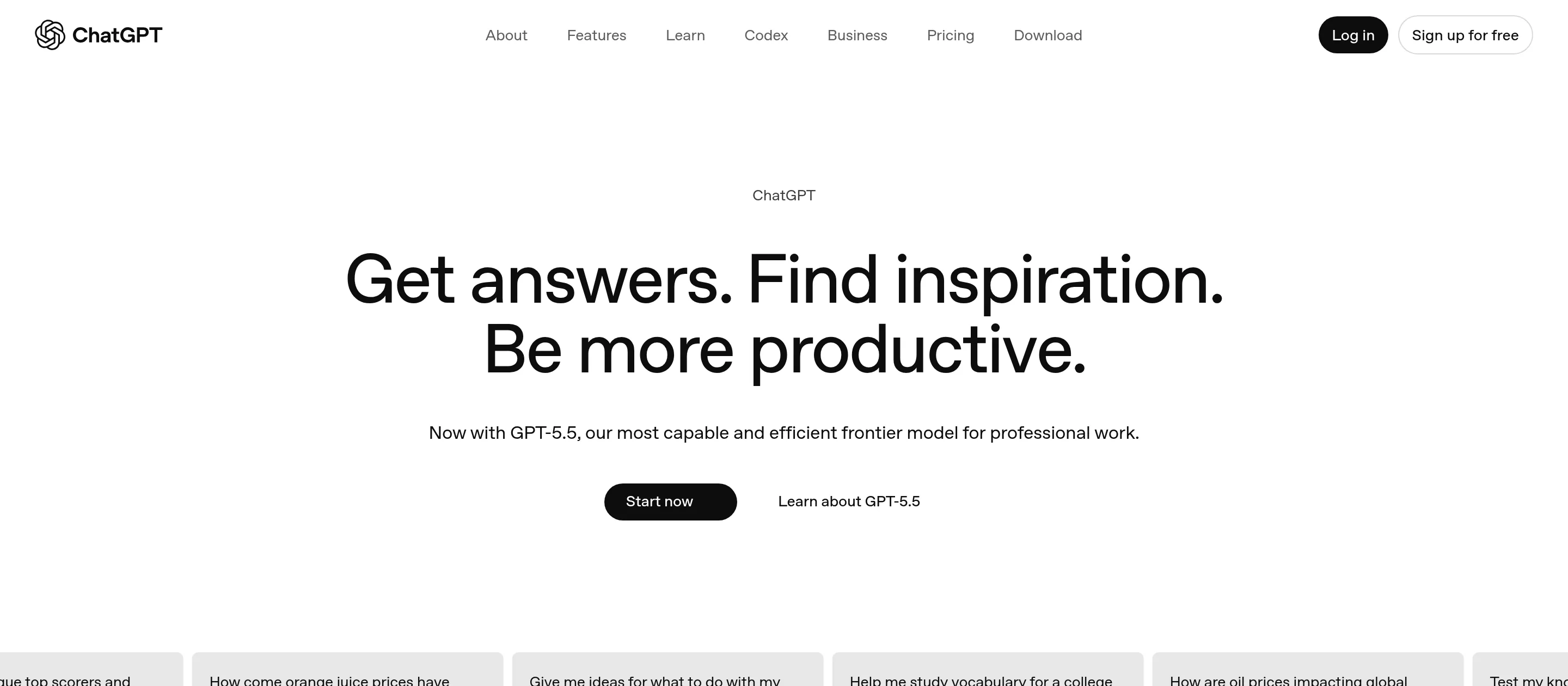
1. ChatGPT: best overall AI platform for everyday work
- Best for: Everyday all-purpose work, from writing and brainstorming to research and quick analysis.
- Score: 4.7/5
- Pricing: Free; Go $8/month; Plus $20/month; Pro $100/month and $200/month; Business $25 to $30 per seat/month.
What it is: ChatGPT is the most widely used AI platform and the default starting point for most people. It pairs OpenAI’s latest models with a deep ecosystem of custom GPTs, connectors, memory, and a plugin-style app layer, which is why it handles such a wide range of jobs competently.
Where it fits: It is the safest first AI platform to adopt because it does almost everything at a high level and rarely leaves you stuck. If you only ever use one AI platform, this is the one with the fewest gaps.
Key features:
- OpenAI’s latest GPT-5 series models, with reasoning modes for harder problems.
- Custom GPTs, memory, and connectors to bring in your own context.
- Strong adherence to multi-step instructions.
- Voice, image generation, and data analysis built in.
Pros:
- The most versatile general assistant available.
- Largest ecosystem and the most third-party support.
- Genuinely useful free tier.
Cons:
- Still hallucinates; verify anything factual.
- Usage caps on the cheaper tiers can interrupt heavy sessions.
- It is an assistant, not an automation layer; it does not run work across your apps on its own.
Bottom line: ChatGPT is the best general-purpose AI platform for everyday work and the one most people should start with.
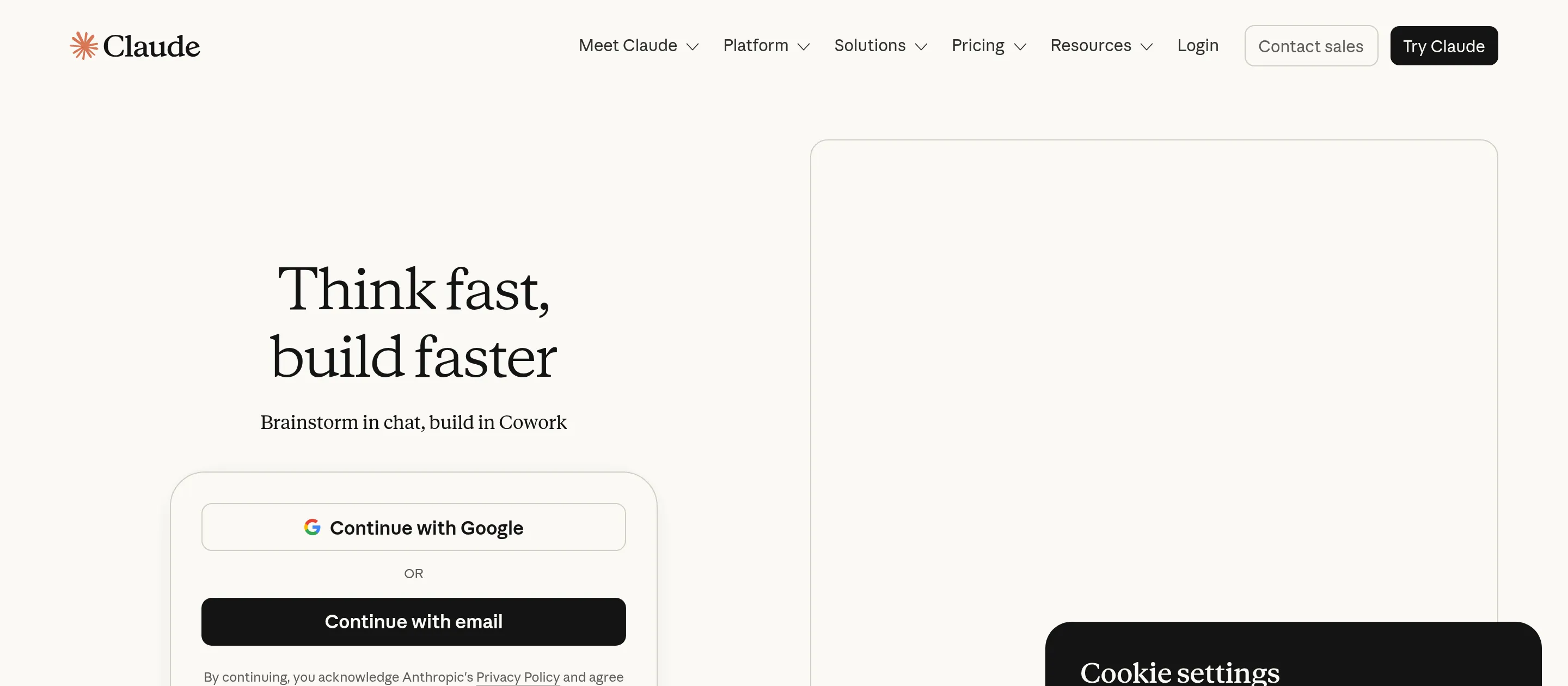
2. Claude: best for writing and coding
- Best for: High-quality writing, complex reasoning, and software development.
- Score: 4.6/5
- Pricing: Free; Pro $20/month; Max from $100/month; Team and Enterprise custom.
What it is: Claude is Anthropic’s assistant, widely regarded as the strongest platform for writing quality, careful reasoning, and code. Its large context window makes it the go-to for analyzing long documents and big codebases in one pass.
Where it fits: When the output quality of the words or the code actually matters, Claude tends to be the platform professionals reach for. It is also one of the models Craze routes to, which tells you how much its reasoning is trusted.
Key features:
- Top-tier writing and code generation.
- Very large context window for long documents and repositories.
- Claude Code for terminal and editor-based development.
- Projects and artifacts for organizing ongoing work.
Pros:
- Best-in-class writing and code reasoning.
- Handles huge inputs without losing the thread.
- Thoughtful, low-hype default tone.
Cons:
- Tighter usage limits than some rivals on equivalent tiers.
- Smaller add-on ecosystem than ChatGPT.
- Less suited to casual multimodal play (images, voice).
Bottom line: Claude is the best AI platform for anyone whose work lives or dies on writing and code quality.
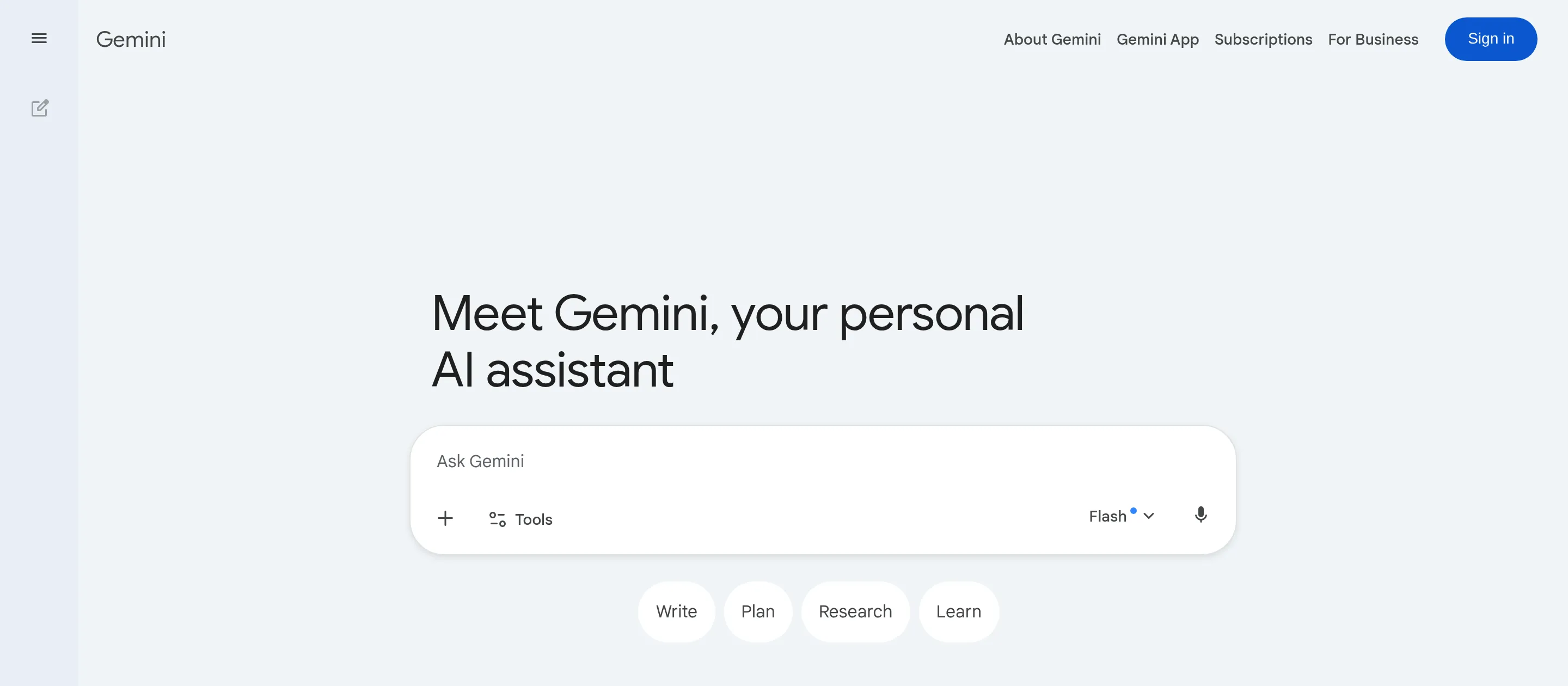
3. Google Gemini: best for Google Workspace users
- Best for: People and teams who live inside Google Workspace.
- Score: 4.3/5
- Pricing: Free; Google AI Pro $20/month; AI Ultra higher tier.
What it is: Gemini is Google’s multimodal AI platform, and its real advantage is being woven directly into Docs, Gmail, Sheets, and the rest of Workspace. If your work already happens in those apps, Gemini meets you there instead of asking you to copy and paste.
Where it fits: For a Workspace-first team, Gemini removes the friction of leaving your documents to ask an AI for help. The integration, not raw model superiority, is the reason to choose it.
Key features:
- Native assistance inside Docs, Gmail, Sheets, and Slides.
- Strong multimodal abilities across text, image, and video.
- Deep research mode for longer investigations.
- Tight coupling with Google Search and the wider Google ecosystem.
Pros:
- Unmatched Google Workspace integration.
- Capable multimodal output.
- Generous free access for most users.
Cons:
- Quality can be less consistent than ChatGPT or Claude on some tasks.
- Most valuable only if you are committed to Google’s ecosystem.
- The product surface changes often, which can be disorienting.
Bottom line: Gemini is the best AI platform if your day already happens inside Google Workspace.
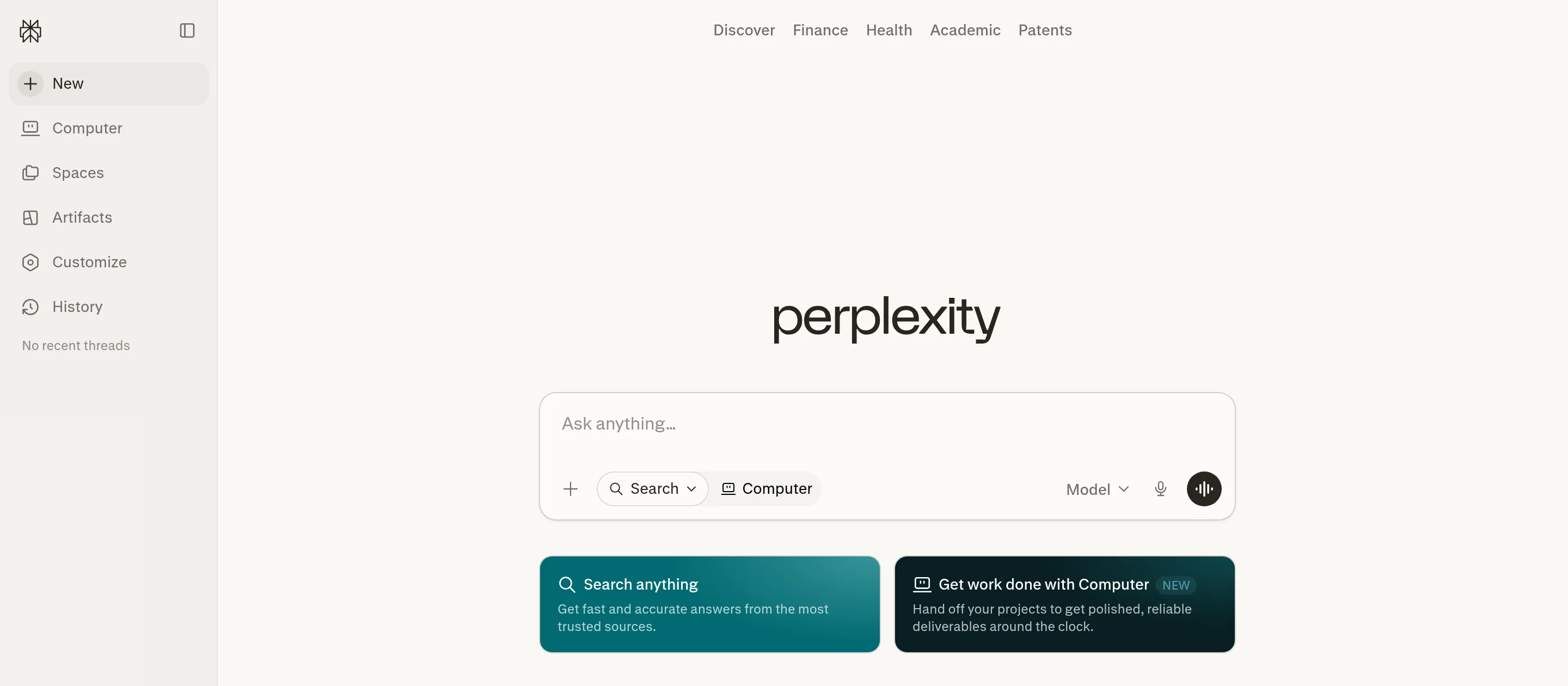
4. Perplexity: best for AI search and research
- Best for: Cited, real-time research where sources matter.
- Score: 4.4/5
- Pricing: Free; Pro $20/month; Max higher tier.
What it is: Perplexity is an AI answer engine rather than a chatbot. It searches the live web and returns synthesized answers with inline citations, which makes it the platform to use when you need to trust and verify what you are told.
Where it fits: It slots in wherever a normal chatbot’s confident-but-unsourced answer is not good enough. For fact-finding, market scans, and “show me where you got that,” it is faster and more honest than a general assistant.
Key features:
- Real-time web search with inline source citations.
- Focus modes for academic, social, and other source types.
- A discovery feed and shareable answer pages.
- Pro search for deeper, multi-step research.
Pros:
- Fast, current, and transparent about sources.
- Excellent for research and fact-checking.
- Strong free tier for casual use.
Cons:
- Thinner than ChatGPT or Claude for long-form creation.
- Answer quality depends on what the web has indexed.
- Not built to be a do-everything assistant.
Bottom line: Perplexity is the best AI platform for research you need to cite and verify.
All-in-one AI platforms (chat, agents, and automation)
5. Craze: best all-in-one AI platform (chat, agents, and automation)
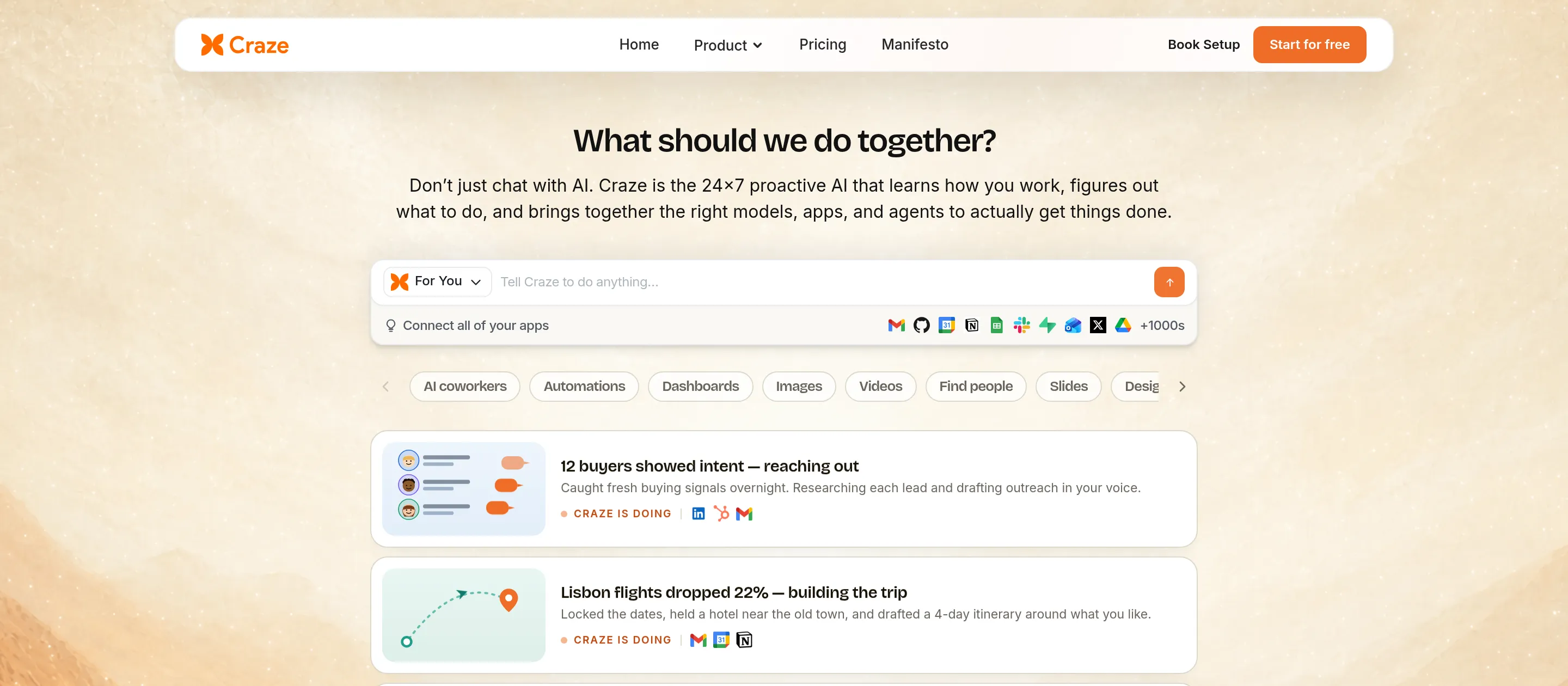
- Best for: Individuals and teams who want one platform to chat across models, build no-code AI agents, and automate daily work, without juggling separate tools or API keys.
- Score: 4.4/5
- Pricing: Free to use ($0/month, AI Personal Agent); Plus $20/month (unlimited users and multiple agents across your team); Pro $80/month; Max $200/month; Enterprise custom.
What it is: Craze is the platform my team and I build, so here is the honest case for it. Craze is an AI platform where you chat across leading models like Claude Opus, GPT-5.5, Gemini, and DeepSeek, create no-code AI agents just by describing what you want, connect the apps you already use, and let those agents run recurring work on their own. It is not trying to out-write Claude or out-search Perplexity. It is trying to be the home base you run your work from, which is exactly the all-in-one job the frontier chatbots do not do.
Where it fits: Craze sits in the gap between a single chatbot and a developer-grade automation tool. You get the conversational model choice of an assistant and the agents and scheduling of an automation platform, in one place, without managing API keys or stitching products together.
Key features:
- Leading models in one place (GPT-5.5, Claude Opus 4.7, Sonnet 4.6, Haiku 4.5, Gemini 3.1 Pro, DeepSeek V4 Pro, Grok 4.20, Kimi K2.6, and more), switchable mid-conversation.
- 1,000+ app connectors so agents can read, write, and automate work in tools like Gmail, Slack, Notion, HubSpot, and Google Workspace.
- Create no-code agents just by chatting, and run multiple agents across a team.
- Workflows and scheduling for recurring, hands-off work, all running in the cloud.
- No API keys to manage; Craze handles authentication, billing, and rate limits.
Pros:
- One platform for chat, agents, workflows, and automation, instead of stitching tools together.
- Genuinely free to start, with multiple agents at a flat $20/month rather than per-action credits.
- Broad model choice means you pick the right model per task.
Cons:
- Newer and less battle-tested than incumbents like ChatGPT or Zapier.
- Not a specialized creative platform; for top-tier images, video, or voice, use a dedicated tool for the job .
- Not a dedicated production coding agent; for shipping code, Claude Code or Cursor go deeper.
- Not an enterprise data platform; for proprietary operational data at scale, Palantir is built for that.
Bottom line: Craze is the best all-in-one AI workspace platform for running your daily work, where you chat across models, build no-code agents, and automate tasks across the apps you already use, free to start.
AI agent and automation platforms
6. Lindy: best for no-code custom AI agents
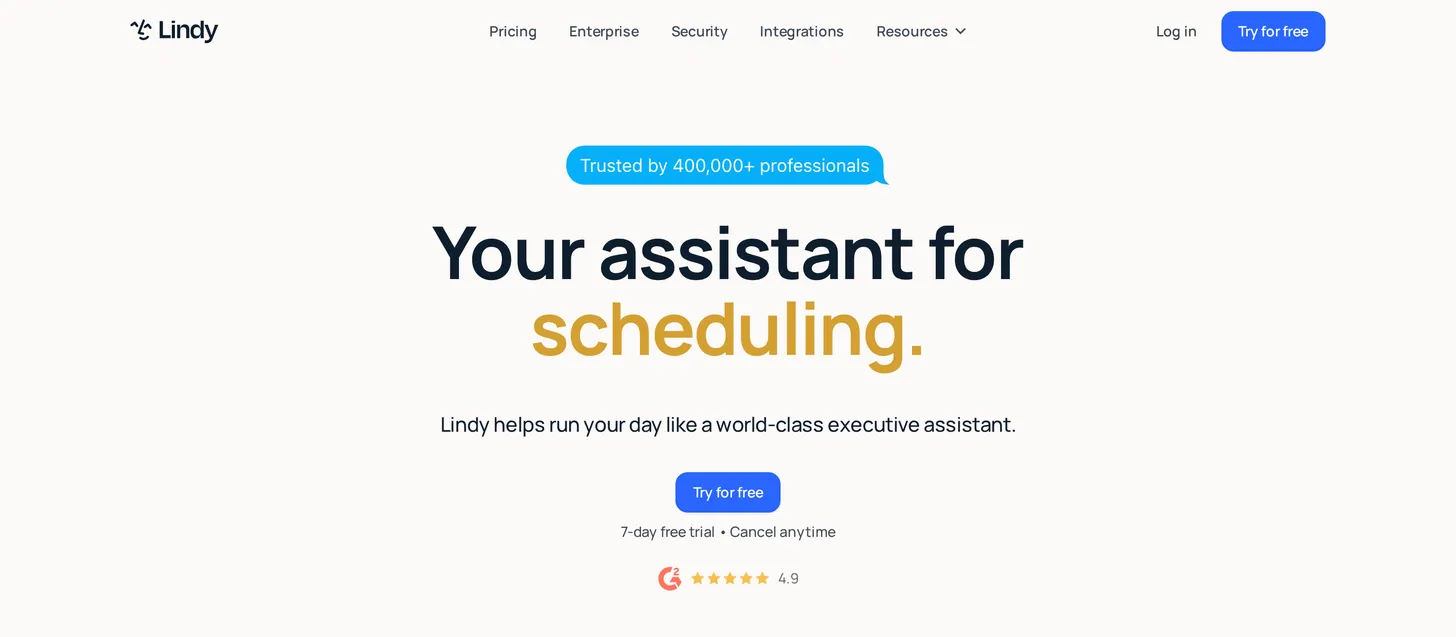
- Best for: Building custom AI agents that handle inbox, CRM, lead gen, and even calls, with no code.
- Score: 4.2/5
- Pricing: Free plan (400 credits/month); Starter $19.99/month; Plus $49.99/month; Pro $99.99/month; Max $199.99/month. Credit-based, billed per action.
What it is: Lindy lets you build custom AI agents, called “Lindies,” through a visual no-code builder. They can sort an inbox, manage a CRM, qualify leads, and even handle outbound phone calls, which is a capability most platforms here do not offer.
Where it fits: Lindy is for someone who wants purpose-built agents wired into their sales or support stack and does not want to write code. Its voice and calling features make it stand out for outbound workflows specifically.
Key features:
- Visual no-code agent builder with templates.
- Inbox, CRM, and lead-generation automations.
- Outbound voice calling (billed separately per minute).
- A large library of prebuilt agent recipes.
Pros:
- Approachable for non-technical builders.
- Strong at sales and support agent use cases.
- Voice and calling are genuinely differentiated.
Cons:
- Credit-based billing means the real cost can far exceed the plan price.
- No permanent free tier beyond limited credits.
- Costs are hard to predict for heavy workflows.
Bottom line: Lindy is the best AI platform for building no-code agents, especially when you need outbound calls in the mix.
7. Zapier: best for automating across many apps
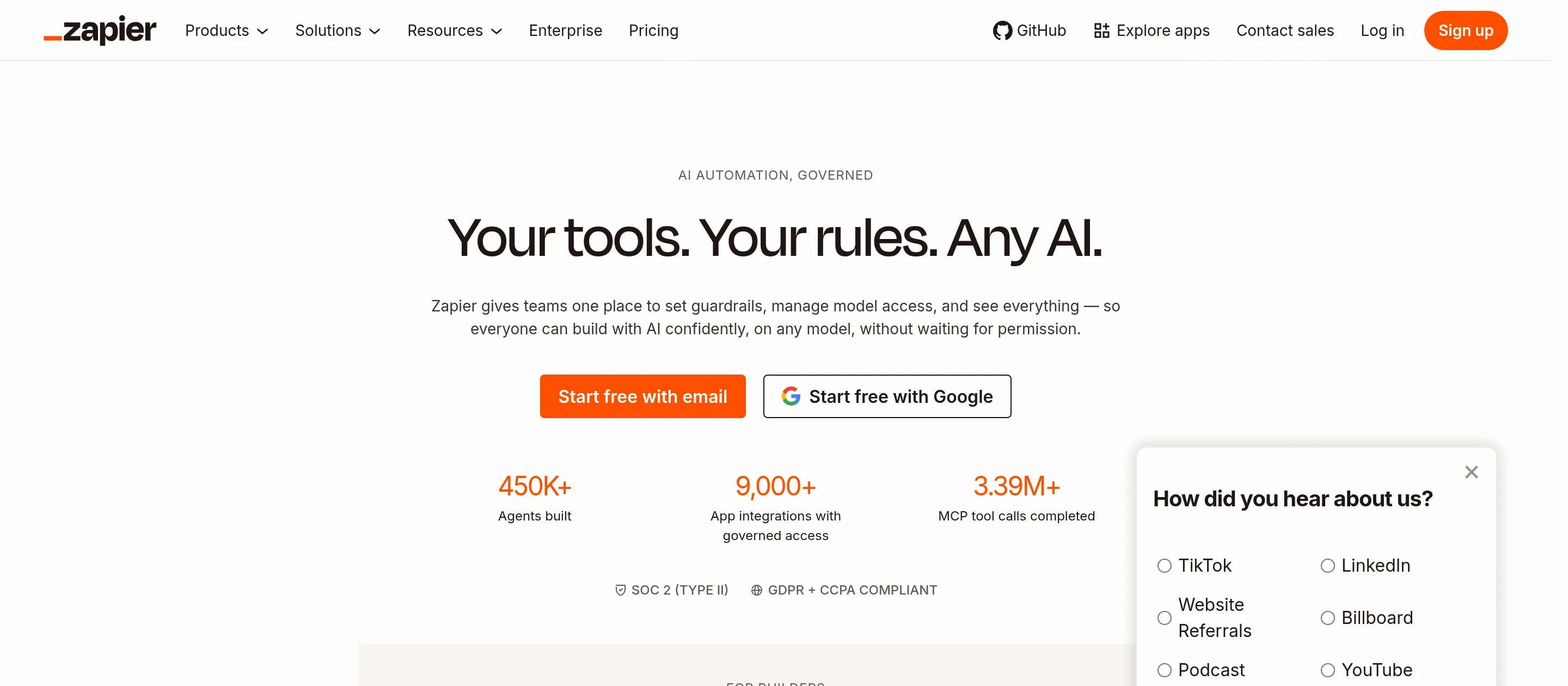
- Best for: Connecting your existing SaaS tools and automating repeatable workflows.
- Score: 4.4/5
- Pricing: Free (100 tasks/month); Pro from $19.99/month (annual); Team $103.50/month; Agents billed separately.
What it is: Zapier is the most mature automation platform, connecting more than 8,000 apps so you can move data and trigger actions between them without code. Its newer Zapier Agents and Chatbots add an AI layer that can browse, decide, and act, billed apart from classic Zaps.
Where it fits: When the job is “when X happens in app A, do Y in app B,” nothing has more coverage. Zapier is the connective tissue for teams that already run on a stack of SaaS products.
Key features:
- 8,000+ app integrations, the widest available.
- Multi-step Zaps with filters, paths, and formatting.
- Zapier Agents for autonomous, AI-driven tasks.
- A huge template library and mature reliability.
Pros:
- Unmatched breadth of app connections.
- Reliable and well-documented.
- Real free tier to learn on.
Cons:
- Task-based pricing climbs quickly with volume.
- Agents are priced and quota’d separately from Zaps.
- Complex automations can get fiddly to maintain.
Bottom line: Zapier is the best AI platform for connecting and automating the many apps you already use.
8. Gumloop: best for beginner-friendly AI automation
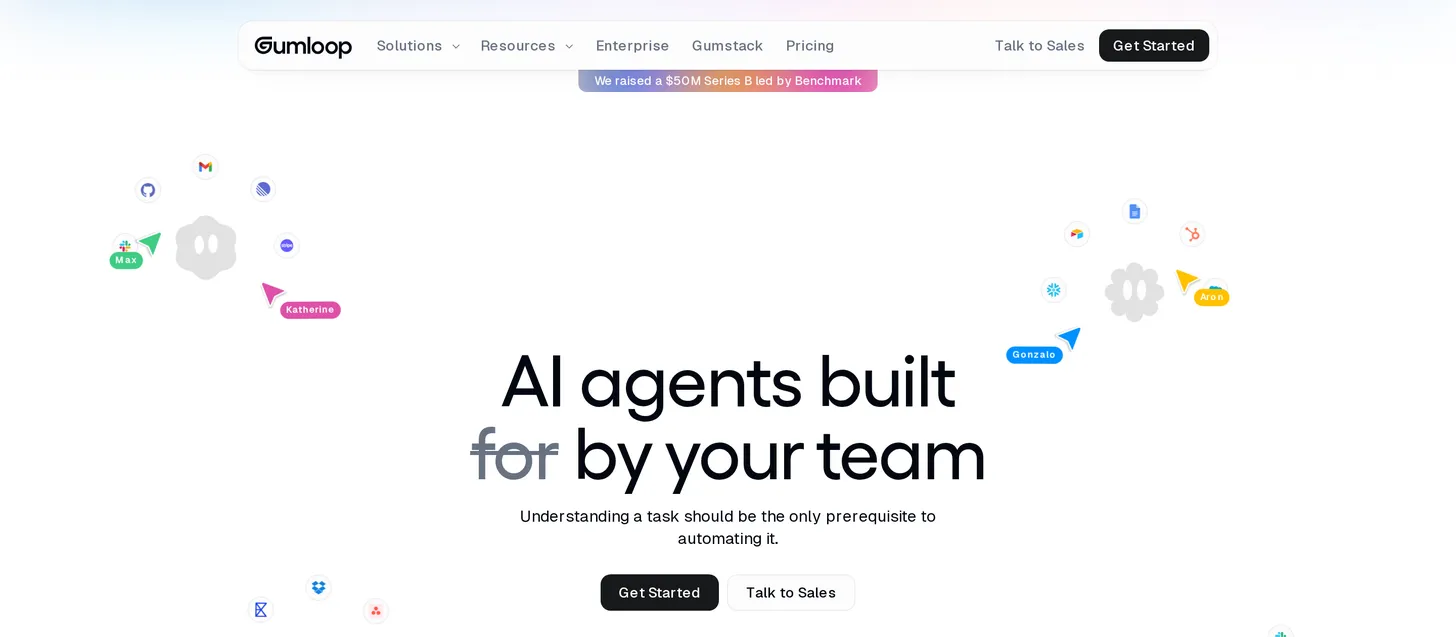
- Best for: Beginners who want to build AI-powered automations visually.
- Score: 4.1/5
- Pricing: Free tier (limited monthly credits); paid plans from about $37/month; Team and Enterprise higher. Credit-based.
What it is: Gumloop is a visual, no-code platform built specifically to make AI automations approachable for non-engineers. You drag nodes onto a canvas to build flows that scrape, enrich, summarize, and route data with AI baked in.
Where it fits: It is the gentlest on-ramp of the automation platforms here. If Zapier feels too utilitarian and Lindy too agent-focused, Gumloop’s canvas is an easy place to learn how AI automation works.
Key features:
- Drag-and-drop visual flow builder.
- Built-in AI nodes for standard and advanced model calls.
- Data scraping and enrichment steps.
- Templates aimed at marketing and ops use cases.
Pros:
- Very beginner-friendly.
- Visual canvas makes logic easy to follow.
- Useful free tier to experiment with.
Cons:
- Credit consumption rises fast once advanced AI calls are involved.
- Smaller integration library than Zapier.
- Best for lighter automations than enterprise-grade pipelines.
Bottom line: Gumloop is the best AI platform for beginners taking their first steps into AI automation.
Business and enterprise AI platforms
9. Microsoft Copilot: best for Microsoft 365 enterprises
- Best for: Organizations standardized on Microsoft 365.
- Score: 4.3/5
- Pricing: Microsoft 365 Copilot $30/user/month (annual); Business promo around $18 to $21/user/month; requires an eligible Microsoft 365 base plan.
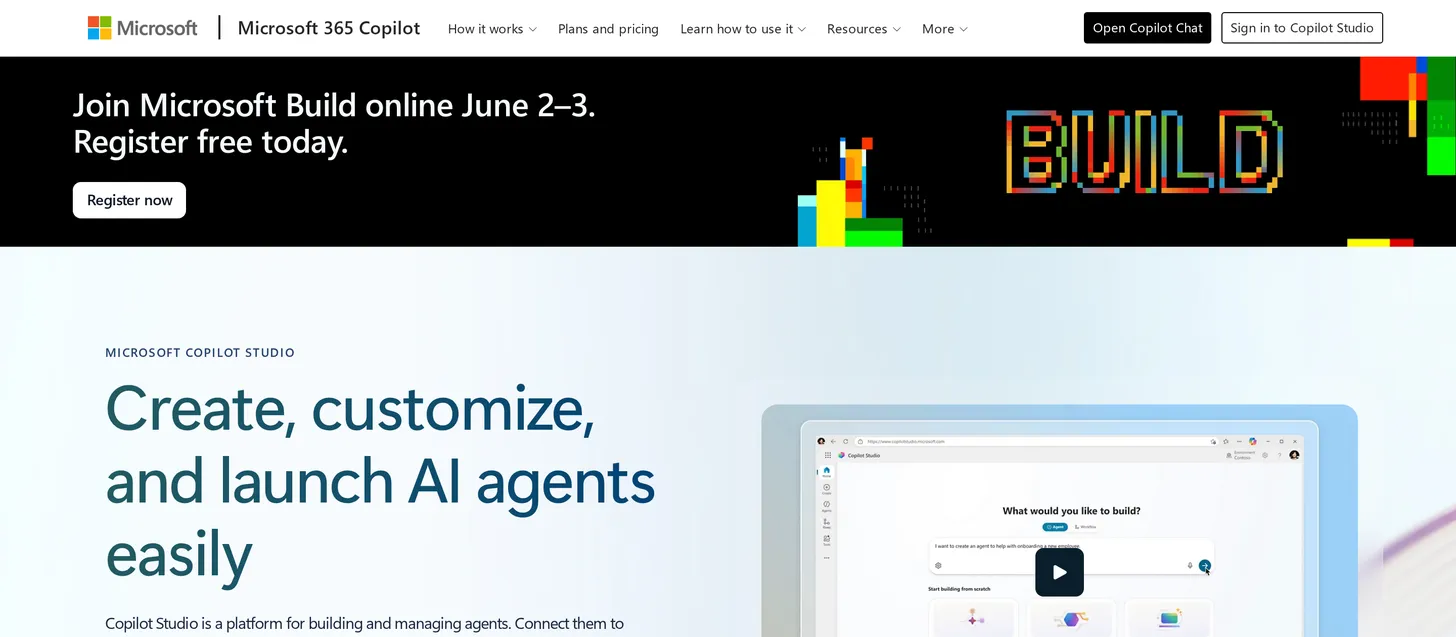
What it is: Microsoft Copilot embeds AI directly into Word, Excel, PowerPoint, Outlook, and Teams, with the enterprise security and governance Microsoft shops require. It works on your organization’s own documents and data inside the apps your team already uses all day.
Where it fits: For an enterprise already committed to Microsoft 365, Copilot is the path of least resistance: the AI shows up where the work already happens, under existing compliance controls. The catch is that it is an add-on, not a standalone platform.
Key features:
- Native AI inside the full Microsoft 365 suite.
- Works over your tenant’s documents, email, and meetings.
- Enterprise-grade security, compliance, and admin controls.
- Copilot Studio for building custom copilots and agents.
Pros:
- Deep, native integration with Office and Teams.
- Strong enterprise governance.
- Meets employees inside tools they already use.
Cons:
- Add-on only; you must already pay for an eligible Microsoft 365 plan.
- Total per-seat cost stacks up once the base license is included.
- Value depends on how deeply your org lives in Microsoft apps.
Bottom line: Microsoft Copilot is the best AI platform for enterprises already standardized on Microsoft 365.
10. Palantir AIP: best for large-enterprise data operations
- Best for: Large organizations running AI over proprietary operational data.
- Score: 4.2/5
- Pricing: Custom enterprise pricing; no public self-serve tier.
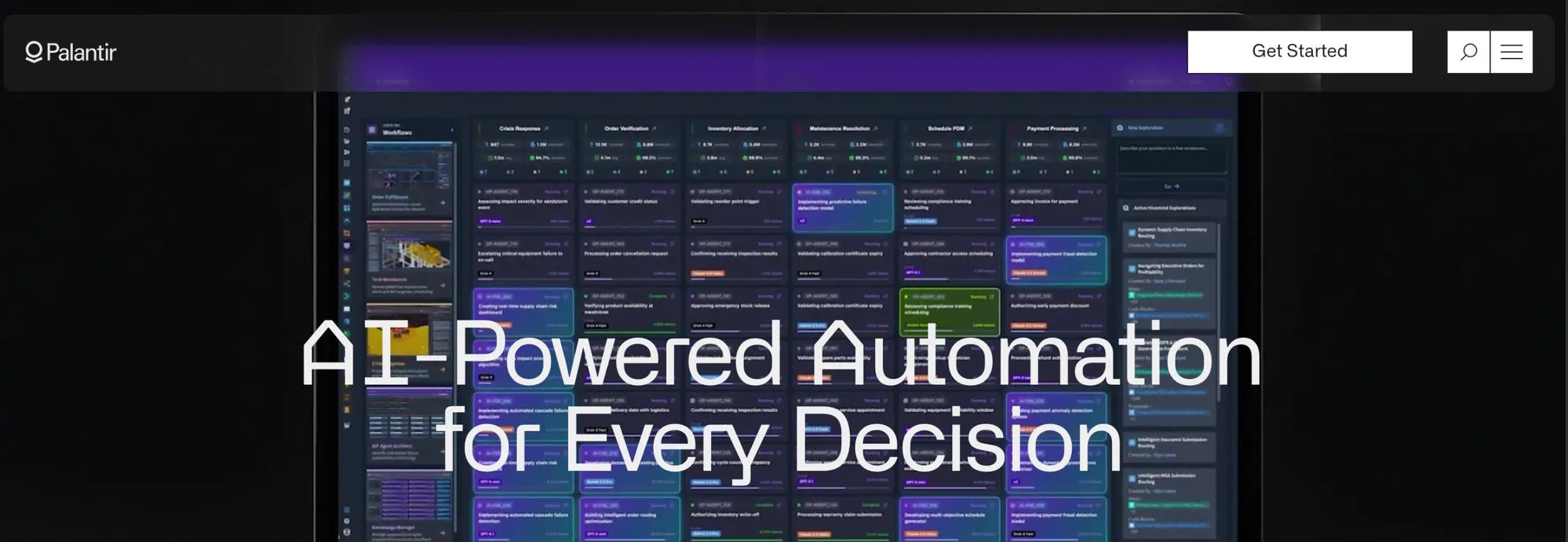
What it is: Palantir’s Artificial Intelligence Platform (AIP) connects large language models to an organization’s own operational data and processes, with the security and controls big institutions demand. It is used by organizations like the NHS and Cleveland Clinic for complex data analytics and operations, which signals the scale it targets.
Where it fits: AIP is not for individuals or small teams. It is for enterprises that need AI grounded in their proprietary systems, with governance, auditability, and integration into real-world operations. That is a fundamentally different job than a personal assistant.
Key features:
- LLMs grounded in an organization’s operational data.
- Strong security, governance, and auditability.
- Deep integration with enterprise systems and workflows.
- Tooling to build and deploy AI-driven operational applications.
Pros:
- Built for serious enterprise scale and complexity.
- Grounds AI in real proprietary data and operations.
- Trusted by large, regulated institutions.
Cons:
- Expensive and complex to deploy.
- Heavy implementation lift; not self-serve.
- Overkill for anyone but large enterprises.
Bottom line: Palantir AIP is the best AI platform for large enterprises that need AI run securely over their own operational data.
AI platforms compared: full specs
| Platform | Type | Free tier | From-price | Models / engine | Key integrations | Best-fit user |
|---|---|---|---|---|---|---|
| ChatGPT | General chatbot | Yes | $20/mo (Plus) | OpenAI GPT-5 series | Custom GPTs, connectors | Everyday all-purpose users |
| Claude | General chatbot | Yes | $20/mo (Pro) | Claude Opus, Sonnet, Haiku | Claude Code, MCP | Writers and developers |
| Google Gemini | General chatbot | Yes | $20/mo (AI Pro) | Google Gemini | Google Workspace | Workspace-first teams |
| Perplexity | AI answer engine | Yes | $20/mo (Pro) | Multiple (routes to leading models) | Live web search | Researchers and fact-checkers |
| Craze | AI workspace | Yes ($0) | $20/mo (Plus) | Leading models in one place (GPT-5.5, Claude, Gemini, DeepSeek, Grok, Kimi, and more) | 1,000+ app integrations | Teams wanting chat, agents, and automation |
| Lindy | Agent / automation | Limited credits | $19.99/mo (Starter) | LLM-backed agents | CRM, email, voice calling | No-code agent builders |
| Zapier | Automation | Yes | $19.99/mo (Pro, annual) | LLM-backed agents | 8,000+ apps | Ops and SaaS-stack teams |
| Gumloop | Automation | Yes | ~$37/mo | GPT and Claude nodes | App integrations | Automation beginners |
| Microsoft Copilot | Enterprise | No (add-on) | $30/user/mo | OpenAI + Microsoft models | Microsoft 365, Teams | Microsoft 365 enterprises |
| Palantir AIP | Enterprise | No | Custom | Multiple LLMs on proprietary data | Enterprise data systems | Large enterprises |
The best AI platform for you
If you only remember one line: match the platform to the job.
- Best overall for everyday work: ChatGPT.
- Best for writing and coding: Claude.
- Best for Google Workspace teams: Google Gemini.
- Best for cited research: Perplexity.
- Best all-in-one AI workspace platform, and best free pick: Craze, for chatting across models, building no-code agents, and automating work in one place.
- Best for no-code agents: Lindy.
- Best for automating across apps: Zapier.
- Best for automation beginners: Gumloop.
- Best for Microsoft 365 enterprises: Microsoft Copilot.
- Best for large-enterprise data: Palantir AIP.
Most people need a general assistant plus, eventually, one platform to automate the repetitive work around it. Start free, prove the value on a real task, and only pay once a platform has earned a permanent place in how you work.
One workspace, every AI
Stop juggling AI subscriptions
ChatGPT, Claude, Gemini, and more in one workspace, with agents and automations on top. One plan instead of five, and Craze routes each task to the right model for you.
FAQs
What are the top 5 AI platforms?
Based on my testing, the top five AI platforms in 2026 are ChatGPT (the most versatile everyday assistant), Claude (best for writing and coding), Google Gemini (best inside Google Workspace), Perplexity (best for cited research), and Craze (the best all-in-one platform for chat, agents, and automation). Each leads a different job, so the right one depends on what you are trying to do.
Which platform is best for AI?
There is no single best platform, because AI covers very different jobs. For everyday chat, ChatGPT. For agents and automation, Craze, Lindy, or Zapier. For enterprise data, Palantir AIP. Decide the job first, then the platform follows.
Is ChatGPT still the best AI?
For a general all-purpose assistant, ChatGPT is still the platform to beat, with the widest ecosystem and the fewest gaps. But best depends on the task: Claude is better for writing quality and coding, Perplexity is better for cited web research, and Microsoft Copilot is better if your work lives inside Microsoft 365. ChatGPT remains the best default, not the best at everything.
Which AI platform is totally free?
Several are genuinely free to start. ChatGPT, Claude, Gemini, and Perplexity all have real free tiers, and Craze is free to use as an all-in-one platform with a personal agent. Automation platforms like Zapier and Gumloop have free tiers too, but they cap tasks or credits, so heavier use eventually needs a paid plan.
What is the best AI platform for business?
It depends on the business. For a Microsoft 365 enterprise, Copilot fits in natively. For a large organization running AI over proprietary operational data, Palantir AIP is built for that scale. For a small or mid-sized team that wants chat, no-code agents, and automation in one place, Craze covers the most ground for the lowest starting cost.
Is Craze better than ChatGPT?
For pure frontier chat, ChatGPT is excellent and hard to beat. Craze's advantage is being one platform where you chat across leading models, create no-code agents, and automate work across 1,000+ apps, free to start. They are built for different jobs, so the better choice depends on whether you want the single best assistant or one place to run your work.
What is the best AI platform for building agents?
For agents that connect your existing SaaS apps, Lindy and Zapier Agents lead, and Lindy is the standout if you need outbound voice calls. For building no-code agents inside a full workspace where you also chat and automate, Craze is the most all-in-one option. The right pick depends on whether you want a dedicated agent builder or an integrated platform.
What is the difference between an AI platform and an AI tool?
An AI tool does one job, like generating an image or checking grammar. An AI platform is an integrated system you operate from, combining one or more models with the ability to take actions and connect to your data and apps. In short, a tool is a feature; a platform is a home base.
More Articles
The 11 Best AI Chatbots in 2026 (Tested & Compared)

I compared the 11 best AI chatbots of 2026, from ChatGPT and Claude to Gemini and Perplexity, with current pricing, honest pros and cons, and the best pick for each need.
The 15 Best AI Tools in 2026 (Tested by Category)
The 15 best AI tools for 2026, tested by category across writing, search, images, video, coding, and automation, with pricing, pros and cons, and the best pick for each job.
The 12 Best AI Agents in 2026 for Every Use Case
I compared the 12 best AI agents across platforms, coding, and enterprise use, with current pricing, honest pros and cons, and a clear best-for pick for each.


