
The 15 Best AI Tools in 2026 (Tested by Category)
The 15 best AI tools for 2026, tested by category across writing, search, images, video, coding, and automation, with pricing, pros and cons, and the best pick for each job.

By: Deepit Patil
Co-Founder and CTO
Published
Updated
Edited by Craze Editorial Team · See our Editorial Process
There are more AI tools than anyone could use in a lifetime, and most of the “best AI tools” lists read like they were written by someone who never opened the apps.
I have spent the last year living in these tools, both while building Craze and running my own day-to-day work. Some earned a permanent spot in how I work. Plenty did not. The honest truth is that there is no single best AI tool, because “AI tools” is not one category. The right pick depends entirely on the job: writing, searching, generating images, editing video, shipping code, or running your work on autopilot.
So instead of forcing 15 very different tools into one ranking, I have organized this guide the way you actually choose: by what you want to get done. For each tool you get what it is genuinely best for, current pricing, where it falls short, and who should use it.
One disclosure up front. Craze is the platform my team and I build, so I have placed it in the category it actually competes in, the all-in-one AI workspace, not at the top of a list it has no business topping. I will be just as honest about where ChatGPT, Claude, or a specialized tool beats it.
TL;DR
- There is no single best AI tool; match it to the job. For an everyday assistant use ChatGPT, for writing and coding Claude, for cited web search Perplexity, and for running your work from one place with chat, agents, and automation, Craze, which is free to start.
- For creative work, go specialized. Midjourney for images, Runway for video, ElevenLabs for voice, and Canva for design each beat a general assistant at their own job.
- You do not need to pay to start. ChatGPT, Claude, Gemini, Perplexity, and Craze all have real free tiers, and NotebookLM is free with usage caps.
- The big general assistants overlap a lot. ChatGPT, Claude, and Gemini cover similar ground, so pick one as your daily driver rather than paying for all three.
- Watch the pricing model. Credit and per-generation billing, common in creative and automation tools, can climb fast, so check how each one charges before you commit.
What are AI tools?
AI tools are software applications that use machine learning and large language models to generate content, find and synthesize information, or automate tasks that used to need a human. That covers a lot of ground, which is the whole point. A chatbot that drafts your email, an image generator, a meeting notetaker, and a workflow that runs while you sleep are all “AI tools,” and they are nothing alike. A simple chatbot and an agent are not even the same category.
The useful way to think about it is by job. Most of the tools people mean when they say “AI tools” fall into a handful of buckets, and once you know which bucket you need, the shortlist gets short fast.
The 5 types of AI tools
If you strip the market down, almost everything fits into five types:
- AI assistants and chatbots: general-purpose tools you talk to for writing, thinking, and answers. ChatGPT, Claude, Gemini.
- AI search and research: tools built to find and cite real information from the live web. Perplexity, NotebookLM.
- Generative and creative tools: tools that produce images, video, voice, music, or design. Midjourney, Runway, ElevenLabs, Canva.
- AI productivity tools: assistants built into the apps where your work lives, like notes, docs, and meetings. Notion AI, Otter.ai, Gamma.
- AI automation and agents: tools that take actions and run multi-step work on their own , across your apps. Craze, Zapier, Cursor.
Most people end up using one or two from a few of these buckets, not all five.
How I tested these AI tools
I compared 15 AI tools across those categories, scoring each from 1 to 5 on five things, then judged each within its own category rather than forcing one giant leaderboard:
- Capability and output quality: how good the actual results are.
- Ease of use: how quickly a normal person gets value out of it.
- Integrations and ecosystem: how well it fits the apps and workflow you already have.
- Pricing value: what you get for the money, and how predictable the cost is.
- Versatility: how many real jobs it can handle well.
Pricing reflects published rates as of June 2026 and changes often, so check the vendor’s page before you buy. Third-party ratings from G2 and Product Hunt are noted where I could verify them.
Best AI tools: side-by-side comparison
| # | Tool | Best for | Starting price | Standout strength | Watch for | Score |
|---|---|---|---|---|---|---|
| 1 | ChatGPT | Everyday all-purpose assistant | Free; Plus $20/mo | Most versatile general assistant | Hallucinations; usage caps | 4.7 |
| 2 | Claude | Writing and coding | Free; Pro $20/mo | Best writing and code reasoning | Tight session limits | 4.6 |
| 3 | Google Gemini | Google Workspace + multimodal | Free; AI Pro $20/mo | Native Google + image/video | Less consistent for some tasks | 4.3 |
| 4 | Perplexity | AI search and research | Free; Pro $20/mo | Fast, cited, real-time answers | Thin on long-form depth | 4.4 |
| 5 | Craze | All-in-one AI workspace (chat, agents, automation) | Free ($0); Plus $20/mo | Leading models + 1,000+ connectors, no API keys | Newer than incumbents | 4.4 |
| 6 | Zapier | Automating across many apps | Free; Pro $19.99/mo | 9,000+ app connections | Cost climbs with usage | 4.4 |
| 7 | Cursor | AI-assisted coding | Free; Pro $20/mo | Codebase-aware editing | Pricing shifts; review output | 4.5 |
| 8 | Midjourney | AI image generation | $12/mo (no free tier) | Top artistic image quality | Discord-centric workflow | 4.4 |
| 9 | Runway | AI video generation | Free; Standard $12/mo | Cutting-edge text/image to video | Credit complexity | 4.1 |
| 10 | HeyGen | AI avatar and spokesperson video | Free; Creator $29/mo | Realistic avatars, 175+ languages | Credit burn on long clips | 4.3 |
| 11 | ElevenLabs | AI voice and text-to-speech | Free; Starter $6/mo | Best voice realism and cloning | Opaque credit usage | 4.5 |
| 12 | Canva (Magic Studio) | AI-assisted design | Free; Pro $15/mo | Design plus 20+ AI tools in one | Growing paywalls | 4.6 |
| 13 | Gamma | AI presentations | Free; paid tiers | Outline to deck in minutes | Deep customization limited | 4.2 |
| 14 | Notion AI | AI notes and docs | Free; Business $20/member | AI inside your workspace | Slows on large databases | 4.3 |
| 15 | Otter.ai | AI meeting notes | Free; Pro $16.99/mo | Accurate real-time transcription | Accent accuracy varies | 4.2 |
Here is the full rundown, grouped by what you want to do. I will give you the honest version of each: what it is good at, what it costs, and where it falls short.
AI assistants and chatbots
1. ChatGPT: best overall AI assistant for everyday tasks
- Best for: Anyone who wants one capable assistant for writing, brainstorming, analysis, and quick coding help.
- Score: 4.7/5
- Pricing: Free (GPT-5.3 with caps); Go $8/month; Plus $20/month; Pro $200/month (GPT-5.5 Pro), with a $100 Pro tier as well; Business from $25/user/month.
What it is: ChatGPT is the default AI assistant for most people, and for good reason. It writes, reasons, analyzes documents, generates images, and handles a huge range of everyday tasks in one place. Its flagship model is GPT-5.5, with the free tier on GPT-5.3.
How I used it: I lean on ChatGPT as a thinking partner more than an answer machine, for drafting emails, pressure-testing ideas, and quick code snippets. It is the tool I reach for when I do not know exactly what I want yet, and it is fast at turning a messy prompt into something usable.
Key features:
- GPT-5.5 flagship model for reasoning, writing, and coding.
- Built-in image generation, web browsing, and data analysis.
- Custom GPTs and a large plugin and app ecosystem.
Pros:
- The most versatile single tool on this list.
- Huge ecosystem and constant feature updates.
Cons:
- Still hallucinates and needs fact-checking on anything important.
- Free and lower tiers hit usage caps, and it slows down at peak times.
Bottom line: ChatGPT is the best AI tool to start with if you want one assistant that does a little of everything well.
2. Claude: best for writing and coding
- Best for: People who care about writing quality and developers who want clean, well-reasoned code.
- Score: 4.6/5
- Pricing: Free; Pro $20/month ($17/month billed annually); Max from $100/month; Team $20/seat/month.
What it is: Claude, from Anthropic, is the assistant I trust most for long-form writing and serious coding. It holds long context well, writes in a more natural voice than most rivals, and tends to produce code with fewer bugs. Its top model is Claude Opus 4.8, with Sonnet and Haiku for faster work.
How I used it: A lot of my hands-on time with Claude goes into building Craze itself. My team uses it to write code and ship features faster, mostly through Claude Code in the terminal, which reads, writes, and runs code across the repo on its own. We run it alongside other AI coding tools like Codex, and Claude is the one I reach for when a change spans several files and the reasoning has to hold up. Outside of code, it is still my go-to for drafting anything that needs to actually read well.
Key features:
- Claude Opus 4.8 for deep reasoning and long-form work.
- Strong multi-file coding and large context windows.
- Claude Code for autonomous terminal-based development.
Pros:
- Best-in-class writing tone and code quality.
- Handles long, complex inputs without losing the thread.
Cons:
- Message and session limits frustrate heavy users.
- Context can still drift in very long conversations.
Bottom line: Claude is the best AI tool for anyone whose work is mostly writing or code and who values quality over raw versatility.
3. Google Gemini: best for Google Workspace users and multimodal work
- Best for: People who live in Gmail, Docs, and Sheets, or who want strong image and video generation in one assistant.
- Score: 4.3/5
- Pricing: Free; Google AI Pro $20/month; Google AI Ultra $100/month or $200/month. Flagship models Gemini 3.1 Pro and the newer Gemini 3.5 series.
What it is: Gemini is Google’s assistant, and its edge is being woven into the Google apps you already use plus genuinely strong multimodal generation. It is one of the few assistants that is as comfortable generating images and video as it is writing and reasoning.
How I used it: Gemini saves me the most time on quick document work. I point it at a long report and it condenses the whole thing into the key points in seconds, so I can spend my time on the decision instead of reading every page. The native Google Workspace integration is the real reason to choose it; as a standalone chatbot it is capable, though I find its answers a little less consistent than ChatGPT or Claude.
Key features:
- Gemini 3.1 Pro and 3.5 models with strong multimodal (image and video) output.
- Deep integration across Gmail, Docs, Sheets, and Android.
- Generous free tier and bundled perks on paid plans.
Pros:
- Unbeatable if your work already lives in Google Workspace.
- Strong at images and video, not just text.
Cons:
- Output quality can feel less consistent than the top two.
- The best features sit behind the pricier Ultra tiers.
Bottom line: Gemini is the best AI tool for Google Workspace users and anyone who wants one assistant that is genuinely good at visuals.
AI search and research
4. Perplexity: best for AI-powered search and research
- Best for: Anyone who wants fast, sourced answers from the live web instead of a general chatbot’s guess.
- Score: 4.4/5
- Pricing: Free; Pro $20/month; Max $200/month.
What it is: Perplexity is an answer engine. Ask it a question and it searches the web in real time, then gives you a direct answer with citations you can click to verify. For anything where you need to trust the source, it beats asking a general chatbot.
How I used it: My favorite use is comparison shopping. I give it a handful of product options and it does a genuinely good job digging into each one to surface the real differences, and it handles nuanced questions like “is there a product that does X” far better than a plain search. The cited sources are what make it trustworthy, since I can check where each claim came from rather than taking it on faith.
Key features:
- Real-time web search with inline citations.
- Access to multiple underlying models on paid tiers.
- Focus modes for academic, social, and general search.
Pros:
- Fast, current, and sourced answers.
- Far less prone to confident-but-wrong answers than a general chatbot.
Cons:
- Weaker than ChatGPT or Claude for long-form writing and deep reasoning.
- The best features and model access need the Pro tier.
Bottom line: Perplexity is the best AI tool for research and search, where cited, real-time answers matter more than conversation.
AI workspace and automation
5. Craze: best all-in-one AI workspace (chat, agents, and automation)
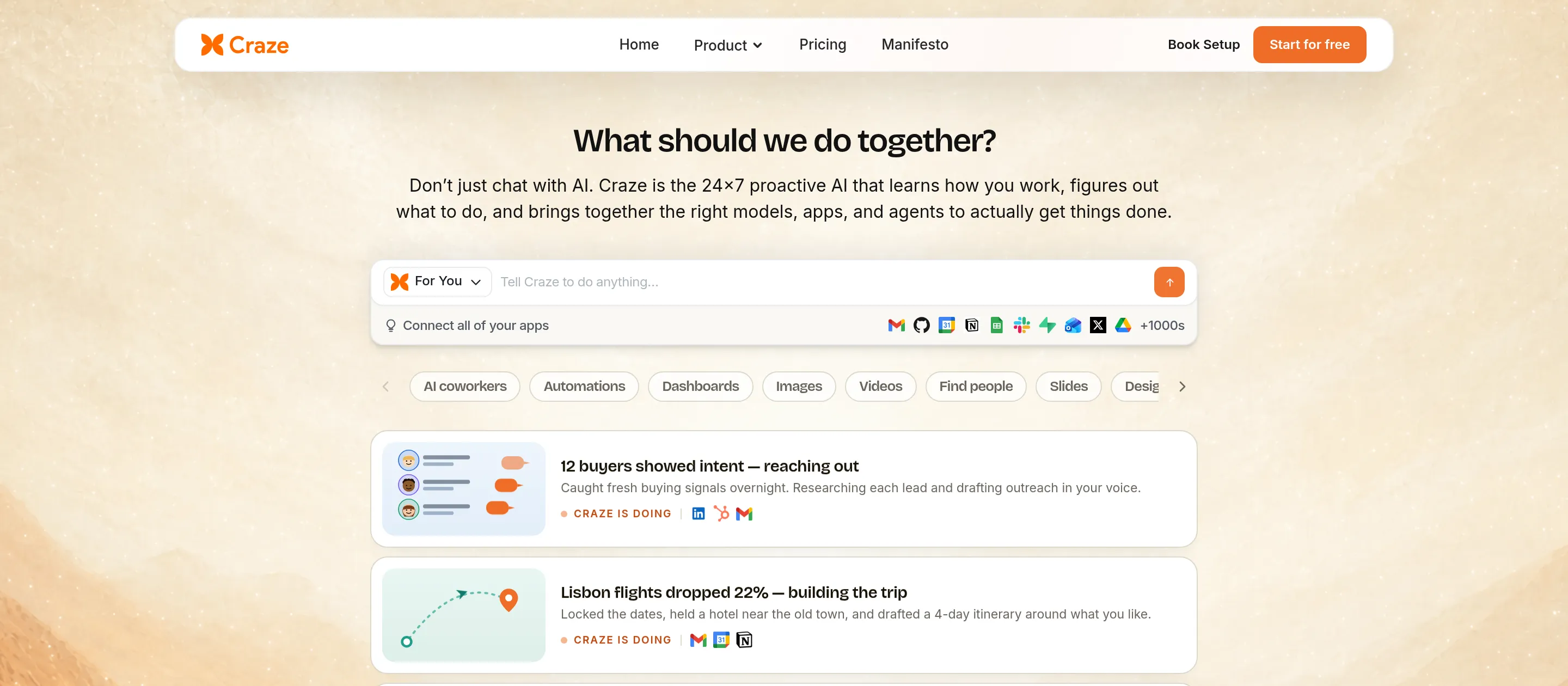
- Best for: Individuals and teams who want one place to chat across models, build no-code AI agents, and automate their daily work, without juggling separate tools or API keys.
- Score: 4.4/5
- Pricing: Free to use ($0/month, AI Personal Agent); Plus $20/month (unlimited users and multiple agents across your team); Pro $80/month; Max $200/month; Enterprise custom.
What it is: Craze is the platform my team and I build, so here is the honest case for it. Craze is an AI workspace platform: one place where you chat across leading models like Claude Opus, GPT-5.5, Gemini, and DeepSeek, create no-code AI agents just by describing what you want, connect the apps you already use, and let those agents run recurring work on their own. It is not trying to out-write Claude or out-search Perplexity; it is trying to be the home base you run your work from.
How I used it: I built a couple of agents just by describing them in chat, one to draft replies to incoming sales emails and another to pull weekly numbers into a Google Sheet. Connecting Gmail and Sheets took a few clicks with no API keys, and because the automations run in the cloud, they kept going on their own without my laptop being open.
Key features:
- Various leading models in one place (GPT-5.5, Claude Opus 4.7, Sonnet 4.6, Haiku 4.5, Gemini 3.1 Pro, DeepSeek V4 Pro, Grok 4.20, Kimi K2.6, and more), switchable mid-conversation.
- 1,000+ app connectors so agents can read, write, and automate work in tools like Gmail, Slack, Notion, HubSpot, and Google Workspace.
- Create no-code agents just by chatting, and run multiple agents across a team.
- Workflows and scheduling for recurring, hands-off work, all running in the cloud.
- No API keys to manage; Craze handles authentication, billing, and rate limits.
Pros:
- One platform for chat, agents, workflows, and automation, instead of stitching tools together.
- Genuinely free to start, with multiple agents at a low $20/month rather than per-action credits.
- Broad model choice means you pick the right model per task.
Cons:
- Newer and less battle-tested than incumbents like ChatGPT or Zapier.
- Not a specialized creative tool; for top-tier images, video, or voice, use a dedicated tool.
- Not a dedicated production coding agent; for shipping code, Cursor or Claude Code go deeper.
Bottom line: Craze is the best free all-in-one AI workspace for running your daily work, where you chat across models, build no-code agents, and automate tasks across the apps you already use.
6. Zapier: best for automating across many apps
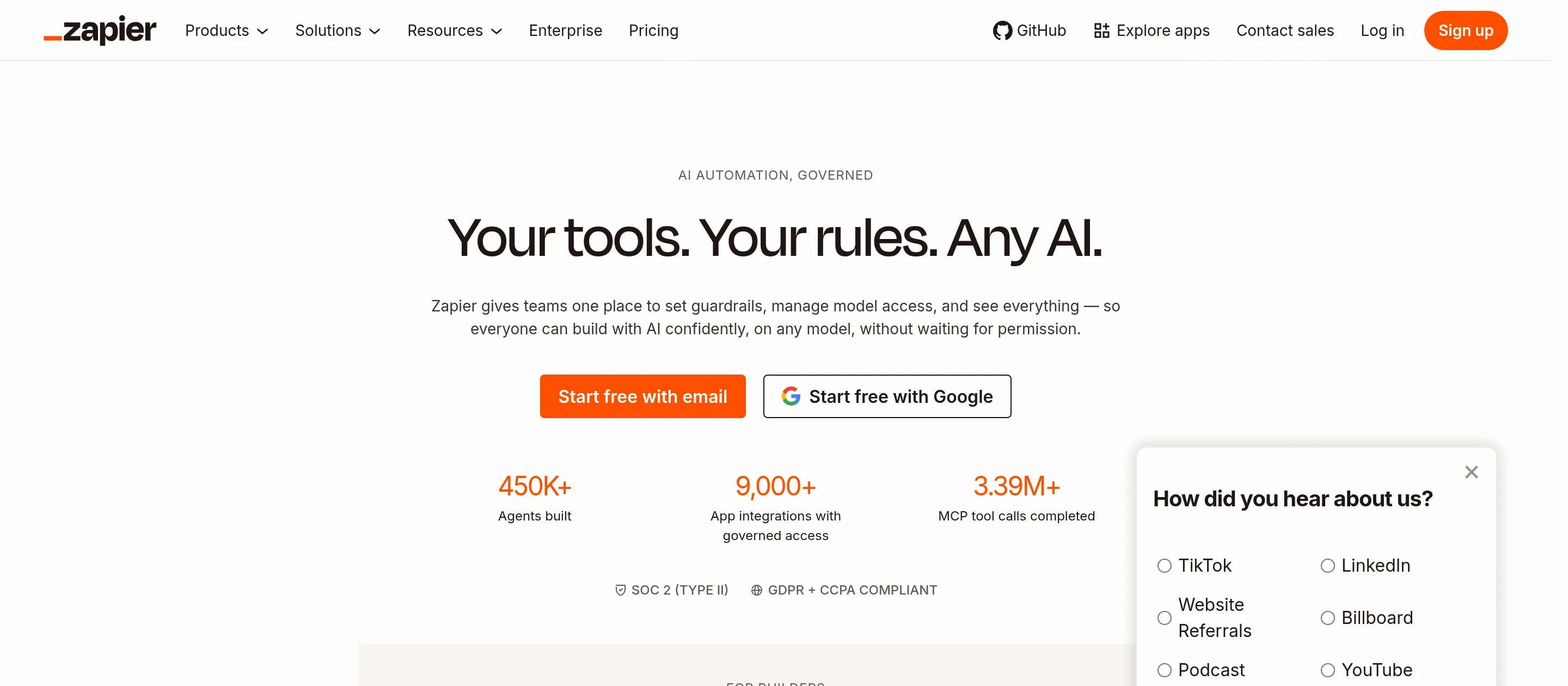
- Best for: Teams that need to connect a large, varied stack of SaaS apps with no-code automations.
- Score: 4.4/5
- Pricing: Free; Professional $19.99/month; Team $69/month; Enterprise custom.
What it is: Zapier is the automation backbone for thousands of teams, now with an AI Copilot that builds workflows from a description and AI Agents on top of its connector engine. Its real moat is breadth: it connects to more than 9,000 apps, more than anything else here.
How I used it: I have used Zapier as the reliable glue between tools, wiring a website form to a CRM and a Slack alert without writing code. It quietly saves hours a month, though I keep an eye on task usage because the cost climbs as automations scale.
Key features:
- 9,000+ app integrations.
- AI Copilot to generate Zaps from plain language.
- Tables, Forms, and AI Agents built in.
Pros:
- Unmatched app coverage.
- Reliable and quick to set up for simple automations.
Cons:
- Costs climb as task volume grows.
- Complex, branching logic can need workarounds.
Bottom line: Zapier is the best AI automation tool when connecting a wide range of apps matters more than deep autonomy.
AI coding tools
7. Cursor: best for AI-assisted coding
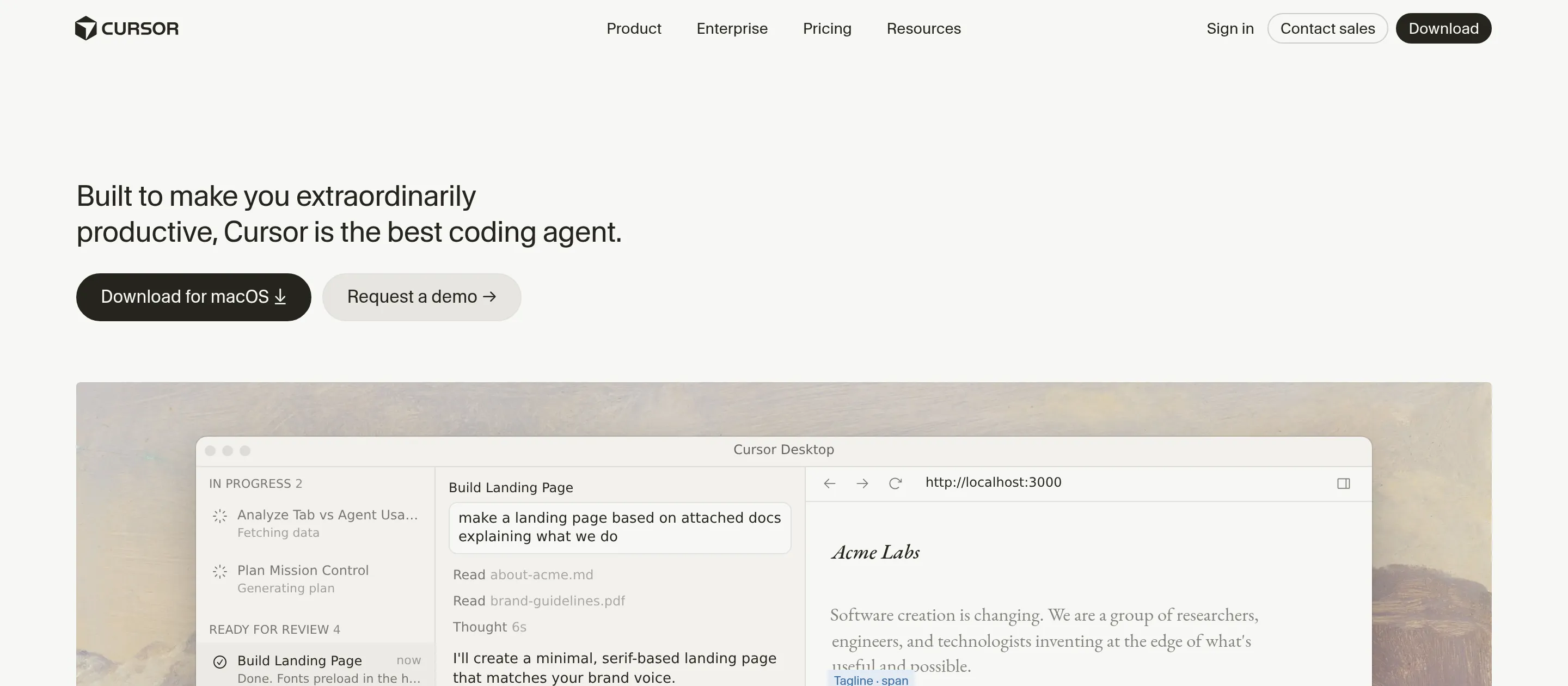
- Best for: Developers who want an AI pair-programmer built into their editor.
- Score: 4.5/5
- Pricing: Hobby free; Pro $20/month; Teams $40/seat/month; Ultra higher tier. Latest model Composer 2.5, plus access to frontier models.
What it is: Cursor is an AI-first code editor with an agent mode that reads and edits across your whole codebase. It is a developer favorite for fast, hands-on coding where you stay in control of each change. Two strong alternatives in this slot: Claude Code in the terminal, and GitHub Copilot inside existing editors.
How I used it: I leaned on Cursor heavily in the early days of building the Craze website, using its agent mode to scaffold pages and refactor across files. It is fast and keeps me in control of edits, which is exactly what I want from an in-editor assistant, though I have hit the same gripe others mention, that an update restarting the app mid-session can interrupt a running dev server.
Key features:
- Agent mode that edits across multiple files.
- Codebase-aware semantic search.
- Composer 2.5 plus a choice of frontier models.
Pros:
- Fast, and you keep control over every change.
- Beloved by developers for daily coding work.
Cons:
- Pricing has changed more than once and can confuse.
- Output still needs review; it is an assistant, not a replacement.
Bottom line: Cursor is the best AI coding tool for developers who want speed and control inside their editor.
AI image, video, and voice
8. Midjourney: best for AI image generation
- Best for: Anyone who wants the most striking, artistic AI images and is willing to learn its workflow.
- Score: 4.4/5
- Pricing: Basic $12/month; Standard $30/month; Pro $60/month; Mega $120/month. No permanent free tier. Latest model v8.1.
What it is: Midjourney sets the bar for image quality. Its outputs have a distinctive, polished, almost cinematic look that other generators still chase. It rates 4.4 out of 5 on G2 and even higher on Product Hunt.
How I used it: I use Midjourney for concept art, brand visuals, and moodboards. The image quality is the best I have used, though the Discord-centric workflow takes getting used to and nailing exact, specific details can be a fight.
Key features:
- v8.1 model with best-in-class image quality.
- Style and reference controls for consistent looks.
- Strong community and prompt-sharing.
Pros:
- The best artistic image quality available.
- Fast iteration once you learn the prompts.
Cons:
- No free tier, and heavy use gets pricey.
- Discord-centric workflow and limited control over precise details.
Bottom line: Midjourney is the best AI image generator if quality is your priority and you can live with its workflow.
9. Runway: best for AI video generation

- Best for: Creators and marketers generating short AI video from text or images.
- Score: 4.1/5
- Pricing: Free (125 one-time credits); Standard $12/month (billed annually); Pro $28/month; Max $76/month; Enterprise custom. Latest model Gen-4.5, with access to Veo 3.1.
What it is: Runway is one of the leading AI video tools, turning text prompts and still images into short, surprisingly coherent clips. It now bundles access to several cutting-edge video models, not just its own.
How I used it: I have used Runway to generate short B-roll style clips from a single image and a prompt, which is where it shines for quick creative work. The results are impressive for the format, though the credit system takes some planning since different models burn credits at different rates.
Key features:
- Gen-4.5 model plus access to Veo 3.1 and others.
- Text-to-video and image-to-video generation.
- A broader suite of AI editing tools.
Pros:
- Among the best text and image to video quality available.
- Flexible access to multiple video models.
Cons:
- The credit system is complex to budget.
- Costs add up quickly on longer or higher-quality clips.
Bottom line: Runway is the best AI video generator for turning prompts and images into short, high-quality clips.
10. HeyGen: best for AI avatar and spokesperson videos
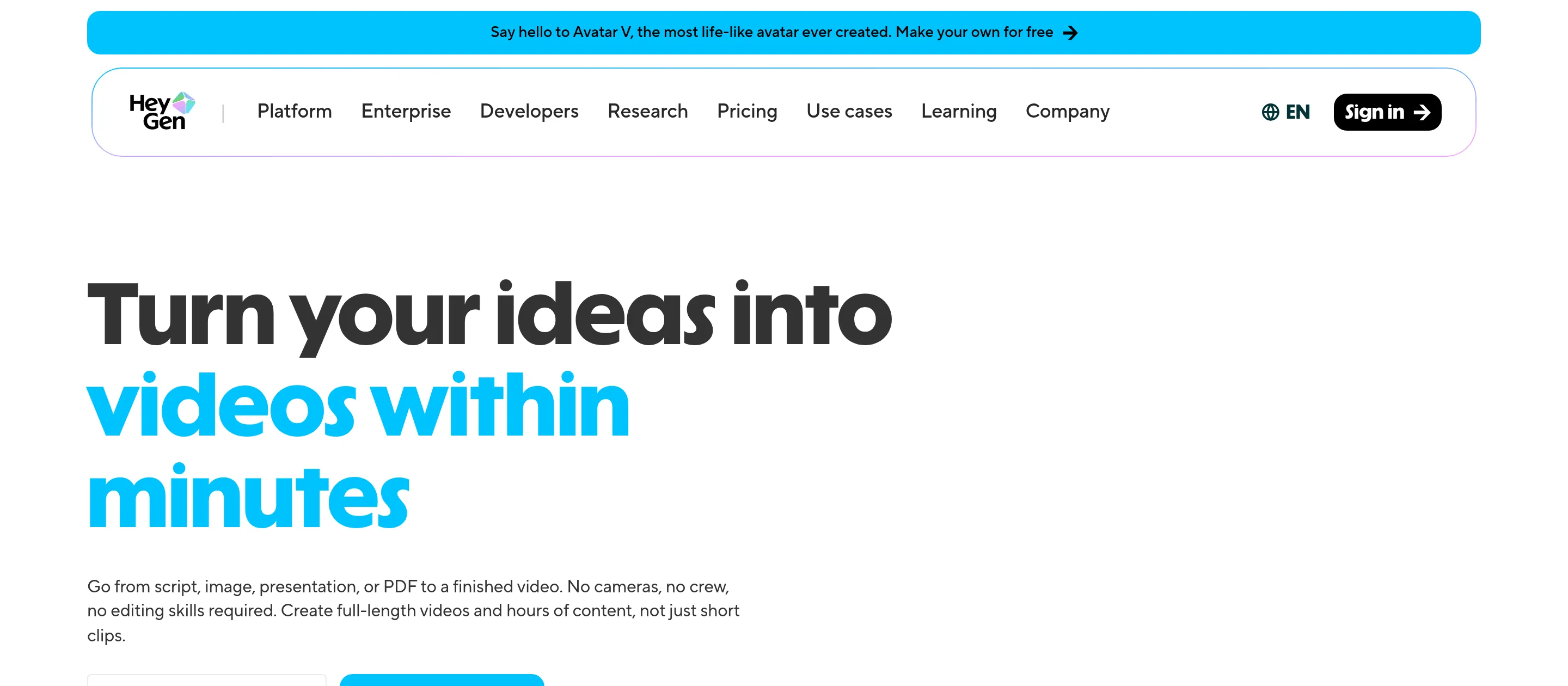
- Best for: Teams making talking-head and spokesperson videos at scale without a camera.
- Score: 4.3/5
- Pricing: Free (3 videos/month); Creator $29/month; Pro $49/month; Business $149/month; Enterprise custom. Latest avatar model Avatar V.
What it is: HeyGen turns a script into a video of a realistic AI avatar speaking, in 175+ languages. It is built for training videos, marketing clips, and localized content, and it rates 4.8 out of 5 on G2 from over 1,300 reviews. Synthesia is the main alternative, especially for enterprise.
How I used it: I have used HeyGen to turn a written script into a quick spokesperson video and to generate a localized version in another language, which is its strongest use. The avatars are convincing for most purposes, though longer videos burn credits fast and lip-sync can occasionally slip.
Key features:
- Avatar V model with realistic, expressive avatars.
- 175+ languages with voice cloning.
- Prompt-to-video generation from a script.
Pros:
- Realistic avatars and excellent language coverage.
- Fast way to produce video without filming.
Cons:
- Credit consumption is high on longer videos.
- Occasional lip-sync inconsistencies.
Bottom line: HeyGen is the best AI tool for avatar and spokesperson videos, especially when you need many languages.
11. ElevenLabs: best for AI voice and text-to-speech
- Best for: Anyone generating natural-sounding voiceover, narration, or cloned voices.
- Score: 4.5/5
- Pricing: Free (10k credits/month); Starter $6/month; Creator about $11 to $22/month; Pro $99/month; higher business tiers above.
What it is: ElevenLabs is the standout for AI voice. It produces text-to-speech that sounds genuinely human, supports voice cloning, and handles many languages, which is why it rates 4.8 out of 5 on G2 and gets cited constantly in audio communities.
How I used it: I have used ElevenLabs to generate clean voiceover for short videos and to test a cloned voice, and the realism is a clear step above other tools I tried. The main thing to watch is credit usage, which is easy to burn through faster than you expect on longer scripts.
Key features:
- Realistic, low-latency text-to-speech.
- Voice cloning and a large voice library.
- Broad multilingual support.
Pros:
- The best voice realism I have used.
- Affordable entry point at $6/month.
Cons:
- Credit usage can be opaque and adds up.
- Higher-quality tiers get expensive for heavy use.
Bottom line: ElevenLabs is the best AI voice tool for natural-sounding narration and voice cloning.
AI design and productivity
12. Canva (Magic Studio): best for AI-assisted design
- Best for: Non-designers who want to make polished graphics, social posts, and presentations fast.
- Score: 4.6/5
- Pricing: Free; Pro $15/month ($120/year, 500 AI credits/month); Teams custom. Magic Studio includes 20+ AI design tools.
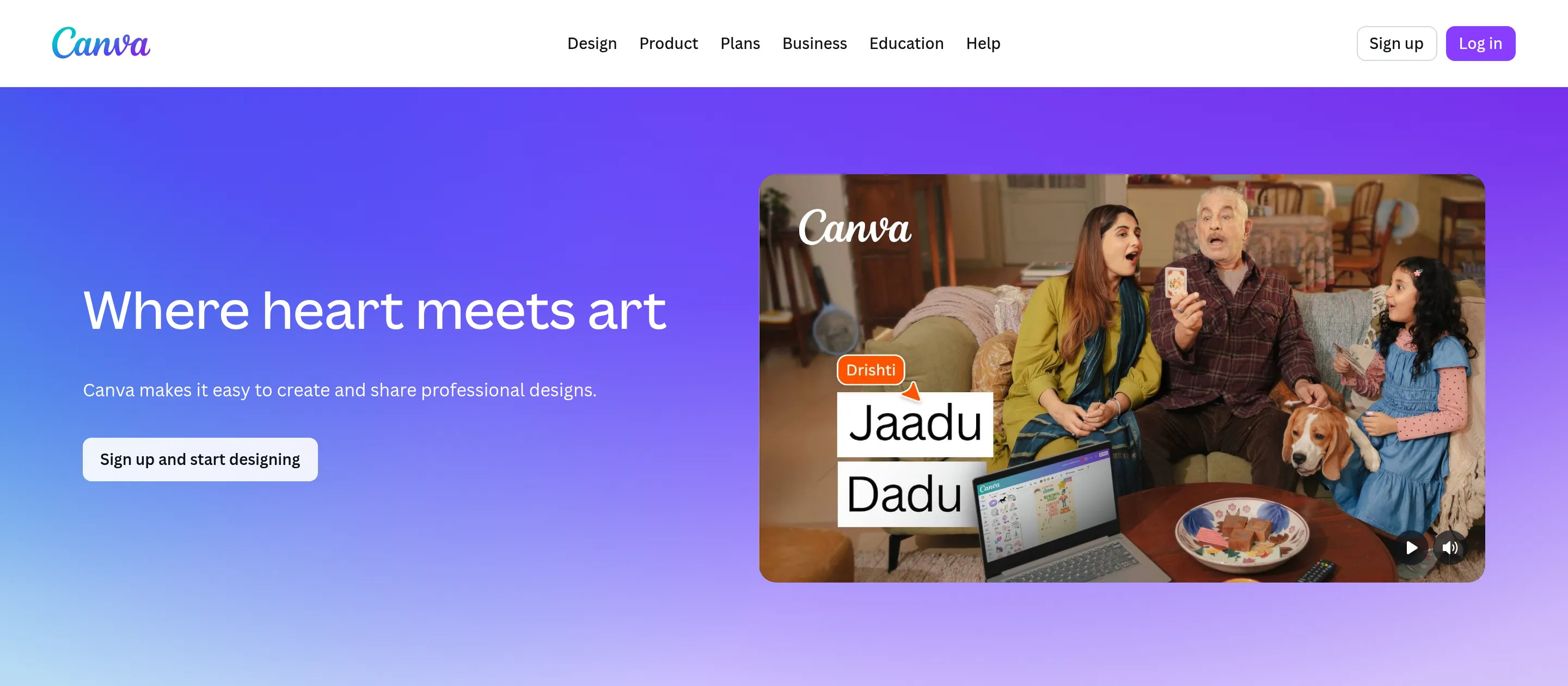
What it is: Canva is the design tool most people actually use, and Magic Studio layers AI across the whole thing: text-to-image, Magic Write, background removal, Magic Edit, and resizing. It is the easiest way to make something look good without any design skills.
How I used it: I use Canva the way most of its users do, for quick social graphics and presentation slides, leaning on Magic Studio to generate images and clean up photos. It is fast and approachable, though I have run into the common gripe that more and more good elements sit behind the Pro paywall.
Key features:
- Magic Studio suite of 20+ AI design tools.
- Huge template library and brand kit.
- Design, video, and presentations in one place.
Pros:
- The easiest design tool for non-designers.
- AI features built into a familiar workflow.
Cons:
- Growing paywalls on premium elements and AI credits.
- Limited control for advanced or precise design work.
Bottom line: Canva with Magic Studio is the best AI tool for fast, good-looking design without a designer.
13. Gamma: best for AI presentations
- Best for: Anyone who needs a presentation or simple site generated from an outline in minutes.
- Score: 4.2/5
- Pricing: Free (400 AI credits); Plus and Pro paid tiers (exact pricing shown after sign-up).
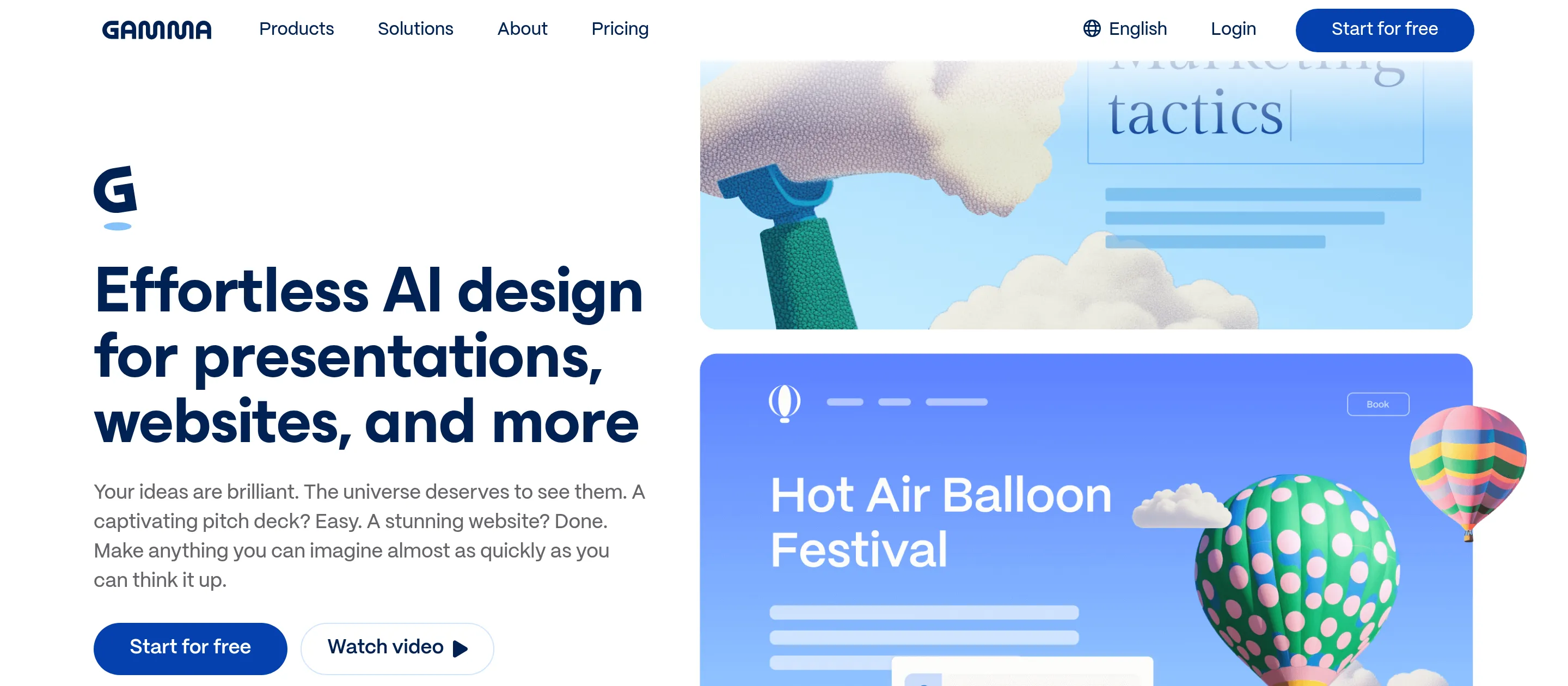
What it is: Gamma generates presentations, documents, and basic websites from a prompt or outline. You type what you want, and it produces a designed deck you can edit, skipping the blank-slide problem entirely.
How I used it: I have used Gamma to turn a rough outline into a presentable deck in a few minutes, which is exactly its strength when I need something fast rather than pixel-perfect. The generated design is genuinely good out of the box, though deep, precise customization is more limited than a full design tool.
Key features:
- Outline-to-deck and prompt-to-site generation.
- Built-in AI image generation and templates.
- Web-based, shareable, and editable output.
Pros:
- Fast, no-code way from idea to a designed deck.
- Clean default design with little effort.
Cons:
- Free tier is limited on credits and pages.
- Deep customization is constrained versus dedicated design tools.
Bottom line: Gamma is the best AI tool for generating a presentation fast when you would rather start from an outline than a blank slide.
14. Notion AI: best for AI notes and docs
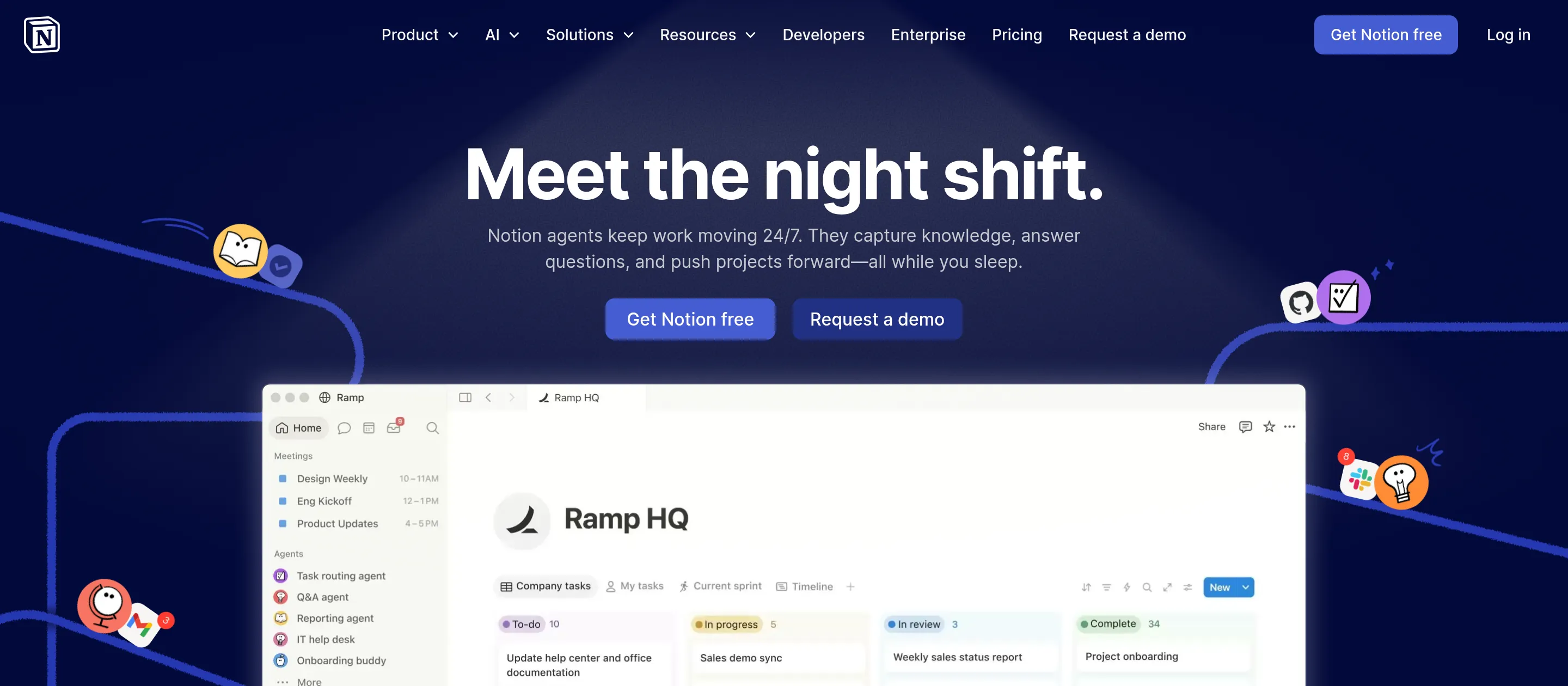
- Best for: People and teams who run their notes, docs, and projects in Notion and want AI built in.
- Score: 4.3/5
- Pricing: Free (limited AI); Plus $10/member/month; Business $20/member/month (Notion AI and Notion Agent). Enterprise custom.
What it is: Notion is the all-in-one workspace for notes, docs, wikis, and lightweight project management, and Notion AI lives right inside it. It summarizes, drafts, answers questions across your workspace, and now runs multi-step tasks with Notion Agent, with no context switching. NotebookLM, which is free with usage caps, is a good alternative if your need is purely research synthesis.
How I used it: I keep a lot of working docs in Notion, and I use its AI to summarize long pages and pull answers out of a messy workspace. It is genuinely useful right where the content already lives, though large databases slow down and the blank canvas can overwhelm newcomers.
Key features:
- Notion AI for summarizing, drafting, and Q&A across your workspace.
- Notion Agent for multi-step tasks.
- Flexible blocks, databases, and team collaboration.
Pros:
- AI built into the workspace where your content already lives.
- Flexible enough to run notes, docs, and projects together.
Cons:
- Slows down on very large databases.
- Steep learning curve, and AI features sit on higher tiers.
Bottom line: Notion AI is the best AI tool for notes and docs if your work already lives in a flexible workspace.
15. Otter.ai: best for AI meeting notes
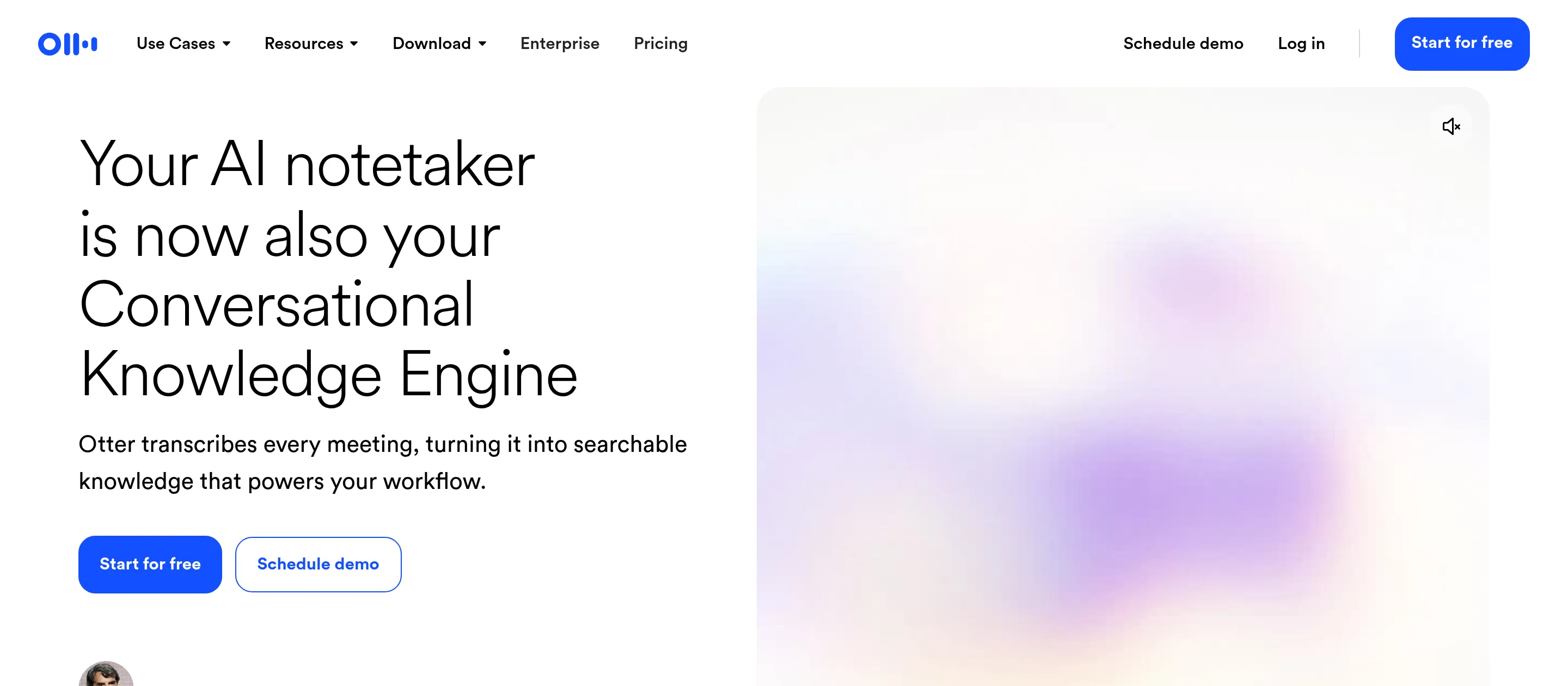
- Best for: Anyone who wants meetings transcribed, summarized, and searchable automatically.
- Score: 4.2/5
- Pricing: Free (300 minutes/month); Pro $16.99/month; Business $30/month; Enterprise custom.
What it is: Otter.ai joins your meetings, transcribes them in real time, identifies speakers, and produces summaries and action items. It rates 4.4 out of 5 on G2 from over 400 reviews and connects to Zoom, Teams, and Google Meet. Fathom is a strong free-leaning alternative.
How I used it: I have used Otter to capture calls so I am not scrambling to take notes, then searched the transcript afterward for the one decision that mattered. The real-time transcription and summaries are reliable for clear English audio, though accuracy dips with strong accents or crosstalk.
Key features:
- Real-time transcription with speaker identification.
- Automated summaries and action items.
- Integrations with Zoom, Teams, and Google Meet.
Pros:
- Accurate, fast transcription and useful summaries.
- Frees you from taking notes during calls.
Cons:
- Accuracy varies with accents and noisy audio.
- Strongest in English; limited language coverage.
Bottom line: Otter.ai is the best AI tool for turning meetings into searchable notes and summaries automatically.
AI tools compared: full specs
| Tool | Category | Free tier | Starting paid price | Standout capability | Underlying model/engine |
|---|---|---|---|---|---|
| ChatGPT | Assistant | Yes | $20/mo (Plus) | Most versatile general assistant | GPT-5.5 |
| Claude | Assistant | Yes | $20/mo (Pro) | Writing and coding quality | Claude Opus 4.8 |
| Google Gemini | Assistant | Yes | $20/mo (AI Pro) | Google + multimodal | Gemini 3.1 Pro / 3.5 |
| Perplexity | Search | Yes | $20/mo (Pro) | Cited real-time search | Multiple (Sonar + frontier) |
| Craze | Workspace | Yes ($0) | $20/mo (Plus) | Chat + agents + automation | Leading models (GPT-5.5, Claude, Gemini, and more) |
| Zapier | Automation | Yes | $19.99/mo (Pro) | 9,000+ app connections | Multiple |
| Cursor | Coding | Yes | $20/mo (Pro) | Codebase-aware editing | Composer 2.5 + frontier |
| Midjourney | Image | No | $12/mo (Basic) | Top image quality | v8.1 |
| Runway | Video | Yes | $12/mo (Standard) | Text/image to video | Gen-4.5 + Veo 3.1 |
| HeyGen | Video (avatar) | Yes | $29/mo (Creator) | Realistic avatars, 175+ languages | Avatar V |
| ElevenLabs | Voice | Yes | $6/mo (Starter) | Voice realism + cloning | ElevenLabs speech engine |
| Canva | Design | Yes | $15/mo (Pro) | 20+ AI design tools | Magic Studio |
| Gamma | Presentations | Yes | Paid tiers | Outline to deck | Gamma AI |
| Notion AI | Productivity | Yes | $20/member (Business) | AI inside the workspace | Multiple |
| Otter.ai | Meetings | Yes | $16.99/mo (Pro) | Real-time transcription | OtterPilot |
The best AI tool for you
After testing all 15, here is where I land. There is no universal winner, so match the tool to the job:
- Best overall assistant: ChatGPT, if you want one capable tool for everyday work.
- Best for writing and coding: Claude.
- Best for Google users and multimodal: Google Gemini.
- Best for search and research: Perplexity.
- Best all-in-one AI workspace: Craze, to chat across models, build no-code agents, and automate your work, free to start.
- Best free options: ChatGPT, Claude, Gemini, Perplexity, and Craze all start free; NotebookLM is free with usage caps.
- Best for images: Midjourney. For video: Runway, or HeyGen for avatars. For voice: ElevenLabs.
- Best for design: Canva. For presentations: Gamma. For notes: Notion AI. For meetings: Otter.ai.
- Best for automation: Zapier across many apps; Craze if you want agents and chat in the same place.
Pick the job first, and the tool mostly chooses itself.
FAQs
What are the top 10 AI tools?
Based on my testing, the top 10 AI tools in 2026 are ChatGPT, Claude, Google Gemini, Perplexity, Craze, Cursor, Midjourney, Runway, ElevenLabs, and Canva. Each leads a different category, so the right one depends on whether you need an assistant, search, coding, images, video, voice, or an all-in-one workspace.
Which AI tool should I start with?
If you are new to AI tools, start with one general assistant: ChatGPT for everyday versatility, or Claude if your work is mostly writing or code. Add a specialized tool only when you hit a job the assistant cannot do well, like images (Midjourney), video (Runway), or automating work across your apps (Craze). Most people only ever need two or three.
What are the 5 types of AI tools?
The five main types are AI assistants and chatbots (ChatGPT, Claude, Gemini), AI search and research (Perplexity, NotebookLM), generative and creative tools (Midjourney, Runway, ElevenLabs, Canva), AI productivity tools (Notion AI, Otter.ai, Gamma), and AI automation and agents (Craze, Zapier, Cursor).
What AI is better than ChatGPT?
It depends on the job. Claude is better for writing quality and coding, Perplexity is better for cited web search, and Gemini is better if you live in Google Workspace. For running your work from one place, Craze adds no-code agents and automation that a chatbot does not. ChatGPT remains the best general all-rounder, so better really means better for your specific task.
What is the best free AI tool?
Several are genuinely free to start. ChatGPT, Claude, Gemini, and Perplexity all have free tiers, Craze is free to use for an all-in-one workspace with a personal agent, and NotebookLM is free with usage caps. Craze is the best free pick if you want one place to chat, build agents, and automate.
What is the best AI tool for writing, images, and video?
For writing, Claude. For images, Midjourney. For video, Runway, or HeyGen if you need talking-avatar videos. These are the category leaders, and each beats a general assistant at its specific job.
Is Craze better than ChatGPT?
For pure frontier chat, ChatGPT is excellent and hard to beat. Craze's advantage is being one workspace where you chat across leading models, create no-code agents, and automate work across 1,000+ apps, free to start. They are built for different jobs, so the better choice depends on whether you want the best single assistant or one place to run your work.
Do I need to pay for AI tools?
No. Most of the tools here have real free tiers that are enough to get started. You usually only need to pay when you hit usage limits, want team features, or need the highest-quality outputs.
More Articles
The 11 Best AI Chatbots in 2026 (Tested & Compared)

I compared the 11 best AI chatbots of 2026, from ChatGPT and Claude to Gemini and Perplexity, with current pricing, honest pros and cons, and the best pick for each need.
The 10 Best AI Platforms in 2026 (Tested & Compared)
The 10 best AI platforms for 2026, compared across everyday chat, agents and automation, and enterprise, with pricing, honest pros and cons, and the best pick for each job.
The 12 Best AI Agents in 2026 for Every Use Case
I compared the 12 best AI agents across platforms, coding, and enterprise use, with current pricing, honest pros and cons, and a clear best-for pick for each.


