
The 12 Best AI Agents in 2026 for Every Use Case
I compared the 12 best AI agents across platforms, coding, and enterprise use, with current pricing, honest pros and cons, and a clear best-for pick for each.

By: Deepit Patil
Co-Founder and CTO
Published
Updated
Edited by Craze Editorial Team · See our Editorial Process
The right AI agent changes how you think about work. The wrong one is just another subscription you forget you are paying for.
I was a skeptic for a while. “AI agent” sounded like a fresh coat of paint on the automations we had used for years. What changed my mind was actually using them. Over the past year, while building Craze and running my own day-to-day work, I leaned on these tools for real tasks, and the good ones genuinely take work off your plate instead of just chatting about it.
So I put the field to the test and compared 12 AI agents across six criteria, from no-code builders to autonomous coding agents to enterprise support tools. This guide is what I found: what each tool is genuinely best for, where it falls short, and who should use it.
One thing up front. Craze is the platform my team and I build, so I have listed it first and been honest about where it wins and where a more specialized tool beats it. Here is how they stack up.
The short answer: there is no single best AI agent; the right one depends on the job. For an all-in-one platform to create and run multiple agents alongside multi-model chat, Craze is my top pick and is free to start. For coding, use Cursor (in-editor) or Devin (autonomous tickets). For multi-agent teams, Relevance AI. For customer support, Intercom Fin. For Salesforce enterprises, Salesforce Agentforce. For Microsoft 365 teams, Microsoft Copilot Studio.
Key takeaways
- There is no single best AI agent. The right pick depends on the job: general automation, coding, customer support, or running a team of agents.
- You do not have to pay to start. Craze has a free plan, and n8n is free if you self-host.
- Coding is a special case. For shipping production code, use a dedicated coding agent, not a general platform.
- Enterprise support and CRM are won by specialists. Tools like Intercom Fin and Salesforce Agentforce go deeper in their niche than any general platform.
- Watch the pricing model. Credit and per-action billing, common in agent builders, can climb fast, so check how each tool charges before you commit.
What is an AI agent?
Here is how I think about it. An AI agent is software you hand a goal to, and it works out the steps and does them. Not “answer my question,” but “watch this inbox and draft the replies,” or “pull these numbers every Monday and drop them in Slack.” It plans, uses your tools, and follows through without you nudging it at each step.
The label gets stretched a lot, though. Some agents are no-code helpers you set up in an afternoon. Others open a codebase and ship a fix, or quietly clear thousands of support tickets in the background. They are not chasing the same job, which is exactly why there is no single best agent. So I have organized this guide around what you actually want one to do. If you would rather roll your own, here is how to build an AI agent without code.
How I compared these AI agents
I scored each tool from 1 to 5 on six criteria, then looked at the overall picture rather than chasing a single winner:
- Ease of use: how quickly a non-developer can get an agent working.
- Capability and autonomy: how much the agent can do without hand-holding.
- Integrations: how well it connects to the apps where your work already lives.
- Pricing value: what you get for the money, and how predictable the cost is.
- Scalability and team features: how it grows from one user to a team.
- Support and docs: how easy it is to get unstuck.
Pricing reflects published rates as of June 2026 and changes often, so check the vendor’s page before you buy. Third-party ratings are noted where I could verify them.
Top AI agents: side-by-side comparison
Here is every tool side by side for a quick comparison of best-for, pricing, and score. Want the full story on any one of them? Jump to the detailed reviews .
| Rank | Tool | Best for | Starting price | Standout strength | Watch for | Score |
|---|---|---|---|---|---|---|
| 1 | Craze | Creating and running daily workflows with no-code agents | Free ($0); Plus $20/mo | 8 models + 1,035 connectors, no API keys | Newer than incumbents | 4.3 |
| 2 | Lindy | No-code personal and business agents | Free trial; $49.99/mo | Friendly no-code agents tied to real tools | Credits get pricey on complex flows | 4.2 |
| 3 | Relevance AI | Multi-agent teams (swarms) | Free trial; Enterprise (custom) | Coordinated agent swarms out of the box | Complexity and cost at scale | 4.0 |
| 4 | Gumloop | Data scraping and enrichment workflows | Free; $37/mo | Visual scraping and data flows | Tiny review base; credit limits | 3.7 |
| 5 | n8n | Self-hosted automation with data control | Free (self-host); EUR 24/mo cloud | Open source, runs on your infra | Technical setup; not no-code | 4.3 |
| 6 | Zapier Agents | Reaching the widest app stack | Free; $29.99/mo | 8,000+ app connections | Agents still maturing | 4.0 |
| 7 | Cursor | Developers who want an AI-first IDE | Free; $20/mo | Fast, local-first coding agent | Costs scale with heavy use | 4.0 |
| 8 | Devin AI | Autonomous engineering tickets | Free; $20/mo | Closest to a hands-off engineer | Still needs oversight | 3.5 |
| 9 | Salesforce Agentforce | Salesforce-native CRM workflows | Free (Foundations); $2/conversation | Deep CRM context | Steep setup; pricey at scale | 3.7 |
| 10 | Intercom Fin | High-volume customer support | $0.99/resolution | Transparent per-resolution pricing | Cost climbs at high volume | 4.2 |
| 11 | Microsoft Copilot Studio | Teams inside Microsoft 365 | $200/credit pack; M365 add-ons | Deep Microsoft 365 integration | Complex credit accounting | 4.0 |
| 12 | Manus | Hands-off general task automation | Free; $20/mo | Runs end-to-end tasks in a sandbox | Credit burn; variable reliability | 3.5 |
The 12 Best AI Agents in 2026
Alright, here is the full rundown. I will take each tool in order, starting with my top pick, and give you the honest version: what it is genuinely good at, what it costs, and where it falls short.
1. Craze: best for creating and running daily workflows with no-code agents
- Best for: Individuals and teams who want to run their daily personal and business workflows with no-code AI agents, without managing API keys or per-action billing to get started.
- Score: 4.3/5
- Pricing: Free to use ($0/month, AI Personal Agent); Plus $20/month (unlimited users and multiple agents across your team); Pro $80/month; Max $200/month; Enterprise custom.
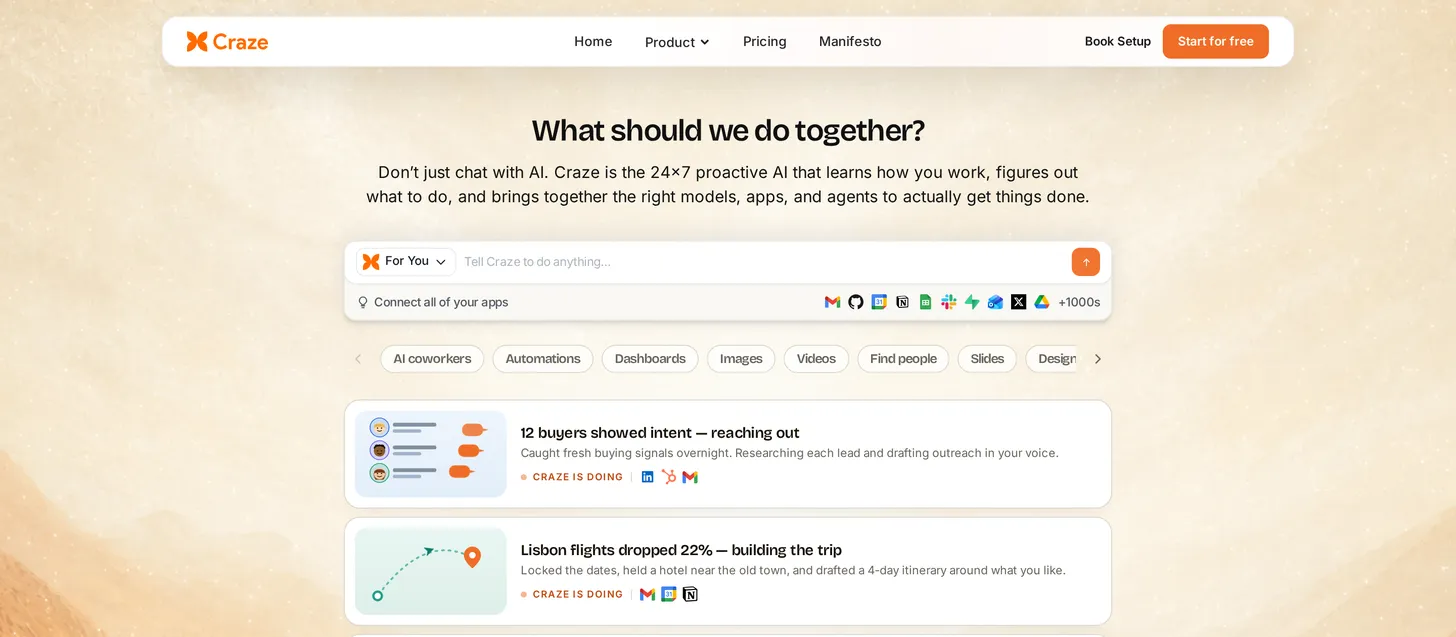
What it is: I build Craze with my team, so here is the honest case for it. Craze is the AI workspace platform you run your work from, not a single-purpose agent. You chat across leading models, create no-code AI agents just by describing what you want, connect the apps you already use, and let the agents handle recurring work on their own.
How I used it: I built a couple of agents just by describing them in chat, one to draft replies to incoming sales emails and another to pull weekly numbers into a Google Sheet. Connecting Gmail and Sheets took a few clicks with no API keys, and because the automations run in the cloud, they kept going on their own without my laptop being open.
Key features:
- Currently 8 leading models in one place (GPT-5.5, Claude Opus 4.7, Sonnet 4.6, Haiku 4.5, Gemini 3.1 Pro, DeepSeek V4 Pro, Grok 4.20, Kimi K2.6), switchable mid-conversation, with new models added regularly.
- Currently 1,035 app connectors so agents can read, write, and automate work in tools like Gmail, Slack, Notion, HubSpot, GitHub, Salesforce, and Google Workspace, with new integrations added every day.
- Create no-code agents just by chatting, and run multiple agents across a team .
- Agent automations run in the cloud, so you do not have to keep your laptop on or open for them to run.
- Workflows and scheduling for recurring, hands-off work.
- No API keys to manage; Craze handles authentication, billing, and rate limits.
Pros:
- One platform for chat, agents, workflows, and scheduling, so you are not stitching tools together.
- Genuinely free to start, and multiple agents land at a low $20/month rather than per-action credits.
- Broad model choice means you pick the right model per task instead of being locked to one.
Cons:
- Newer and less battle-tested than incumbents like Zapier or Salesforce.
- Not a specialized coding agent; for shipping production code, Cursor, Devin, or Claude Code go deeper.
- Not a deep vertical CRM or support product; Agentforce and Intercom Fin are purpose-built for those.
Bottom line: Craze is the best free AI workspace platform for running your daily personal and business workflows. You create no-code AI agents just by chatting, connect the apps you use every day like HubSpot, Google Docs, Drive, GitHub, and Salesforce, and let them automate and run your operations in the cloud.
2. Lindy: best for no-code personal and business agents
- Best for: Non-technical users who want polished no-code agents tied to email, calendar, and CRM.
- Score: 4.2/5
- Pricing: 7-day free trial (400 credits); Plus $49.99/month; Pro $99.99/month; Max $199.99/month; Enterprise custom. Credit-based.
What it is: Lindy is a no-code AI agent builder focused on everyday business work: agents that join meetings, watch inboxes, qualify leads, and handle follow-ups. It is one of the most recognized agent platforms and rates highly with users (G2 4.9 from 170 reviews).
How I used it: I set up Lindy’s notetaker agent to join my sales calls, then had it summarize each demo into a HubSpot-ready note and draft a follow-up email from the transcript. Building it from a template was genuinely no-code, though I kept an eye on credits as the steps added up.
Key features:
- Large library of prebuilt agent templates.
- Strong integration set across email, calendar, and CRM tools.
- Meeting and inbox automation.
Pros:
- Friendly, fast to set up for non-developers.
- Agents connect to the tools people actually use day to day.
Cons:
- The credit model can get expensive on complex, multi-step workflows.
- No permanent free tier, only a trial.
Bottom line: Lindy is the easiest way for a non-technical team to put no-code agents on real business tasks, as long as you watch credit usage on heavy workflows.
3. Relevance AI: best for multi-agent teams (swarms)
- Best for: Teams that need a coordinated group of specialized agents passing work between each other.
- Score: 4.0/5
- Pricing: Free to try; Enterprise pricing is custom (talk to sales). Relevance AI does not publish standard paid tiers on its pricing page.
What it is: Relevance AI is built around the idea of an agent “swarm,” where one agent finds leads, another researches them, and a third drafts outreach, all working together. If your use case genuinely needs multiple agents collaborating, it handles that orchestration natively.
How I used it: I built a small BDR-style agent team, one agent that researched an inbound lead across the web and our CRM and scored it against our ideal customer profile, and a second that drafted personalized outreach and logged it back to HubSpot. It was powerful once set up, but the configuration took longer than a single-agent tool.
Key features:
- Multi-agent “teams” with defined roles.
- Bring-your-own API key to control model costs.
Pros:
- Purpose-built for coordinated multi-agent work.
- Cost controls for teams that bring their own keys.
Cons:
- Interface and cost complexity grow at scale.
- Steeper learning curve than single-agent builders.
Bottom line: Relevance AI is the pick when you truly need a team of agents working together, not just one capable agent.
4. Gumloop: best for data scraping and enrichment workflows
- Best for: Operators who want drag-and-drop, automated data-scraping and enrichment flows.
- Score: 3.7/5
- Pricing: Free (5,000 credits/month); Pro from $37/month (20,000+ credits); Enterprise custom.
What it is: Gumloop is a visual workflow builder strong on scraping, enriching, and moving data. You drag nodes onto a canvas to build automations, which makes it approachable for non-developers doing data-heavy operations work.
How I used it: I built a flow that scrapes recent posts from a few subreddits, runs an LLM over them to pull out recurring pain points, and drops the structured results into a Google Sheet. Dragging the nodes for that data task was intuitive, and the visual layout made the logic easy to follow and tweak.
Key features:
- Visual, node-based workflow canvas.
- Data scraping and enrichment building blocks.
Pros:
- Clear, visual way to build data automations.
- Approachable for operations and growth teams.
Cons:
- Small public review base (G2 4.8 from only 6 reviews).
- Credit limits bite on heavy scraping jobs.
Bottom line: Gumloop is a strong choice for visual data-scraping and enrichment workflows, less so as a general-purpose agent.
5. n8n: best for self-hosted automation with data control
- Best for: Technical teams that must keep data on their own infrastructure.
- Score: 4.3/5
- Pricing: Self-hosted Community Edition free (unlimited executions); Cloud Starter EUR 24/month; Pro EUR 60/month; Business EUR 800/month.
What it is: n8n is open-source workflow automation with AI agent nodes, and it is the standout when data control matters. You can self-host the Community Edition for free and run everything on your own servers, which is why privacy- and compliance-minded teams favor it (G2 4.8 from around 239 reviews).
How I used it: I self-hosted n8n and built a daily agent that pulls posts from a few subreddits, RSS feeds, and Hacker News, has an LLM dedupe and rank them by relevance, and posts a clean digest to my Slack. The whole thing runs on my own server, which is exactly why I reached for n8n.
Key features:
- Open source, self-hostable with unlimited executions.
- Huge node library plus agent nodes.
Pros:
- Keeps data entirely on your infrastructure.
- Free and unlimited if you self-host.
Cons:
- Technical setup; not built for non-developers.
- You own the maintenance when self-hosting.
Bottom line: n8n is the best agent-capable automation tool for technical teams that need self-hosting and full data control.
6. Zapier Agents: best for reaching the widest app stack
- Best for: Teams whose automations have to touch a large, varied set of SaaS apps.
- Score: 4.0/5
- Pricing: Free tier; Professional $29.99/month; Team $103.50/month; Enterprise custom.
What it is: Zapier Agents brings AI agents to Zapier’s enormous connector ecosystem of 8,000+ apps. If your work spans dozens of niche tools, nothing matches that breadth for cross-app automation.
How I used it: I built an agent that watches new inbound leads from a website form, enriches each one from the web, adds it to the CRM, and drafts outreach, with a Slack approval step before anything sends. The breadth of connectors meant every app I needed was already supported, with no custom work.
Key features:
- 8,000+ app integrations.
- Natural-language agent setup on top of Zapier’s automation engine.
Pros:
- Unmatched app coverage.
- Easiest path to wiring agents across a wide stack.
Cons:
- The Agents tier is newer and still maturing.
- Deep logic can need workarounds, and the multi-product pricing takes reading.
Bottom line: Zapier Agents wins on sheer app breadth; pick it when connecting many tools matters more than deep autonomy.
7. Cursor: best for developers who want an AI-first IDE
- Best for: Developers who want an AI pair-programmer built into their editor.
- Score: 4.0/5
- Pricing: Hobby free; Pro $20/month; Pro+ $60/month; Ultra $200/month; Teams $40/seat/month.
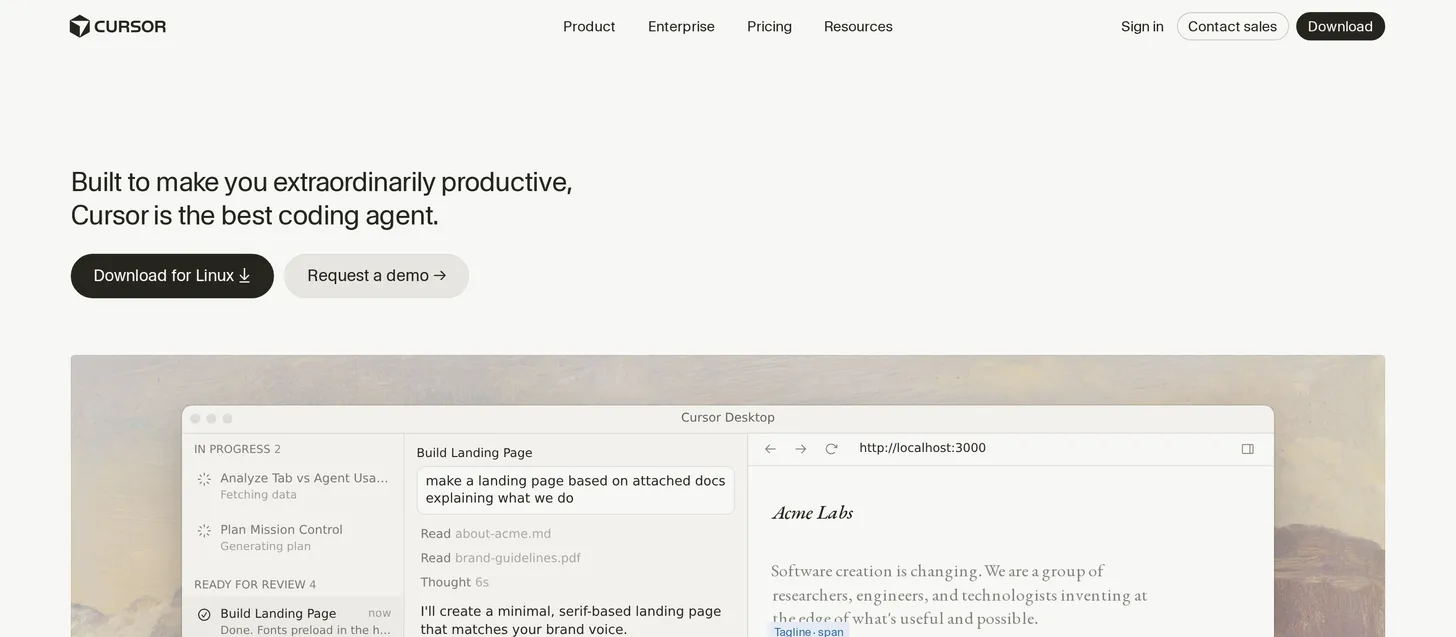
What it is: Cursor is an AI-first IDE with an agent mode that edits across your codebase locally. It is the developer favorite for fast, hands-on coding help where you stay in control of the edits, which shows in its ratings (Gartner Peer Insights 4.5 from 132 reviews). Two strong alternatives in this slot: Claude Code, a terminal-based agent included with Claude Pro, and Windsurf, which moved to a quota model in 2026.
How I used it: I leaned on Cursor heavily in the early days of building the crazehq website, using its agent mode to scaffold pages and refactor across files. It was fast and kept me in control of each edit, which is exactly what I want from an in-editor assistant.
Key features:
- Agent mode that edits across files.
- Local-first workflow inside a familiar IDE.
Pros:
- Fast, and you keep control over changes.
- Beloved by developers for daily coding.
Cons:
- Costs scale with heavy agent use.
- Ties you to its IDE.
Bottom line: Cursor is the best AI agent for developers who want speed and control inside their editor; for fully autonomous tickets, see Devin.
8. Devin AI: best for autonomous engineering tickets
- Best for: Engineering teams that want an agent to take a ticket and ship a fix with minimal supervision.
- Score: 3.5/5
- Pricing: Free; Pro $20/month; Max $200/month; Teams $80/month.
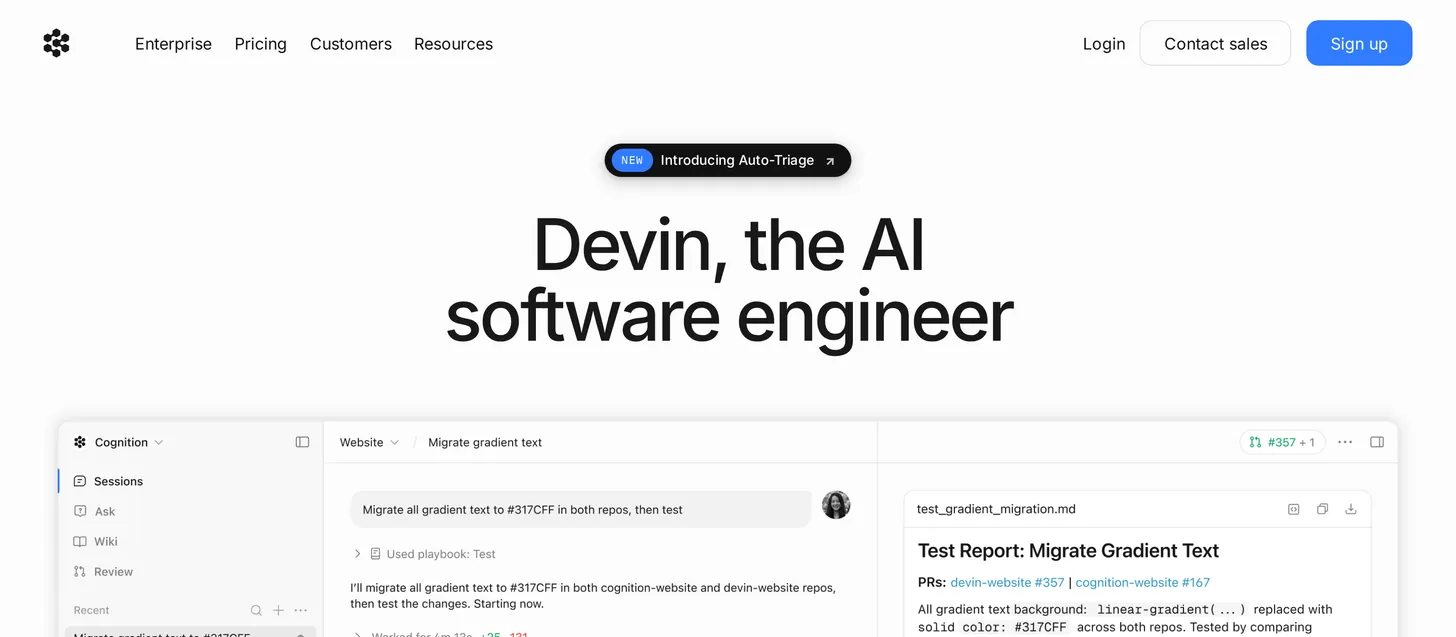
What it is: Devin, from Cognition, is the closest thing to a hands-off software engineer. It navigates a codebase, fixes bugs, and deploys features in its own sandbox. It has become far more accessible lately, with a free tier and Pro at $20/month. On Gartner Peer Insights it holds 4.0, though from a small sample of 3 reviews.
How I used it: I set Devin up to review every pull request pushed to our tool and website, as an automated first pass before a human signs off. It has worked really well in that role, catching issues early without slowing the team down.
Key features:
- Autonomous, end-to-end engineering tasks.
- Its own development sandbox.
Pros:
- Genuinely hands-off on suitable backlog tickets.
- Much cheaper entry point than before.
Cons:
- Still needs human oversight on anything complex.
- Costs still add up on long, heavy tasks.
Bottom line: Devin is the best pick when you want an agent to own a coding ticket end to end, with a human reviewing the result.
9. Salesforce Agentforce: best for Salesforce-native CRM workflows
- Best for: Enterprises that run their business inside Salesforce.
- Score: 3.7/5
- Pricing: Salesforce Foundations $0 (Agent Builder, Prompt Builder, 200k Flex Credits, for Enterprise Edition and above); then $2 per conversation, or Flex Credits at $500 per 100,000 credits.
What it is: Agentforce embeds AI agents directly in Salesforce, where they read CRM records, sales history, and case data natively and act inside those workflows. For Salesforce-heavy companies, that depth of context is hard to match (G2 4.3 from 1,112 reviews).
Key features:
- Native access to Salesforce CRM data.
- Agents that act inside enterprise Salesforce workflows.
Pros:
- Deepest fit for Salesforce-native organizations.
- Enterprise-grade scale.
Cons:
- Steep configuration; you need an admin team.
- Expensive at scale.
Bottom line: Agentforce is the right agent if your company already lives in Salesforce; otherwise the setup and cost are hard to justify.
10. Intercom Fin: best for high-volume customer support
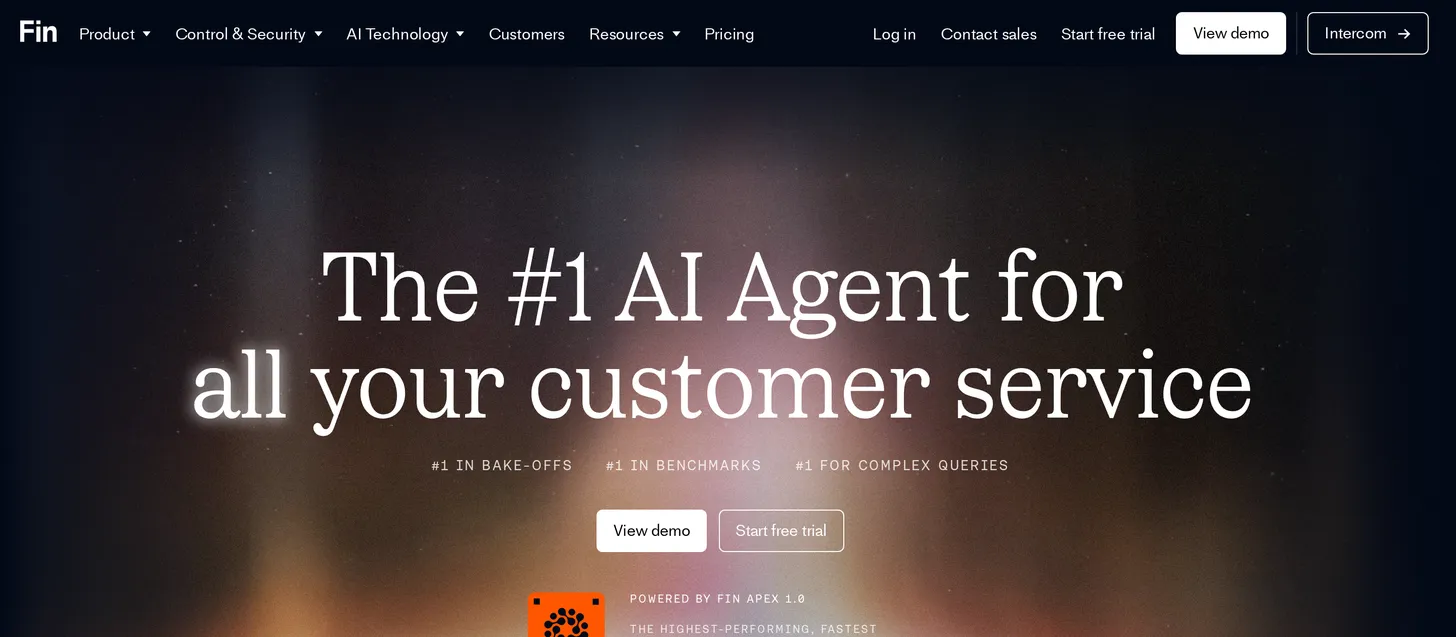
- Best for: Support teams that need to deflect a high volume of tickets with predictable cost.
- Score: 4.2/5
- Pricing: $0.99 per resolution (outcome), 50 outcomes per month minimum, works with your existing helpdesk; or Fin and Intercom together from $0.99 per outcome plus $29 per seat/month; 14-day free trial. Optional add-ons: Pro analytics $99/month, Copilot $35/user/month.
What it is: Fin is a customer-support AI agent priced per resolution. It resolves help-center tickets, hands off cleanly to humans, and is fast to set up. The per-resolution model makes costs easy to reason about until volume gets very high. Intercom itself rates 3.1 on Trustpilot from 513 reviews, so pilot it on your own tickets before committing.
Key features:
- Per-resolution pricing tied to outcomes.
- Polished human handoff.
Pros:
- Transparent, outcome-based pricing.
- Quick to deploy on an existing help center.
Cons:
- Cost climbs at very high ticket volume.
- Depth ceiling outside support use cases.
Bottom line: Fin is the best customer-support agent for clean per-resolution economics and fast setup.
11. Microsoft Copilot Studio: best for teams inside Microsoft 365
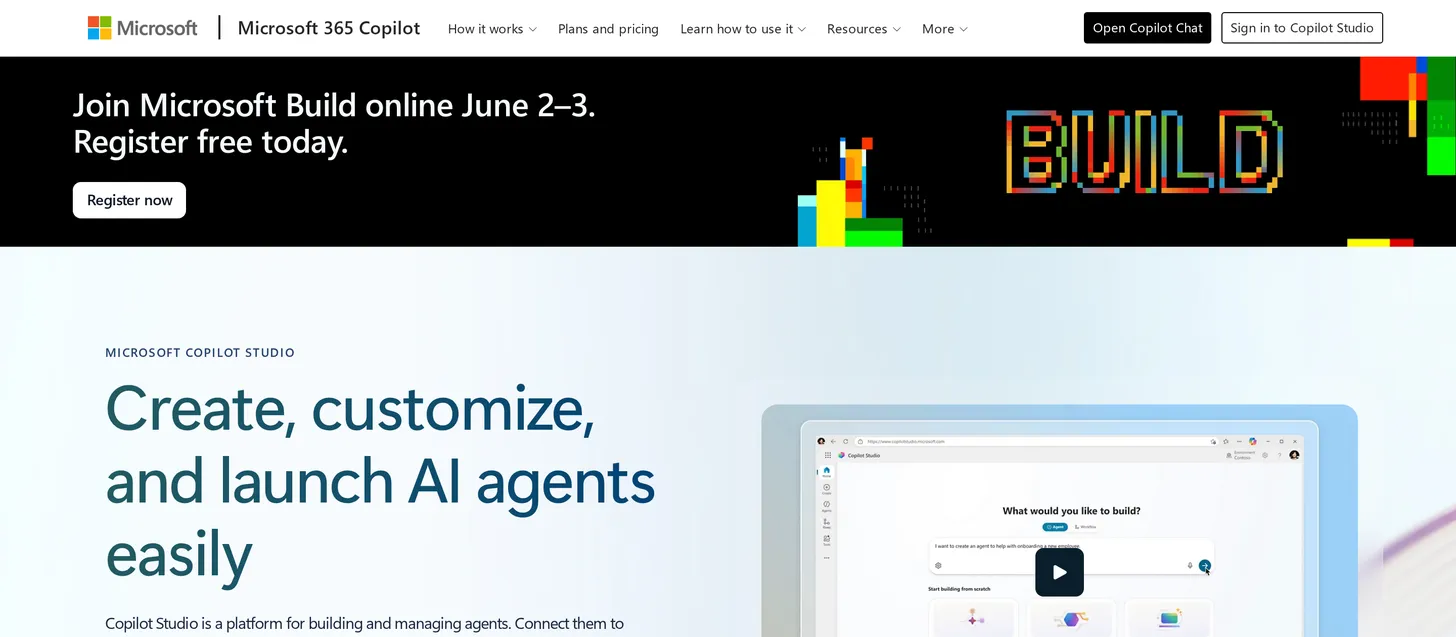
- Best for: Organizations standardized on Microsoft 365 and Teams.
- Score: 4.0/5
- Pricing: Copilot Credit packs $200/pack/month (25,000 credits) plus pay-as-you-go; M365 Copilot Business $18/user/month (promo through June 30, 2026; standard $21), Enterprise $30/user/month.
What it is: Copilot Studio is Microsoft’s no-code/low-code agent builder, tightly woven into the Microsoft 365 stack. If your company already runs on Teams, Outlook, and SharePoint, its native reach is the main reason to choose it.
How I used it: I built a simple internal FAQ agent in Copilot Studio that answers staff questions from our SharePoint documents right inside Teams. If your team lives in Microsoft 365, that native reach is the real draw, though the credit accounting took some reading to understand.
Key features:
- Deep Microsoft 365 and Teams integration.
- No-code and low-code building options.
Pros:
- Native fit for Microsoft-centric organizations.
- Enterprise governance built in.
Cons:
- Credit accounting is complex.
- Worth it mainly if you live in Microsoft 365.
Bottom line: Copilot Studio is the obvious agent builder for Microsoft 365 shops, and a hard sell for anyone else.
12. Manus: best for hands-off general task automation
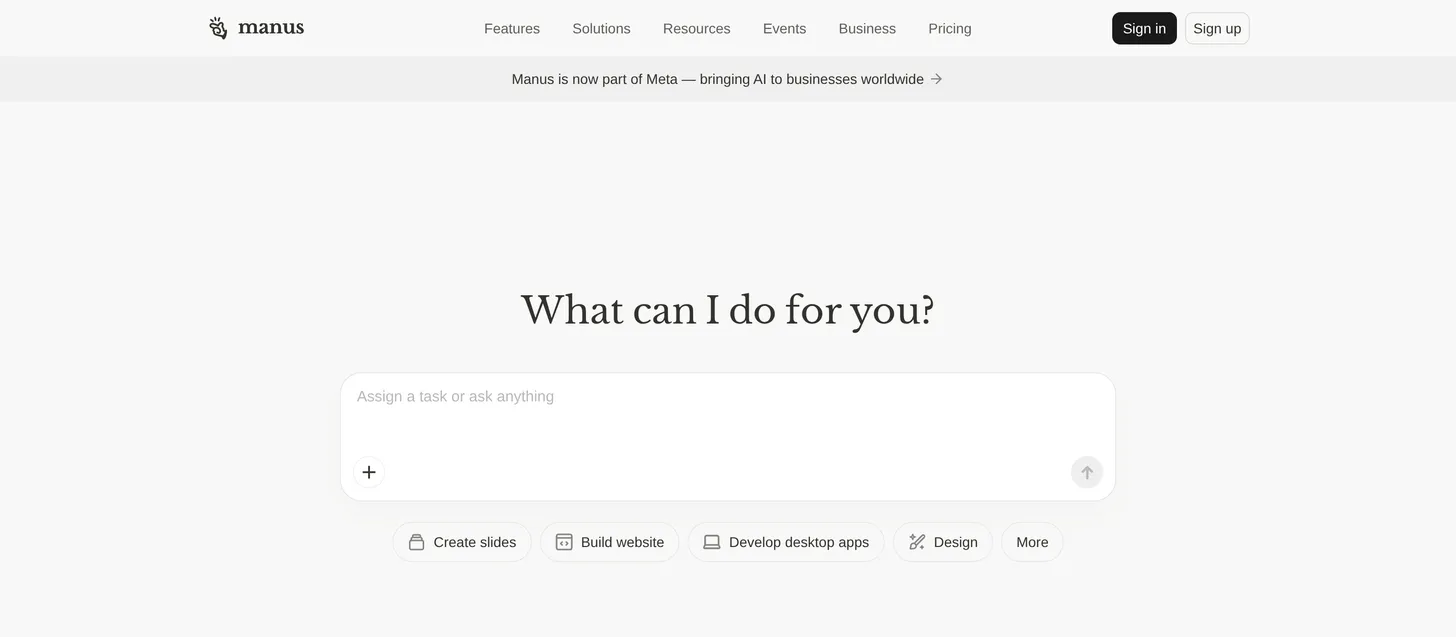
- Best for: Individuals who want one agent to run a general task end to end.
- Score: 3.5/5
- Pricing: Free ($0, 300 daily credits); Standard $20/month; Customizable $40/month; Extended $200/month; Team from $40/user/month.
What it is: Manus is a general autonomous agent that runs multi-step tasks in a cloud sandbox, from research to building simple deliverables. It got a lot of community attention for how hands-off it can be on the right tasks.
How I used it: I gave Manus a competitor-research task, and it browsed a set of public pricing and feature pages on its own and produced a structured comparison with citations. It handled the end-to-end flow hands-off, though it only works on public information, not anything behind a login.
Key features:
- End-to-end task execution in a sandbox.
- Free daily credits to try it.
Pros:
- Genuinely hands-off on suitable tasks.
- Easy, free way to experiment.
Cons:
- Credit burn on long tasks.
- Reliability varies by task type.
Bottom line: Manus is a fun, capable general agent for one-off autonomous tasks, but less predictable than a dedicated platform for recurring work.
AI agents compared: full specs
| Tool | Type | No-code | Multi-agent | Free tier | Self-host | Underlying models |
|---|---|---|---|---|---|---|
| Craze | Platform | Yes | Yes (Plus) | Yes ($0) | No | GPT-5.5, Claude Opus 4.7, Gemini 3.1 Pro, DeepSeek V4 Pro, Grok 4.20, Kimi K2.6 |
| Lindy | Builder | Yes | Yes | Trial only | No | Multiple (frontier) |
| Relevance AI | Platform | Partial | Yes (swarms) | Trial | No | BYO key + hosted |
| Gumloop | Builder | Yes | Partial | Yes | No | Multiple |
| n8n | Builder | No | Yes | Yes (self-host) | Yes | BYO / multiple |
| Zapier Agents | Builder | Yes | Partial | Yes | No | Multiple |
| Cursor | Coding | No | No | Yes | No | Multiple (frontier) |
| Devin AI | Coding | No | No | Yes | No | Proprietary |
| Salesforce Agentforce | Enterprise | Partial | Yes | Yes (Foundations) | No | Salesforce/Atlas |
| Intercom Fin | Enterprise | Yes | No | Trial only | No | Multiple |
| Microsoft Copilot Studio | Enterprise | Yes | Yes | Trial/M365 | No | OpenAI (Azure) |
| Manus | General | Yes | Partial | Yes | No | Multiple |
Pricing is in the comparison table near the top. “Partial” no-code means some technical setup.
The best AI agent for you
After comparing all 12, here is where I land. There is no universal winner, so match the agent to the job:
- Best overall platform: Craze, if you want to run daily workflows with no-code agents alongside multi-model chat.
- Best free option: Craze to start at $0, or n8n if you can self-host.
- Best for coding: Cursor for in-editor pairing, Devin for autonomous tickets, Claude Code for the terminal.
- Best for multi-agent teams: Relevance AI.
- Best for customer support: Intercom Fin.
- Best for Salesforce enterprises: Salesforce Agentforce.
- Best for Microsoft 365 teams: Microsoft Copilot Studio.
Match the agent to the job and most of the decision makes itself.
FAQs
What is an AI agent?
An AI agent is software that can plan, use tools, and complete multi-step tasks on its own. Unlike a chatbot, which replies to one message at a time, an agent takes actions across steps, such as reading data, making a change, and following up later.
What is the best AI agent in 2026?
It depends on the job. For an all-in-one platform to create and run multiple agents, Craze is my top pick. For coding, Cursor or Devin; for customer support, Intercom Fin; for Salesforce enterprises, Agentforce.
Are AI agents free? What is the best free AI agent?
Several have real free options. Craze has a free plan with a personal agent, n8n is free if you self-host, and Cursor, Devin, and Manus have free tiers. Craze is the best free pick if you want a no-setup platform; n8n if you are technical and want self-hosting.
What is the difference between an AI agent and a chatbot?
A chatbot answers questions in a conversation. An AI agent plans and takes actions across multiple steps and tools to finish a task, often without being prompted at each step.
What is the best AI agent for coding?
For shipping real code, use a dedicated coding agent: Cursor for an AI-first IDE, Devin for autonomous tickets, or Claude Code in the terminal. A general agent platform is not the right tool for production engineering work.
What is the best AI agent for customer service?
Intercom Fin is excellent for high-volume support with per-resolution pricing, and Ada is a strong enterprise option. These purpose-built support agents go deeper on ticket deflection than a general platform.
Is Salesforce Agentforce better than Craze?
For an enterprise that runs everything inside Salesforce, yes; Agentforce reads CRM data natively and acts inside those workflows. For multi-model chat, running multiple agents, broad integrations, and a low cost to start, Craze is the more flexible and affordable choice.
Can I build my own AI agent without coding?
Yes. Craze, Lindy, Gumloop, and Microsoft Copilot Studio all let you build agents with no code. Craze and Lindy are the fastest to start for non-technical users.
Can multiple AI agents work together?
Yes. Relevance AI is built for coordinated agent swarms, and Craze lets you create and run multiple agents across a team on its Plus plan.
More Articles
The 11 Best AI Chatbots in 2026 (Tested & Compared)

I compared the 11 best AI chatbots of 2026, from ChatGPT and Claude to Gemini and Perplexity, with current pricing, honest pros and cons, and the best pick for each need.
The 10 Best AI Platforms in 2026 (Tested & Compared)
The 10 best AI platforms for 2026, compared across everyday chat, agents and automation, and enterprise, with pricing, honest pros and cons, and the best pick for each job.
The 15 Best AI Tools in 2026 (Tested by Category)
The 15 best AI tools for 2026, tested by category across writing, search, images, video, coding, and automation, with pricing, pros and cons, and the best pick for each job.


