
The 11 Best AI Chatbots in 2026 (Tested & Compared)
I compared the 11 best AI chatbots of 2026, from ChatGPT and Claude to Gemini and Perplexity, with current pricing, honest pros and cons, and the best pick for each need.

By: Roshan Mhatre
Founding Engineer
Published
Updated
Edited by Craze Editorial Team · See our Editorial Process
Everyone has a favorite AI chatbot, and almost no one has actually compared them. Most people opened ChatGPT in 2023, never looked back, and have no idea whether they are using the right tool for what they do all day.
I spent the past few months using the major chatbots side by side for real work: drafting, research, coding, quick questions, and the occasional weird request to see where each one breaks. I also help build Craze, an AI workspace that plugs several of these models in directly, so I sit with their raw outputs more than most. What surprised me is how different they have become: these are not interchangeable apps, and which one comes out ahead depends entirely on what you are trying to do.
So I compared the 11 chatbots people actually use in 2026 and scored each one. Here is what each is genuinely best at, what it costs, and who should use it.
The short answer: ChatGPT is the best all-around AI chatbot for most people. For coding and serious writing, use Claude. For cited research, use Perplexity. For Google Workspace, use Gemini. For Windows and Microsoft 365, use Copilot. If you do not want to pay, DeepSeek, Kimi, and the free tiers of ChatGPT, Gemini, and Claude are strong.
TL;DR
- There is no single best AI chatbot. ChatGPT is the best default, but the right pick depends on the job: coding, research, ecosystem, or roleplay.
- You do not have to pay to get a great chatbot. DeepSeek and Kimi are free, and ChatGPT, Gemini, Claude, and Copilot all have usable free tiers.
- For specialist work, skip the generalists. Claude wins for coding and writing, and Perplexity wins for research you can actually verify.
- Your existing tools decide a lot. Gemini is the natural fit inside Google Workspace, and Copilot is the fit inside Windows and Microsoft 365.
- Watch the pricing model. Plans run from free to $200 a month, so match the tier to how much you actually use it.
What is an AI chatbot?
An AI chatbot is a program you talk to in plain language that uses a large language model to understand your question and write a useful response. The best ones in 2026 go well beyond text: they browse the web, read files, see images, talk out loud, and write code.
It is worth separating a chatbot from an AI agent . A chatbot answers you in a conversation, one turn at a time. An agent plans and takes actions across multiple steps and tools to finish a task on its own. The tools below are chatbots first, though several are growing agent-style features. If the distinction matters for your use case, here is how an AI agent differs from a chatbot .
How I tested and picked these chatbots
I compared the 11 leading AI chatbots people actually use in 2026, scoring each from 1 to 5 across five criteria, then looked at the whole picture instead of crowning one winner:
- Answer quality: reasoning, accuracy, and depth on real questions.
- Versatility: voice, images, file handling, and live web access.
- Ease of use: how fast it is to get a good answer.
- Integrations: how well it fits the tools and ecosystem you already use.
- Value: what you get free versus what you pay.
Because we offer several of these models inside Craze, I see their outputs on the same prompts all the time, which gives me a close read on where each one is genuinely strong and where it quietly falls short. Pricing reflects published rates as of June 2026 and changes often, so check the vendor’s page before you buy.
The 11 best AI chatbots at a glance
Here is every chatbot side by side. Want the detail on any one? Jump to the full reviews .
| Rank | Chatbot | Best for | Starting price | Standout strength | Watch for | Score |
|---|---|---|---|---|---|---|
| 1 | ChatGPT | Best overall, all-around use | Free; Plus $20/mo | The most capable all-rounder | Ads on the low-cost Go plan | 4.7 |
| 2 | Claude | Coding and long-form writing | Free; Pro $20/mo | Cleanest reasoning and writing | No native image generation | 4.6 |
| 3 | Google Gemini | Google Workspace and fast research | Free; AI Pro $19.99/mo | Lives inside Gmail, Docs, Drive | Answers can be uneven | 4.4 |
| 4 | Perplexity | Research and fact-checking | Free; Pro $20/mo | Cited, sourced answers | Not built for long creative work | 4.3 |
| 5 | Microsoft Copilot | Windows and Microsoft 365 | Free; M365 from $99.99/yr | Works inside Office apps | Best value only inside Microsoft | 4.1 |
| 6 | Grok | Real-time X and news | Free; SuperGrok $30/mo | Wired into X, less filtered | Top features are pricey | 3.9 |
| 7 | DeepSeek | Best free chatbot for reasoning | Free | Frontier reasoning at no cost | China-hosted data concerns | 4.2 |
| 8 | Kimi | Long documents and agentic coding | Free | Big context and agent tools, free | China-hosted data concerns | 4.1 |
| 9 | Meta AI | Casual chat in apps you use | Free | Built into WhatsApp and Instagram | Lighter on serious work | 3.7 |
| 10 | Character.AI | Roleplay and companion chat | Free; c.ai+ $9.99/mo | Persona and character chat | Not for productivity | 3.8 |
| 11 | Mistral Le Chat | Cheap premium and EU privacy | Free; Pro $14.99/mo | Cheapest major premium plan | Smaller feature set | 4.0 |
The 11 Best AI Chatbots in 2026
Here is the full rundown, in order, with the honest version of what each one is good at, what it costs, and where it falls short.
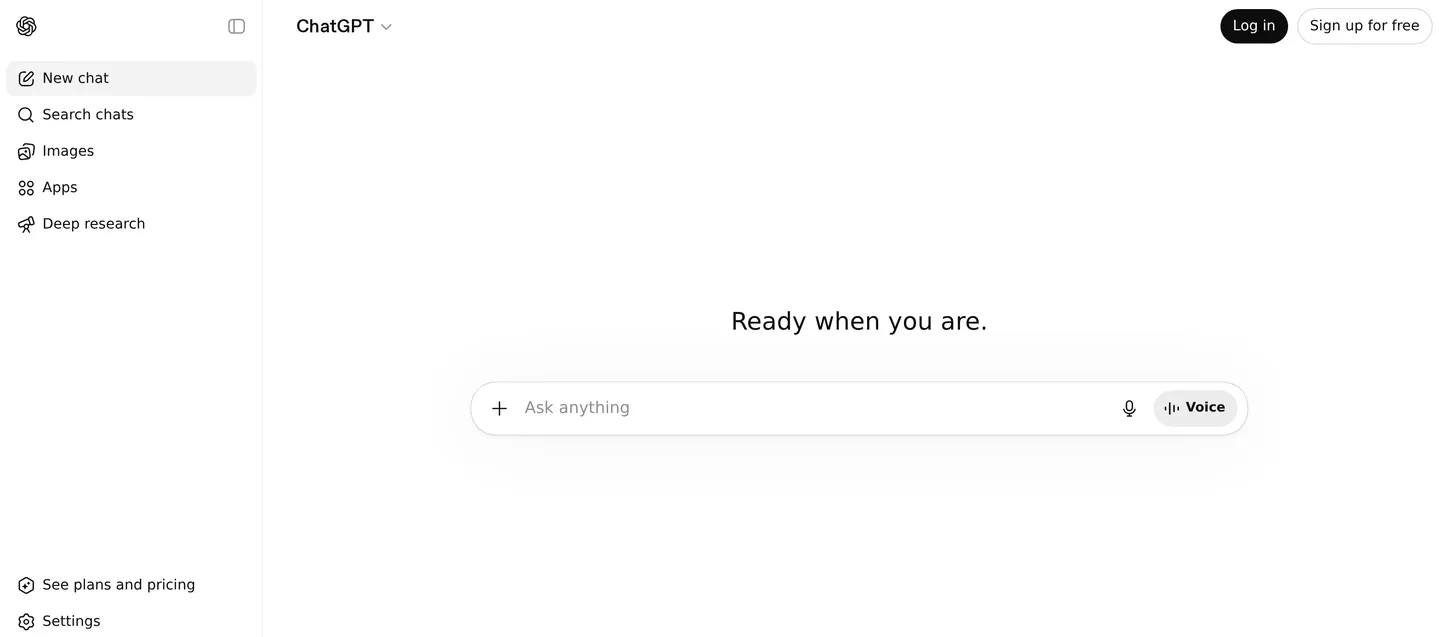
1. ChatGPT: best overall AI chatbot
- Best for: Anyone who wants one chatbot that does almost everything well.
- Score: 4.7/5
- Pricing: Free; Go $8/month; Plus $20/month; Pro $100/month and $200/month; Business from $20/user/month.
What it is: ChatGPT is the chatbot that made the category mainstream, and it is still the most complete. It handles writing, analysis, images, voice conversations, file uploads, web browsing, and increasingly agent-style tasks in one place. For most people, it is the safe default that does the most things competently.
How I used it: I lean on ChatGPT as my everyday catch-all: drafting and rewriting copy, talking through a problem with voice mode, dropping in a PDF to summarize, and generating quick images without leaving the chat. It rarely does any single thing the very best, but it is the one I reach for first because it almost always gets me a usable answer.
Key features:
- Strong all-around reasoning, writing, and image generation in one app.
- Voice mode, file uploads, web browsing, and a large library of custom GPTs.
- Agent-style tasks and deep research on higher tiers.
Pros:
- The most versatile chatbot for the widest range of tasks.
- Huge ecosystem of integrations, GPTs, and community know-how.
- A genuinely capable free tier for casual use.
Cons:
- Ads have started appearing on the low-cost Go plan.
- The most powerful model and highest limits sit behind the $100 and $200 Pro tiers.
Bottom line: ChatGPT is the best AI chatbot for most people because it does the widest range of tasks well in a single app.
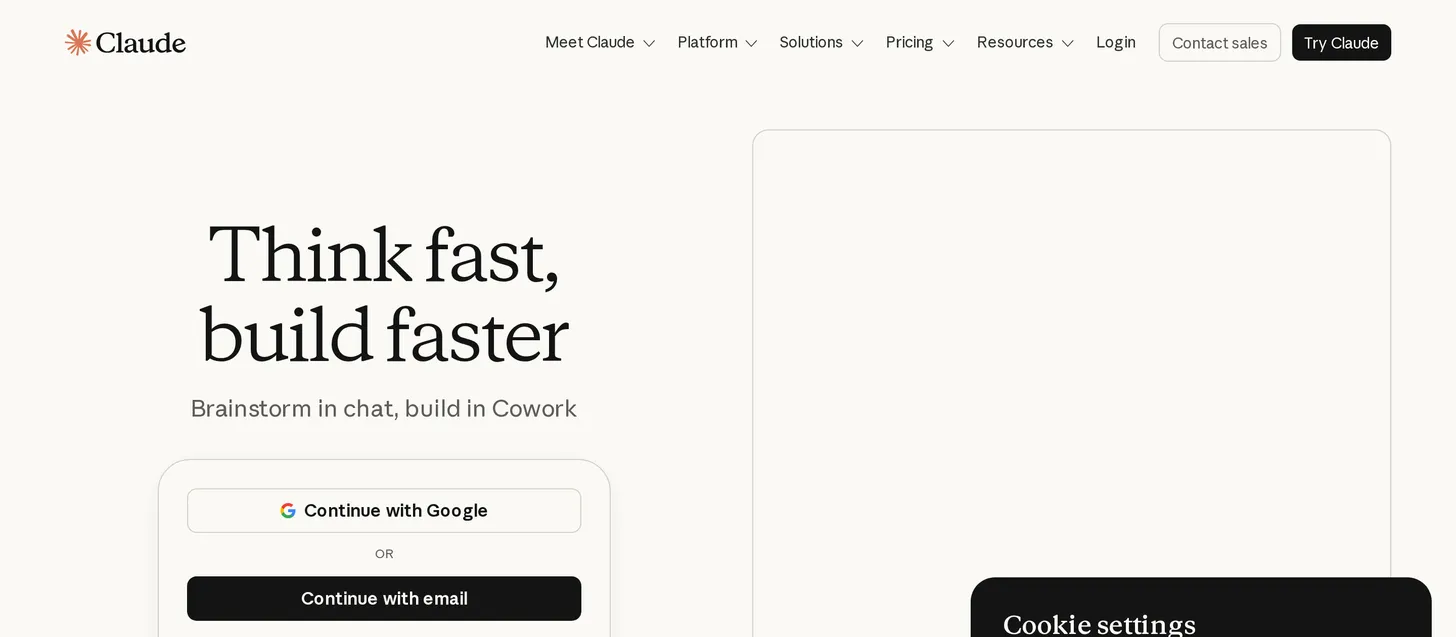
2. Claude: best for coding and long-form writing
- Best for: Developers and writers who want careful reasoning and clean prose.
- Score: 4.6/5
- Pricing: Free; Pro $20/month ($17/month billed annually); Max $100/month and $200/month; Team from $25/user/month.
What it is: Claude, from Anthropic, is the chatbot I trust most for writing and code. It tends to produce more natural prose and more careful, less-hallucinated reasoning than its rivals, and its Artifacts feature renders code, documents, and small apps right next to the chat.
How I used it: Claude is where I take anything that has to read well or run correctly: editing long documents, refactoring a tricky function, or thinking through a design decision step by step. The writing comes out closer to publishable on the first try, and long technical threads stay coherent instead of drifting.
Key features:
- Top-tier coding and long-context reasoning.
- Artifacts for live code, documents, and interactive previews.
- A natural, low-hype writing style.
Pros:
- The best chatbot for serious writing and coding quality.
- Careful, nuanced answers with fewer confident mistakes.
- Generous context for long documents and codebases.
Cons:
- No native image generation, so you still need another tool for visuals.
- Free-tier limits are tighter than ChatGPT’s for heavy days.
Bottom line: Claude is the best AI chatbot for coding and long-form writing, where answer quality matters more than having every extra feature.
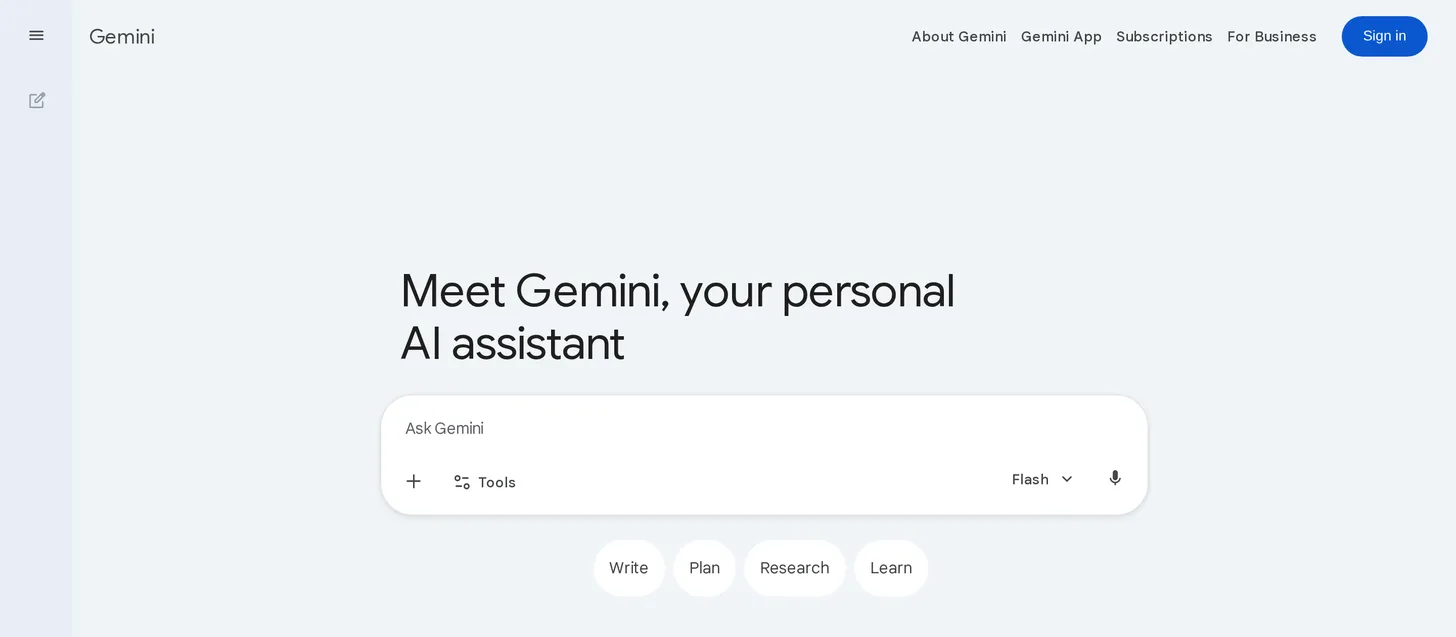
3. Google Gemini: best for Google Workspace and fast research
- Best for: People who live in Gmail, Docs, and Drive and want quick research.
- Score: 4.4/5
- Pricing: Free; Google AI Plus $7.99/month; Google AI Pro $19.99/month; Google AI Ultra $99.99/month and $200/month.
What it is: Gemini is Google’s assistant, and its real advantage is that it sits inside the Google apps you may already use all day. It is fast, handles huge amounts of context, and pulls from Google Search for current information, which makes it a strong everyday research companion.
How I used it: I use Gemini for fast, current-information questions and for anything tied to Google. Asking it to summarize a long thread in Gmail or pull together notes from a Doc is genuinely useful because it already has the context, and its speed makes it a good “quick question” chatbot.
Key features:
- Deep integration with Gmail, Docs, Drive, and the rest of Workspace.
- Very large context window and fast responses.
- Live Google Search grounding for recent information.
Pros:
- The best chatbot if your work lives in Google Workspace.
- Fast and strong at quick research and summarization.
- Competitive free tier and a cheap entry plan.
Cons:
- Answer quality can be uneven compared with ChatGPT and Claude.
- Some users are wary of giving Google more access to their data.
Bottom line: Google Gemini is the best AI chatbot for Google Workspace users and fast, web-grounded research.
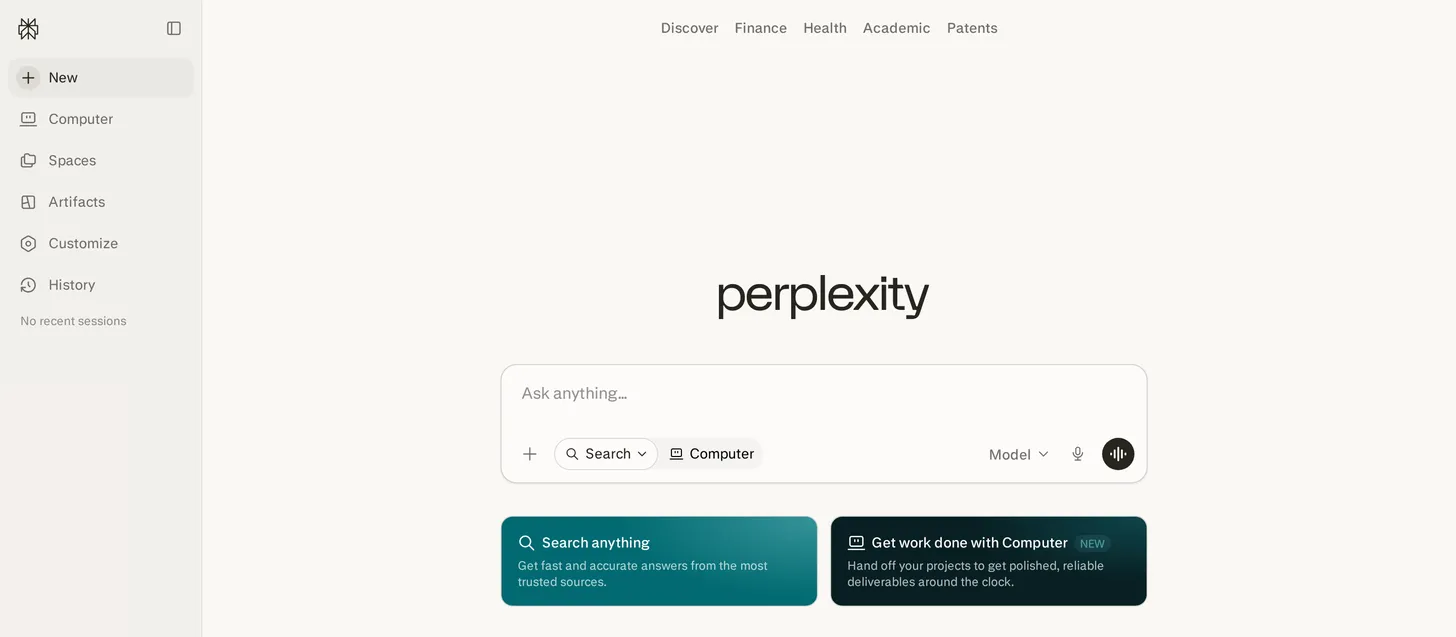
4. Perplexity: best for research and fact-checking
- Best for: Anyone who needs answers with sources they can verify.
- Score: 4.3/5
- Pricing: Free (around five Pro searches per day); Pro $20/month; Max $200/month; Education $10/month.
What it is: Perplexity is an answer engine more than a chatbot. Every response comes with inline citations to the sources it used, which makes it the tool I trust for research and fact-checking. On paid tiers it lets you pick from current frontier models to power those answers.
How I used it: When I need to actually trust an answer, I use Perplexity and click through the citations. For comparing options, checking a claim, or starting research on something unfamiliar, the sourced format saves the second step of going to verify what a chatbot told me.
Key features:
- Inline citations and sources on every answer.
- Focus modes for academic, web, and other source types.
- Access to multiple frontier models on paid plans.
Pros:
- The best chatbot for research you can verify.
- Cuts down on hallucinations by showing its sources.
- A useful free tier for light research.
Cons:
- Not built for long creative writing or heavy coding.
- It depends on other companies’ models rather than its own.
Bottom line: Perplexity is the best AI chatbot for research and fact-checking because it shows the sources behind every answer.
5. Microsoft Copilot: best for Windows and Microsoft 365
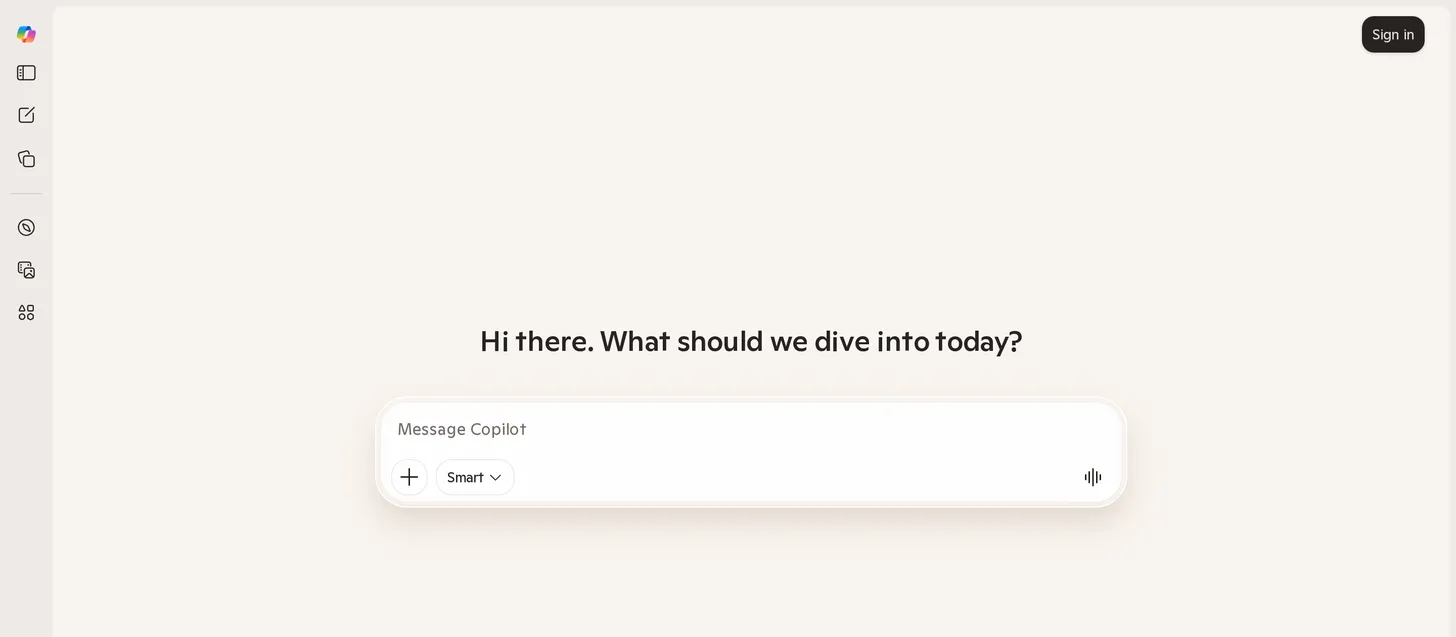
- Best for: People who work all day in Windows and Microsoft 365.
- Score: 4.1/5
- Pricing: Free (Copilot Chat); Copilot is included in Microsoft 365 Personal ($99.99/year), Family ($129.99/year), and Premium ($199.99/year); Business and Enterprise plans are available for organizations.
What it is: Microsoft Copilot is the assistant built into Windows and the Office apps. Inside Word, Excel, Outlook, and Teams, it can draft, summarize, and analyze using your own documents and email, which is its real selling point for people already in the Microsoft ecosystem.
How I used it: I used Copilot where it is strongest, inside the Microsoft apps: drafting a document in Word, summarizing a long Outlook thread, and asking questions about a spreadsheet in Excel. As a standalone web chatbot it is fine, but the value clicks once it is working with your own Office content.
Key features:
- Built into Word, Excel, Outlook, Teams, and Windows.
- Works with your organization’s own documents and data on business plans.
- A free Copilot Chat tier for web-grounded questions.
Pros:
- The best chatbot if you live in Microsoft 365.
- Bundled into plans many people and companies already pay for.
- Strong at document and email tasks in context.
Cons:
- The real value depends on having the right Microsoft license.
- As a general chatbot outside Office, it trails ChatGPT and Claude.
Bottom line: Microsoft Copilot is the best AI chatbot for Windows and Microsoft 365 users because it works directly inside the apps they already use.
6. Grok: best for real-time X and news
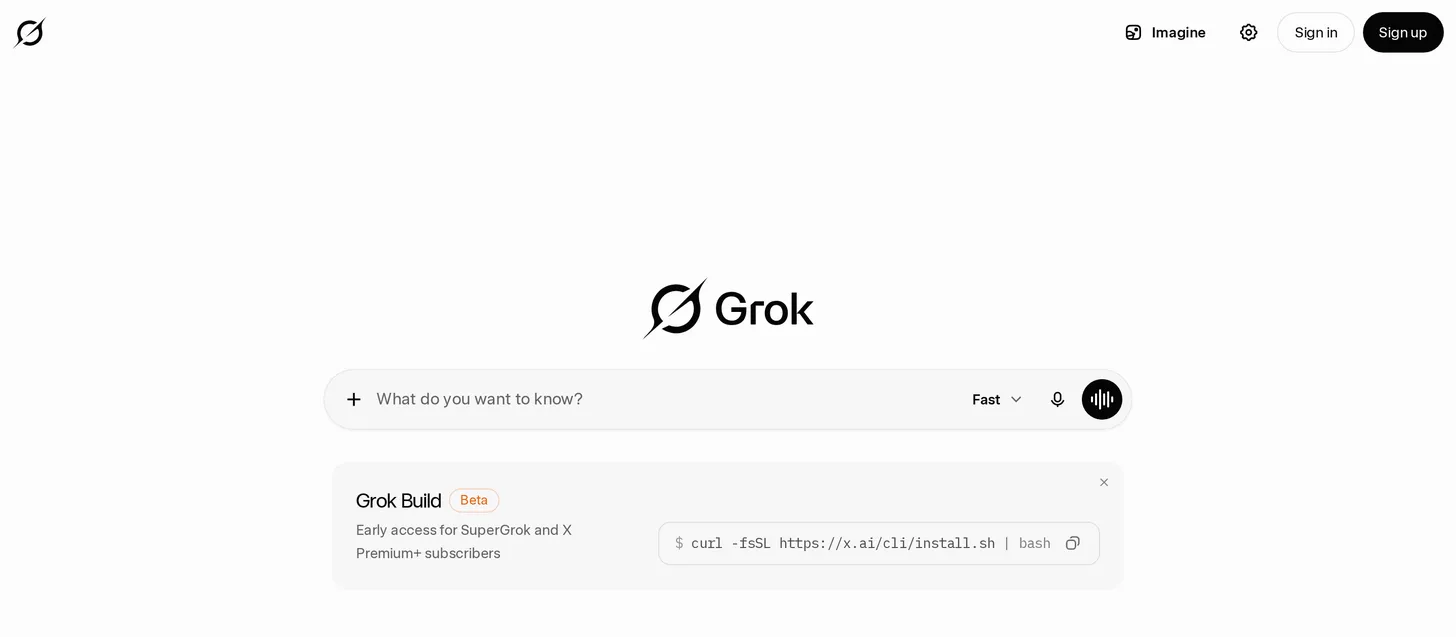
- Best for: People who want real-time takes from X and a less-filtered tone.
- Score: 3.9/5
- Pricing: Free (limited), with a 3-day SuperGrok trial; SuperGrok $30/month; SuperGrok Heavy $300/month.
What it is: Grok is the chatbot from Elon Musk’s company xAI, and it is wired directly into X. Its differentiators are real-time access to what is happening on the platform and a deliberately more irreverent, less-filtered personality than the mainstream assistants.
How I used it: I used Grok for live, of-the-moment questions, the kind where you want to know what people are saying right now, and for a blunter tone when the polished assistants felt too cautious. It is genuinely good for real-time context; for careful work I still went back to ChatGPT or Claude.
Key features:
- Real-time access to posts and trends on X.
- A less-filtered, more conversational personality.
- Image generation and an agent feature on paid tiers.
Pros:
- The best chatbot for real-time X and news.
- A refreshing tone if the mainstream assistants feel over-cautious.
- A free tier through X for light use.
Cons:
- Its style and viewpoints are polarizing for some users.
- The strongest models and limits sit behind expensive plans.
Bottom line: Grok is the best AI chatbot for real-time information from X and for users who want a less-filtered tone.
7. DeepSeek: best free AI chatbot for reasoning
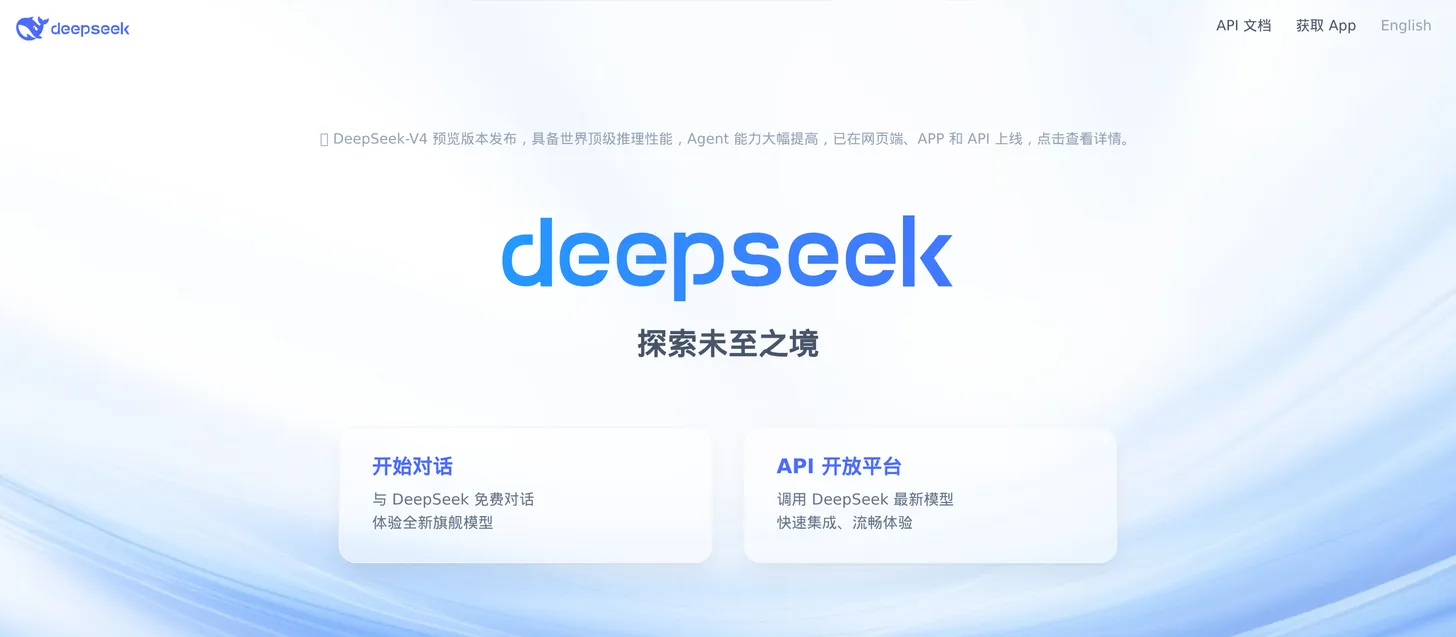
- Best for: Anyone who wants frontier-level reasoning without paying.
- Score: 4.2/5
- Pricing: Free to use on the web and mobile app.
What it is: DeepSeek is the chatbot that proved you do not have to pay for strong reasoning. Its models are competitive with the paid frontier on many tasks, and the consumer chatbot is free to use, which is why it spread so fast.
How I used it: I used DeepSeek as my free reasoning workhorse, handing it math, logic, and coding questions to see how close it got to the paid tools. On a lot of them it kept up, which makes it an easy recommendation for anyone who wants a capable chatbot at zero cost.
Key features:
- Strong reasoning and coding performance for a free tool.
- No usage cap on the consumer chatbot.
- Open models that the wider community can build on.
Pros:
- The best free chatbot for serious reasoning.
- No paywall on the main consumer experience.
- Genuinely competitive with paid models on many tasks.
Cons:
- Data is hosted in China, which raises privacy and compliance concerns for some users and companies.
- Fewer extras like deep app integrations and polished voice.
Bottom line: DeepSeek is the best free AI chatbot for reasoning, as long as you are comfortable with where your data is hosted.
8. Kimi: best for long documents and agentic coding
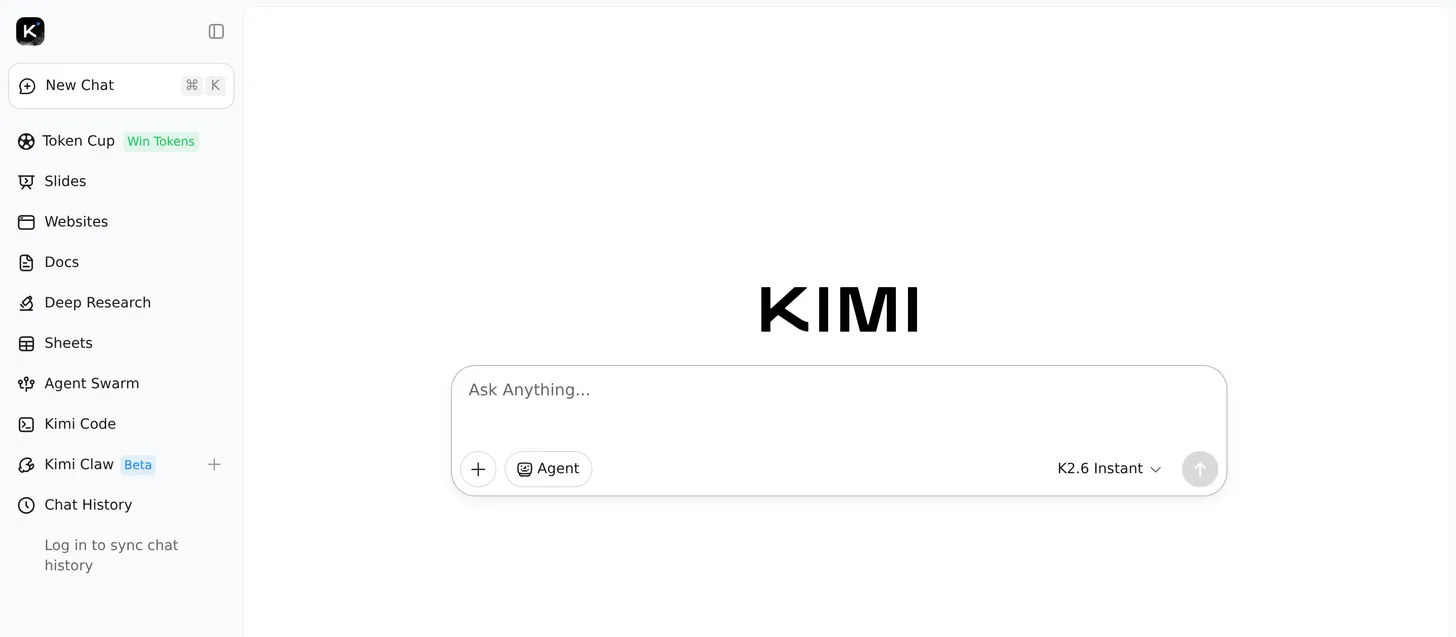
- Best for: Working through long documents and running agentic coding tasks for free.
- Score: 4.1/5
- Pricing: Free to use on the web and in the app, with a credit-based system for heavy usage.
What it is: Kimi, from Moonshot AI, is a chatbot built around very large context windows and agentic features. It holds long documents in a single conversation and ships with built-in tools for deep research, coding, and multi-step agent tasks, all at no cost for everyday use.
How I used it: I used Kimi for the long-context jobs the other free tools struggle with, pasting in lengthy documents and letting it work through them in one pass, then trying its coding and agent tools on multi-step tasks. For a free chatbot, it punches well above its price.
Key features:
- Very large context window for long documents and codebases.
- Built-in deep research, coding, and multi-agent tools.
- Free for everyday use.
Pros:
- One of the most capable free chatbots for long-context and agentic work.
- Strong coding performance without a subscription.
- Useful built-in tools beyond plain chat.
Cons:
- Data is hosted in China, which raises the same privacy and compliance questions as other China-based tools.
- Less polished and less widely supported than the frontier apps.
Bottom line: Kimi is the best AI chatbot for long-document and agentic work on a budget, with frontier-style features at no cost.
9. Meta AI: best for casual chat in apps you already use
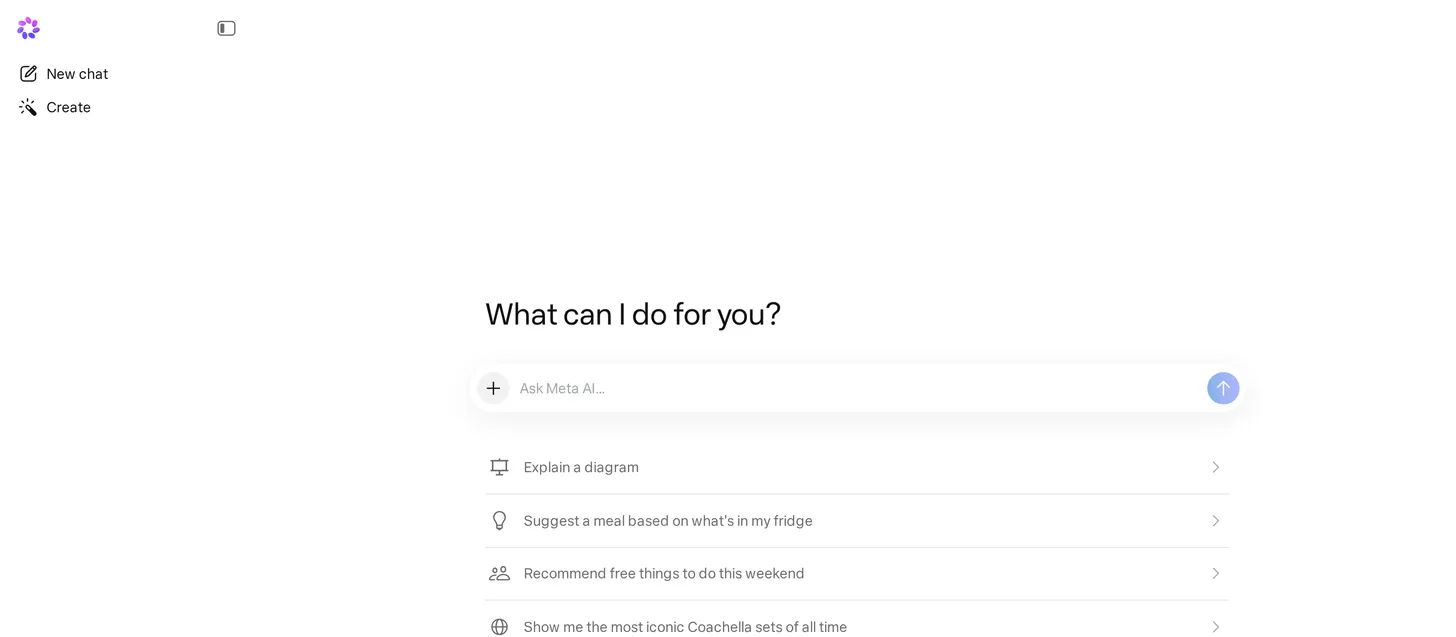
- Best for: Casual questions inside WhatsApp, Instagram, and Messenger.
- Score: 3.7/5
- Pricing: Free, built into Meta’s apps.
What it is: Meta AI is the assistant baked into WhatsApp, Instagram, and Messenger, plus a standalone app. Its advantage is pure convenience: it is already in the apps billions of people message in every day, so there is nothing to install or sign up for.
How I used it: I used Meta AI the way most people will, by asking it quick questions right inside WhatsApp, generating an image in a chat, and settling small “look this up” moments without switching apps. It is handy for casual use, though I would not take a serious project to it.
Key features:
- Built directly into WhatsApp, Instagram, and Messenger.
- Free image generation inside chats.
- Available as a standalone app as well.
Pros:
- The most convenient chatbot if you already live in Meta’s apps.
- Completely free with no separate sign-up.
- Fine for quick, everyday questions.
Cons:
- Lighter than the leaders on complex reasoning and real work.
- Meta’s data practices give some users pause.
Bottom line: Meta AI is the best AI chatbot for casual questions because it is already inside the apps you message in every day.
10. Character.AI: best for roleplay and companion chat
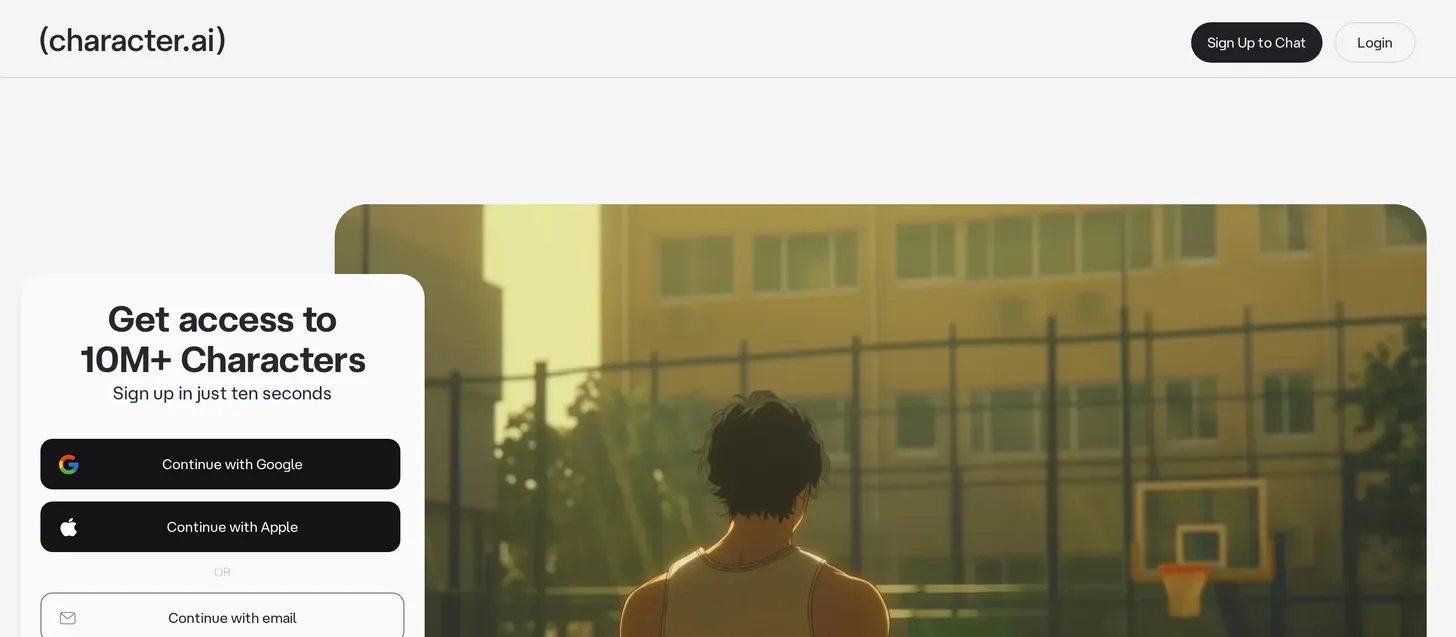
- Best for: Roleplay, companions, and chatting with characters rather than getting work done.
- Score: 3.8/5
- Pricing: Free with unlimited chats; c.ai+ $9.99/month for priority access and extras.
What it is: Character.AI is a different kind of chatbot. Instead of one assistant, you chat with millions of user-made characters, from historical figures to original personas, and they stay in character across long conversations. It is built for entertainment, roleplay, and companionship, not productivity.
How I used it: I used Character.AI to see how convincingly its personas hold up, chatting with a few popular characters and a custom one I made. It is genuinely good at staying in character and keeping a conversation going, which is exactly what its audience wants, even if that is a different goal from the rest of this list.
Key features:
- Millions of community-created characters and personas.
- Strong, consistent in-character roleplay.
- A character creator and an image gallery feature.
Pros:
- The best chatbot for roleplay and companion chat.
- Unlimited chats on the free tier.
- A large, active library of characters.
Cons:
- Not designed for productivity, research, or coding.
- Content and safety controls have drawn scrutiny, especially for younger users.
Bottom line: Character.AI is the best AI chatbot for roleplay and companion chat, though it is not the tool for getting work done.
11. Mistral Le Chat: best cheap premium and EU-privacy pick
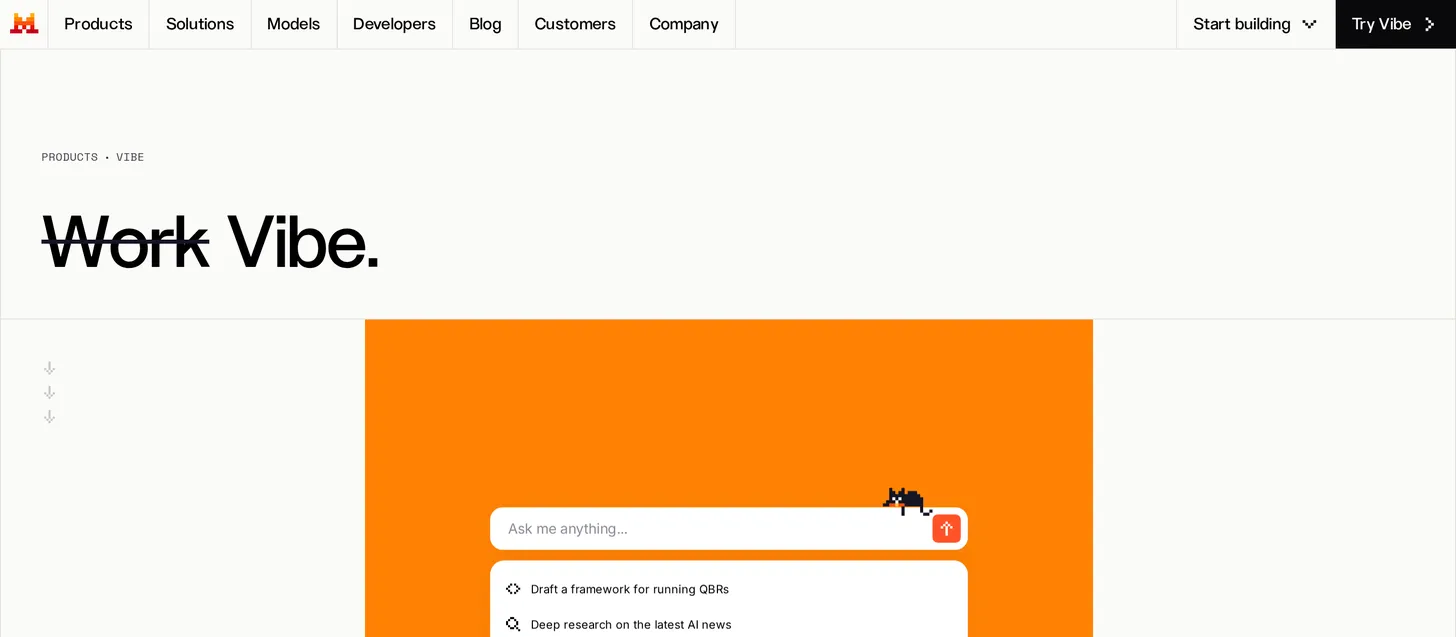
- Best for: People who want a capable premium chatbot at the lowest price, or a European option.
- Score: 4.0/5
- Pricing: Free (around 25 messages per day); Pro $14.99/month; Team $24.99/user/month.
What it is: Le Chat is the chatbot from French company Mistral, and it is the value play among the majors. Its premium plan is cheaper than ChatGPT Plus or Claude Pro, it is fast, and being EU-based appeals to people and companies who prefer European data handling.
How I used it: I used Le Chat as the budget alternative, running everyday writing and Q&A through it to see how close it gets to the big four. For general use it holds up well, and at $14.99 the premium tier is the cheapest way to get a paid chatbot from a serious model maker.
Key features:
- The cheapest premium plan among the major chatbots.
- Fast responses and a clean interface.
- EU-based with a privacy-minded positioning.
Pros:
- The best value if you want to pay for premium without paying $20.
- A genuine European alternative to the US giants.
- A usable free tier for light daily use.
Cons:
- A smaller ecosystem and fewer power features than the leaders.
- The free tier’s daily message cap is fairly tight.
Bottom line: Mistral Le Chat is the best AI chatbot for anyone who wants a capable premium experience at the lowest price, or prefers an EU-based provider.
Where Craze fits in
One quick note, with the bias stated up front: I help build Craze . It is not on the list because it is a different kind of tool. The chatbots above are single apps you open to talk to one model at a time. Craze is an AI platform that brings chat across several of those models together with no-code AI agents , workflows, and scheduling in one place.
So the way I think about it is simple. If you just want one chatbot to talk to, pick from the list above; that is exactly what those apps are built for. If you find yourself bouncing between three tabs and wishing the conversation and the follow-up work lived together, that is when a workspace starts to make more sense, and it is free to try.
How to choose the right AI chatbot
- Want one chatbot for everything? ChatGPT.
- Care most about writing and code? Claude.
- Live in Google or Microsoft apps? Gemini or Copilot, respectively.
- Need answers you can verify? Perplexity.
- Do not want to pay? DeepSeek or Kimi, or the free tiers of ChatGPT, Gemini, and Claude.
- Want roleplay or companionship? Character.AI.
- Want premium for less? Mistral Le Chat.
The good news is that most of these are free to try, so you can test two or three on your own work before committing to a paid plan. If you want to look beyond chat, see our wider roundup of the best AI tools and, for tools that act on their own, the best AI agents .
Quick comparison: AI chatbots by feature
| Chatbot | Free tier | Starting paid price | Voice mode | Image generation | Web citations | Best for |
|---|---|---|---|---|---|---|
| ChatGPT | Yes | $20/mo | Yes | Yes | Via browsing | Best overall |
| Claude | Yes | $20/mo | Mobile | No | Via web search | Coding and writing |
| Google Gemini | Yes | $19.99/mo | Yes | Yes | Yes | Google Workspace |
| Perplexity | Yes (limited) | $20/mo | Yes | Yes | Yes (core feature) | Research |
| Microsoft Copilot | Yes | $99.99/yr | Yes | Yes | Yes | Microsoft 365 |
| Grok | Yes (limited) | $30/mo | Yes | Yes | Yes (X and web) | Real-time X and news |
| DeepSeek | Yes (unlimited) | Free | Limited | No | Yes | Free reasoning |
| Kimi | Yes | Free (credits) | Limited | Limited | Yes | Long documents and agentic coding |
| Meta AI | Yes | Free | Yes | Yes | Limited | Casual chat |
| Character.AI | Yes (unlimited) | $9.99/mo | Yes | Yes | No | Roleplay |
| Mistral Le Chat | Yes (limited) | $14.99/mo | Yes | Yes | Yes | Cheap premium and EU privacy |
The verdict
- Best overall: ChatGPT, the most capable all-rounder for most people.
- Best for coding and writing: Claude.
- Best for research: Perplexity.
- Best for Google Workspace: Google Gemini.
- Best for Windows and Microsoft 365: Microsoft Copilot.
- Best free AI chatbot: DeepSeek and Kimi, with the free tiers of ChatGPT, Gemini, and Claude close behind.
- Best for long documents on a budget: Kimi.
- Best for real-time news: Grok.
- Best for roleplay: Character.AI.
- Best value premium: Mistral Le Chat.
One workspace, every AI
Stop juggling AI subscriptions
ChatGPT, Claude, Gemini, and more in one workspace, with agents and automations on top. One plan instead of five, and Craze routes each task to the right model for you.
FAQs
What is the best AI chatbot in 2026?
ChatGPT is the best AI chatbot overall for most people because it handles the widest range of tasks well. The best pick depends on the job: Claude for coding and writing, Perplexity for cited research, Gemini for Google Workspace, and Copilot for Microsoft 365.
What is the best free AI chatbot?
DeepSeek and Kimi are the strongest fully free options, with no subscription needed for everyday use. ChatGPT, Google Gemini, Claude, and Microsoft Copilot also have capable free tiers, and Meta AI is free inside WhatsApp and Instagram.
Is ChatGPT still the best AI?
ChatGPT is still the best all-around AI chatbot, but it is no longer the clear winner in every category. Claude leads on coding and writing, Perplexity leads on cited research, and Gemini leads for Google Workspace users. For general use, ChatGPT remains the safest default.
Which AI is better than ChatGPT?
It depends on the task. Claude is better for coding and long-form writing, Perplexity is better for research with sources, Gemini is better if you use Google Workspace, and DeepSeek is better if you want strong reasoning for free.
What chatbot does Elon Musk use?
Elon Musk uses and promotes Grok, the chatbot built by his AI company, xAI. It is integrated directly into X (formerly Twitter) and is known for real-time access to the platform and a less-filtered tone.
What is the most realistic AI chatbot?
For human-like persona and roleplay, Character.AI is the most realistic because its characters stay in character across long conversations. For the most natural assistant-style conversation, Claude and ChatGPT feel the most human and coherent.
What is the best AI chatbot for roleplay?
Character.AI is the best AI chatbot for roleplay and companion chat, with millions of community characters and unlimited free chats. Note that it is built for entertainment, not productivity, and has faced scrutiny over safety controls.
What is the best AI chatbot for students and research?
Perplexity is the best for research because it cites its sources, which makes claims easy to verify. For studying and writing, the free tiers of ChatGPT, Claude, and Gemini are strong. Always check the cited sources, since any chatbot can still make mistakes.
What is the difference between an AI chatbot and an AI agent?
A chatbot answers you in a conversation, one message at a time. An AI agent plans and takes actions across multiple steps and tools to complete a task on its own, often without being prompted at each step.
More Articles
The 10 Best AI Platforms in 2026 (Tested & Compared)

The 10 best AI platforms for 2026, compared across everyday chat, agents and automation, and enterprise, with pricing, honest pros and cons, and the best pick for each job.
The 15 Best AI Tools in 2026 (Tested by Category)
The 15 best AI tools for 2026, tested by category across writing, search, images, video, coding, and automation, with pricing, pros and cons, and the best pick for each job.
The 12 Best AI Agents in 2026 for Every Use Case
I compared the 12 best AI agents across platforms, coding, and enterprise use, with current pricing, honest pros and cons, and a clear best-for pick for each.


