
The 8 Best Lindy AI Alternatives in 2026 (Tested & Compared)
The 8 best Lindy AI alternatives for 2026, anchored to why people leave Lindy, with current pricing, third-party ratings, honest pros and cons, and the best pick for each reason to switch.

By: Deepit Patil
Co-Founder and CTO
Published
Updated
Edited by Craze Editorial Team · See our Editorial Process
Most people do not go looking for a Lindy alternative because Lindy is bad. They go looking because the credits ran out. You build a couple of agents, start testing in earnest, and a week later the meter on the $50 plan is gone and you are not sure which task ate it. Lindy’s own users say it plainly: “expensive” is the most common complaint, and the credit model makes the bill hard to predict.
Lindy earned its place, and it is worth saying so. It is genuinely agent-first: you describe an assistant in plain language and it acts across your apps. It connects to a solid library of tools (100+ by its own count), it has a polished builder, and its sales and customer-service templates are strong. If you want a dedicated agent builder and the usage-based pricing does not bother you, staying put is a perfectly good decision.
But if you are here, something is pushing you to switch, and it is usually one of a few things: the unpredictable credit bill, wanting pre-built AI “employees” instead of building each agent yourself, needing enterprise-grade grounding in your company data, wanting open-source control, or simply wanting AI to live inside one workspace alongside chat and workflows rather than in a single-purpose tool.
I compared more than 20 AI agent and automation tools (the full list is at the end of this guide), narrowed them to the 8 I would actually recommend, and organized them around those reasons. For each tool you get what it does better than Lindy, current pricing, third-party ratings, where it falls short, and who should pick it.
Top picks at a glance
If you only read this far, here is the short version:
- Craze : the best overall Lindy alternative, with chat, AI agents, workflows, and scheduling in one workspace (free to start).
- Relevance AI : the best for building a coordinated team of agents, an “AI workforce.”
- Sintra AI : the best if you want pre-built AI employees instead of building agents from scratch.
- Cassidy AI : the best for enterprise agents grounded in your company data, with SOC 2 and HIPAA.
- Gumloop : the best for AI-first visual automation over messy, unstructured data.
- n8n : the best for developers who want open-source control and self-hosting.
- Make : the best for visual workflow automation that stays cheap at scale.
- Zapier : the best for the widest app coverage and the fastest setup.
Why people leave Lindy
Lindy’s pricing is usage-based: there is no permanent free tier (just a 7-day trial), and plans run from $49.99/month (Plus) to $199.99/month (Max), each with a monthly usage allowance that a single task can draw on lightly or heavily depending on its complexity and the model behind it. That is fine in theory and surprising in practice, because the same agent can cost very different amounts on different runs. It is why “Why is Lindy so expensive?” is one of the most common questions people ask about it, and why heavy testers report their monthly allowance vanishing far faster than expected, with one hands-on review citing users who spent 5,000 credits in under 10 minutes.
The other reasons are about fit, not cost. Some people do not want to build each agent by hand and would rather hire pre-built “employees” that already know a role. Some need their agents grounded in internal knowledge (Notion, Slack, Drive) under SOC 2 or HIPAA before they can ship anything. Some want to self-host and own their data. And a growing group does not want a separate agent tool at all; they want AI to live inside one workspace next to their chat and their workflows. If you are still mapping the landscape, our roundup of the best AI agents covers the broader category, while this guide stays focused on what to switch to when you leave Lindy. Each alternative below answers one of those reasons better than Lindy does.
How I compared these Lindy alternatives
I started with more than 20 AI agent and automation tools and narrowed the list to the 8 here. The full set I looked at is in the table at the end. There are no sponsored placements and no affiliate links: a tool made the list because it earned a spot on the criteria below, and where Lindy still wins, I say so.
I scored each tool from 1 to 5 on five weighted criteria, chosen to match what a Lindy switcher actually weighs (weights add up to 100%):
- Price and value (25%): what you pay, and how predictable the bill is as usage grows.
- Agent capability (20%): how well it runs autonomous, multi-step work, not just rule-based steps.
- Ease of setup (20%): how fast a non-technical person ships something useful.
- Integration breadth (20%): how many of your apps it reaches out of the box.
- Flexibility and control (15%): self-hosting, open-source, and custom logic when you need it.
Pricing and third-party ratings reflect published figures as of June 2026 and change often, so confirm on the vendor’s page before you buy. A tool scoring lower on ease of setup (n8n, for example) is not being marked down unfairly; that is the tradeoff for the control it gives you.
Best Lindy AI alternatives: side-by-side comparison
| # | Tool | Best for | Pricing model | Agent / automation type | Integrations | AI-native | Self-host | Starting price | Score |
|---|---|---|---|---|---|---|---|---|---|
| 0 | Lindy (baseline) | Agent-first builder, big template gallery | Usage tiers | Autonomous agents | 100+ | Native | No | $49.99/mo (7-day trial, no free tier) | n/a |
| 1 | Craze | All-in-one AI workspace, free | Subscription | Agents + chat + workflows | 1,000+ and growing | Native | No | Free ($0); Plus $20/mo | 4.7 |
| 2 | Relevance AI | A multi-agent AI workforce | Actions + credits | Multi-agent teams | 2,000+ | Native | No | Free; Pro ~$19/mo (annual) | 4.5 |
| 3 | Sintra AI | Pre-built AI employees | Subscription + credits | Role-based AI helpers | Core business apps | Native | No | ~$16/mo (annual) | 4.1 |
| 4 | Cassidy AI | Enterprise knowledge-grounded agents | Credits (Starter free) | Knowledge-grounded agents | 100+ | Native | No | Free (Starter); Business custom | 4.4 |
| 5 | Gumloop | AI-first, unstructured-data automation | Credits | Visual AI nodes | Moderate | Native | No | Free; Pro $37/mo | 4.3 |
| 6 | n8n | Developers, self-hosting, open-source | Per-execution / free self-host | Workflows + AI nodes | 400+ nodes | Native nodes | Yes | Self-host free; Cloud from €20/mo | 4.4 |
| 7 | Make | Cheap visual workflow automation | Per-operation | Visual workflows | 2,000+ | Add-on | No | Free; Core $9/mo | 4.5 |
| 8 | Zapier | Widest app coverage, easiest setup | Per-task | Trigger-action + AI | 9,000+ | Add-on | No | Free; Pro $19.99/mo | 4.3 |
The 8 best Lindy AI alternatives in 2026
1. Craze: best for an all-in-one AI workspace
- Best for: Teams who want AI agents doing the work alongside their chat and workflows, in one place, without a separate single-purpose tool.
- Score: 4.7/5
- Pricing: Free ($0); Plus $20/month.
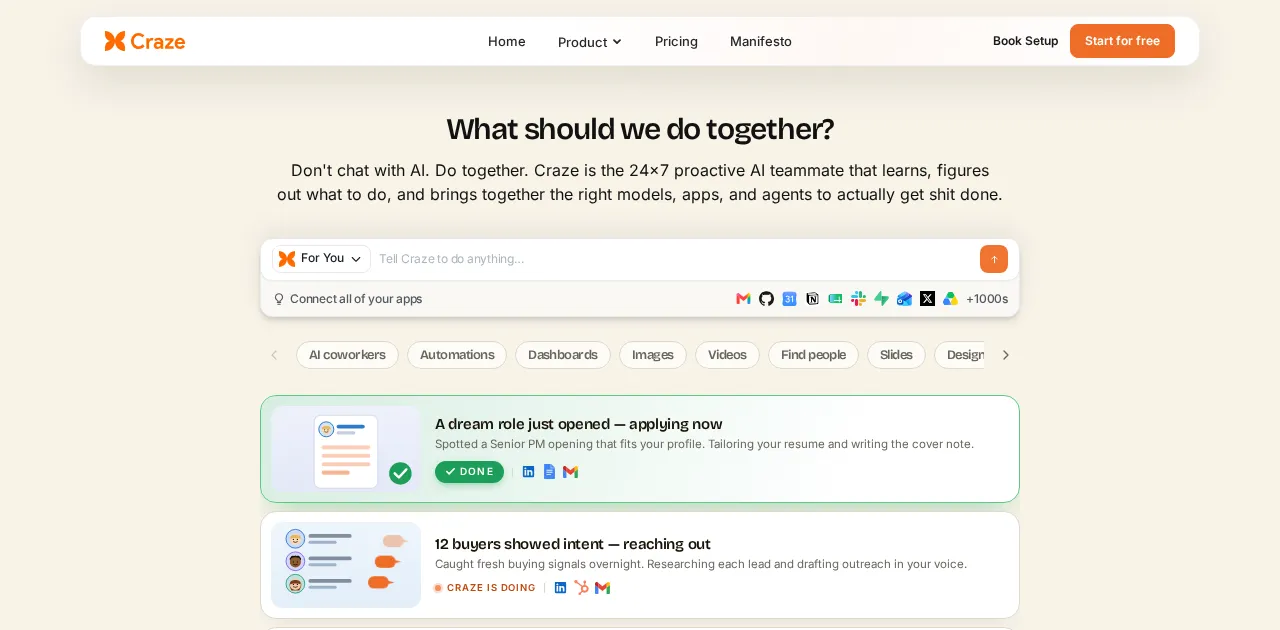
What it is: Craze is the AI workspace platform where chat across leading models, no-code AI agents, workflows, and scheduling live together. Instead of building and paying for each agent in isolation, you describe a job, hand it to an agent, and keep that work in the same place you chat and run your other automations. We built Craze for people who want AI handling repeatable work without stitching separate tools together or watching a credit meter.
How I used it: I set up an agent in Craze to sort incoming customer feedback, tag it by theme, and draft a reply for each item, then scheduled it to run every morning in the cloud, so it kept working whether or not my laptop was on. The read-decide-act loop is exactly the judgment step Lindy does well too, but having it sit next to my chat and my other workflows meant I was not bouncing between a separate agent app and everything else.
Key features:
- Chat across leading AI models in one workspace.
- No-code AI agents that run multi-step work, with ready-made templates (Quickies) to start fast.
- Agents and automations run in the cloud on a schedule, so they keep working even when your laptop is off.
- Workflows and scheduling to make that work repeatable.
- Free to use to start, with no API keys to manage.
Pros:
- Brings chat, agents, workflows, and scheduling together instead of a standalone agent builder.
- Cloud-run agents and automations, plus ready-made Quickies templates, get you live quickly.
- Predictable subscription pricing rather than a usage meter you have to watch.
- Free to use to start.
Cons:
- Newer than the established agent and automation platforms.
- Fewer prebuilt connectors than Zapier’s or Lindy’s larger libraries.
- Best suited to teams who want an all-in-one workspace; if you only need a single narrow point-to-point integration, a dedicated connector tool can be simpler.
Bottom line: Craze is the best Lindy alternative when you want AI agents doing the work inside one workspace, and it is free to start. For the widest library of prebuilt connectors, Zapier or Make still pull ahead.
2. Relevance AI: best for a multi-agent AI workforce
- Best for: Teams who want to build a coordinated team of agents, an “AI workforce,” rather than a single assistant.
- Score: 4.5/5
- Pricing: Free (200 actions/month); self-serve Pro from about $19/month billed annually ($29 monthly); Team about $234/month billed annually; Enterprise custom.
- Third-party ratings: G2 4.3/5.
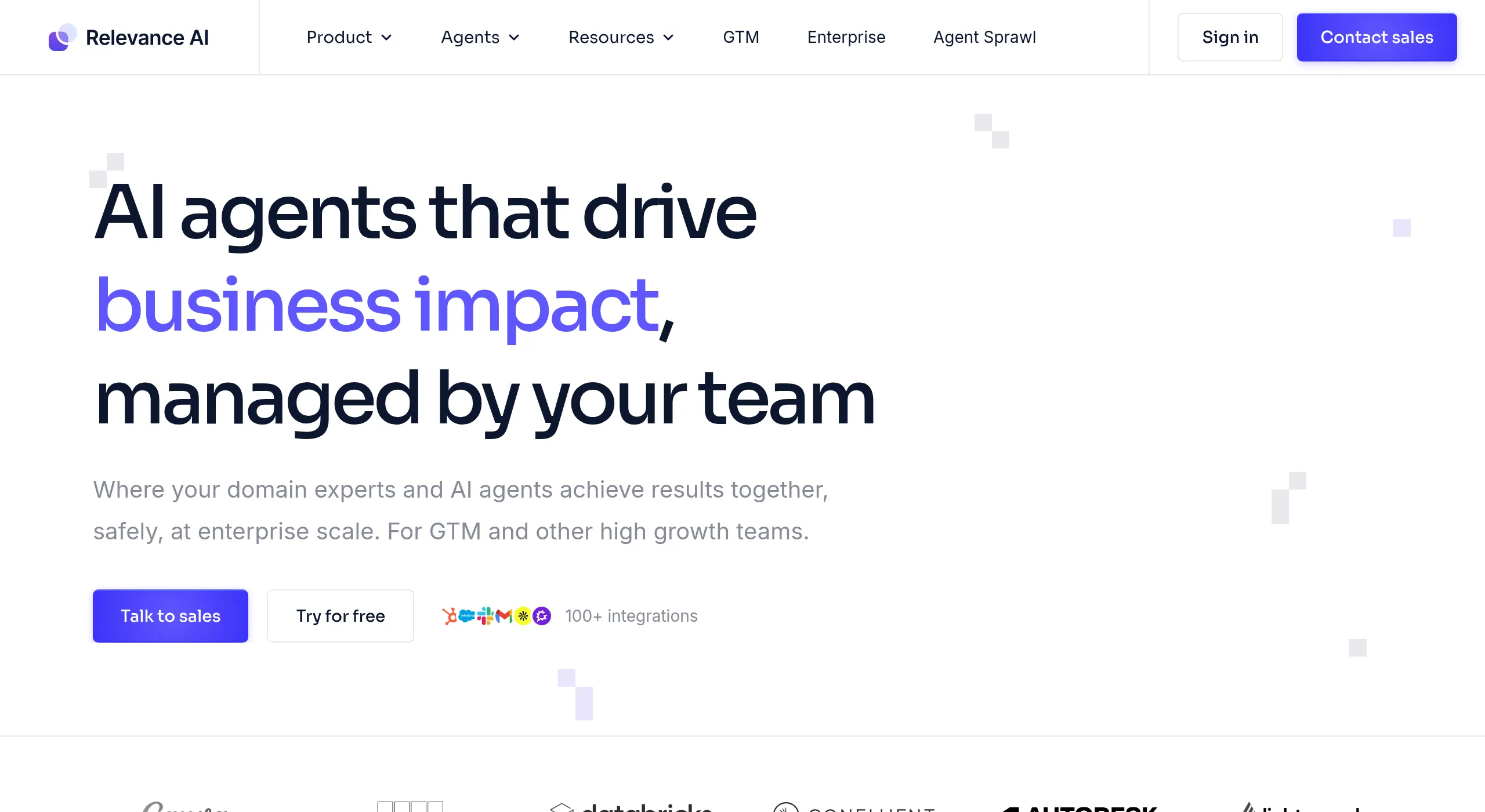
What it is: Relevance AI is a platform for building and orchestrating multiple agents that work together, each with a role, that hand off tasks the way a human team would. In late 2025 it split its pricing into Actions (what your agents do) and Vendor Credits (the model costs), and it lets you bring your own API keys to bypass the vendor markup, which can make the bill more predictable than a single blended credit.
How I used it: I built a small “workforce” in Relevance AI where one agent researched inbound leads, a second drafted tailored outreach, and a third logged everything to the CRM. Splitting the job across role-specific agents that pass work between them is the part that goes beyond what a single Lindy agent is set up to do, and it is worth understanding how a team of AI agents actually coordinates before you commit to this model.
Key features:
- Multi-agent orchestration with role-based agents and handoffs.
- Split Actions-plus-credits pricing with bring-your-own-API-keys.
- Tools and integrations agents can act on, plus API and MCP access.
- Strong fit for sales and go-to-market workflows.
Pros:
- Genuinely built for teams of agents, not just one assistant.
- The dual-meter pricing and BYO keys can be more predictable than blended credits.
- Generous free tier to prototype.
Cons:
- Actions still meter usage, and failed actions can count.
- Multi-agent design has a steeper learning curve than a single-agent builder.
- Overage rates add up if you scale without watching them.
Bottom line: Relevance AI is the best Lindy alternative when you want a coordinated team of agents rather than one assistant.
3. Sintra AI: best for pre-built AI employees
- Best for: Solo operators and small teams who want ready-made AI “employees” instead of building agents from scratch.
- Score: 4.1/5
- Pricing: From about $16/month billed annually (around $39/month monthly), 250 credits, all helpers included.
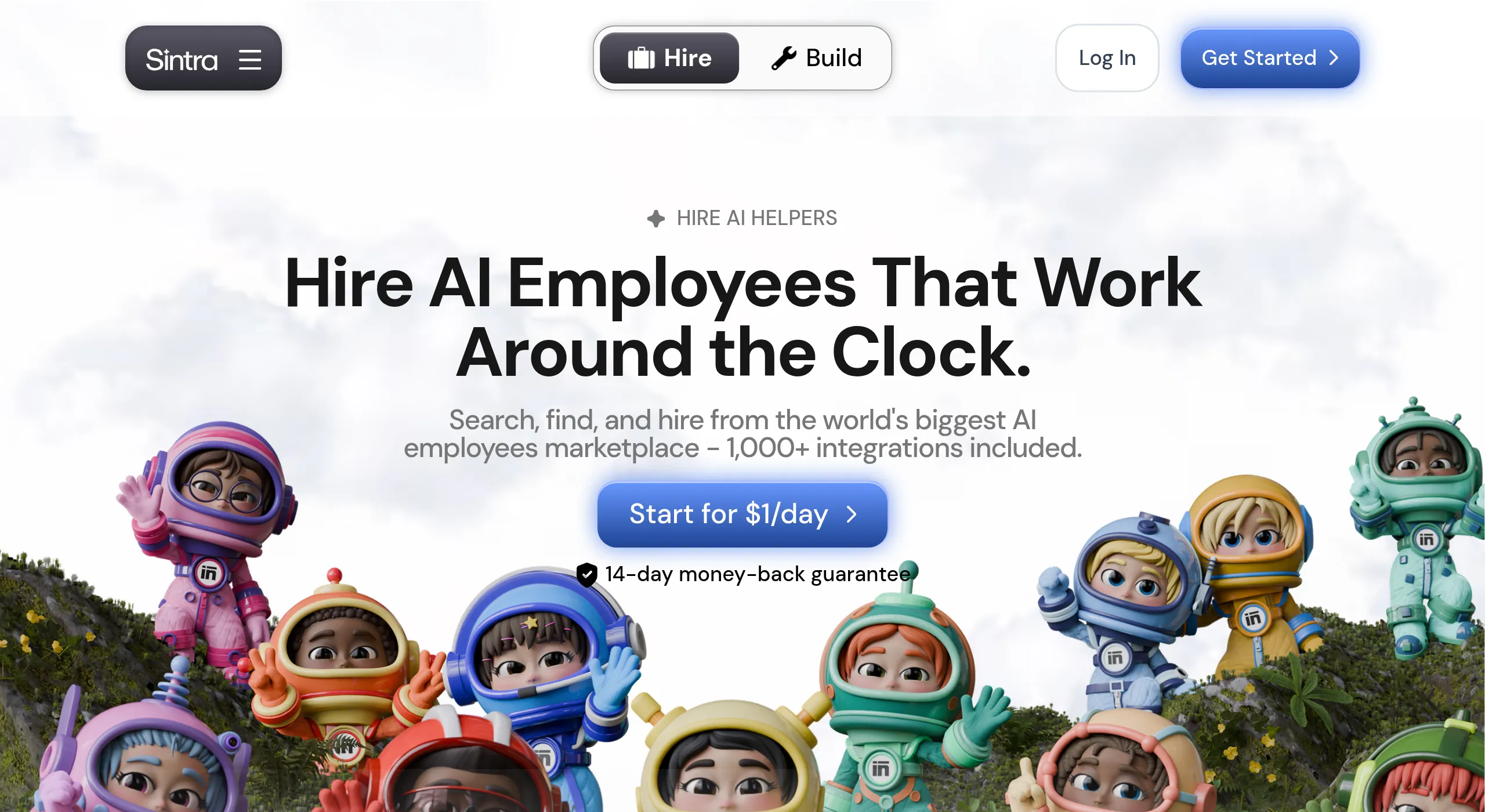
What it is: Sintra AI gives you a roster of pre-built AI “employees,” each scoped to a role like marketing, support, or sales, that share a common memory. Rather than designing an agent and wiring its steps, you pick the helper for the job and put it to work, which is the opposite of Lindy’s build-it-yourself approach.
How I used it: I leaned on Sintra’s marketing helper to turn a rough product update into a week of social posts and a short email, all without configuring a single workflow. For someone who wants output now and does not want to learn an agent builder, the pre-built roster is the entire appeal.
Key features:
- A roster of role-based AI helpers available out of the box.
- A shared memory “brain” across helpers.
- Flat per-month pricing with all helpers included.
- Aimed squarely at non-technical solo users and small teams.
Pros:
- Nothing to build; the employees are ready on day one.
- Predictable flat pricing rather than a usage meter.
- Approachable for non-technical users.
Cons:
- Less flexible than building your own agents when you need something custom.
- Built for individuals, with no real team plan.
- A 250-credit monthly allowance caps heavier use.
Bottom line: Sintra AI is the best Lindy alternative if you would rather hire pre-built AI employees than build agents yourself.
4. Cassidy AI: best for enterprise knowledge-grounded agents
- Best for: Support and go-to-market teams that need agents grounded in company knowledge under SOC 2 or HIPAA.
- Score: 4.4/5
- Pricing: Starter free (3 seats, 5 agents, 5 workflows, 10,000 AI credits/month); Business custom pricing; 14-day free trial.
- Third-party ratings: G2 4.7/5.
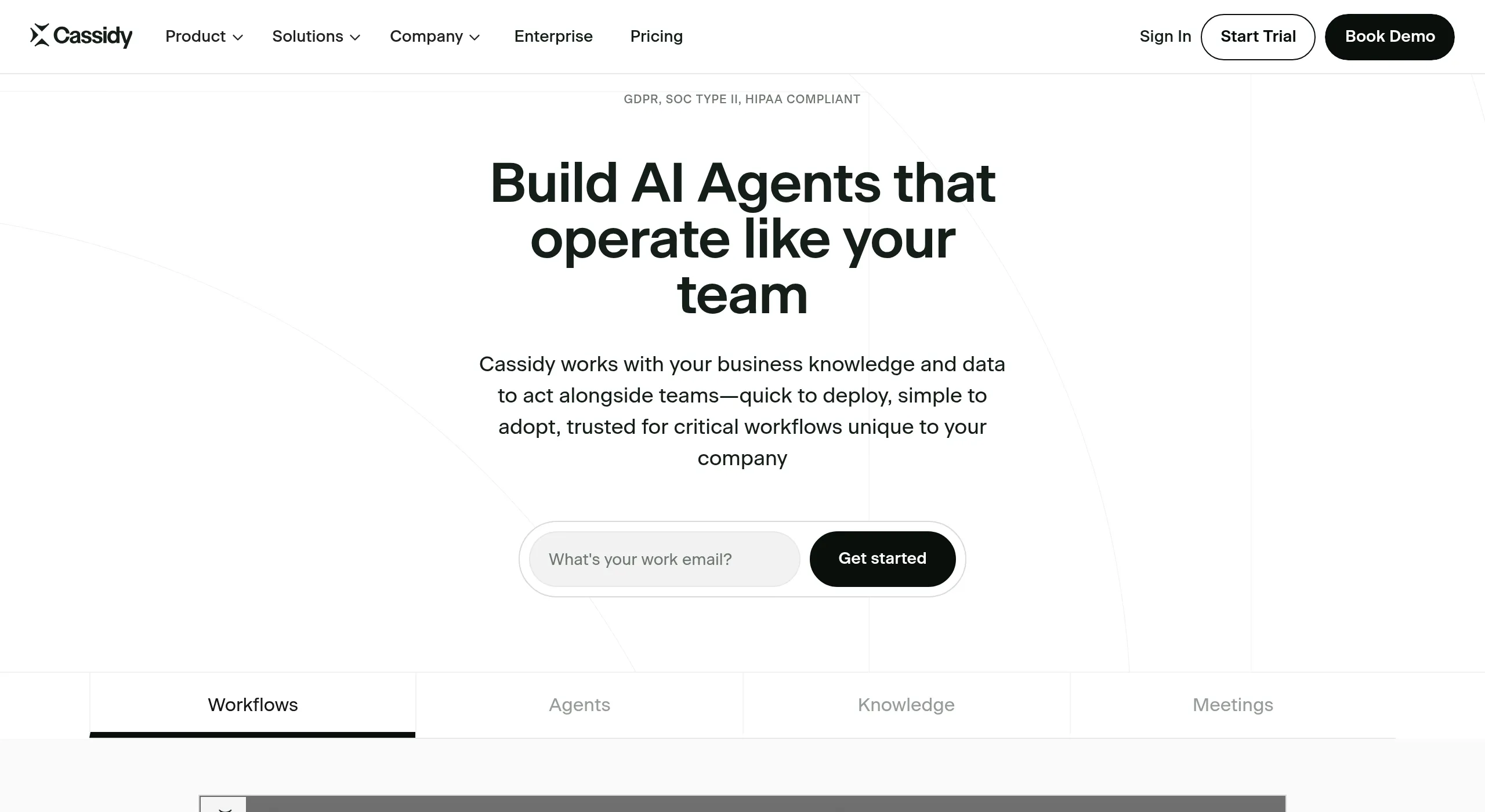
What it is: Cassidy is an AI assistant platform built to ground agents in your company’s own data, connecting to Slack, Google Drive, Notion, and HubSpot so answers and actions reflect your knowledge base rather than a generic model. It is SOC 2 Type II, HIPAA, and GDPR compliant with encryption in transit and at rest, which is the part that matters when Lindy is not enough for a security review.
How I used it: I connected Cassidy to a shared Drive and Notion space and had it answer support questions using only our internal docs, so replies stayed on-brand and accurate instead of guessing. That tight grounding in company knowledge is where it pulls ahead of a general agent builder.
Key features:
- Agents grounded in connected company knowledge bases.
- SOC 2 Type II compliance with end-to-end encryption.
- 100+ integrations across common business tools.
- Free Starter plan with 10,000 monthly AI credits to evaluate.
Pros:
- Strong knowledge grounding for accurate, on-brand answers.
- Enterprise security and compliance built in.
- Free Starter plan to build your first agents.
Cons:
- Business pricing is custom and quote-based, so costs are not transparent upfront.
- The free Starter plan caps you at 5 agents, 5 workflows, and 10,000 credits.
- More focused on grounded assistants than broad autonomous automation.
Bottom line: Cassidy is the best Lindy alternative for enterprises that need agents grounded in internal knowledge with real compliance.
5. Gumloop: best for AI-first automation over messy data
- Best for: People automating unstructured-data tasks (research, scraping, summarizing) with AI at the center.
- Score: 4.3/5
- Pricing: Free (5,000 credits/month); Pro from $37/month; Enterprise custom.
- Third-party ratings: G2 4.6/5.
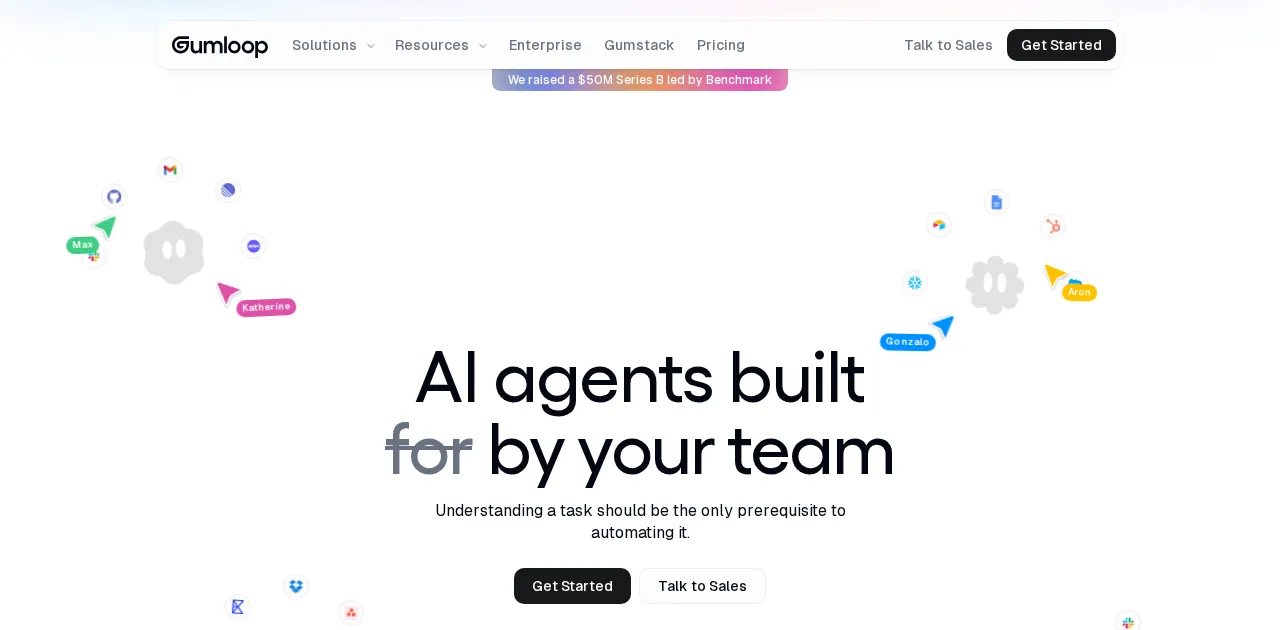
What it is: Gumloop is an AI-first automation platform with a visual builder where AI nodes do the heavy lifting. It is aimed at workflows that involve reading, extracting, and transforming messy data rather than tidy record-to-record syncs, and it leans more deterministic than Lindy’s autonomous agents, which makes its runs easier to predict and debug.
How I used it: I pointed Gumloop at a set of competitor pages, had it extract the pricing and positioning, and summarize the differences into a short brief. That kind of unstructured-data job is exactly where the AI-as-a-node model shines and where a chat-driven agent can feel like overkill.
Key features:
- Visual builder with native AI nodes and a build assistant.
- Strong at web scraping and unstructured-data workflows.
- Credit-based pricing that covers premium model access.
- Interfaces feature to turn automations into shareable apps.
Pros:
- AI is genuinely native, not an add-on.
- Deterministic flows are easier to debug than autonomous agents.
- Doubled free credits make prototyping cheap.
Cons:
- Credits burn quickly on heavy AI calls.
- Fewer traditional app integrations than Zapier or Make.
- Less suited to fully autonomous, decide-on-the-fly agent work.
Bottom line: Gumloop is the best Lindy alternative for AI-first workflows over messy, unstructured data.
6. n8n: best for open-source control and self-hosting
- Best for: Technical teams that want open-source control and the option to self-host for free.
- Score: 4.4/5
- Pricing: Self-hosted Community Edition free (unlimited executions, you pay only for the server); Cloud Starter €20/month (2,500 executions) and Pro €50/month (10,000 executions), both billed annually.
- Third-party ratings: G2 4.5/5; Capterra 4.9/5.
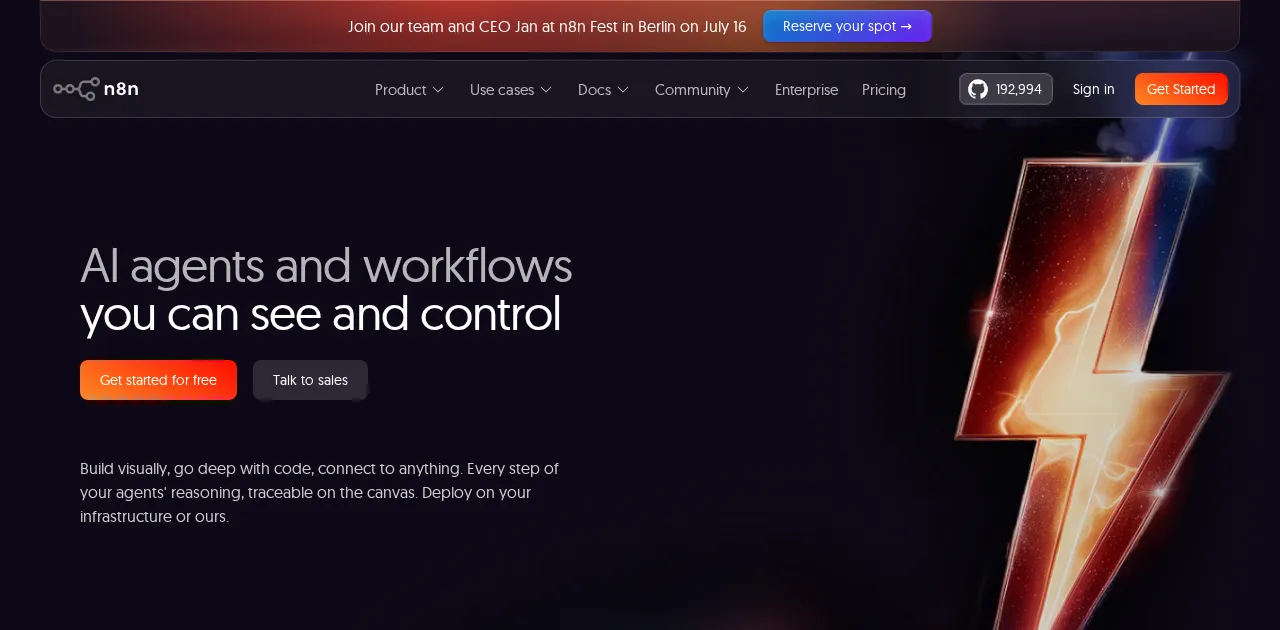
What it is: n8n is a fair-code, node-based automation tool you can run on your own infrastructure or as a managed cloud service. It sits between no-code automation and developer tooling, with native AI nodes and the ability to drop into code when a node does not exist, and self-hosting means no per-credit meter at all.
How I used it: I self-hosted n8n on a small VPS and built an agentic workflow where one AI step classifies an incoming request, another decides the next action, and the rest runs deterministically. Because it was self-hosted, none of those runs counted against a credit balance, which is the whole reason teams move agent work off Lindy.
Key features:
- Self-hostable and open-source, with unlimited executions when self-hosted.
- 400+ nodes plus custom code steps and native AI nodes.
- Full control over data and infrastructure.
- Strong fit for AI workflows and custom logic.
Pros:
- Free and unlimited if you self-host.
- Complete control over data and infrastructure.
- Flexible enough for genuinely technical agent workflows.
Cons:
- Self-hosting requires technical setup and maintenance.
- Less turnkey than a natural-language agent builder.
- You bring your own LLM API keys rather than getting models bundled in.
Bottom line: n8n is the best Lindy alternative for developers and privacy-conscious teams who want self-hosting and open-source control.
7. Make: best for cheap visual workflow automation
- Best for: People who want deep, visual workflow logic at a low price, more than they want autonomous agents.
- Score: 4.5/5
- Pricing: Free; Core $9/month; Pro $16/month; Teams $29/month (monthly billing, 10,000 operations each).
- Third-party ratings: G2 4.7/5; Capterra 4.8/5.
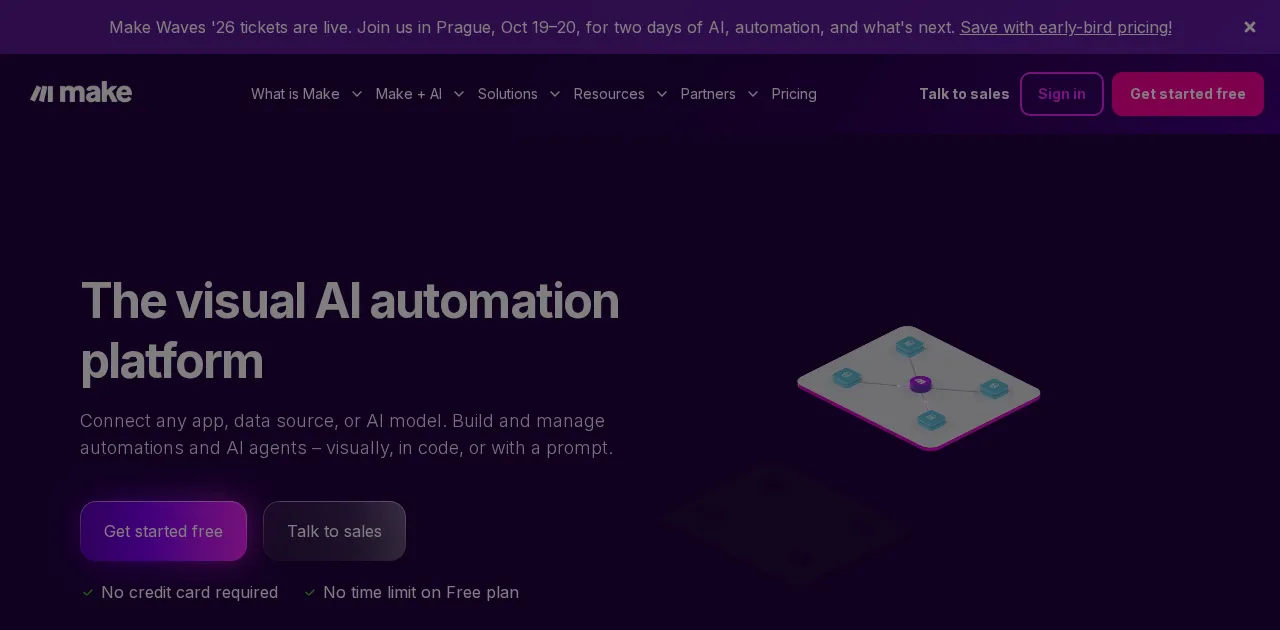
What it is: Make (formerly Integromat) is a visual automation platform built around a drag-and-drop canvas where you can see and shape every step of a workflow. It bills by operation rather than by credit, and it adds AI steps and MCP support, so it is a strong pick when your work is more “connect these apps reliably” than “let an agent decide.”
How I used it: I rebuilt a content pipeline in Make that pulls a row from a sheet, runs the copy through an AI step, and posts it to two channels in one run. The visual canvas made the logic obvious, and at Make’s per-operation pricing it ran for a fraction of what a credit-metered agent would have cost.
Key features:
- Visual flowchart builder with real branching and routing.
- Per-operation pricing that stays cheap at most volumes.
- 2,000+ app integrations plus a generic HTTP module.
- AI steps and MCP server support for connecting models.
Pros:
- The best balance of power and price for deterministic workflows.
- Visual canvas makes complex logic easy to reason about.
- Generous operations on the cheapest paid tier.
Cons:
- AI is more an add-on than the core, unlike agent-first tools.
- Steeper learning curve than a chat-based agent builder.
- Operation billing still scales with heavy usage.
Bottom line: Make is the best Lindy alternative when you want cheap, visual, deterministic workflows more than autonomous agents.
8. Zapier: best for the widest integration coverage
- Best for: Teams who care most about connecting the largest number of apps with the least setup.
- Score: 4.3/5
- Pricing: Free; Pro from $19.99/month (paid tiers scale with tasks).
- Third-party ratings: G2 4.5/5 (thousands of reviews).
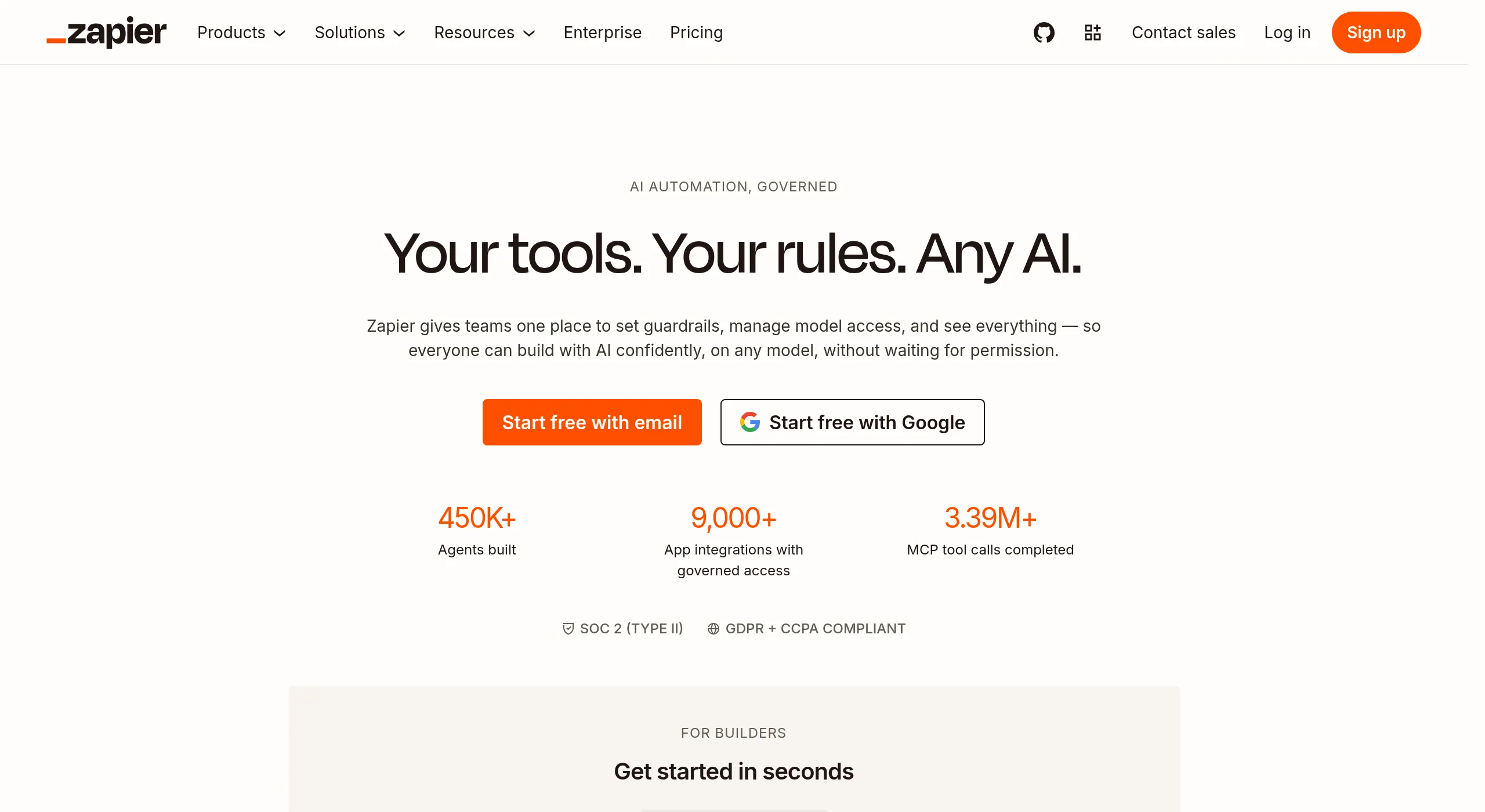
What it is: Zapier is the most established automation platform, connecting more apps than anything else (9,000+) with the easiest setup of any tool here. It has added AI features, chatbots, and MCP support, so while it is not agent-first like Lindy, it can cover the long tail of integrations that newer agent tools simply do not reach yet.
How I used it: I used Zapier to wire up the boring connective tissue around an agent, moving its output into a niche CRM and a billing tool that the agent platforms did not support natively. That breadth of coverage is the one thing Zapier still does better than almost everyone.
Key features:
- 9,000+ app integrations, by far the largest library.
- The fastest, most beginner-friendly setup.
- AI chatbots, AI actions, and MCP support.
- Reliable, mature platform with deep documentation.
Pros:
- Unmatched app coverage for the long tail.
- Easiest tool here to get a first automation running.
- Mature, stable, and well-documented.
Cons:
- Per-task billing gets expensive as automations multiply.
- Not agent-first; AI is bolted onto a trigger-action core.
- Less suited to autonomous, decide-on-the-fly work than Lindy.
Bottom line: Zapier is the best Lindy alternative when raw integration coverage and setup speed matter more than autonomous agents.
The verdict: which Lindy AI alternative should you pick?
- Best overall alternative: Craze, free to start, when you want agents, chat, and workflows in one workspace.
- Best for a multi-agent AI workforce: Relevance AI.
- Best for pre-built AI employees: Sintra AI.
- Best for enterprise knowledge grounding: Cassidy AI.
- Best for AI-first, unstructured-data automation: Gumloop.
- Best for self-hosting and open-source control: n8n.
- Best for cheap visual workflows: Make.
- Best for the widest integration coverage: Zapier.
If your main problem with Lindy is the unpredictable usage bill, start with Craze or a flat-priced option. If you want a team of agents rather than one, look at Relevance AI. And if you need enterprise grounding and compliance, Cassidy is the safer call. For a wider view of where these tools sit, our comparison of the best AI platforms puts them next to the all-in-one workspaces. The honest catch: Lindy remains a polished, agent-first builder with a large template gallery, so if that is exactly what you want and the usage-based pricing is fine for you, staying is a reasonable choice.
Every tool I evaluated
For transparency, here is the full set of AI agent and automation tools I looked at before settling on the 8 above, and why each one did or did not make the shortlist.
| Tool | Category | Made the top 8? | Why or why not |
|---|---|---|---|
| Craze | AI workspace | Yes (#1) | Agents, chat, and workflows in one place, free to start |
| Relevance AI | Multi-agent platform | Yes (#2) | Best for a coordinated AI workforce |
| Sintra AI | Pre-built AI employees | Yes (#3) | Ready-made role helpers, no building |
| Cassidy AI | Enterprise AI agents | Yes (#4) | Knowledge grounding plus SOC 2 / HIPAA |
| Gumloop | AI-first automation | Yes (#5) | Native AI over unstructured data |
| n8n | Open-source automation | Yes (#6) | Self-hosting and developer control |
| Make | Visual automation | Yes (#7) | Cheap, deep, visual workflows |
| Zapier | Automation / iPaaS | Yes (#8) | Widest app coverage and easiest setup |
| Manus | Autonomous AI agent | No | General autonomous agent, less focused on app automation |
| Bland AI | Voice AI agents | No | Specialized in phone and voice agents, narrower than Lindy |
| Stack AI | LLM app builder | No | Developer and RAG focus, not no-code agents |
| Dust | Internal AI agents | No | Internal knowledge agents, limited external automation |
| Retool | Internal tools | No | For building internal apps, not standalone agents |
| Cognosys | Autonomous agents | No | Research-oriented agent runner, smaller ecosystem |
| IFTTT | Personal automation | No | Best for simple personal automations, not agent work |
| Activepieces | Open-source automation | No | Strong open-source option, edged out by n8n here |
| Power Automate | Enterprise / Microsoft | No | Best only inside Microsoft 365 |
| Salesforce Agentforce | CRM agents | No | Salesforce-locked and costly |
| Pipedream | Developer automation | No | Code-first, built for developers |
| Tray.ai | Enterprise iPaaS | No | Expensive and complex for small teams |
| Pabbly Connect | Budget automation | No | Flat-rate iPaaS, not agent-focused |
FAQs
What is the best Lindy AI alternative?
It depends on why you are leaving. For an all-in-one AI workspace where chat, agents, and workflows live together, Craze is the best pick and it is free to start. For a multi-agent AI workforce, Relevance AI is strongest. For pre-built AI employees you do not have to build, Sintra AI. For enterprise agents grounded in your company data with SOC 2 and HIPAA, Cassidy. There is no single winner because Lindy switchers want different things.
Why is Lindy AI so expensive?
Lindy's plans start at $49.99/month and include a monthly usage allowance, and a single task can draw a little or a lot depending on its complexity and the model it uses. That makes the bill unpredictable, and heavy users routinely report burning through their allowance faster than expected. There is also no permanent free tier, only a 7-day trial, so you commit to a paid plan quickly.
Is there a free alternative to Lindy AI?
Yes, and it is a real differentiator because Lindy itself only offers a 7-day trial rather than a permanent free plan. Craze has a free tier for its AI workspace, n8n and Activepieces are free to self-host, and Make, Gumloop, Relevance AI, and Cassidy all offer free plans with usage caps. Craze is the closest free like-for-like if you want agents plus chat and workflows in one place rather than a single-purpose tool.
Is Relevance AI better than Lindy?
For building a coordinated team of agents (an AI workforce) at scale, Relevance AI is often the stronger choice, and its split Actions-plus-credits pricing can be more predictable than Lindy's. For a polished single-agent builder with a big template gallery and natural-language setup, Lindy is still very good. The right answer depends on whether you need multi-agent orchestration or a fast single-agent build.
When should I stay on Lindy AI?
If you want a dedicated, agent-first builder with a large template library and broad integrations, and the usage-based bill does not bother you, staying on Lindy is a reasonable call. The alternatives below win on price predictability, pre-built employees, enterprise grounding, self-hosting, or bringing AI into one workspace, but none of them is a strict superset of Lindy.
More Articles
The 7 Best Make Alternatives in 2026 (Tested & Compared)

The 7 best Make.com alternatives for 2026, anchored to why people leave Make, with current pricing, third-party ratings, honest pros and cons, and the best pick for each reason to switch.
The 8 Best Zapier Alternatives in 2026 (Tested & Compared)
The 8 best Zapier alternatives for 2026, anchored to why people leave Zapier, with current pricing, third-party ratings, honest pros and cons, and the best pick for each reason to switch.
The 11 Best AI Chatbots in 2026 (Tested & Compared)
I compared the 11 best AI chatbots of 2026, from ChatGPT and Claude to Gemini and Perplexity, with current pricing, honest pros and cons, and the best pick for each need.


