


Are you finding it hard to track progress, ensure team objectives align with company goals, or hold teams accountable for results? These challenges often prevent organisations from fully realising the potential of an OKR system.
The right OKR software features address these issues by enabling clear goal setting, real-time progress tracking, and seamless alignment across the organisation. By prioritising the essential features, companies can turn goal management into a structured, high-impact process that drives results at every level.
This guide will help you understand the key features of OKR software, how it drives alignment, and how to choose the right solution for your business.
OKR software helps organisations define, track, and manage Objectives and Key Results, aligning team efforts with business goals.
It ensures transparent goal-setting, progress tracking, and performance measurement across departments.
Core features include objective and key result tracking, progress dashboards, alignment and hierarchy mapping, check-ins, notifications, and reporting.
Advanced features such as real-time analytics, integration with project management tools, automated reminders, goal scoring, and performance insights enhance visibility and accountability.
Select software based on usability, integration capabilities, reporting depth, scalability, and support quality.
OKR (Objectives and Key Results) software is a platform that helps businesses set, track, and achieve their goals efficiently. It provides a structured framework for defining high-level objectives, breaking them into measurable key results, and monitoring progress in real time, ensuring teams and individuals stay aligned with the company’s overall mission.
By consolidating performance metrics, automating updates, and offering actionable insights, OKR software simplifies goal tracking and decision-making. It also enhances transparency and accountability across teams, breaking down silos and ensuring every employee understands how their contributions support broader business objectives.
OKR software plays a vital role in driving alignment, focus, and continuous progress within an organisation. Here's how your business benefits from this software:
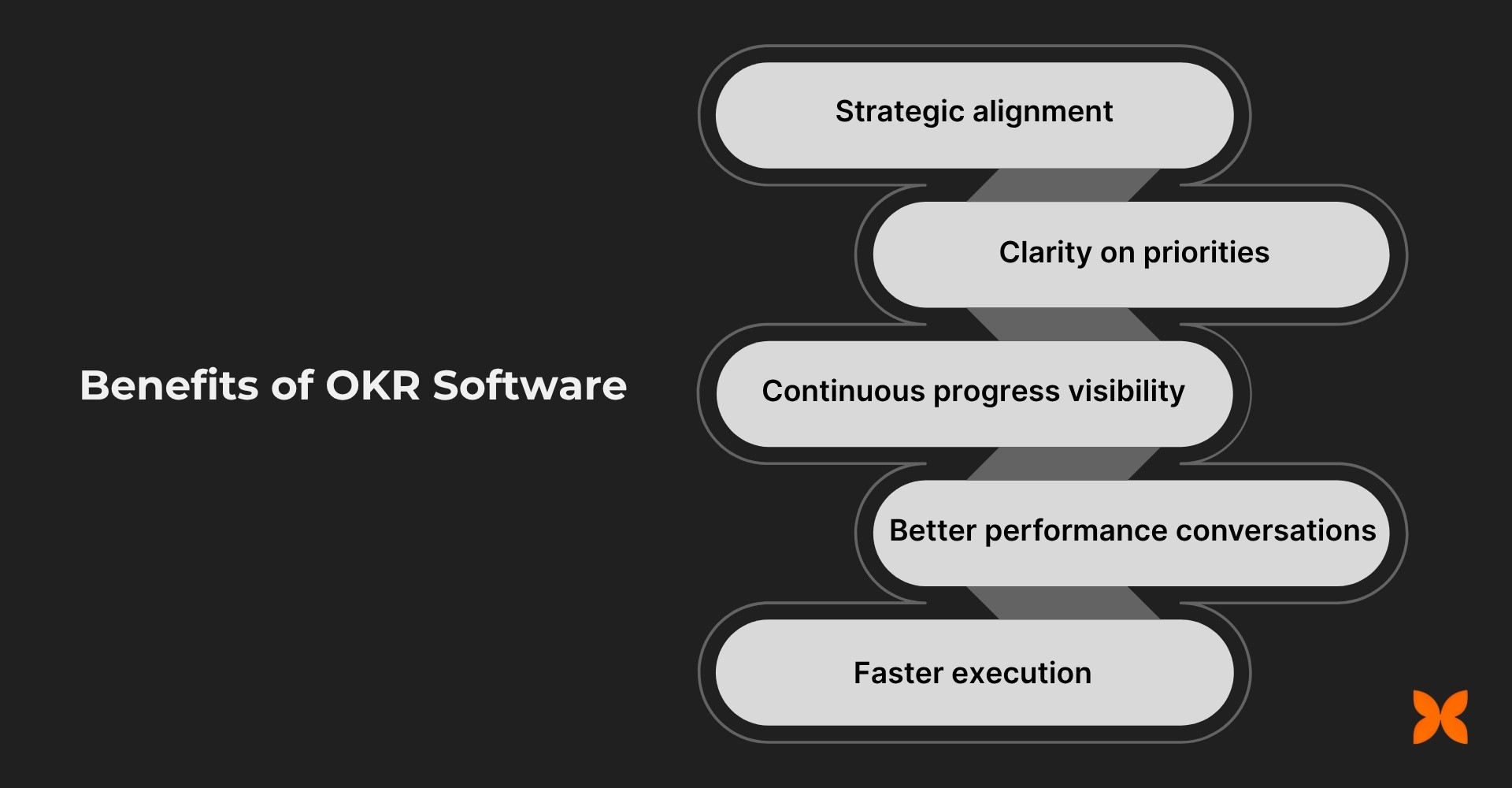
Strategic Alignment: OKR software ensures all teams and individuals work toward the same company goals. This reduces silos and improves coordination across departments.
Clarity on Priorities: It clearly defines objectives, assigns ownership, and sets measurable timelines. Employees know precisely what to focus on, streamlining decision-making.
Continuous Progress Visibility: Real-time dashboards show how teams and individuals are progressing toward goals. This eliminates manual tracking and enables quick issue identification.
Improved Performance Conversations: Managers can base feedback on actual OKR data, highlighting achievements and areas for growth. This makes reviews more structured and meaningful.
Faster Execution: Automated reminders and check-ins keep teams on track. Goals and strategies can be adjusted in real time to maintain momentum.
Also Read: Best OKR Software for Goal-Setting
Selecting OKR software with the right tools and capabilities will ensure it aligns with your goals and scales with your growth.
When selecting OKR software, it is important to choose features that match your business's unique needs. The right features will help you simplify goal-setting, improve collaboration, and ensure better performance tracking.
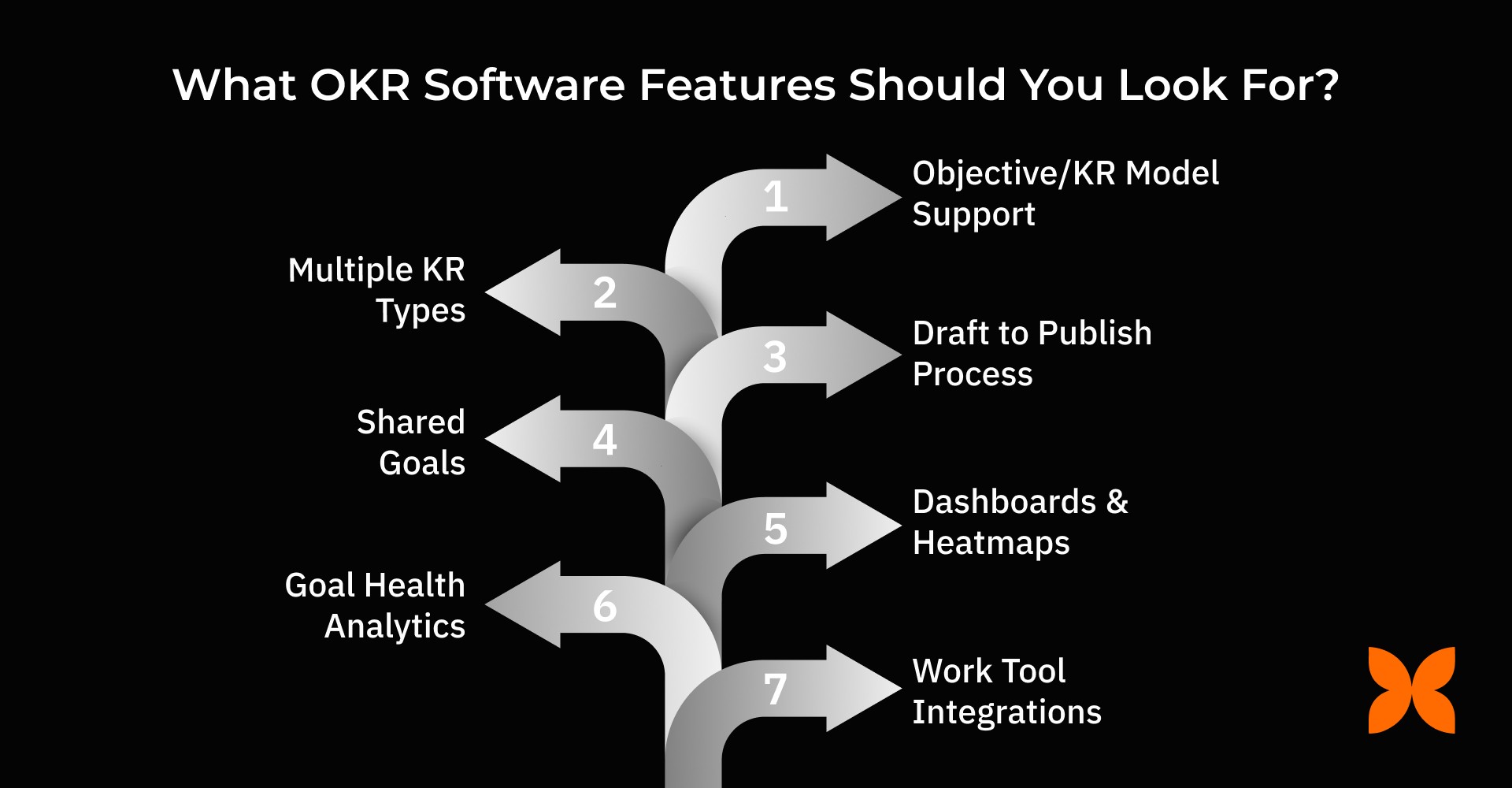
Here are the key features you should look for:
1. Foundation and Structure
A solid foundation with clear goal structures ensures smooth alignment and tracking from the company level down to individual contributors.
Objective/KR Model Support
OKR software should allow both qualitative objectives and quantitative key results (KRs). Linking initiatives or tasks to key results ensures that every action aligns with your overall goals, making the process more structured and efficient.
Hierarchical Alignment
The software should support alignment from the company level down to individual contributors. It should allow you to set parent-child relationships for goals, so each team’s objectives are directly connected to the company’s overarching goals. Shared key results between teams help ensure alignment and collaboration across the organisation.
Goal Categorisation & Templates
Look for goal categorisation features, such as tags and categories. These allow you to organise goals more effectively and apply templates for common goal types, saving time on setup and improving consistency across teams.
Timeline & Cycles
You need flexibility in your goal-setting cycles. The software should support annual, quarterly, or custom cycles, with features such as milestones, start and end dates, and the ability to lock/unlock windows. It should also allow rollover of incomplete goals into future cycles.
2. Key Results & Measurement
Accurate, flexible key results tracking helps you measure progress and make data-driven decisions in real time.
Multiple KR Types
The software should support various types of key results, including numeric, percentage-based, milestone-driven, and binary. This flexibility ensures you can track progress accurately based on the nature of each goal.
Progress Calculation
Choose software that automatically rolls up key results into overall objectives. It should allow you to track progress against targets, compare actual performance with goals, and provide a confidence level (RAG status) for better decision-making.
History & Evidence
A robust system should allow you to view the history of key results, track changes over time, and attach supporting documents or links. This adds transparency and context to your goals, making progress tracking easier.
3. Planning and Governance
Effective planning and governance features streamline goal-setting, ensure alignment, and efficiently manage the approval process.
Draft to Publish Process
Look for software with goal-setting approval workflows. A draft-to-publish process with role-based sign-offs ensures that goals are properly reviewed and aligned before being finalised.
Capacity/Focusing Aids
Effective OKR software should provide tools for capacity planning and focus management. Features like effort tags and conflict warnings help teams allocate resources efficiently and avoid overburdening any team member.
Cycle Management
Your business needs to manage multiple OKR cycles simultaneously. The software should support cross-cycle reporting and allow you to use templates for cycle setup, making it easier to manage and track goals across different time periods.
4. Collaboration and Contribution
Collaboration tools and visibility controls empower teams to work together on shared goals and contribute to cross-functional success.
Shared Goals
Ensure the software allows teams to collaborate on shared goals, with clear contributor permissions. This promotes cross-functional collaboration and ensures that all contributors are accountable for their contributions to the objective.
Comments & Threads
Collaboration tools like comments, threads, and @mentions improve communication around specific goals. These features allow for ongoing discussions and updates, ensuring clarity and transparency throughout the goal-setting process.
Visibility Controls
The software should let you control visibility for each goal. It should allow public, private, or restricted goals, ensuring sensitive information remains confidential while giving managers automatic visibility of relevant goals.
5. Visibility and Communication
Clear dashboards, regular notifications, and easy search options provide constant visibility into goal progress and communication across teams.
Dashboards & Heatmaps
Look for dashboards that provide a clear overview of the company’s goal health. Heatmaps, team health indicators, and “at-risk” boards give managers real-time insights into goal progress and where attention is needed.
Feeds & Notifications
Real-time notifications are essential for keeping everyone on track. The software should support weekly check-ins, missed-update alerts, and reminders via platforms such as Slack, Teams, or email.
Search & Discovery
With multiple goals across teams, it’s crucial to have a search function. Filters by owner, tag, status, and cycle make it easy to find specific goals and track progress quickly.
6. Analytics and Outcomes
Analytics and insights help you track goal health and impact, ensuring continuous improvement and alignment with business priorities.
Goal Health Analytics
The software should offer analytics on goal health, including update adherence and alignment coverage. This helps businesses track how well goals are being maintained and whether objectives are being met on time.
Impact Tracking
A good OKR system will track the impact of key results, measuring ROI and improvements over time. It should allow you to track not just completion, but also the value that each goal brings to the business.
Insights
Advanced software should provide insights, such as identifying stuck objectives or recognising patterns, such as stretch vs. sandbag behaviour. These insights help improve goal-setting accuracy in future cycles.
7. Integrations, Security, and Admin
Seamless integrations, robust security features, and effective administrative controls make it easy to manage goals while ensuring data safety and smooth workflows.
Work Tool Integrations
OKR software should integrate seamlessly with your existing tools, such as Sheets/Excel, Jira, Asana, or CRM systems. Webhooks and APIs can further enhance connectivity, ensuring a smooth workflow between platforms.
Performance Review Tie-In
Integrating OKRs with performance reviews ensures that progress is linked to employee evaluations. This connection provides a complete picture of individual contributions and company-wide goal achievement.
Identity & Security
The software should offer strong security features like Single Sign-On (SSO), Multi-Factor Authentication (MFA), and Role-Based Access Control (RBAC). Additionally, it should provide audit logs, data retention policies, and secure export options.
Your OKR software should also benefit specific roles across your organisation. For this, it is important to tailor the features to the needs of different stakeholders within your business.
Different roles interact with OKR software in distinct ways. Founders focus on strategy execution; HR and People Leaders need adoption insights and performance alignment; managers require actionable team-level tracking; individual contributors want clarity and progress visibility. The best OKR software addresses these needs with role-specific features.
Role | Top Priorities |
|---|---|
Founders/Executives | Strategy-to-execution map, cross-functional dependency flags, impact dashboards, and company-wide progress monitoring for informed decisions. |
HR/People Leaders | Adoption analytics, coaching prompts, integration with performance reviews, and tools to drive engagement and recognise achievements. |
Managers/Team Leads | Weekly check-ins, at-risk objective surfacing, initiative-to-KR linkage, and capacity alignment to ensure team goals stay on track. |
Individual Contributors | Simple interface to update progress, personal dashboards, reminders via Slack/Teams, and clear visibility into contributions to team objectives. |
After a clear understanding of the essential features of OKR software and how it benefits different roles within your company, it is important to know how to choose the right OKR software provider.
Choosing the right OKR software provider requires careful consideration of various factors to ensure it aligns with your business needs and supports seamless adoption. Here's what to look for when selecting a provider.
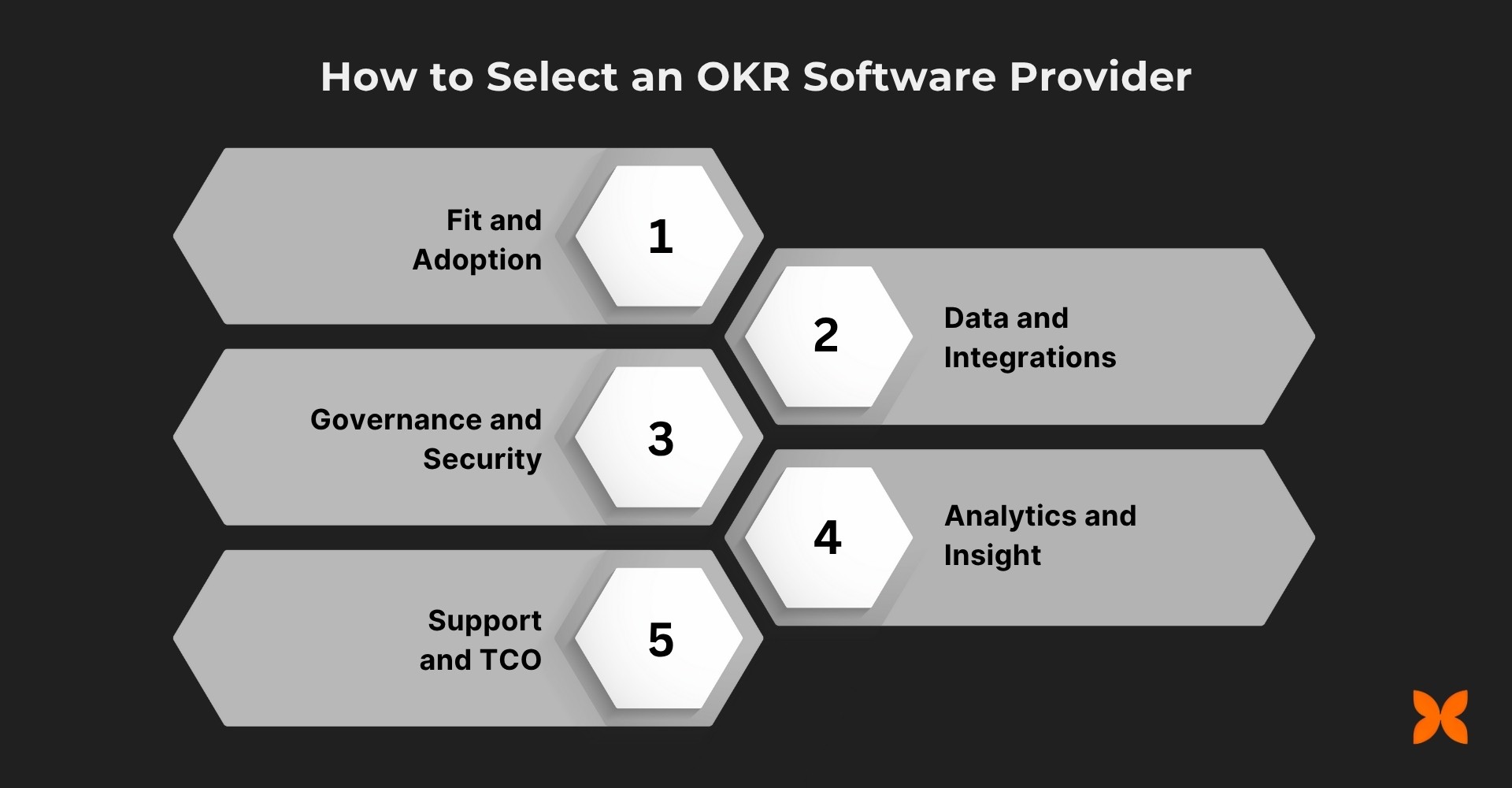
Fit and Adoption: Ensure the software has a clear, user-friendly interface, especially for non-experts, and offers frictionless updates.
Data and Integrations: Look for reliable connectors to your existing work tools, such as project management systems, and ensure trustworthy metric lineage and flexible APIs for easy data flow.
Governance and Security: The software should offer role-based visibility, edit history, and approval workflows. Advanced security features like SSO, MFA, and SCIM ensure secure access and data retention.
Analytics and Insight: Effective OKR software should provide health/adoption tracking, impact analytics, and intelligent alerts to help your team stay on track and continuously improve goal management.
Support and TCO: Choose a provider that offers onboarding playbooks, office hours, and change management resources. Ensure transparent pricing and full support to maximise ROI.
Choosing the right OKR software is key to ensuring goals are aligned, progress is visible, and teams collaborate effectively. Let’s explore how Craze brings these capabilities together to help organisations manage and track objectives seamlessly.
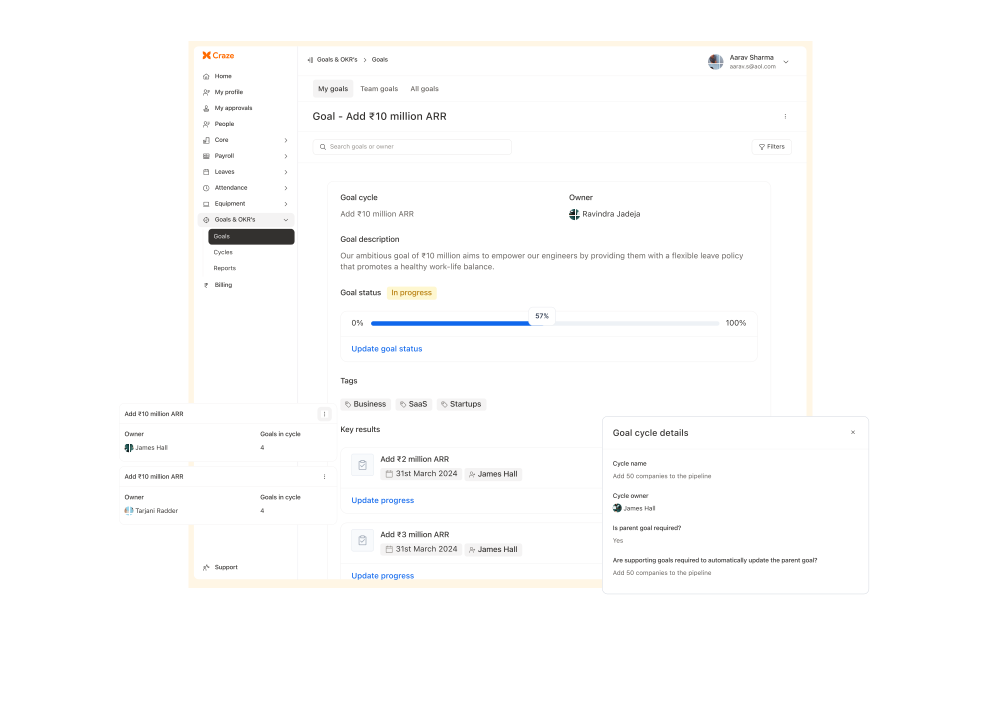
Craze integrates OKRs, performance management, and HR into one single platform, ensuring structured alignment, continuous progress tracking, and real-time insights across your entire organisation. By combining these crucial functions, Craze helps businesses facilitate operations and accelerate growth.
Structured Alignment: Ensures clear goal alignment across all levels, from company-wide objectives to individual targets, using parent-child relationships, tags, categories, and pre-built templates for easy setup and consistency.
Robust Measurement: Enables accurate tracking of progress, comparison of target vs. actual performance, and auto-roll-ups to objectives for transparent measurement.
Cycle Discipline: Supports flexible goal cycles. Allowing businesses to manage multiple cycles simultaneously, set rollover rules for incomplete goals, and track progress against defined milestones and deadlines.
Collaboration & Visibility: Enhances collaboration with shared goals, contributor permissions, and visibility controls (public, private, or restricted). Managers get auto-visibility, and cross-functional goal support fosters team collaboration.
Analytics & Nudges: Provides real-time dashboards, trend insights, historical reports, and automated notifications to keep teams on track and ensure timely updates on goal achievements.
Performance Integration: Links OKRs with performance reviews for seamless evaluation, offering export options, API integration, and mobile access to track updates on the go.
With Craze, businesses gain a unified system to manage goals, track progress, and enhance team accountability. Its integrated OKR platform ensures every objective is measurable, visible, and aligned with overall business outcomes.
1. How can OKR software help improve team productivity?
OKR software helps streamline goal-setting and provides clear visibility into team progress. By aligning objectives with key results and automating tracking, teams spend less time on status updates and more on execution. This increases productivity as teams can focus on tasks that directly contribute to business goals.
2. Can OKR software be used by small businesses or startups in India?
Yes, OKR software like Craze, is highly beneficial for small businesses and startups. It helps establish clear goals, track progress, and improve team alignment without needing a large management overhead. With flexible cycles and easy integration, even small businesses can scale effectively and stay focused on key priorities.
3. What are the common challenges when implementing OKR software for the first time?
One common challenge is ensuring all team members understand the OKR framework and how to use the software. It can also take time to set up the right goals and key results that align with your company's strategic vision. To address these challenges, proper training, clear communication, and gradual adoption can help ease the transition.
4. How do OKR software features support performance reviews and employee growth?
OKR software can be integrated with performance reviews to track employee progress against specific goals. It provides data-driven insights that help managers objectively evaluate employee performance, offer constructive feedback, and identify areas for growth. This results in more effective performance appraisals and continuous employee development.
5. What are the key differences between OKR software and traditional goal-setting methods like spreadsheets?
Unlike spreadsheets, OKR software automates progress tracking, updates in real-time, and offers better visibility across teams. It eliminates errors from manual data entry and provides structured frameworks that are easy to scale. Additionally, OKR software supports collaboration, alignment, and data-driven decision-making that spreadsheets cannot.
