


Manually tracking employee hours often involves inaccurate entries, missing timesheets, and frequent follow-ups with employees. These challenges consume valuable time and lead to errors in payroll, which can affect the smooth functioning of your business.
With businesses losing up to USD 7.4 billion per day due to untracked work activities, it’s clear that traditional methods are no longer sufficient. If you're looking for a more reliable solution to address these problems, you're in the right place.
This article will help you understand how time tracking software can streamline these processes, enhance accuracy, and ensure correct payroll management.
Time tracking software automates the tracking of employee hours, attendance, and payroll, reducing errors and enhancing operational efficiency.
By syncing time data with payroll systems in real time, it guarantees payroll accuracy without the need for manual calculations.
Time tracking software ensures compliance with labour laws by maintaining precise records of work hours, overtime, and absences, safeguarding businesses from legal risks.
It offers actionable insights into employee productivity, enabling managers to allocate resources effectively and optimise workflows.
Craze’s system integrates geo-location tracking, biometric verification, and customisable attendance policies to streamline and enhance workforce management.
Time tracking software is a system designed to monitor and record employee work hours, attendance, overtime, and absences in real time. It automates the process of capturing work-related data, ensuring that businesses have accurate records of when employees clock in and out, as well as any additional hours worked.
The software works by allowing employees to log their hours through various methods, such as biometric systems, online portals, or mobile apps. Managers can then track attendance and monitor work hours in real-time.
Understanding how time tracking software works sets the stage for exploring why it’s so crucial for businesses.
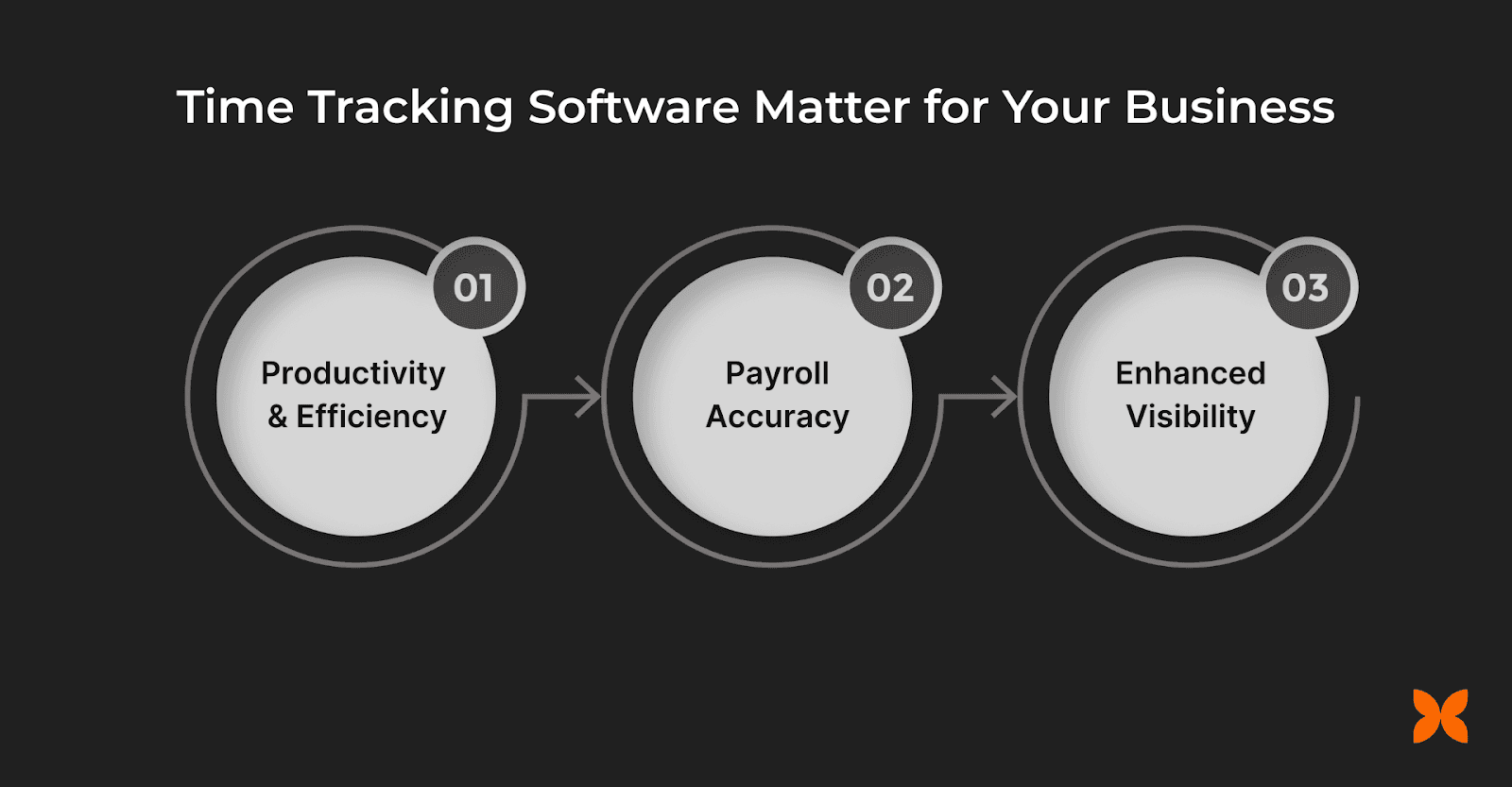
Time tracking software goes beyond simple hour logging. Here’s how it helps:
1. Productivity and Efficiency
Time tracking software helps employees stay focused and ensures that their time is spent on productive activities that align with business goals.
Prioritisation of tasks: By tracking time spent on different activities, employees can identify areas where they can focus more on high-priority tasks and reduce time spent on low-impact activities.
Improved task allocation: Managers can use data from time tracking to allocate tasks more efficiently, balancing workloads and optimising team performance.
Example: For a startup team that handles multiple projects, time tracking software helps identify which employees are spending too much time on repetitive tasks. This allows the team to delegate more efficiently, ensuring high-priority work is completed faster, and resources are optimised.
2. Payroll Accuracy and Legal Compliance
Accurate time tracking plays a crucial role in ensuring employees are paid fairly and businesses comply with labour laws.
Accurate payroll processing: By automatically calculating hours worked, including overtime, breaks, and leave, time tracking software eliminates errors in payroll and ensures employees are paid the correct amount.
Compliance with labour laws: Time tracking software helps businesses comply with statutory labour regulations, preventing legal issues related to wage discrepancies or overtime pay violations.
Example: For an e-commerce business that handles hourly staff, time tracking software ensures that overtime hours are accurately recorded and employees are paid in full compliance with India's Payment of Wages Act. This reduces the risk of legal disputes and enhances employee trust.
3. Enhanced Visibility and Resource Planning
Time tracking software doesn’t just help with tracking hours; it provides businesses with data to improve overall resource planning and decision-making.
Resource allocation: Managers can view detailed reports on how much time is being spent on different projects and tasks, helping them make informed decisions about resource distribution.
Data-driven decision-making: The data provided by time tracking software helps businesses forecast future workload, staffing needs, and project timelines more accurately.
Example: For a SaaS company working with a remote team across multiple time zones, time tracking software provides clear visibility into how much time is spent on product development. This data helps the company allocate resources effectively and adjust deadlines, ensuring smooth operations even across different teams.
Get to Know: Best Time Tracking Software for Startups and SMEs
To fully realise these benefits, it’s important to understand the key features that make time tracking software effective.
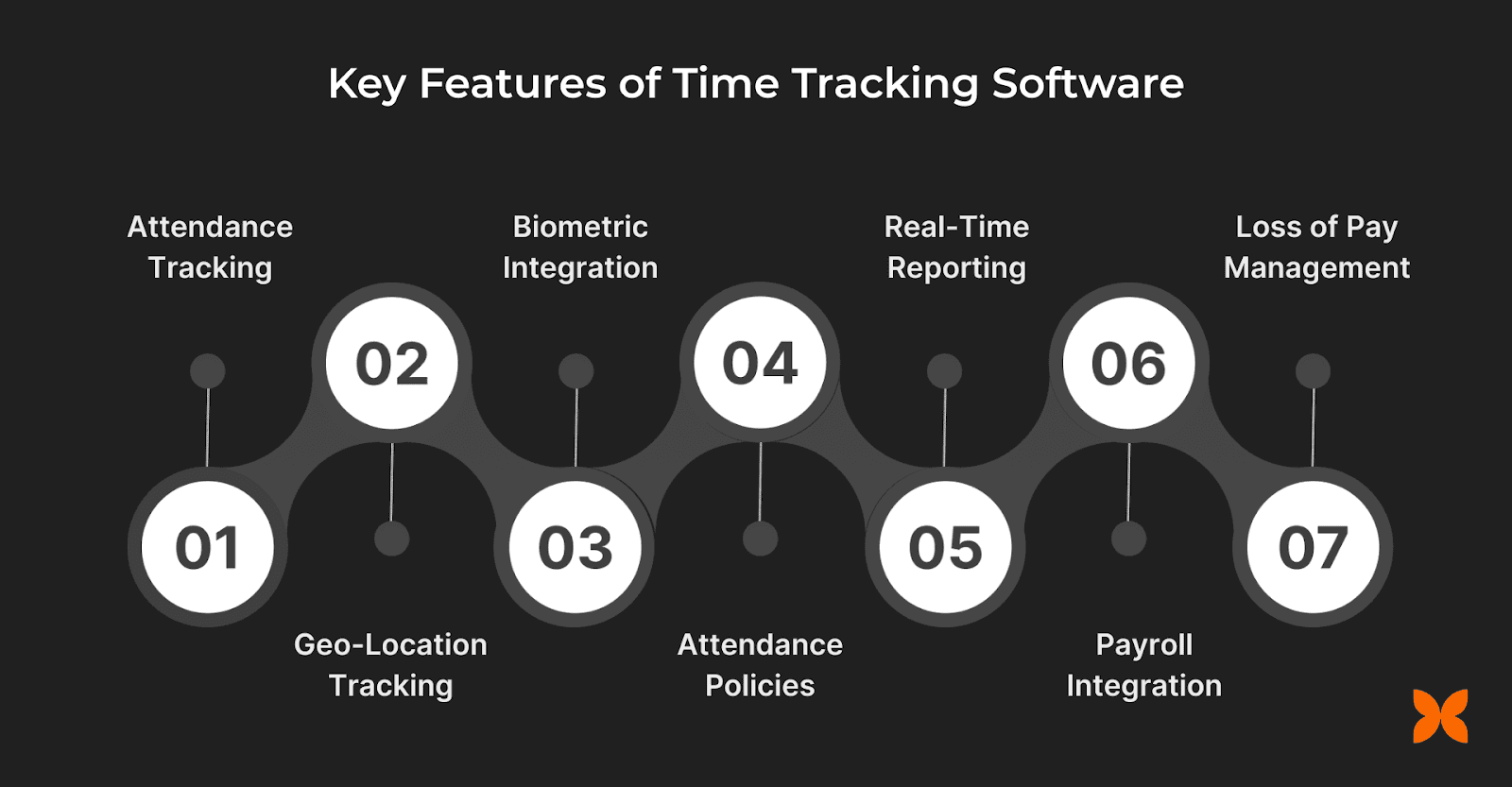
Time tracking software offers several powerful features that help businesses. Below are the key features to look for when considering time tracking software for your business.
1. Automated Attendance Tracking
Automated attendance tracking eliminates the need for manual entries, reducing the chances of errors and saving time. With this feature, employees' work hours, overtime, and absences are recorded automatically, ensuring accuracy and reducing administrative workload.
2. Geo-Location Tracking
Geo-location tracking allows businesses to monitor the location of their employees in real time. This feature is particularly useful for field workers or remote teams, ensuring they are working within designated locations and following schedules.
3. Biometric Integration
Biometric integration adds an extra layer of security and accuracy by using unique physical traits, such as fingerprints or facial recognition, to track attendance. This feature helps prevent issues like buddy punching, where one employee logs in or out for another.
4. Customisable Attendance Policies
With customisable attendance policies, businesses can set rules tailored to their specific needs, including work hours, overtime, absences, and breaks. This flexibility ensures that the system aligns with company requirements, whether for in-office staff or remote teams.
5. Real-Time Reporting
Real-time reporting provides instant access to data about employee hours, absenteeism, and productivity. Managers can view and act on this information quickly, ensuring they have up-to-date insights for making informed decisions.
6. Payroll Integration
Payroll integration ensures that all recorded hours are automatically transferred to payroll systems for accurate salary processing. This eliminates the need for manual data entry, reducing errors and ensuring employees are paid correctly.
7. Overtime and Loss of Pay Management
This feature helps manage overtime hours by automatically applying the correct multiplier, as well as tracking loss of pay (LOP) for unapproved absences. It ensures that businesses comply with their own policies and labour regulations.
With these features in mind, the next step is to understand how to implement time tracking software effectively in your business.
Implementing time tracking software in your business requires careful planning and execution.
Step | Description | How to Implement |
Assess Business Needs | Identify the unique requirements of your business, including workforce type and existing systems. | Evaluate whether you need the software for remote teams, field workers, or office staff. Consider integration with existing HR and payroll systems. |
Choosing the Right Software | Select software that aligns with your team size and business needs, including features like biometric integration and payroll syncing. | Look for time tracking software with scalable features that can accommodate your growing business, such as automated attendance tracking and real-time reporting. |
Employee Training and System Setup | Prepare for a smooth transition by training employees and integrating the software with your existing systems. | Ensure all employees understand how to use the software. Work with your IT or HR teams to integrate the system with your payroll or HR management tools. |
When choosing the right software, Craze’s time tracking solution offers the perfect fit for your business needs.
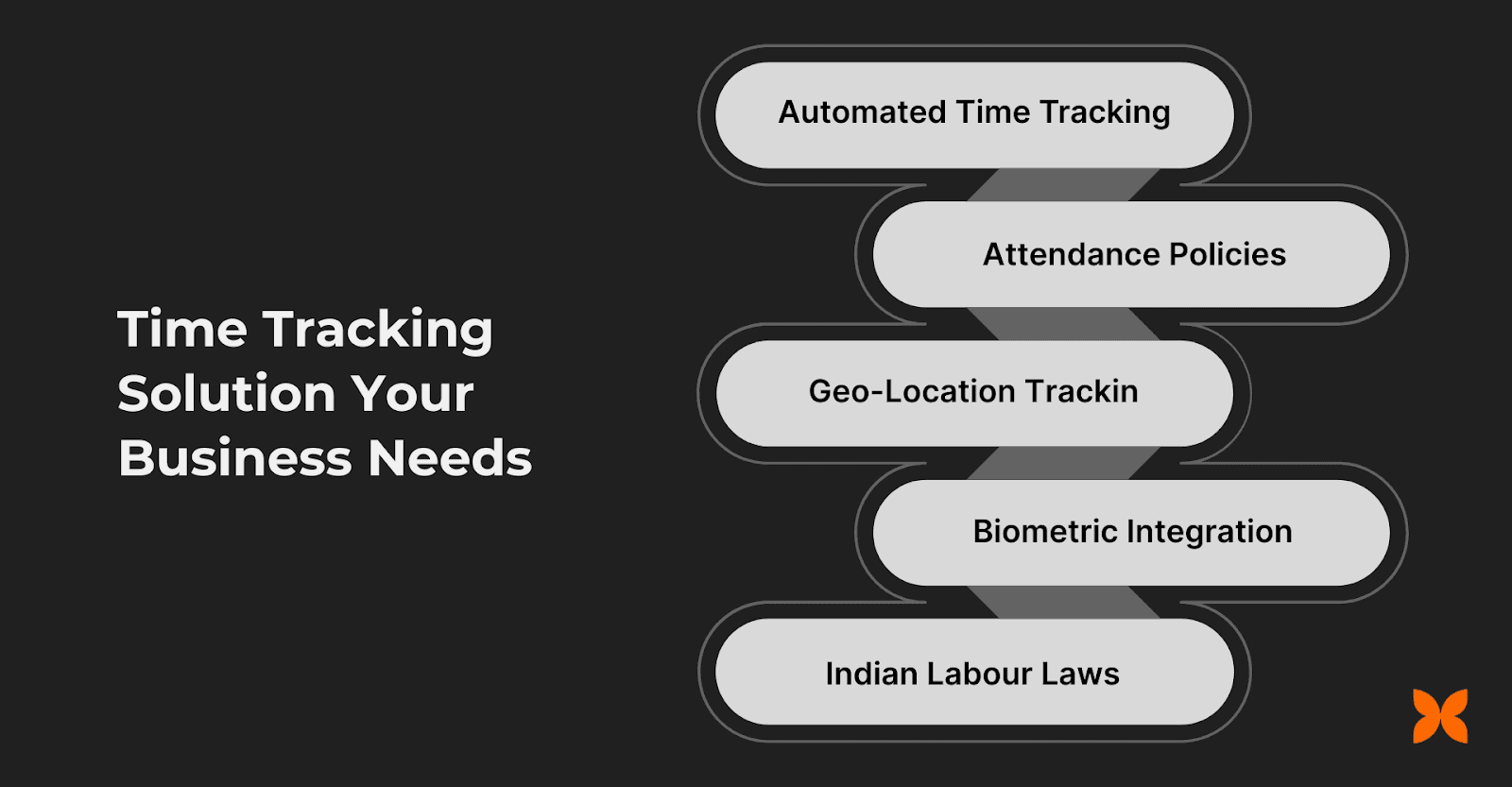
Craze’s time tracking and attendance software offers everything your business needs to manage time effectively and boost productivity. Here’s why it stands out:
Automated Time Tracking: Craze syncs attendance data in real-time with payroll, ensuring accurate, error-free salary processing every time.
Customisable Attendance Policies: Define unique rules based on department, location, or team, providing flexibility and alignment with your business needs.
Geo-Location Tracking: Craze ensures that remote teams and field workers are on task and working within designated locations, providing full control and oversight.
Biometric Integration: Craze uses biometric verification for secure, accurate attendance management, reducing the risk of time theft and enhancing data integrity.
Compliance with Indian Labour Laws: Craze’s time tracking system is fully compliant with Indian labour laws, helping businesses stay up to date with regulations and minimising the risk of legal issues.

Q1. How can time tracking software help manage part-time or contract workers?
A1. Time tracking software allows businesses to easily track part-time or contract worker hours alongside full-time employees. With features like real-time syncing and customisable attendance policies, you can manage different work schedules, ensure accurate payments, and integrate the data with payroll systems without extra effort.
Q2. Can time tracking software help track breaks and lunch hours?
A2. Yes, time tracking software can automatically track employee breaks, including lunch hours. You can set up custom rules to deduct break times from the total work hours, ensuring accurate pay and compliance with company policies, while also preventing any discrepancies in recorded hours.
Q3. How can time tracking software help businesses with employee shift management?
A3. Time tracking software can help manage employee shifts by allowing businesses to set fixed or rotating shifts. The software can track shift timings, ensuring employees work within set hours and that any shift changes are automatically recorded, preventing miscommunication and errors in payroll.
Q4. How can time tracking software assist in managing compliance across different states in India?
A4. Time tracking software ensures compliance with varying labour laws across different states in India. With features like auto-syncing with payroll and customisable attendance policies, businesses can account for specific rules, such as overtime laws or state-specific leave entitlements, ensuring legal compliance without manual tracking.
Q5. How does time tracking software handle non-working days and holidays?
A5. Time tracking software can automatically account for non-working days and holidays by excluding them from work hour calculations. You can set specific holiday policies based on your business’s calendar, ensuring that employees are paid correctly during festive seasons or when taking leave.
