


A Deloitte study found that HR professionals spend nearly 57% of their time on admin tasks, leaving little room to focus on strategy, employee engagement, and growth. That’s why more companies are turning to employee scheduling software to simplify shift planning and free up time for what truly matters, people and performance.
With growing teams, hybrid work models, and compliance needs, Indian businesses can’t rely on manual spreadsheets or endless WhatsApp updates anymore. The right employee scheduling software simplifies shift planning, reduces errors, and keeps your workforce happy and aligned, saving you hours every week.
In this guide, let’s explore the 15 best employee scheduling software for Indian teams in 2025, covering their key features, pros and cons, pricing, and real user feedback, to help you pick the perfect match for your organisation.
At a Glance
What is Employee Scheduling Software? A modern digital tool that automates shift planning, attendance tracking, and workforce management, replacing spreadsheets and manual rosters to ensure the right employees are at the right place at the right time.
Key Features to Look For: Drag-and-drop scheduling, mobile self-service, real-time attendance tracking, payroll and HRMS integration, compliance-ready reporting, and flexibility for different workforce types (hourly, salaried, or field teams).
Top Employee Scheduling Software in India (2025): Leading tools include Craze, Keka, Zoho Shifts, greytHR, Darwinbox, PeopleStrong, HROne, Workstatus, Zimyo, factoHR, Connecteam, Homebase, Deputy, Shiftboard, and QuickBooks Time, offering solutions for startups, SMEs, and large enterprises with features like AI-assisted scheduling, multi-location support, and integrated payroll.
Importance for Businesses: Efficient scheduling reduces errors, unnecessary overtime, compliance risks, and administrative workload while improving employee satisfaction, engagement, and productivity.
Implementation Tips: Start with a pilot team, use shift templates, train managers and employees on mobile and self-service tools, track adoption, integrate with payroll/HR systems, and set clear policies for flexibility and shift swaps.
What Is Employee Scheduling Software?
Employee scheduling software is a digital tool that helps businesses plan, manage, and track employee work shifts more efficiently. Instead of relying on spreadsheets or manual rosters, this software automates the entire scheduling process, from assigning shifts and managing time-off requests to tracking attendance and overtime.
In simple terms, it’s your go-to system for ensuring the right people are working at the right time, eliminating the chaos of last-minute changes and missed shifts. However, understanding what employee scheduling software does is just the first step. To choose the right tool for your business, it’s important to know the features that make scheduling smarter, faster, and more compliant.
Efficient employee scheduling is the backbone of smooth business operations. Whether you manage a retail store, healthcare facility, or remote team, the right employee scheduling software helps balance workforce availability, shift demands, and compliance requirements. Here are the key features to look out for:
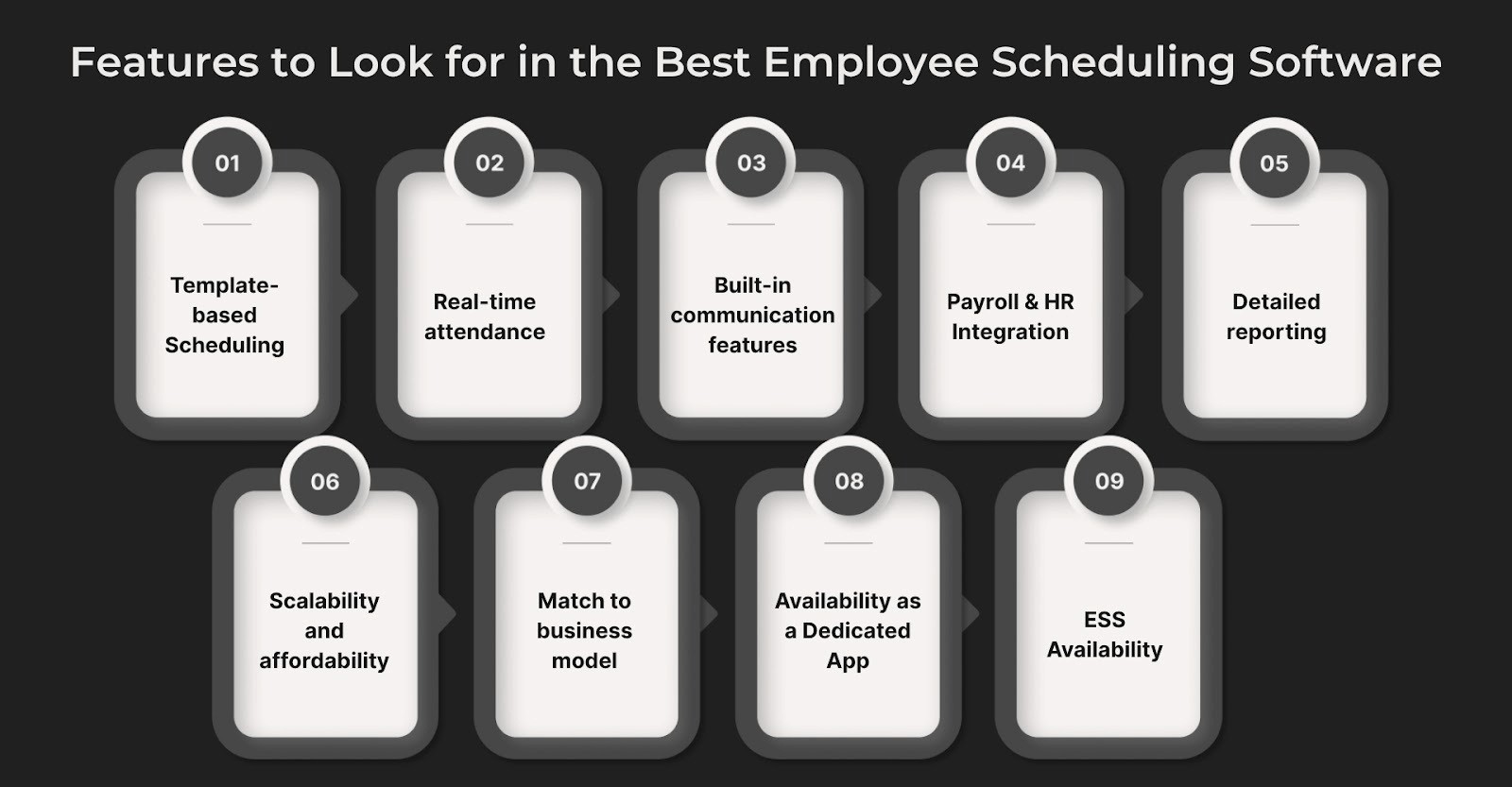
Drag-and-drop scheduling with templates and recurring shifts: Simplifies roster creation and reduces repetitive admin work.
Real-time attendance and availability tracking: Includes mobile alerts and shift swap tools to handle last-minute changes.
Built-in communication features: Allow instant shift updates, confirmations, and announcements for better team coordination.
Integration with payroll, time-tracking, HRMS, and compliance tools: Ensures seamless data flow for PF, TDS, and attendance sync.
Detailed reporting: Tracks labour costs, overtime, and attendance trends to aid cost control and compliance.
Scalability and affordability: Flexible pricing and features suited for startups, SMEs, and growing teams.
Match to business model: Choose tools designed for your specific workforce type, hourly staff, flexible rosters, or field service.
Availability as a Dedicated App: Select software that operates independently of the full HRMS suite. It’s ideal for businesses that only need scheduling features without paying for extra modules.
ESS Availability: Ensure the software includes an Employee Self-Service (ESS) portal that lets staff view schedules, request shift changes, and manage availability easily. This improves transparency and reduces HR workload.
Now that you know the essential features, let’s look at the top employee scheduling software options in India for 2025—tools that bring these capabilities to life for startups, SMEs, and large enterprises.
Finding the right scheduling tool can be tricky, especially with so many options out there. To make it easier, we’ve rounded up the 15 best employee scheduling software in India, tools that simplify shift planning, reduce manual work, and help teams stay organised and efficient.
Craze – Best for startups & fast-growing businesses
Keka – Best for SMEs needing payroll + scheduling in one HRMS
Zoho Shifts – Best for businesses already using the Zoho ecosystem
greytHR – Best for compliance-friendly HR & scheduling
Darwinbox – Best for enterprises with advanced workforce needs
PeopleStrong – Best for large organisations with multi-location teams
HROne – Best for growing SMEs seeking simple HR + scheduling
Workstatus – Best for hybrid and remote workforce management
Zimyo – Best for startups seeking affordable HR + scheduling
factoHR – Best for payroll-driven HR and workforce automation
Connecteam – Best for deskless and field employees
Homebase – Best for retail and hospitality teams
Deputy – Best for shift-heavy industries with global operations
Shiftboard – Best for enterprises managing complex, compliance-heavy schedules
QuickBooks Time – Best for time tracking + scheduling integration
Here’s a look at the top 15 employee scheduling software in India. These tools help businesses efficiently manage shifts, track attendance, and streamline workforce planning.
1. Craze

Craze is an all-in-one HR, payroll, and workforce management platform designed for startups and fast-growing businesses in India. Its employee scheduling module helps managers create shifts, track attendance, and manage approvals, all from a single dashboard.
Craze’s Smart Employee Scheduling: Simplifying Workforce Management
Craze’s employee scheduling module helps managers create shifts, track attendance, and manage approvals from a single dashboard. It also integrates with Craze’s Attendance Management System for accurate time tracking and seamless workforce visibility.
Craze’s Best Features
Drag-and-drop shift scheduling for easy planning
Real-time attendance tracking integrated with payroll
Automated notifications for shift changes and approvals
Mobile app for employees to view schedules and request changes
Customisable policies for overtime, breaks, and holidays
Pros:
Intuitive interface with minimal learning curve
Seamless integration with payroll and HR functions
Strong compliance support tailored for Indian businesses
Cons: Limited third-party app integrations compared to global tools
Suitable For: Startups and fast-growing businesses in India needing one system for HR, payroll, attendance, and shift scheduling.
2. Keka
Keka is a popular HR and payroll platform in India that also offers employee scheduling features. Built for large organisations with complex workforce structures, it simplifies shift planning, attendance tracking, and workforce management while seamlessly integrating with other HR functions.
Best Features:
Shift scheduling with drag-and-drop tools
Attendance tracking with biometric and geo-fencing support
Overtime and leave management are built into the same system
Payroll integration for accurate payouts
Employee self-service portal and mobile access
Pros:
Strong integration between payroll, HR, and scheduling
Intuitive interface designed for Indian businesses
Good compliance coverage for Indian labour laws
Cons:
Advanced features can feel overwhelming for small teams
Limited customisation compared to global tools
Suitable for: Large enterprises, especially with a blue-collar workforce
3. Zoho Shifts
Zoho Shifts is a workforce scheduling solution built for small and medium businesses, especially those already using the Zoho ecosystem. It makes managing shifts, tracking attendance, and handling approvals simple through its web and mobile apps.
Best Features:
Drag-and-drop shift scheduling with custom templates
Mobile app for staff to check shifts and request swaps
Attendance and break tracking with geo-fencing support
Integration with Zoho People and Zoho Payroll for unified HR management
Pros:
Seamless integration with other Zoho applications
Intuitive design and easy onboarding for teams
Affordable pricing tailored for SMEs
Cons:
Limited advanced analytics compared to enterprise tools
Features best optimised for users already in the Zoho suite
Suitable For: Small and medium businesses, already on the Zoho stack, that need simple scheduling with native HR/payroll tie-ins.
4. greytHR
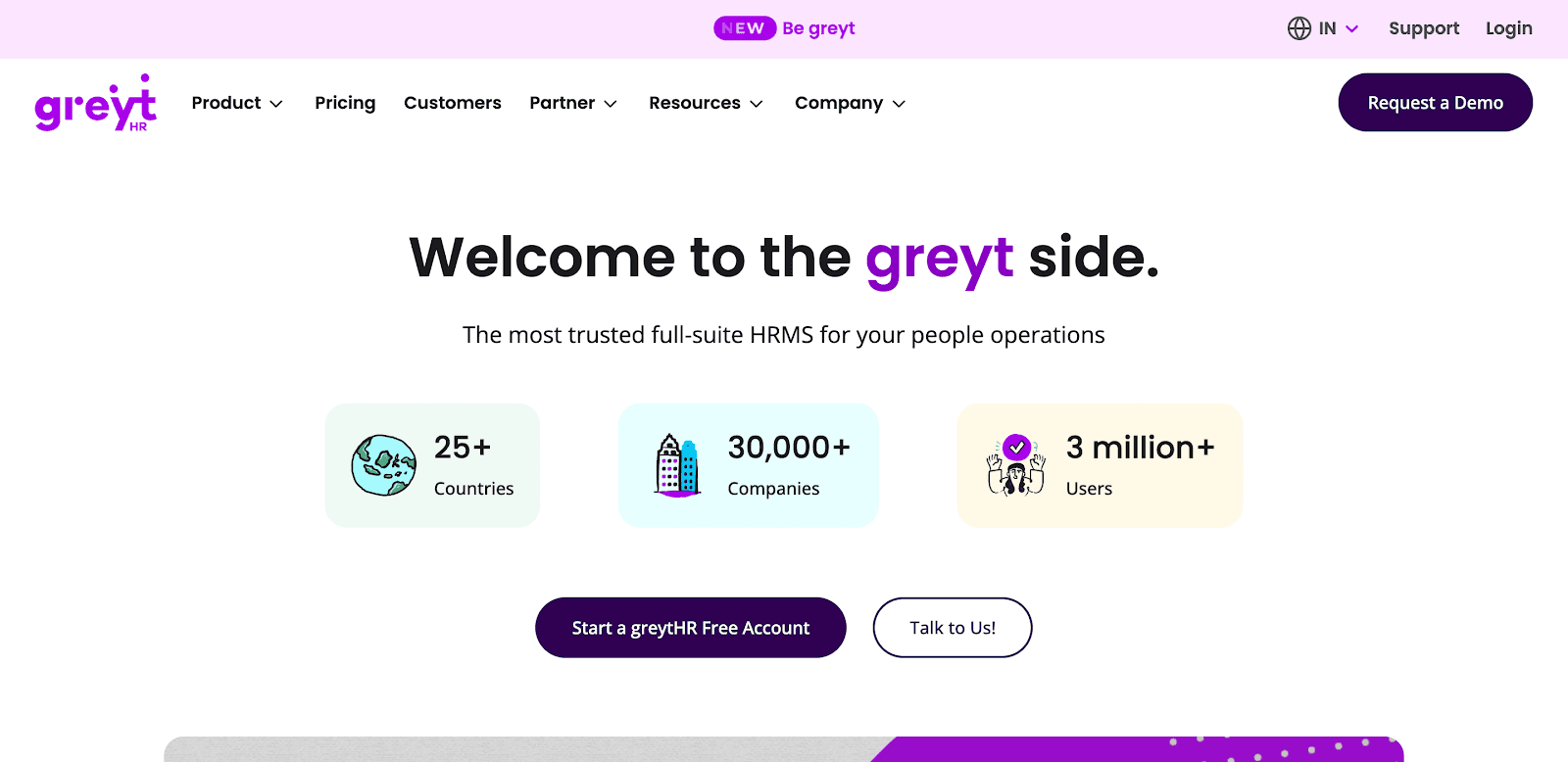
greytHR is one of India’s most widely used HR and payroll platforms, trusted by SMEs for compliance, payroll, and workforce management. Its scheduling and attendance features help businesses streamline shift allocation and ensure accurate time tracking.
Best Features:
Shift scheduling with support for flexible and rotational shifts
Attendance management with biometric, RFID, and GPS integrations
Automated overtime and leave calculations linked with payroll
Employee self-service portal for shift swaps and time-off requests
Compliance-ready reports tailored to Indian labour laws
Pros:
Strong compliance coverage for Indian businesses
Reliable integration between payroll, HR, and attendance
Scalable solution trusted by thousands of SMEs
Cons:
Interface can feel outdated compared to modern SaaS tools
Customer support response time may vary for smaller clients
Suitable For: SMEs from the Non-tech Industry in India
5. Darwinbox
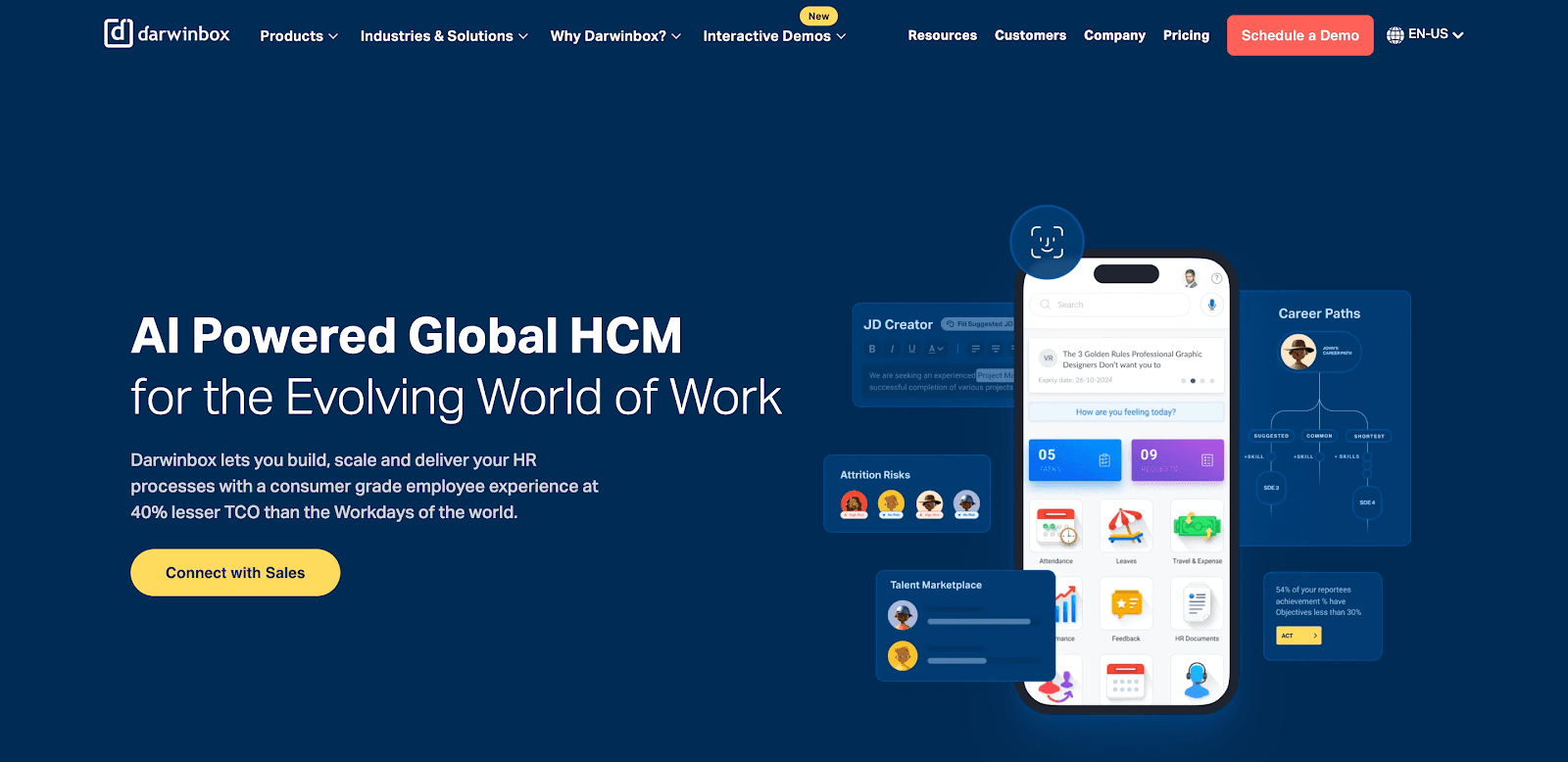
Darwinbox is an enterprise-grade HCM platform used by large Indian and global organisations. It offers advanced workforce scheduling, performance management, payroll, and analytics, all in one system.
Best Features:
AI-assisted shift scheduling and workforce planning
Attendance via biometric, geo-fencing, and mobile check-ins
Advanced performance and talent management tools
Deep analytics and reporting for large-scale workforce insights
Integration with payroll, HR, and third-party systems
Pros:
Feature-rich platform built for enterprises
Strong analytics and reporting capabilities
Scalable for organisations with thousands of employees
Cons:
Complex setup for smaller teams
Pricing is higher compared to SME-focused tools
Suitable For: Large enterprises with advanced scheduling, workforce, and HR needs
6. PeopleStrong
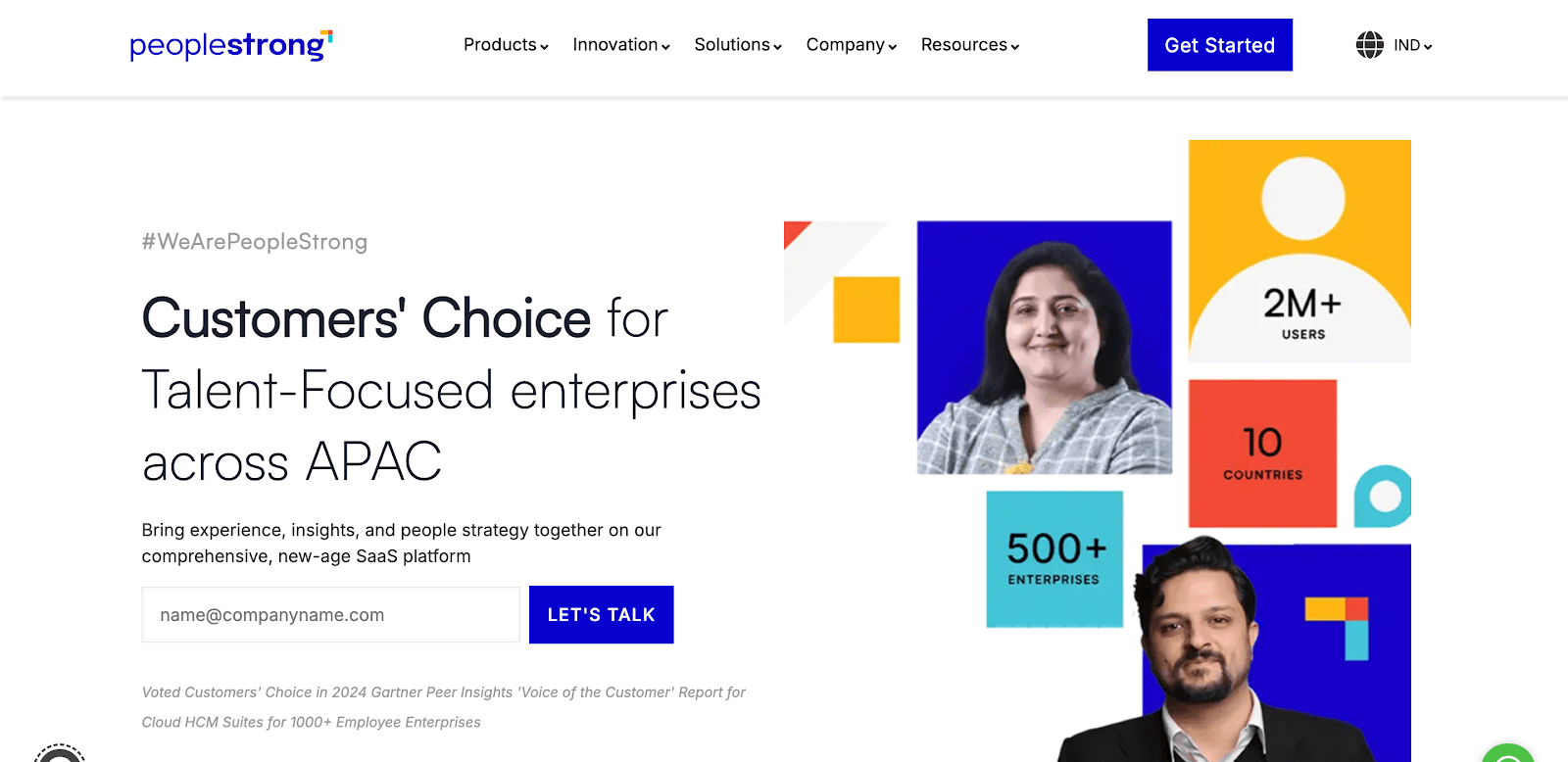
PeopleStrong is a cloud-based HR and workforce management solution designed for large organisations with multi-location teams. It focuses on automation, compliance, and employee engagement at scale.
Best Features:
Shift scheduling for distributed teams across multiple locations
AI-powered talent management and workforce engagement
Built-in payroll and compliance modules
Mobile-first design for employees and managers
API integrations with ERP and IT systems
Pros:
Strong compliance and enterprise security
Good for multi-location and large workforce teams
Employee engagement and talent features are built in
Cons:
May feel complex for smaller organisations
Premium pricing
Suitable For: Mid-market & enterprises in India with multi-location teams
7. HROne
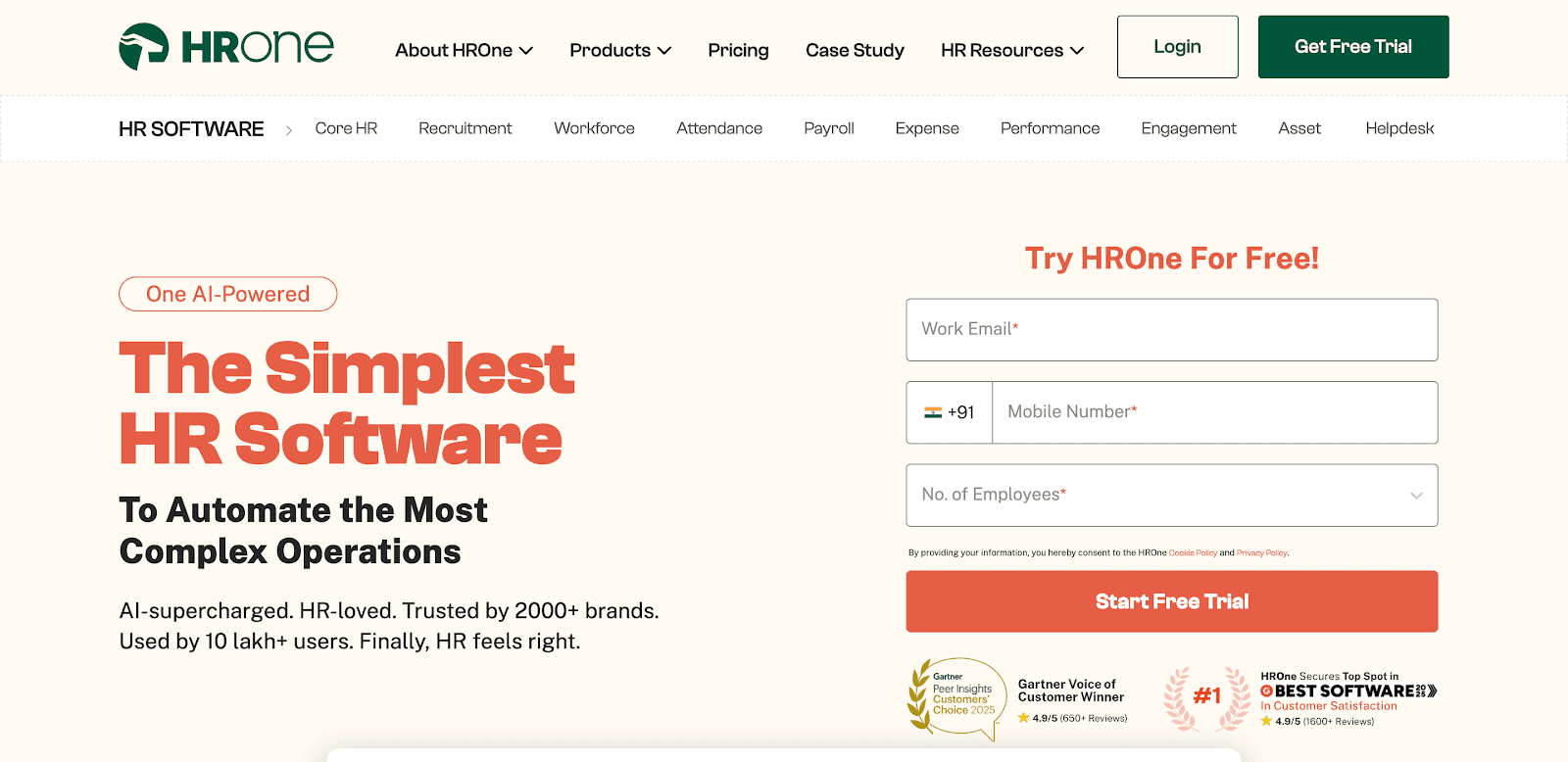
HROne is a modern HRMS solution popular among mid-sized businesses in India. It offers payroll, compliance, attendance, and employee scheduling in one easy-to-use platform.
Best Features:
Shift scheduling and rostering with attendance integration
Payroll automation with statutory compliance
Leave management and employee self-service
Manager dashboards for approvals and insights
Mobile app for employees and HR teams
Pros:
Simple and intuitive for SMEs
Strong payroll and compliance features
Affordable compared to enterprise platforms
Cons:
Limited advanced features for very large enterprises
Reporting can be basic
Suitable For: Mid-sized organisations in non-tech industries in India, looking for an affordable HR + scheduling platform
8. Workstatus
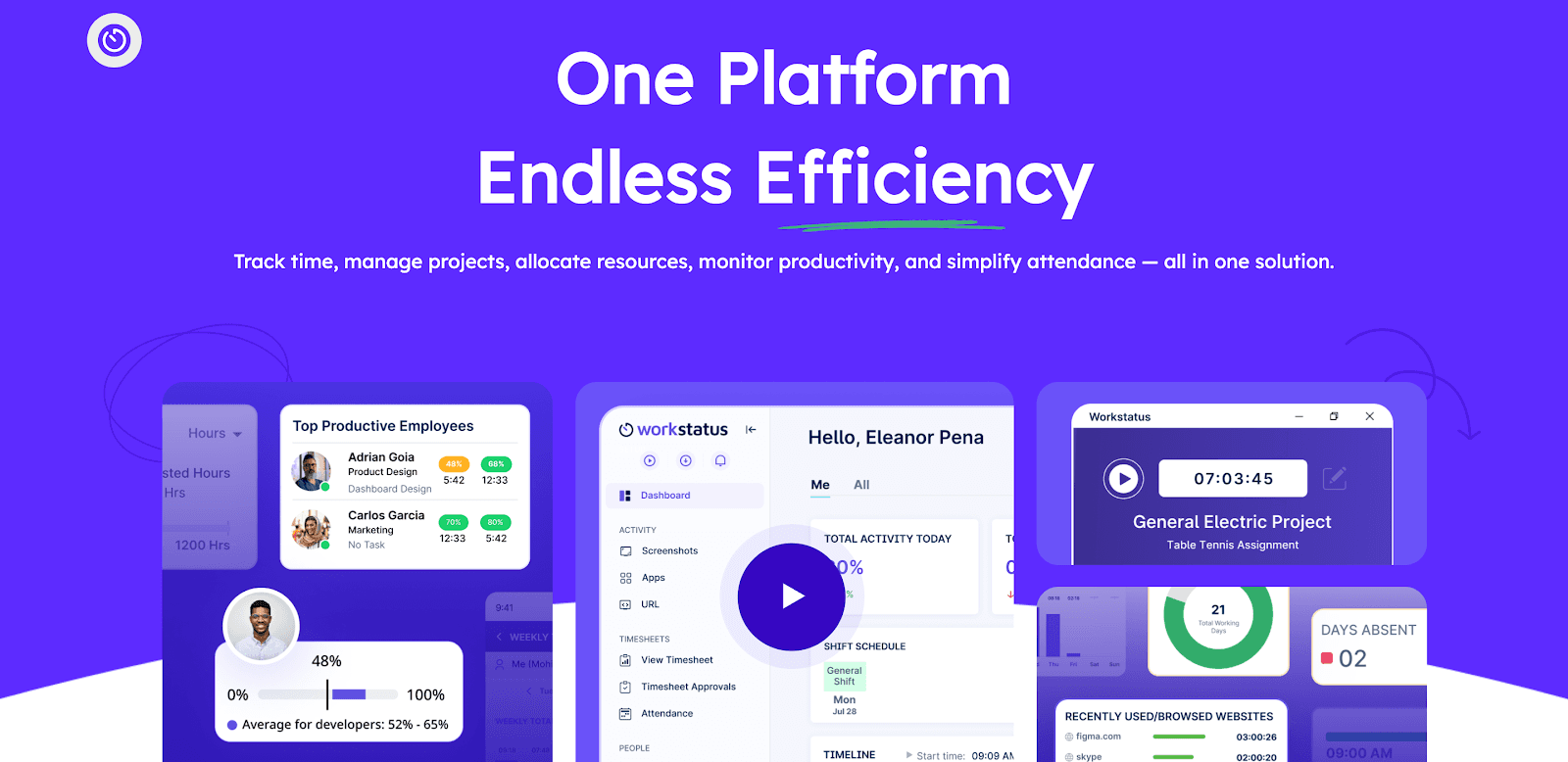
Workstatus is a workforce and productivity management platform built for hybrid and remote teams in India. It combines scheduling, time tracking, and project monitoring into a single system.
Best Features:
Shift scheduling with flexible templates and drag-and-drop editing
GPS-enabled attendance and geofencing for field teams
Automatic time tracking and productivity insights
Project and task management integrated with shifts
Mobile app for employees to check schedules and log hours
Pros:
Strong features for remote and hybrid teams
Built-in productivity monitoring with reports
Cons:
The feature set may feel too complex for very small teams
Monitoring features can be seen as intrusive by employees
Suitable For: Remote & field teams that need GPS/geofencing
9. Zimyo

Zimyo is an HR and payroll platform designed for Indian SMEs, offering integrated attendance, scheduling, and employee engagement features.
Best Features:
Shift and roster management linked with attendance
Payroll automation with compliance reports
Mobile-friendly employee self-service
Leave and overtime tracking
Engagement surveys and performance tools
Pros:
Affordable pricing for startups and SMEs
Clean, user-friendly interface
Strong payroll and compliance modules
Cons:
Limited advanced features for enterprises
Integration with third-party apps is basic
Suitable For: Small and mid-sized businesses in non-tech sectors across India
10. factoHR
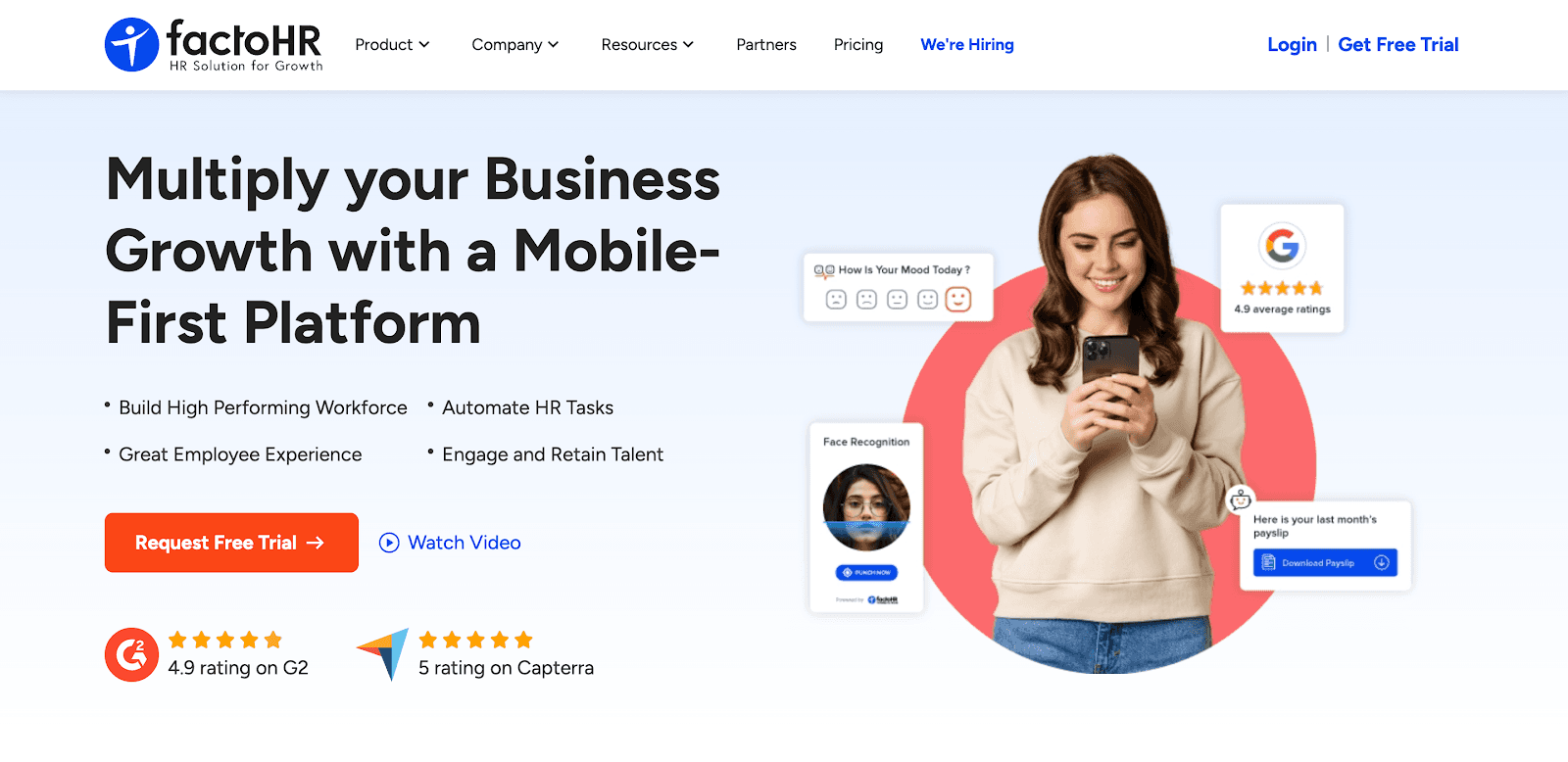
factoHR is a workforce management and payroll solution for SMEs that includes employee scheduling, compliance, and HR automation.
Best Features:
Shift scheduling and roster management
Attendance tracking with biometric and mobile integration
Payroll with automated compliance (PF, ESI, PT)
Employee lifecycle management from onboarding to exit
Customisable workflows and reports
Pros:
Strong payroll and compliance capabilities
Good for SMEs with distributed teams
Customisable scheduling options
Cons:
Interface feels less modern compared to newer SaaS tools
Customer support response can be slow for small clients
Suitable For: Mobile-first SMBs with a distributed workforce
11. Connecteam
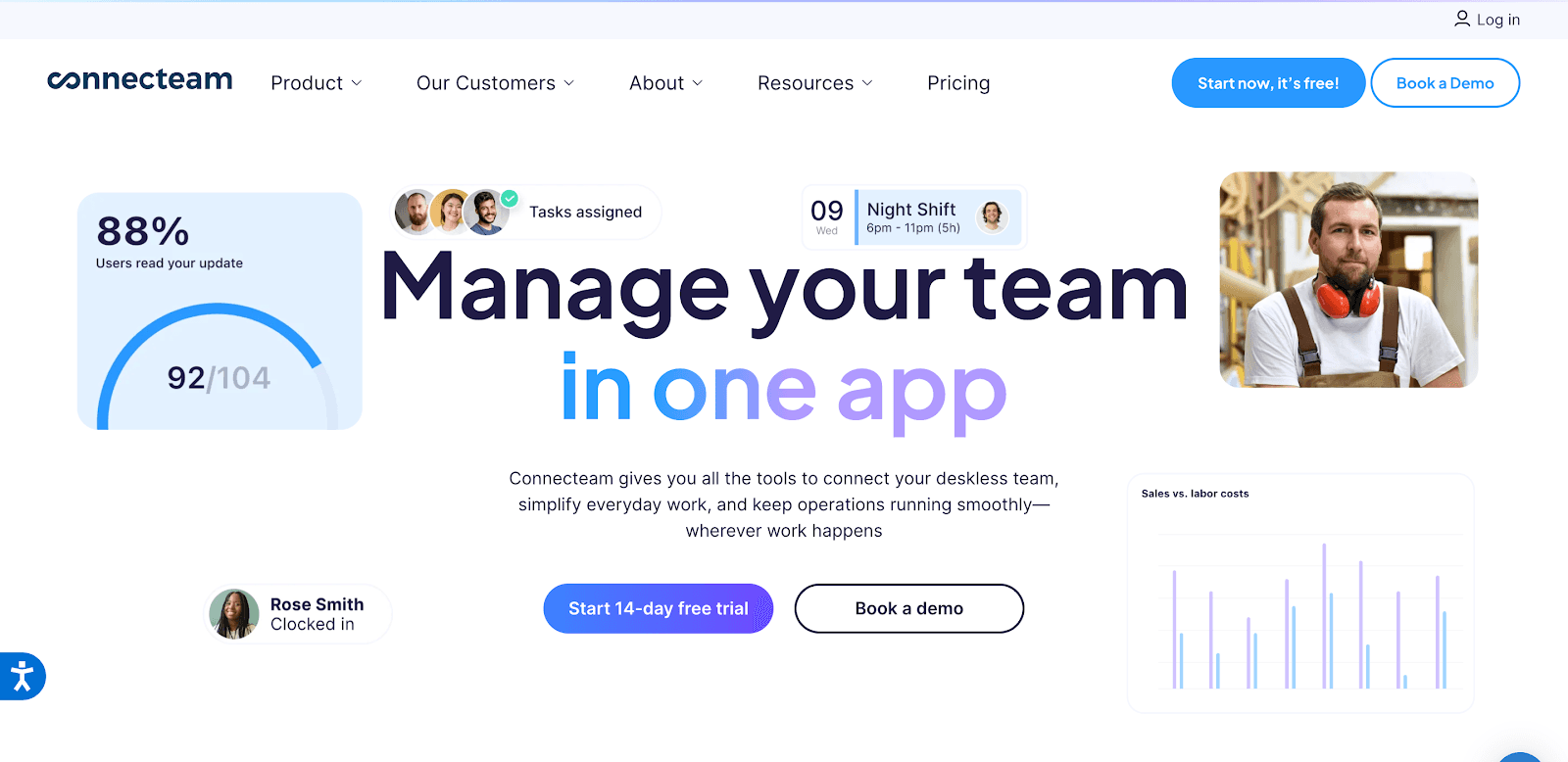
Connecteam is a workforce management platform built for deskless and field employees across industries like logistics, retail, and construction. Its scheduling module helps managers assign shifts, track attendance, and communicate with employees in real time through a mobile-first approach.
Best Features:
Drag-and-drop scheduling with templates for recurring shifts
GPS-enabled time clock for on-site and field staff
Mobile app for employees to view schedules, request changes, and chat with managers
Task management and checklists for field operations
Pros:
Strong mobile-first design for remote and field workers
All-in-one tool combining scheduling, communication, and task management
Affordable plans with features suited for SMEs
Cons:
Limited advanced reporting compared to enterprise solutions
Customisation options could be improved for complex organisations
Suitable For: Deskless and Field Employees (logistics/retail/construction).
12. Homebase
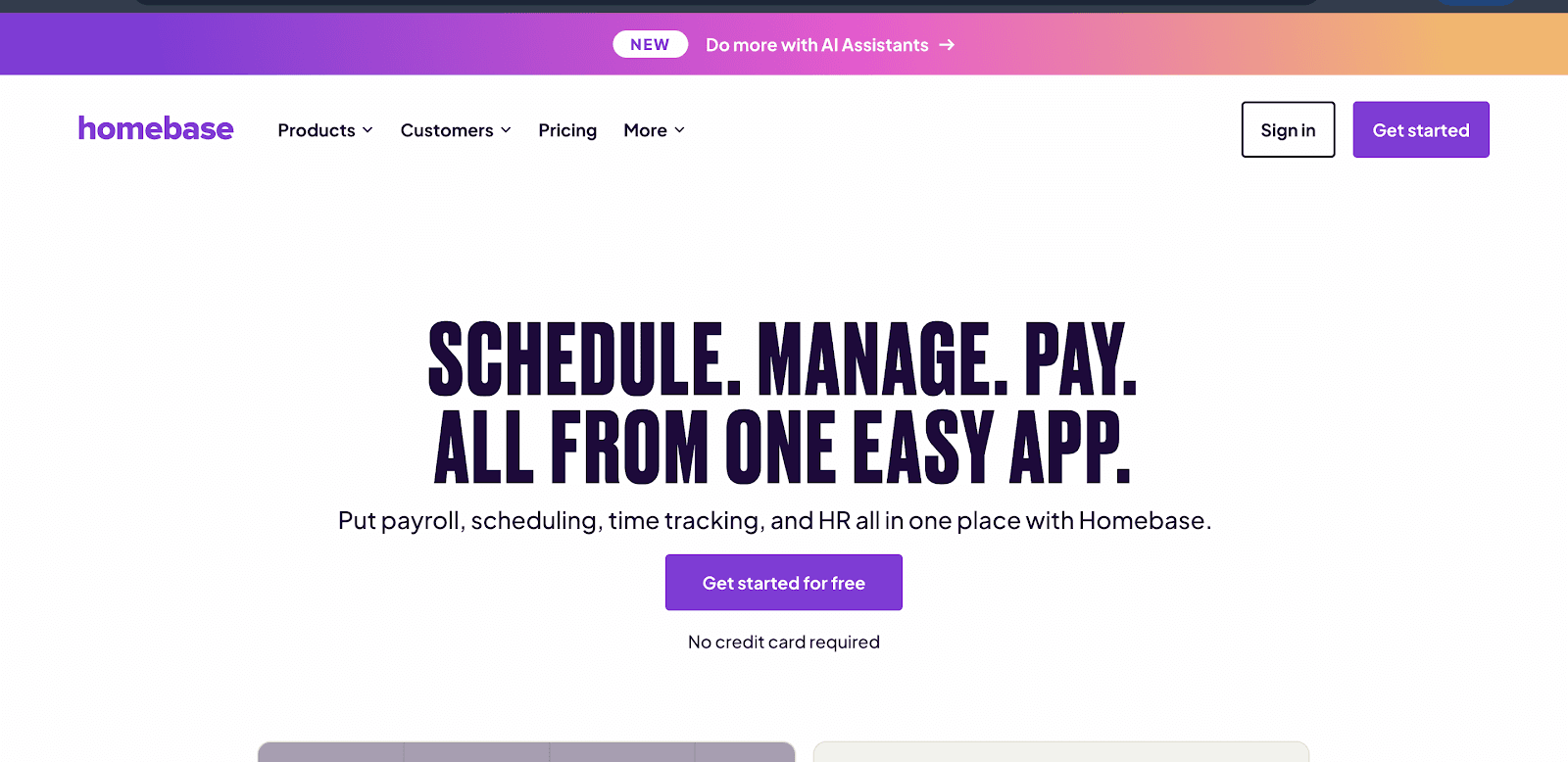
Homebase is a popular employee scheduling and time-tracking tool, best suited for small businesses in retail, restaurants, and hospitality. It helps managers build schedules in minutes and keeps staff updated in real time through its mobile app.
Best Features:
Drag-and-drop schedule builder with templates
Mobile notifications for shift reminders and updates
Time clock and attendance tracking with GPS verification
Built-in team messaging for better communication
Compliance alerts for overtime and labour law requirements
Pros:
Easy setup and user-friendly interface
Free plan available for small teams
Strong communication tools for frontline staff
Cons:
Limited customisation compared to enterprise-grade tools
Payroll integration is only available in higher plans
Suitable For: Small retail, restaurant & hospitality teams.
13. Deputy
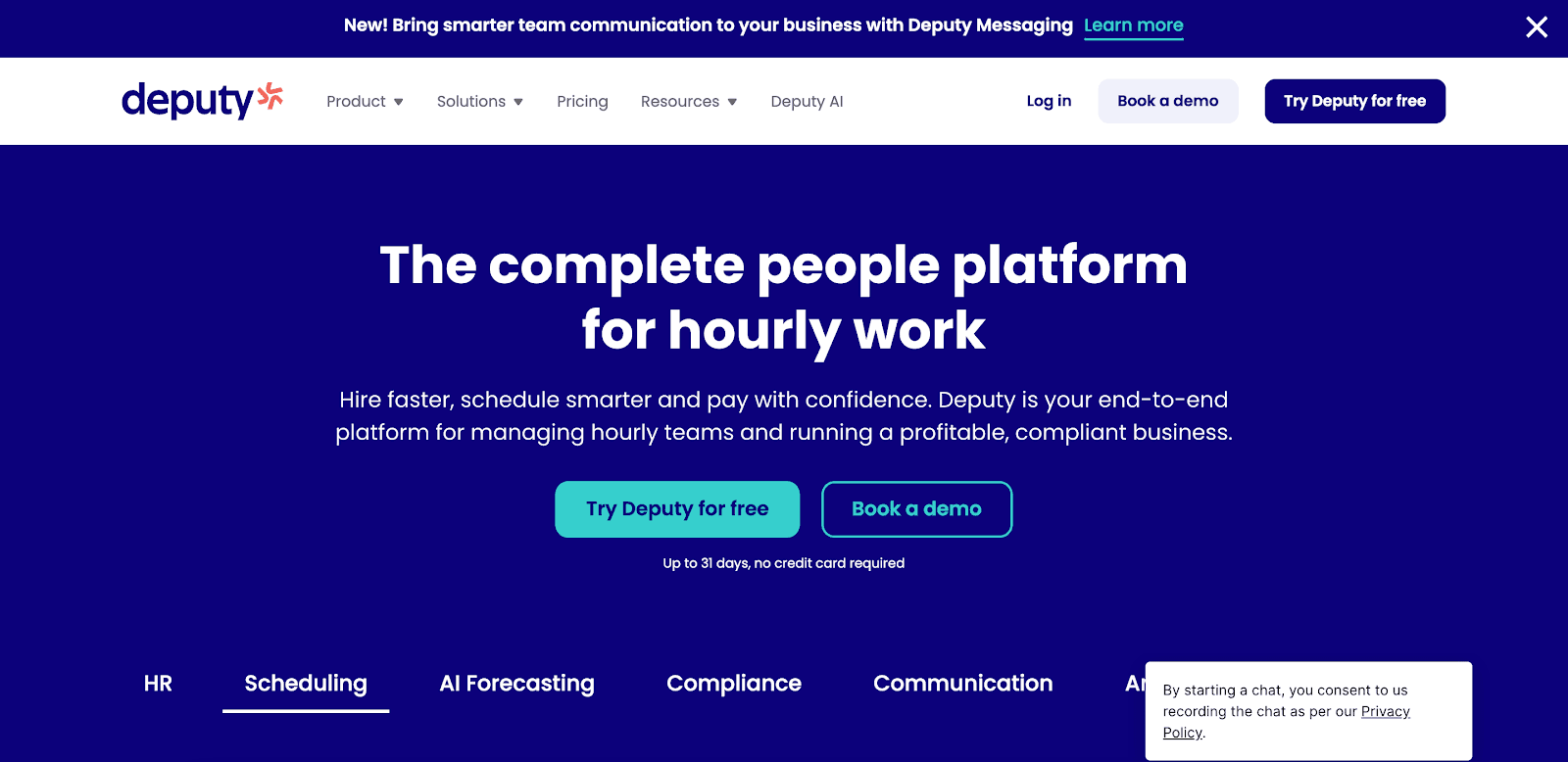
Deputy is a global workforce scheduling and time management tool, widely used in industries with high shift volumes like retail, hospitality, and healthcare. Its intuitive interface and strong compliance features make it a favourite for shift-heavy operations.
Best Features:
Drag-and-drop shift scheduling with demand forecasting
Attendance tracking with biometric and GPS support
Labour cost optimisation with real-time reporting
Mobile app for employees to check shifts, swap, and request leave
Integration with POS, payroll, and HR platforms
Pros:
Intuitive and easy to use for managers and employees
Strong compliance and labour cost control
Global presence with multi-location support
Cons:
Premium pricing for advanced features
May be overpowered for small teams with simple scheduling needs
Suitable For: Shift-heavy industries like retail, hospitality, and healthcare with multi-location or global operations
14. Shiftboard
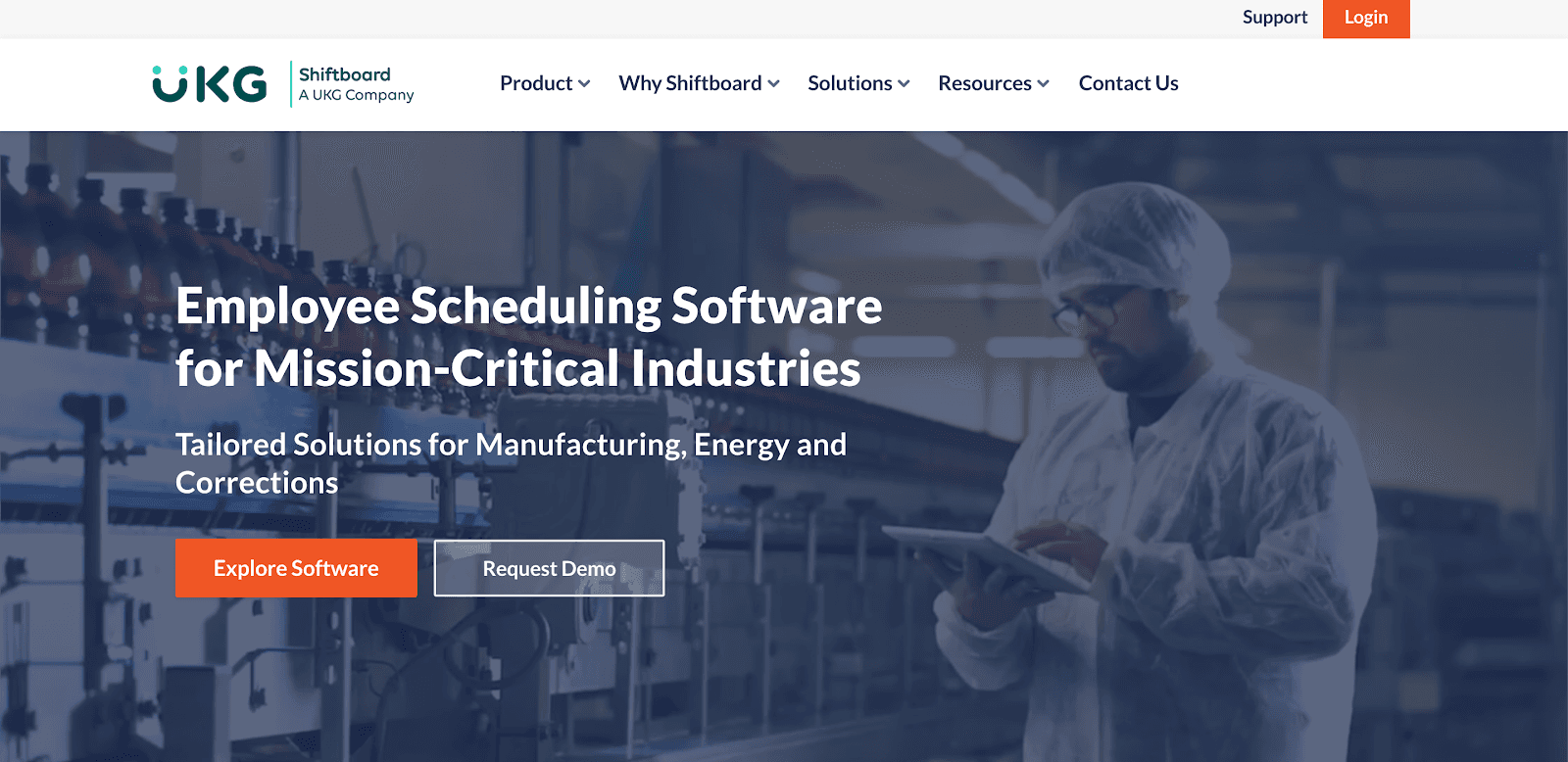
Shiftboard is a scheduling platform designed for large enterprises with complex workforce needs, such as manufacturing, energy, and healthcare. It helps managers optimise staffing and ensure compliance with labour laws.
Best Features
Advanced shift scheduling with compliance checks
Forecasting tools to align staffing with workload demand
Real-time workforce visibility across multiple locations
Integration with payroll, HR, and ERP platforms
Pros:
Strong compliance features for regulated industries
Scales well for large, multi-location enterprises
Advanced automation reduces manual scheduling effort
Cons:
Higher pricing compared to SME-focused tools
Requires training to use effectively for complex setups
Suitable For: Large Enterprises with Complex Schedules
15. QuickBooks Time (formerly TSheets)
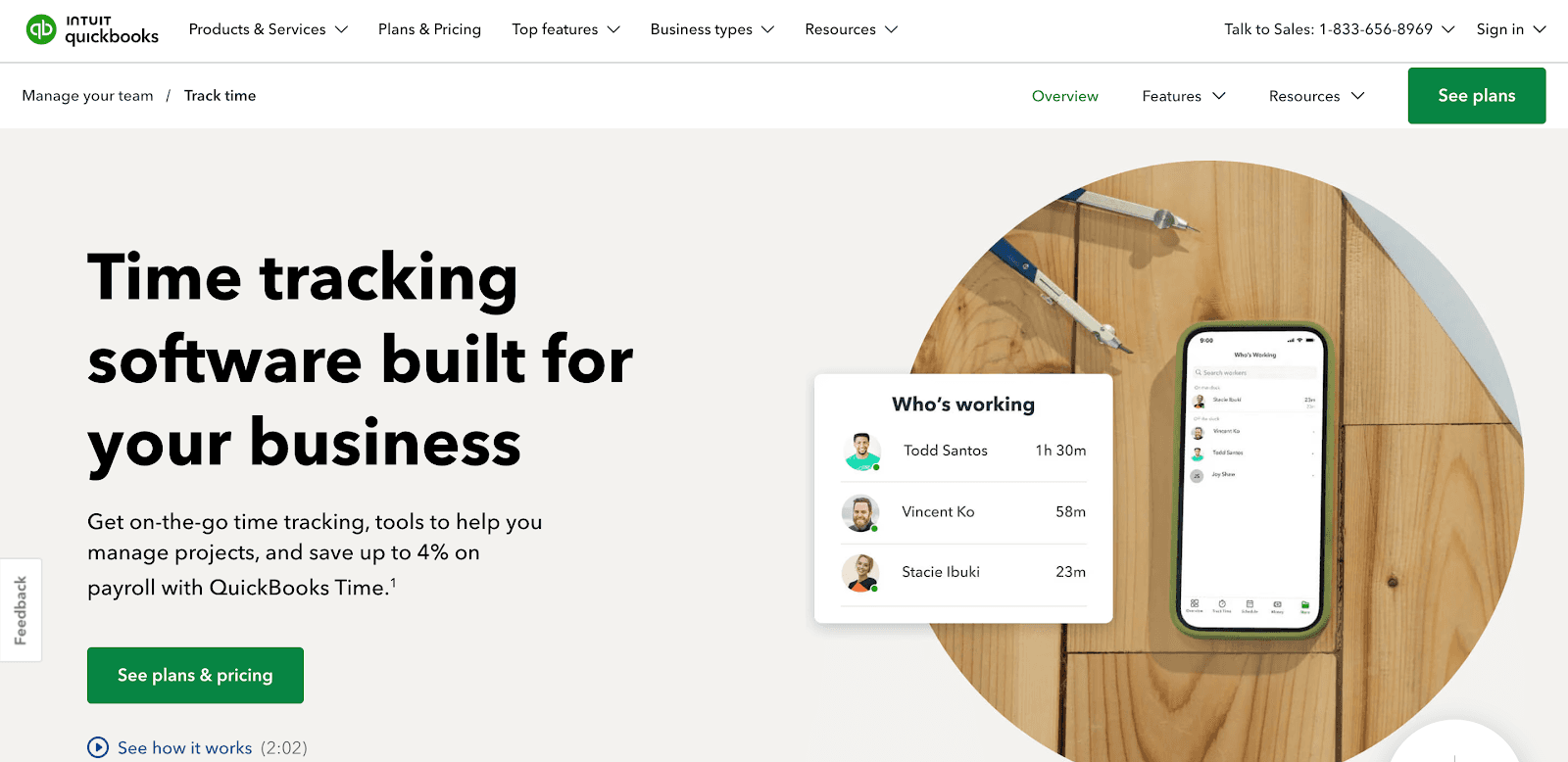
QuickBooks Time is a workforce time tracking and scheduling tool that integrates seamlessly with QuickBooks accounting and payroll systems. It is especially useful for SMEs and contractors who need time data synced with finance.
Best Features:
Employee scheduling with shift templates and drag-and-drop options
GPS-based clock-in and location tracking
Mobile app for real-time scheduling and alerts
Overtime and labour cost reports
Direct integration with QuickBooks Payroll and Accounting
Pros:
Tight integration with the QuickBooks ecosystem
Great for remote teams and contractors needing location tracking
User-friendly mobile apps
Cons:
Best value only if you already use QuickBooks
Pricing is higher compared to India-first tools
Suitable For: SMEs, contractors, and businesses already using QuickBooks for accounting/payroll
Choosing the right software is only part of the story. To understand its real impact, let’s explore why businesses need employee scheduling for efficiency, compliance, and team satisfaction.
Efficient scheduling is no longer just an HR function; it directly impacts costs, compliance, and employee satisfaction. For Indian startups and SMEs, the challenge is even bigger with diverse work patterns, hourly shifts, and frequent last-minute changes.
Challenges: Managing hourly staff, handling varied schedules, and adjusting to sudden changes without disrupting operations.
Risks of manual scheduling: Higher chances of errors, unnecessary overtime costs, compliance gaps, and employee disengagement.
What leaders expect: CEOs, CFOs, and CHROs now look for scheduling software that delivers accuracy, speed, cost control, and mobile-first access to keep teams aligned and businesses scalable.
Remember, even the best software can’t deliver results if adoption is low. Here are proven tips to implement employee scheduling tools seamlessly and get your teams on board quickly.
Also read: 13 Best Attendance Software in India for Startups & SMEs [Updated]
Rolling out an employee scheduling tool works best when it’s introduced gradually and backed with the right training. Here are some proven tips to ensure a smooth transition:
Start small with a pilot: Begin with key teams such as operations or retail to test workflows before expanding across the organisation.
Leverage shift templates: Save time and cut down on errors by using ready-made shift patterns instead of building schedules from scratch.
Train managers and staff: Walk them through features like shift swaps, self-service tools, and mobile alerts so they feel confident using the system.
Track adoption and feedback: Monitor how teams are using the software and collect feedback regularly to fine-tune schedules and improve efficiency.
Integrate with payroll and HR systems: Connect scheduling data with payroll and HR tools to avoid duplicate work and ensure accurate pay runs.
Set clear policies for flexibility: Define guidelines for shift swaps, overtime, and leave requests so employees know what to expect and managers maintain control.
By combining the right features with thoughtful implementation, businesses can simplify scheduling, reduce errors, and empower their teams. Choosing the right platform is the final step to achieving this efficiency.
Choosing the right employee scheduling software can transform workforce management for Indian startups and SMEs. Efficient tools reduce scheduling errors, save administrative time, improve compliance, and boost employee satisfaction. Key features to prioritise include drag-and-drop shift planning, mobile access, attendance tracking, and payroll integration.
Whether managing hourly, salaried, or remote teams, these platforms streamline operations and empower managers. Assess your business needs carefully to select a solution that keeps teams organised, engaged, and ready for growth.
If you plan to explore these tools, start with Craze if:
You want an all-in-one people operating system that brings HR, finance, and IT together on a single dashboard.
You’re tired of juggling multiple scheduling apps that lock essential features behind expensive premium plans.
You’d prefer to work with a team that’s empathetic, responsive, and genuinely invested in solving your workforce challenges.
Sounds like a fit? Get started with Craze’s Attendance module to create, manage, and optimise shift schedules in one place, so your teams are ready from day one.
1. Can employee scheduling software support multiple locations?
Yes, most leading platforms allow multi-location scheduling with location-based permissions and reports.
2. Is AI scheduling accurate for the Indian workforce's needs?
AI can optimise rosters based on historical data, compliance rules, and employee preferences, improving fairness and efficiency.
3. Do these tools work for both salaried and hourly staff?
Yes, they can handle fixed schedules for salaried staff and flexible or rotating shifts for hourly workers.
4. How does scheduling software handle last-minute shift changes?
Features like shift swap requests, manager approvals, and instant notifications minimise disruption.
5. Can these systems track skill-based scheduling?
Yes, advanced platforms let you assign shifts based on skill sets, certifications, or project requirements.
Looking to optimise other aspects of your HR operations? Check out these top HRMS tools and software for your use case:
