


If you’ve ever struggled to disable access for an ex-employee or spent hours resetting passwords across multiple apps, you already know why Identity and Access Management (IAM) matters.
Every growing business reaches a point where access management starts to feel like chaos. Employees join, switch roles, or probably even leave at some point. Yet their credentials continue to linger across cloud apps, HR systems, and shared drives. One weak password or unchecked admin privilege, and your entire system is at risk.
That’s where Identity and Access Management (IAM) steps in, not just as a security measure, but as the foundation of a compliant and efficient digital workplace.
According to over 44% of the Gartner Peer Community, IAM is one of the most important components in an organisation’s cybersecurity tech stack. This strongly highlights the transformative impact of modern IAM tools on organisational efficiency and security.
In this article, we'll explore the top identity and access management software available today, designed to help businesses regain control over who gets access, to what, and when.
Key Takeaways
What is IAM? Identity and Access Management (IAM) software helps organisations manage digital identities and control who can access applications, systems, and data, ensuring security and compliance.
Why Indian businesses need IAM in 2025? IAM is critical for securing hybrid and cloud environments, protecting sensitive data, and meeting regulatory requirements like data privacy and IT Act compliance.
Core IAM functions include authentication, authorisation, Single Sign-On (SSO), Multi-Factor Authentication (MFA), and governance, which streamline access control and reduce risks.
Implementing IAM helps reduce identity-based threats, improve operational efficiency, automate user provisioning and de-provisioning, and ensure audit-ready compliance reporting.
Choosing the right IAM tools helps businesses evaluate tools based on priorities such as workforce identity, privileged access, deployment model (cloud, on-prem, hybrid), integration with HR/compliance systems, scalability, and cost-effectiveness.
IAM software (Identity and Access Management) is a system that enables organisations to manage digital identities and regulate user access to applications and resources. It verifies user identities, enforces appropriate permissions based on roles, and provides essential capabilities like Single Sign-On (SSO), Multi-Factor Authentication (MFA), and automated user lifecycle management.
Modern IAM systems are important for managing employees, contractors, and third-party vendors across multiple systems while preventing unauthorised access and data breaches.
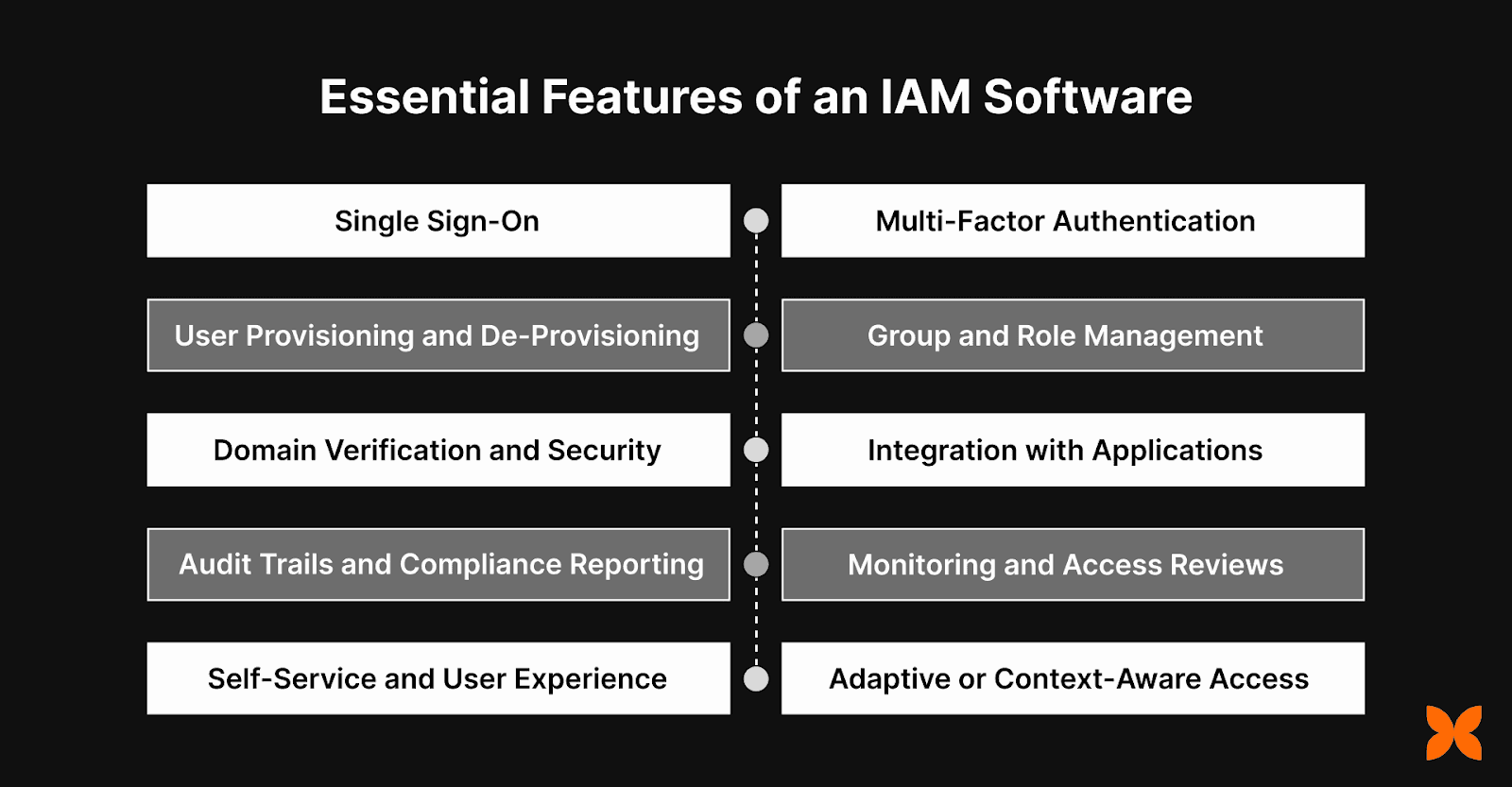
An effective IAM software provides key features that ensure secure, seamless access management and strengthen an organisation’s security posture. Below are the essential features to look for when selecting an IAM solution:
1. Single Sign-On (SSO)
SSO allows users to access multiple applications with a single set of credentials, simplifying the login process. It improves both security and user experience, and supports standards like SAML and OAuth2 for easy integration with other systems.
2. Multi-Factor Authentication (MFA)
MFA enhances login security by requiring additional verification methods like OTPs, push notifications, or biometrics. It provides an extra layer of protection, significantly reducing the risk of unauthorised access, especially for sensitive applications.
3. User Provisioning and De-Provisioning
This feature automates the creation, update, and removal of user accounts across systems. With capabilities like SCIM support and real-time synchronisation, it minimises manual IT tasks and ensures accurate and timely updates to user access.
4. Group and Role Management
Role-based access control (RBAC) ensures that users are assigned appropriate permissions based on their job roles, promoting security through least-privilege access. Dynamic group memberships make it easier to apply flexible access policies as users’ roles change.
5. Domain Verification and Security
This feature ensures secure domain ownership verification and manages SSL/TLS certificates. It’s especially important for organisations with multiple domains, allowing centralised management and security of their entire domain infrastructure.
6. Integration with Business Applications
Pre-built connectors for popular tools like Google Workspace, Microsoft 365, Slack, and AWS simplify integration. Custom API integrations ensure that legacy systems and other business applications can be securely connected to the IAM system.
7. Audit Trails and Compliance Reporting
Audit trails track all authentication, provisioning, and access activities, helping to identify and investigate any security issues. The system generates compliance-ready reports to ensure the organisation meets industry regulations and audit requirements.
8. Monitoring and Access Reviews
Real-time monitoring provides visibility into user authentication and access events, allowing admins to quickly detect and respond to any suspicious activity. Regular access reviews and risk assessments ensure that only authorised users have the right level of access.
9. Self-Service and User Experience
Self-service features allow users to reset passwords, update personal information, and request access without involving IT support. This enhances the user experience by providing easy, secure access management on both desktop and mobile devices.
10. Adaptive or Context-Aware Access (Emerging Need)
Some advanced IAM systems include contextual authentication, where access rules are dynamically adjusted based on factors such as device type, location, or user behaviour. This adds an extra layer of security by evaluating the context of each access request.
Also Read: Employee Database Management System for HR Leaders: What It Is, How It Helps, and How to Choose
As businesses in India continue to evolve, the need for a powerful IAM solution becomes even more pressing. It helps you to manage complex hybrid environments and meet the necessary compliance standards.
As businesses in India scale, managing identities and access becomes increasingly complex. The best identity and access management software is important for managing digital tools, hybrid cloud environments, and diverse partnerships.
Secure Hybrid and Cloud Deployments: IAM solutions secure both on-premise and cloud-based environments. They provide businesses with the flexibility to scale while maintaining security and compliance.
Mitigate Risks of Identity-Based Threats: IAM helps businesses mitigate these risks by ensuring that only authorised users can access critical systems.
Manage Human and Machine Identities: Modern IAM solutions not only manage human user access but also oversee machine identities. This helps businesses secure IoT devices and AI applications.
Regulatory Compliance: With increasing regulatory requirements in India, IAM tools enable businesses to meet these demands effectively and efficiently.
Also Read: How HR Leaders and Founders Can Automate Employee Off-boarding
With the growing need for security and efficient access management, let's explore the best identity and access management software options available.
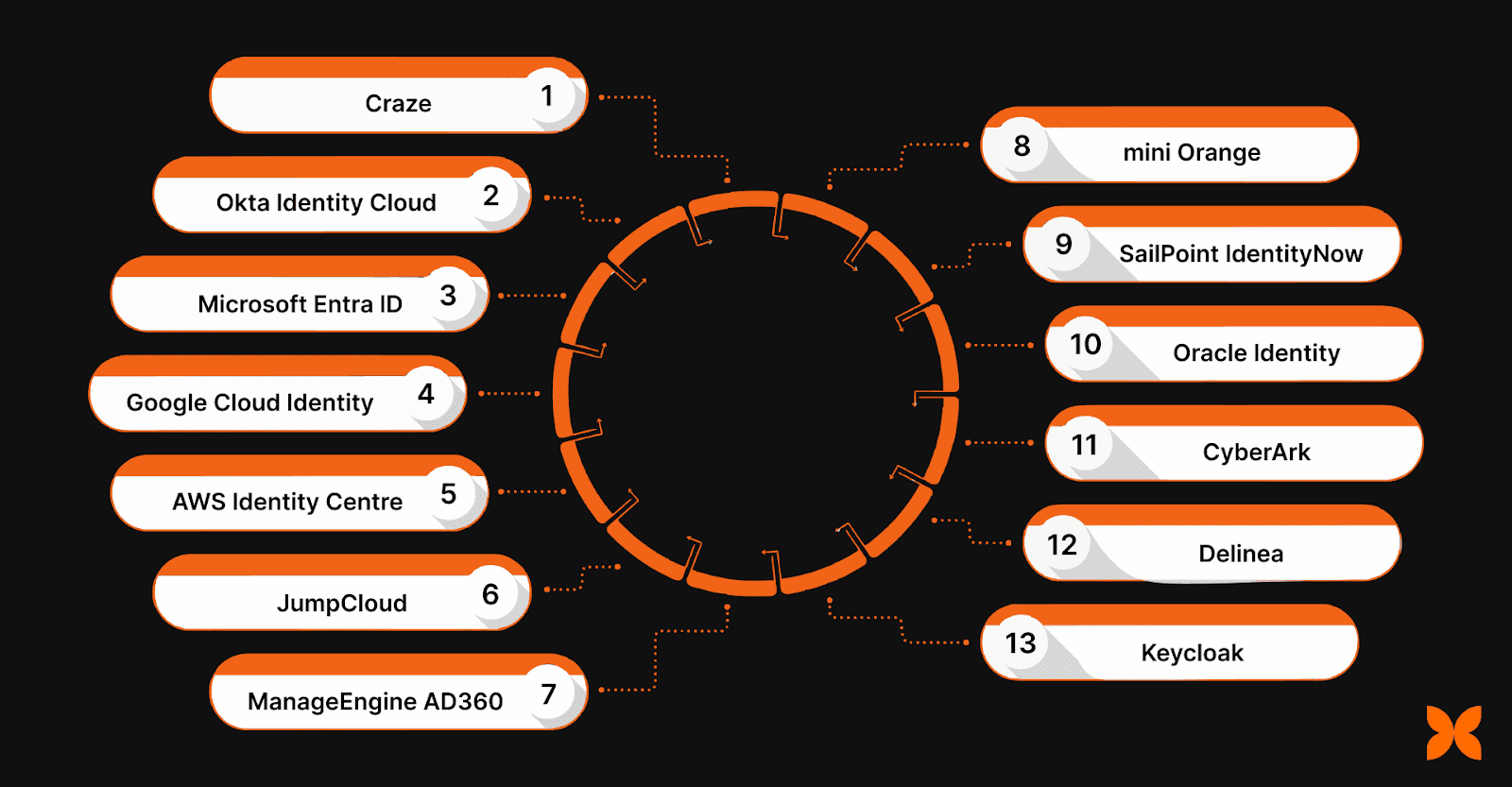
IAM tools help address the increasing complexity of managing digital identities and access, while providing scalable solutions for startups, SMEs, and large enterprises alike.
Here are some of the leading IAM tools available, tailored to the needs of businesses in India:
1. Craze
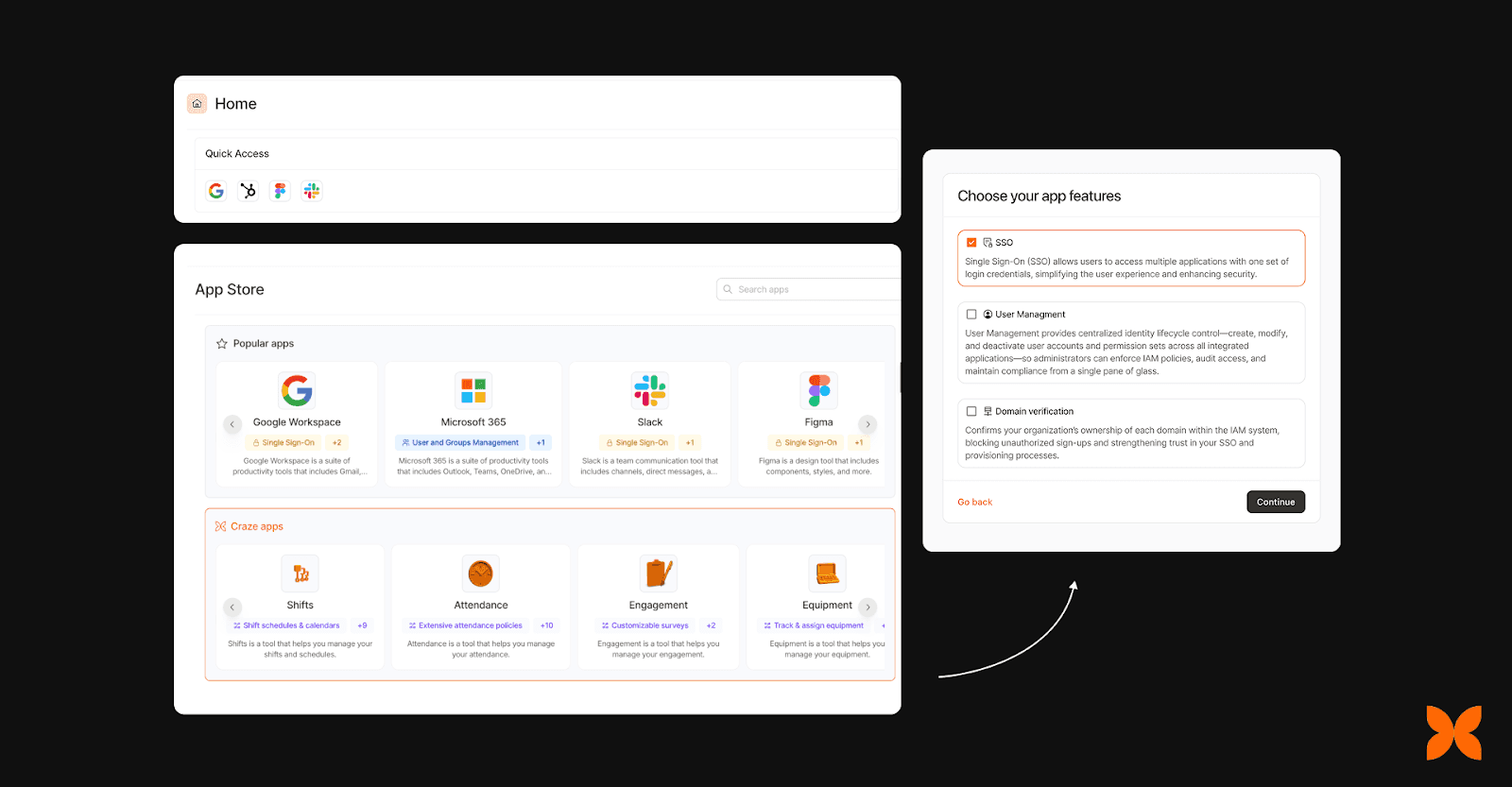
Craze IAM is a comprehensive Identity and Access Management platform that offers organisations a secure and simple way to manage user access across applications. With solid features, Craze IAM helps businesses simplify access management while enhancing security and compliance.
Key Features:
Single Sign-On (SSO): Simplifies user access by allowing employees to log in to multiple applications using a single set of credentials, improving user experience and security.
User Provisioning & De-Provisioning: Automates user account creation, updates, and removal across connected applications, reducing manual IT workload.
Multi-Factor Authentication (MFA): Strengthens login security by adding layers of verification, including OTPs and biometrics, to prevent unauthorised access.
Integration with External Applications: Offers pre-built integrations for popular business tools like Google Workspace, Microsoft 365, AWS, and Slack, ensuring smooth data flow across systems.
Audit Trails & Compliance Reporting: Provides comprehensive logs for authentication and provisioning activities, ensuring compliance with regulatory standards and enabling easy audits.
Pros:
Seamless integration with popular applications.
Real-time synchronisation for efficient user lifecycle management.
Strong security features, including MFA and enterprise-grade protocols.
Easy-to-use interface and self-service options for end users.
Scalable to meet the needs of small businesses to large enterprises.
Cons:
Some customisation may be required for legacy systems.
Best For: Startups & fast-growing businesses that want an Integrated HRMS & IAM in one single Dashboard.
2. Okta Identity Cloud
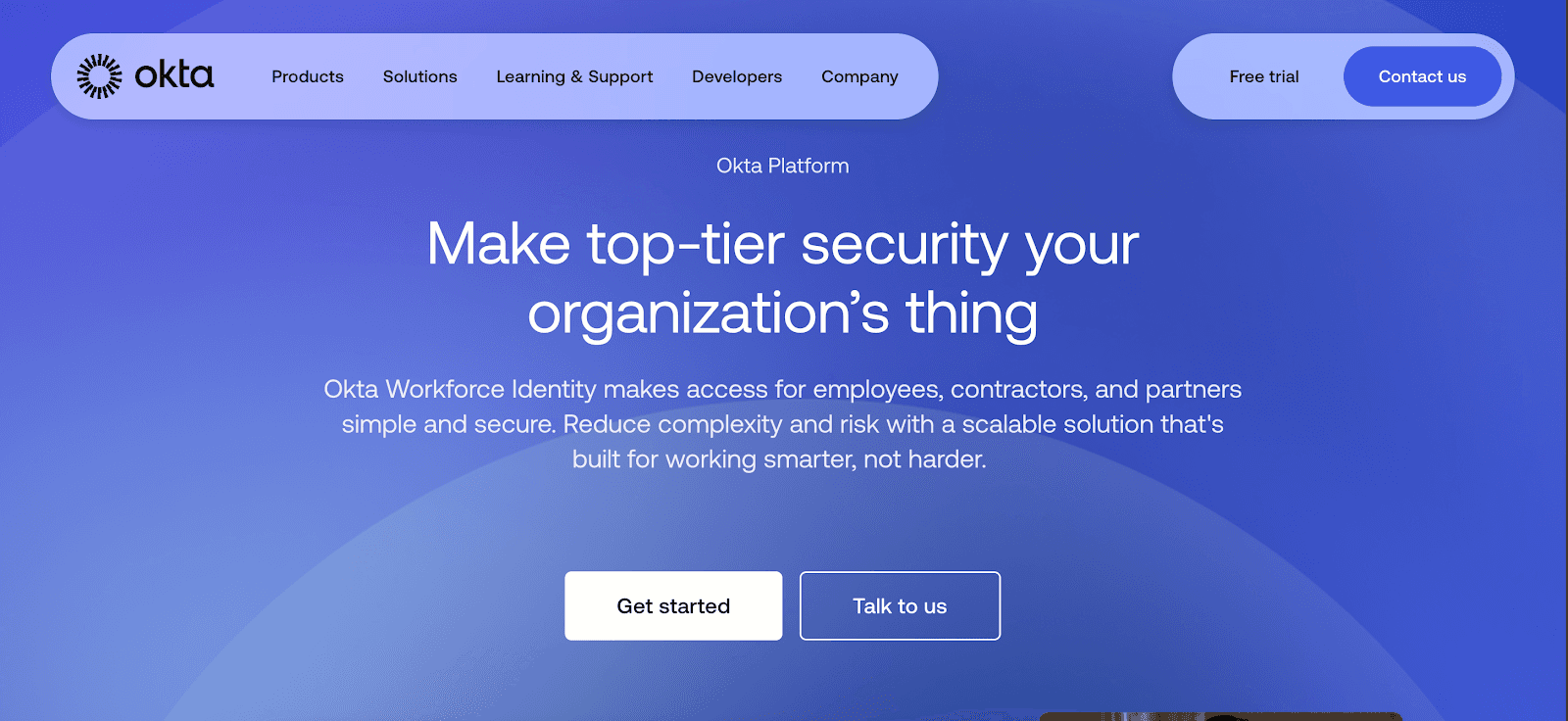
Okta Identity Cloud is a leading IAM solution that simplifies user authentication, authorisation, and access across multiple apps. It helps businesses ensure secure and scalable access management for their workforce.
Key Features:
Cloud-native identity management
Single Sign-On (SSO) for multiple applications
Multi-Factor Authentication (MFA)
Adaptive security and governance features
User lifecycle management
Pros:
Easy integration with various cloud apps
Scalable solution for growing businesses
Cons:
Premium pricing may not suit small startups
Complex for smaller teams without dedicated IT resources
Best for: Large enterprises and businesses needing extensible platforms that let companies to secure the identity of every AI agent across its full lifecycle.
3. Microsoft Entra ID
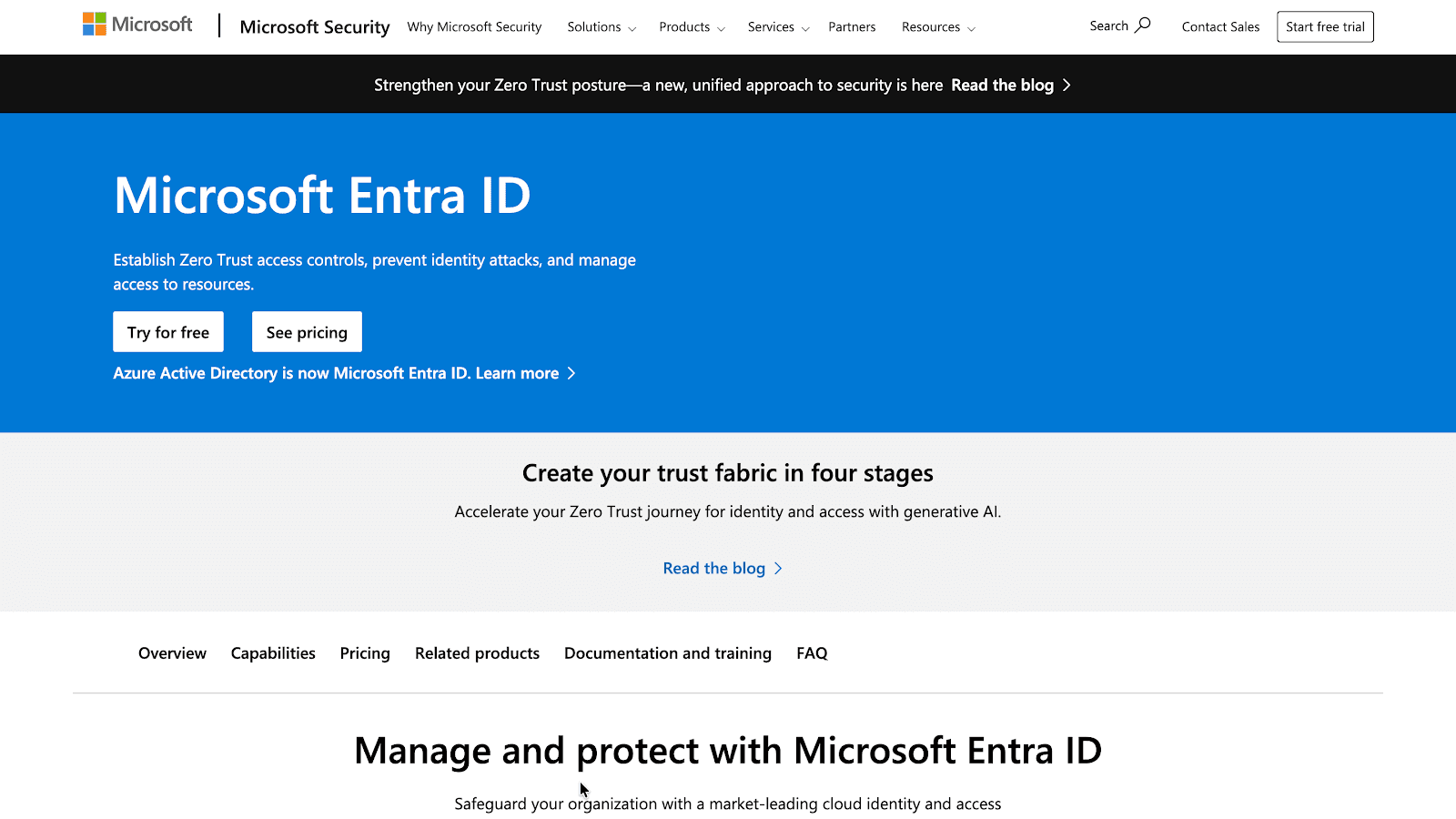
Formerly known as Azure AD, Microsoft Entra ID provides hybrid identity solutions, enabling businesses to secure their cloud and on-premises environments effectively. It excels in managing access with rich security features.
Key Features:
Integration with Microsoft 365 and Azure AD
Multi-layered authentication options
User and device access management
Conditional access based on risk profiles
Access governance for hybrid environments
Pros:
Strong integration with Microsoft products
Effective for managing hybrid cloud environments
Cons:
Set up complexity for non-Microsoft environments
Limited customisation for non-technical users
Best for: Organisations that are deeply integrated into the Microsoft ecosystem and require identity and access management solutions across diverse IT environments.
4. Google Cloud Identity
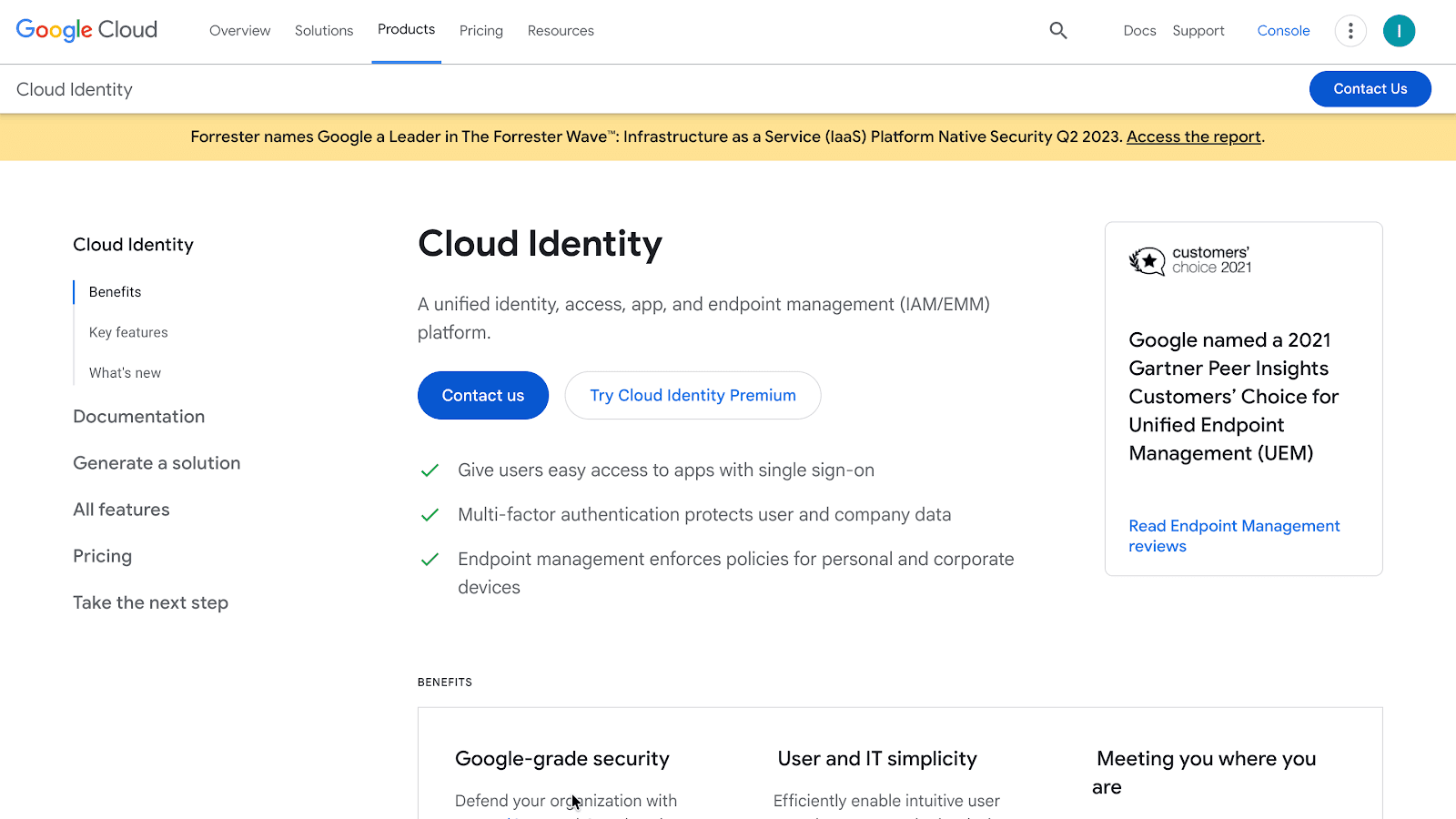
Google Cloud Identity is an IAM solution that helps manage user access to apps and cloud services, especially for businesses using Google Workspace. It simplifies identity management and enhances security.
Key Features:
Cloud-based identity and access management
Integration with Google Workspace
Secure SSO and MFA
Group-based access control
Compliance reporting features
Pros:
Seamless integration with Google Workspace
Cost-effective for businesses already using Google tools
Cons:
Limited compatibility with non-Google cloud apps
Lacks the advanced security features of some competitors
Best for: Organisations that are deeply integrated into the Google ecosystem and require a straightforward identity and access management solution.
5. AWS IAM Identity Centre
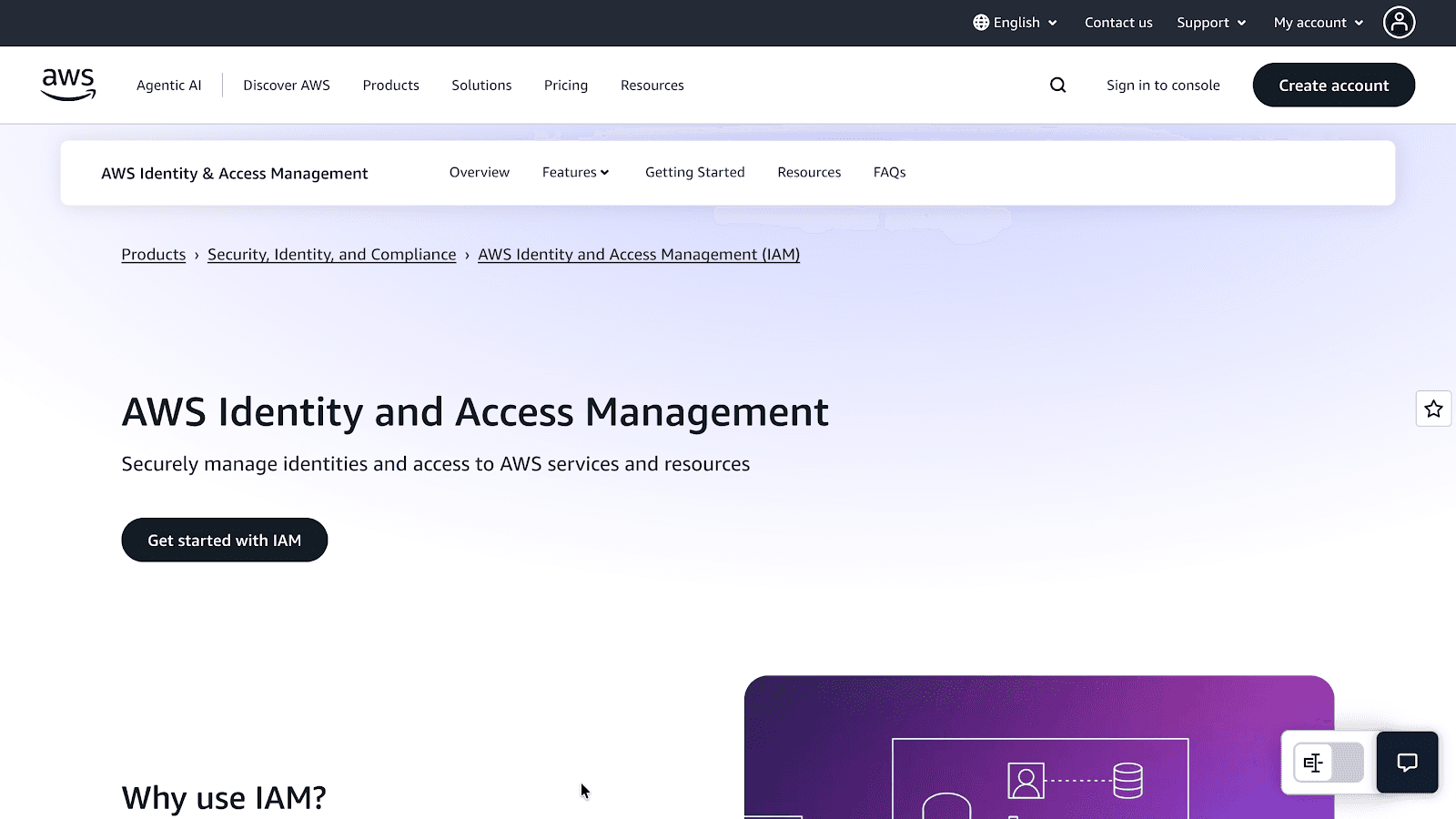
AWS IAM Identity Centre provides centralised user access management, integrating seamlessly with AWS cloud services. It offers secure authentication and granular control over who can access what within AWS resources.
Key Features:
Centralised management of user access
Supports AWS cloud services and third-party applications
MFA for secure access
Role-based access controls
Detailed access logs and audits
Pros:
Strong integration with AWS cloud services
Scalable solution for cloud-first businesses
Cons:
Best suited for AWS-focused environments
It can be complex for non-AWS users
Best for: Organisations that utilise AWS extensively and require an advanced solution for managing user access across their AWS infrastructure.
6. JumpCloud
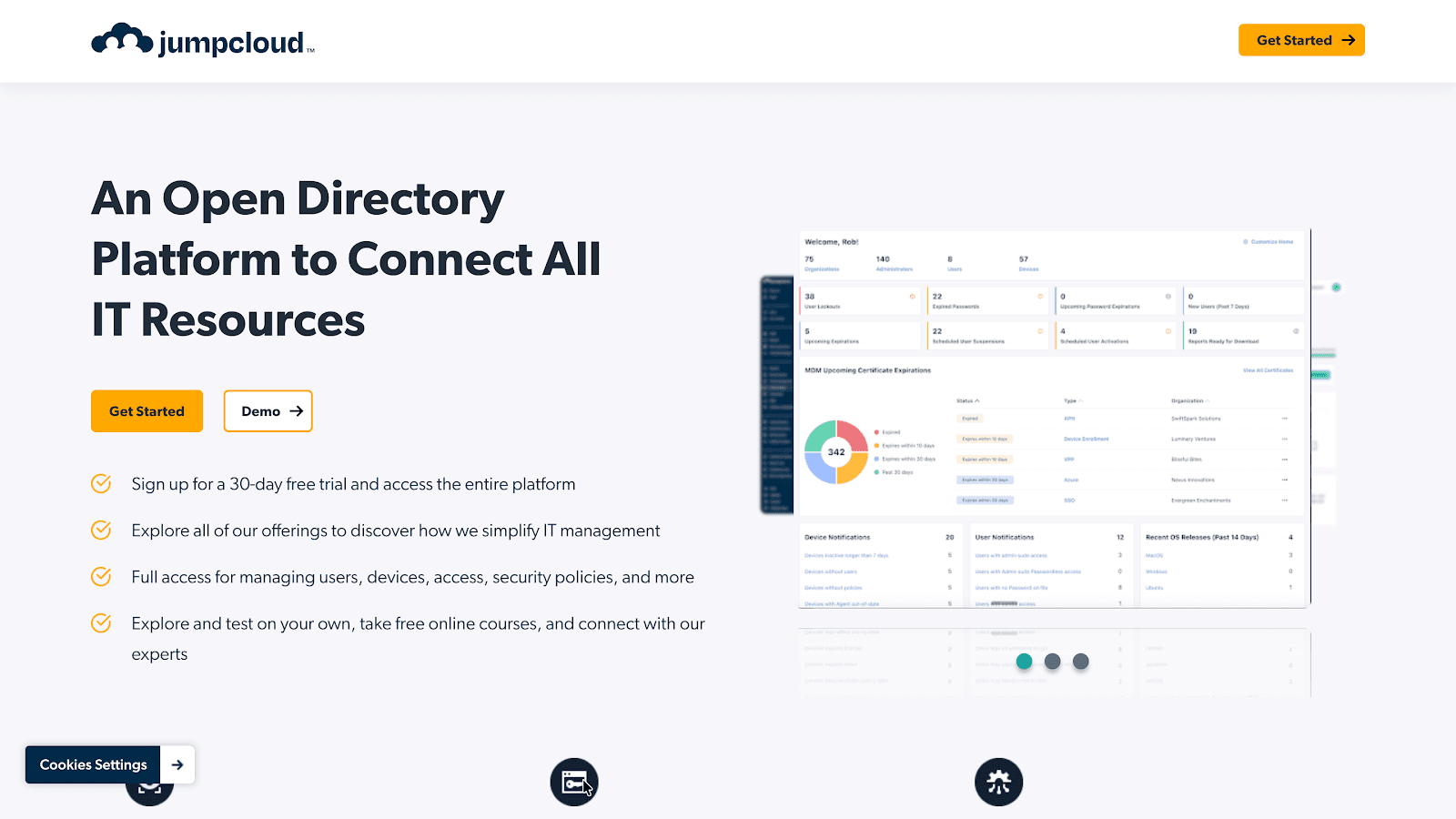
JumpCloud is an all-in-one IAM solution that offers directory-as-a-service. It provides cloud-based user identity management and integrates with a wide range of systems, including cloud, on-prem, and hybrid environments.
Key Features:
Unified directory for managing user access
Supports SSO and MFA
Device and endpoint management
Directory-as-a-Service for cloud and on-prem environments
Group and role-based access control
Pros:
Flexible for hybrid environments
Suitable for managing both human and machine identities
Cons:
Pricing can be steep for small businesses
Requires dedicated IT management
Best for: SMBs, mid-market, and enterprise organisations seeking a cloud-based, all-in-one IAM solution that integrates human and machine identities across cloud and on-prem environments.
7. ManageEngine AD360
ManageEngine AD360 is a robust IAM solution built on Microsoft Active Directory, enabling businesses to manage user access, authentication, and compliance efficiently. It simplifies access control and provides reporting features.
Key Features:
Active Directory-based IAM solution
SSO, MFA, and role-based access control
User provisioning and de-provisioning
Detailed audit and compliance reports
Integration with third-party apps
Pros:
Strong support for Active Directory
Affordable for SMBs
Cons:
Limited cloud-native features
It can be cumbersome for businesses without an Active Directory setup
Best for: Organisations seeking advanced IAM solutions that leverage existing Active Directory infrastructure to manage user access and ensure compliance.
8. miniOrange
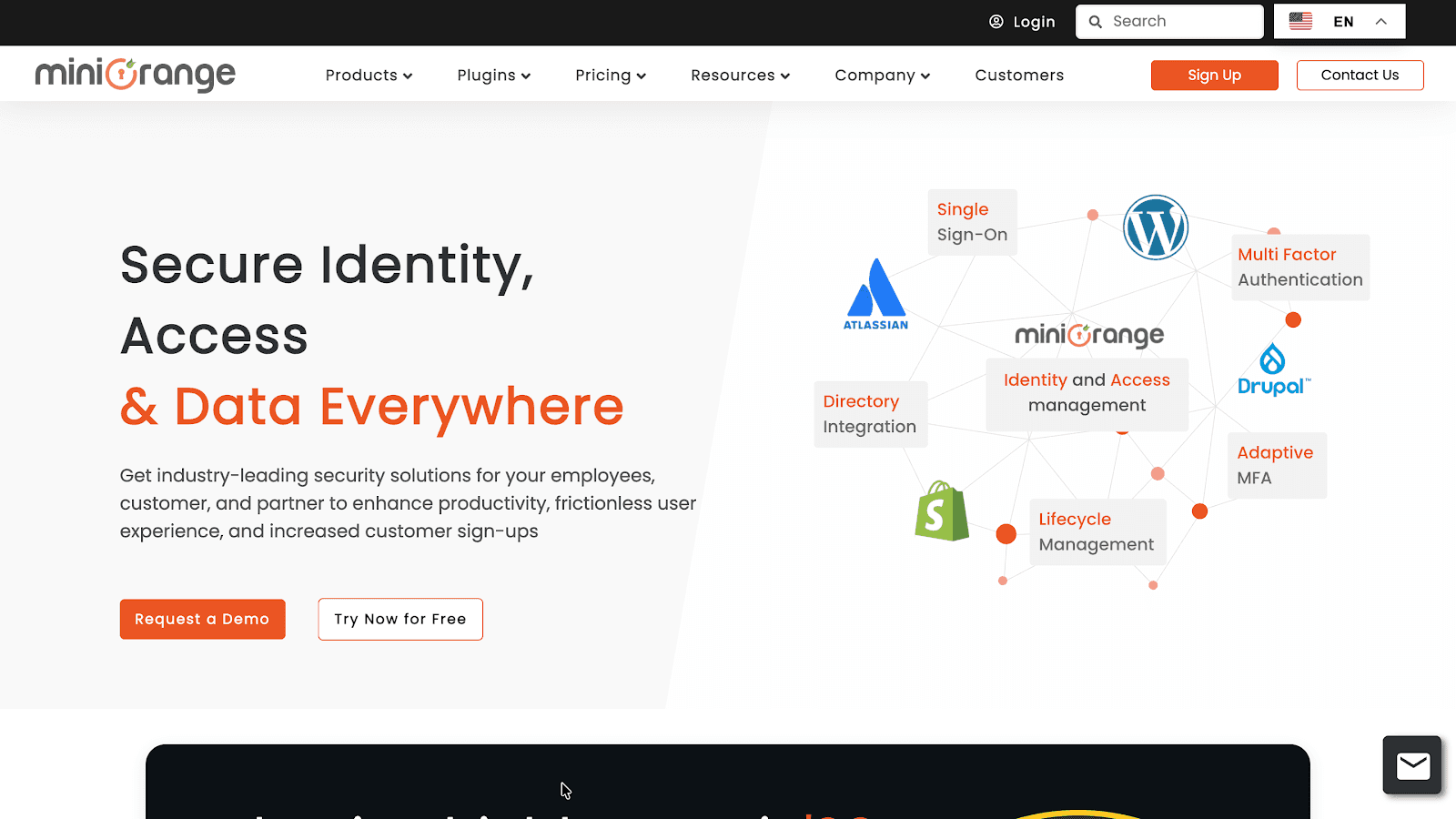
miniOrange provides a cost-effective IAM solution, offering SSO, MFA, and integration with HRMS and other business systems. It’s ideal for businesses looking to secure user access and streamline authentication processes.
Key Features:
SSO and MFA for all apps
Supports cloud and on-prem applications
Easy integration with existing directories
Access policies and audit logging
Identity federation for external partners
Pros:
Cost-effective with flexible plans
Strong customer support and documentation
Cons:
The user interface may feel basic
Limited scalability for large enterprises
Best for: Businesses (small-to-enterprise level) looking for a flexible, scalable, and cost-effective IAM solution with SSO, MFA, and directory integrations.
9. SailPoint IdentityNow
IdentityNow is SailPoint’s Software-as-a-Service (SaaS) platform, designed for organisations seeking a scalable, cloud-native solution.
Key Features:
Governance-driven IAM solution
Role-based access control and compliance reporting
Identity lifecycle management
Integration with cloud, on-prem, and hybrid environments
AI-driven analytics for access management
Pros:
Comprehensive compliance and governance features
Scalable for larger enterprises
Cons:
Complex setup and configuration
Expensive for smaller businesses
Best for: Large enterprises and organisations with complex identity governance needs seeking a scalable, cloud-native solution to automate and secure user access across diverse IT environments.
10. Oracle Identity Governance / Access Governance
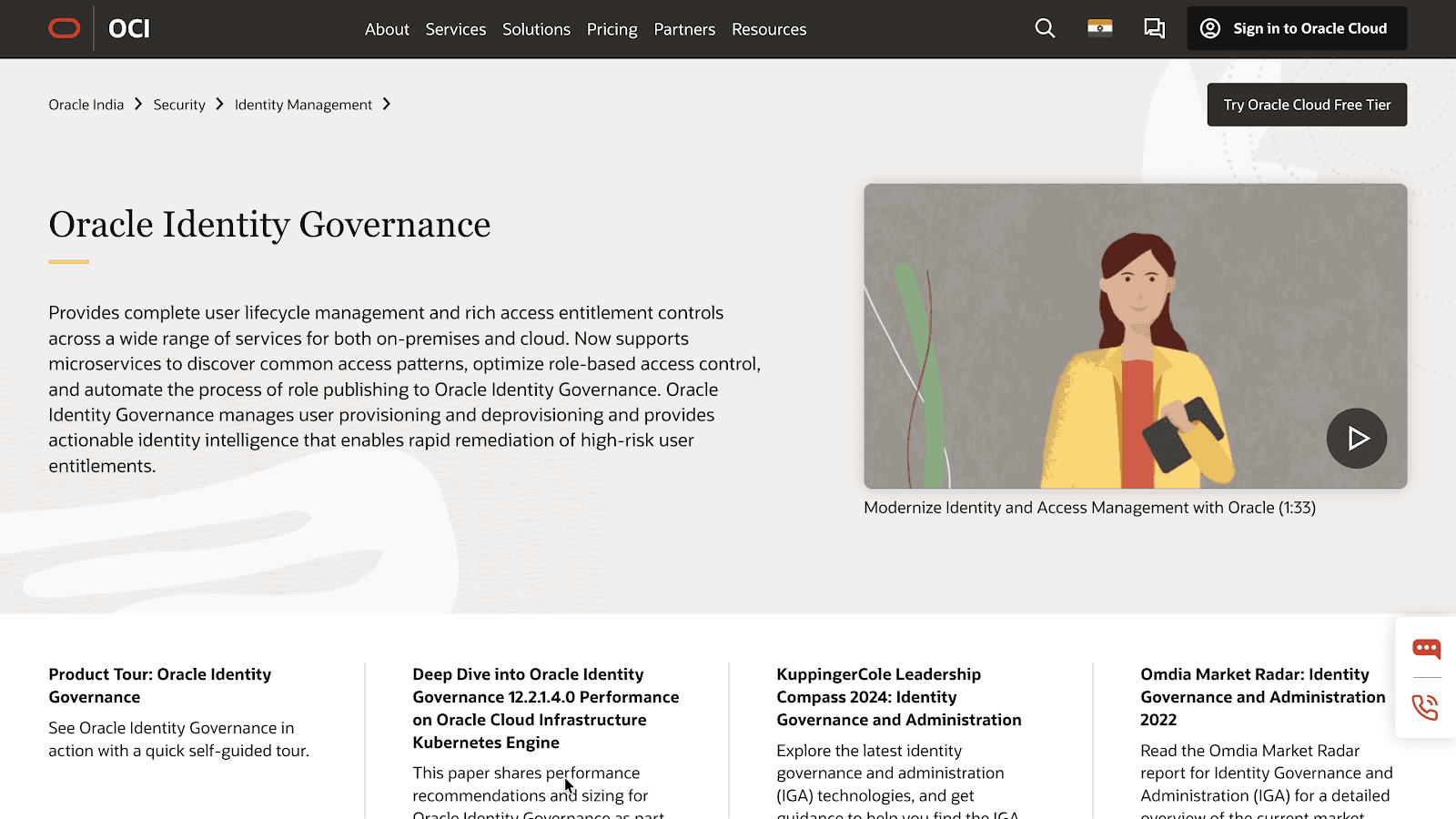
Oracle offers a powerful identity governance solution that helps businesses manage user access, compliance, and security. It’s suitable for complex, enterprise-level environments, with strong integration capabilities.
Key Features:
Centralised identity management across on-prem and cloud
Role-based access control (RBAC) and governance
Advanced user lifecycle management
Integration with third-party applications
Detailed compliance reporting
Pros:
Strong governance and compliance capabilities
Suitable for enterprise-level organisations
Cons:
High cost and implementation time
Overkill for smaller teams
Best for: Large enterprises and organisations in regulated industries seeking a powerful, scalable IAM solution with robust governance and compliance features.
11. CyberArk
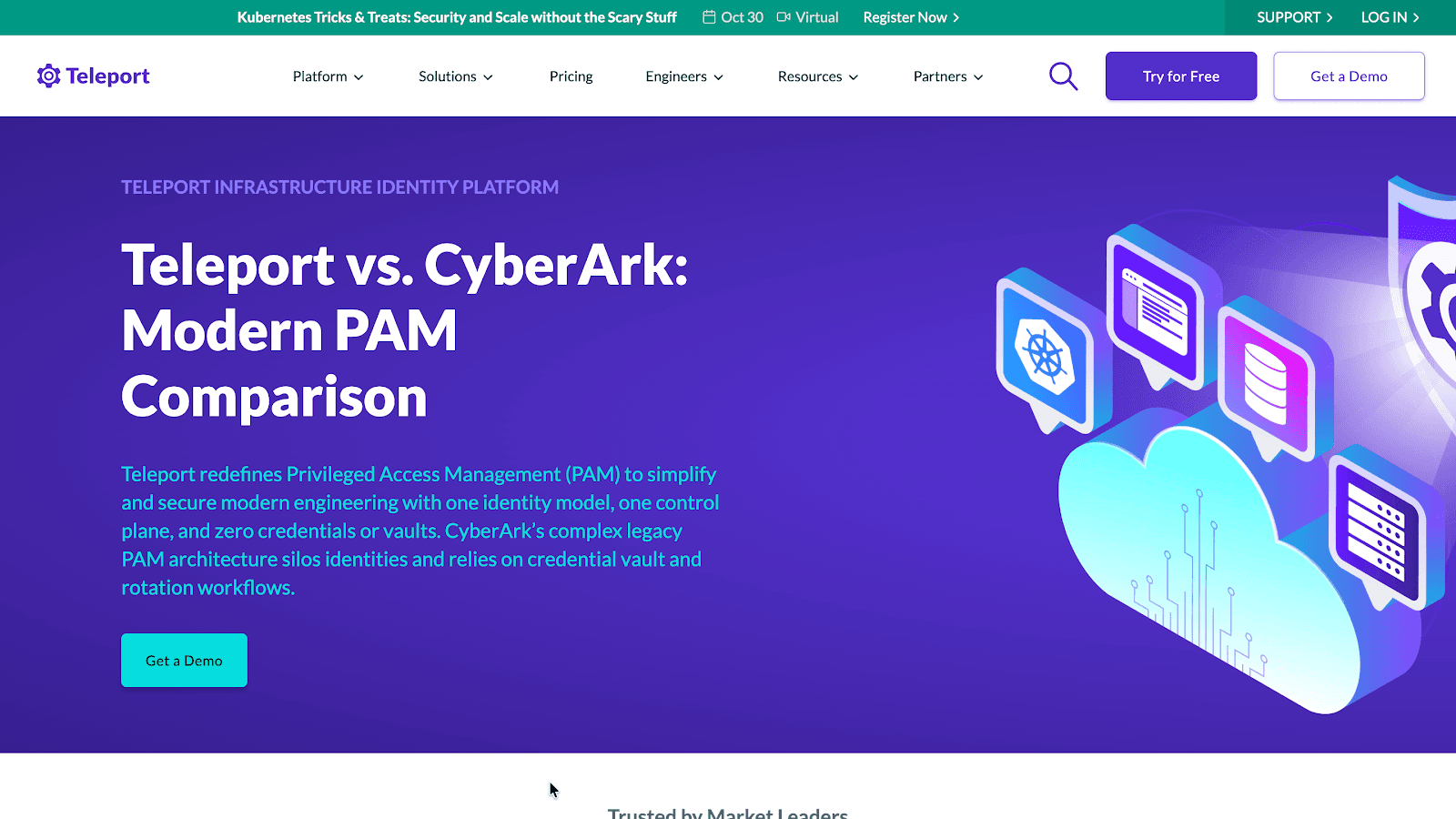
CyberArk focuses on privileged access management (PAM), helping businesses secure admin-level credentials and sensitive systems. It’s ideal for organisations looking to safeguard privileged accounts and sensitive data.
Key Features:
Privileged Access Management (PAM)
Secure management of admin-level access
Identity vault for credentials
Detailed session monitoring and auditing
Threat detection and prevention
Pros:
Ideal for securing privileged access
Robust for protecting sensitive data
Cons:
Not a comprehensive IAM solution for all access management needs
Expensive for smaller businesses
Best for: Large organisations needing to secure admin-level credentials and privileged access.
12. Delinea
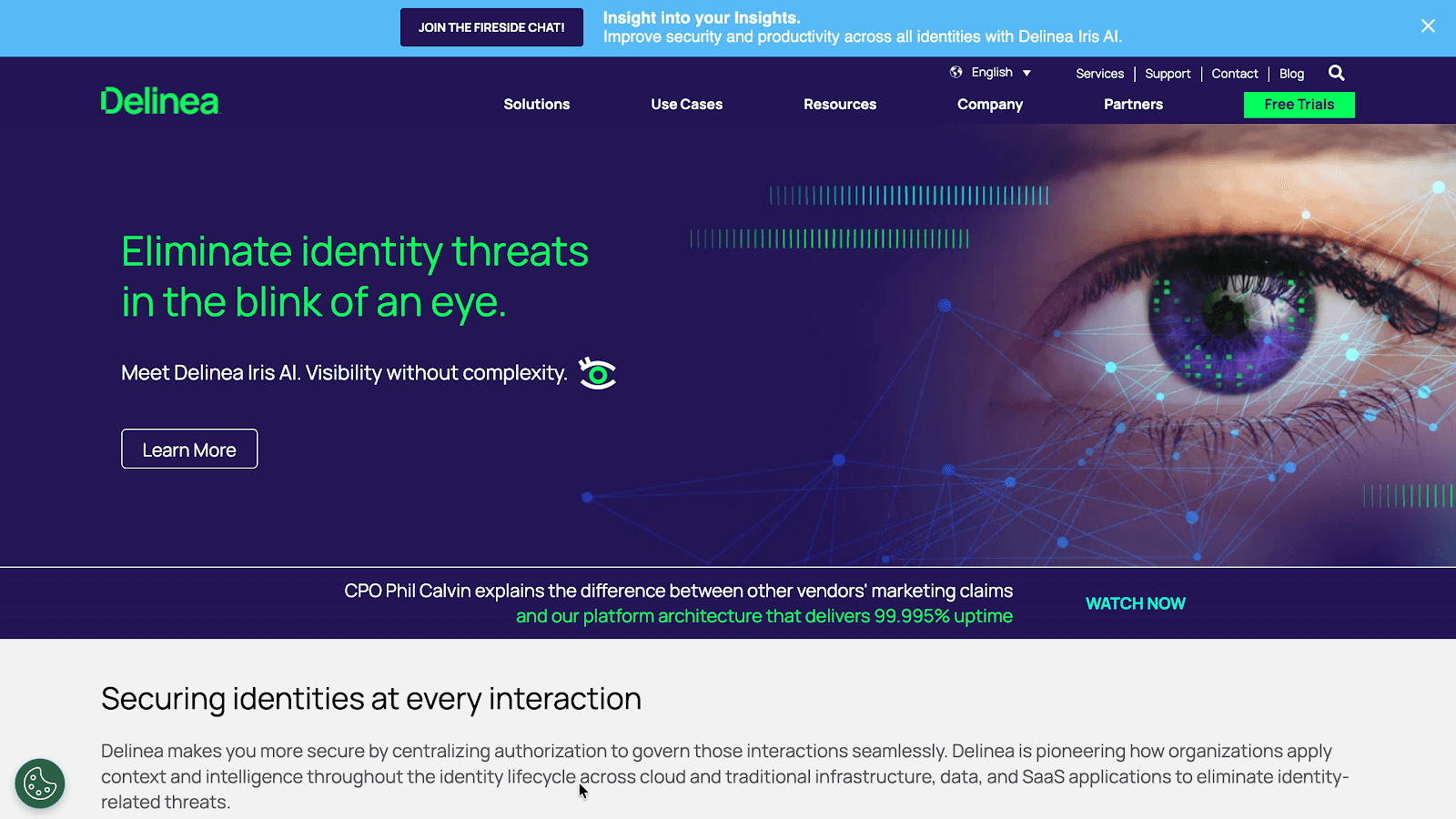
Delinea is primarily recognised as a Privileged Access Management (PAM) provider, not a traditional Identity and Access Management (IAM) vendor. While IAM encompasses the management of all user identities and access rights across an organisation, PAM focuses explicitly on securing and managing access to critical systems and sensitive data by privileged users, such as administrators.
Key Features:
Privileged Access Management (PAM)
Access request workflow and approval processes
Session recording and monitoring
Identity governance and compliance
Scalable for hybrid cloud environments
Pros:
Focused on privileged access security
Strong integration with enterprise applications
Cons:
Limited features for standard IAM needs
Complex for small teams without dedicated IT support
Best for: Enterprises needing strong security for privileged access and detailed monitoring.
13. Keycloak
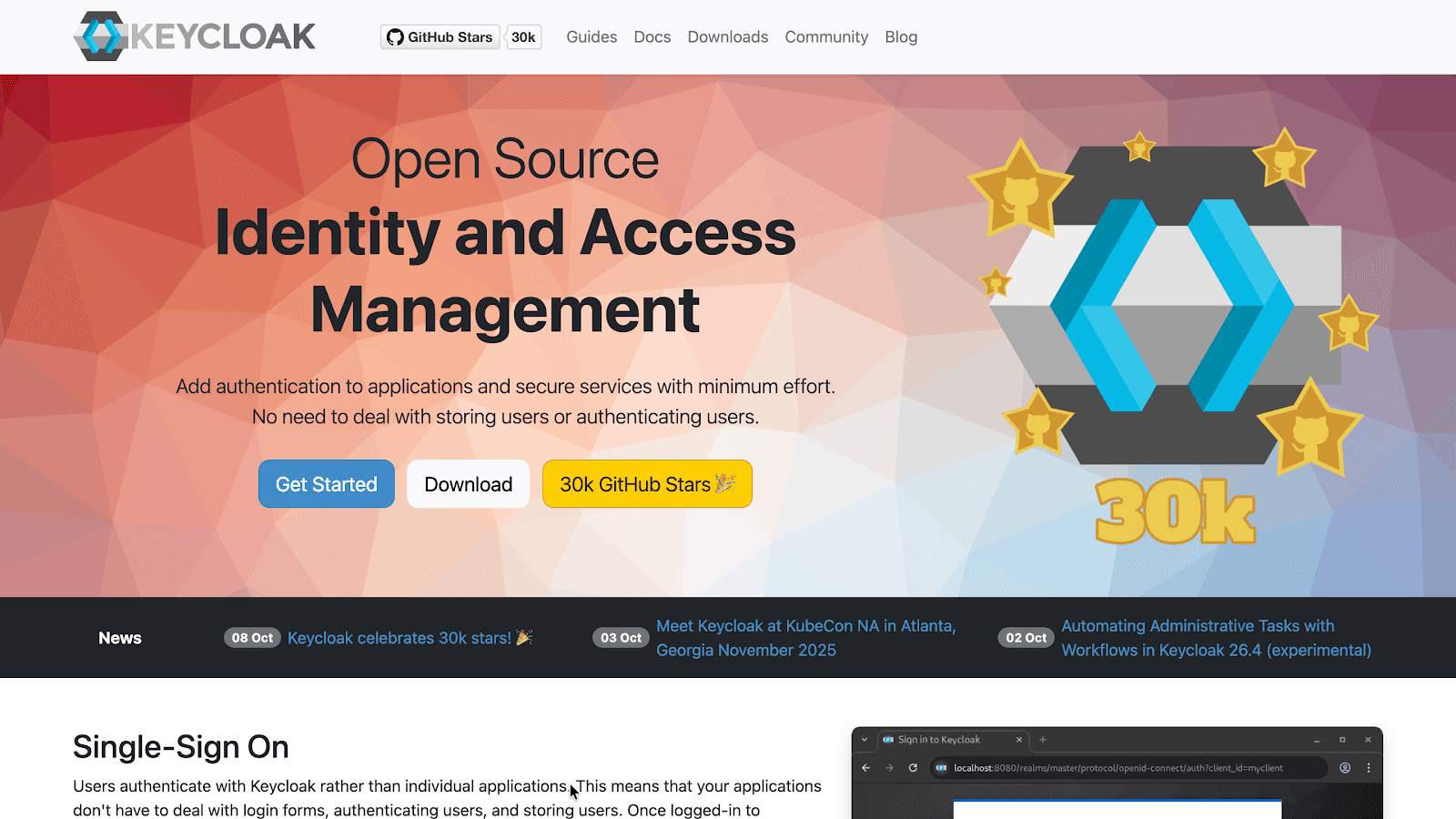
Keycloak is an open-source IAM solution providing flexible access management features like SSO, MFA, and identity federation. It’s suitable for startups and SMBs looking for a cost-effective solution.
Key Features:
Open-source IAM solution
SSO, OAuth, SAML, and 2FA support
Flexible role-based access control (RBAC)
Identity federation for external applications
Easy integration with modern cloud apps
Pros:
Cost-effective (open-source)
Highly customisable for developers
Cons:
Requires technical expertise for setup and customisation
Limited official support
Best for: Startups, SMBs, and technically capable teams in larger organisations seeking a flexible, open-source IAM solution.
Also Read: Document Automation for HR: Simplify HR Workflows & Improve Efficiency
Every business has different needs when it comes to identity and access management. Assess these solutions carefully to select the one that strengthens security today and supports growth tomorrow. Here's how you can do it.
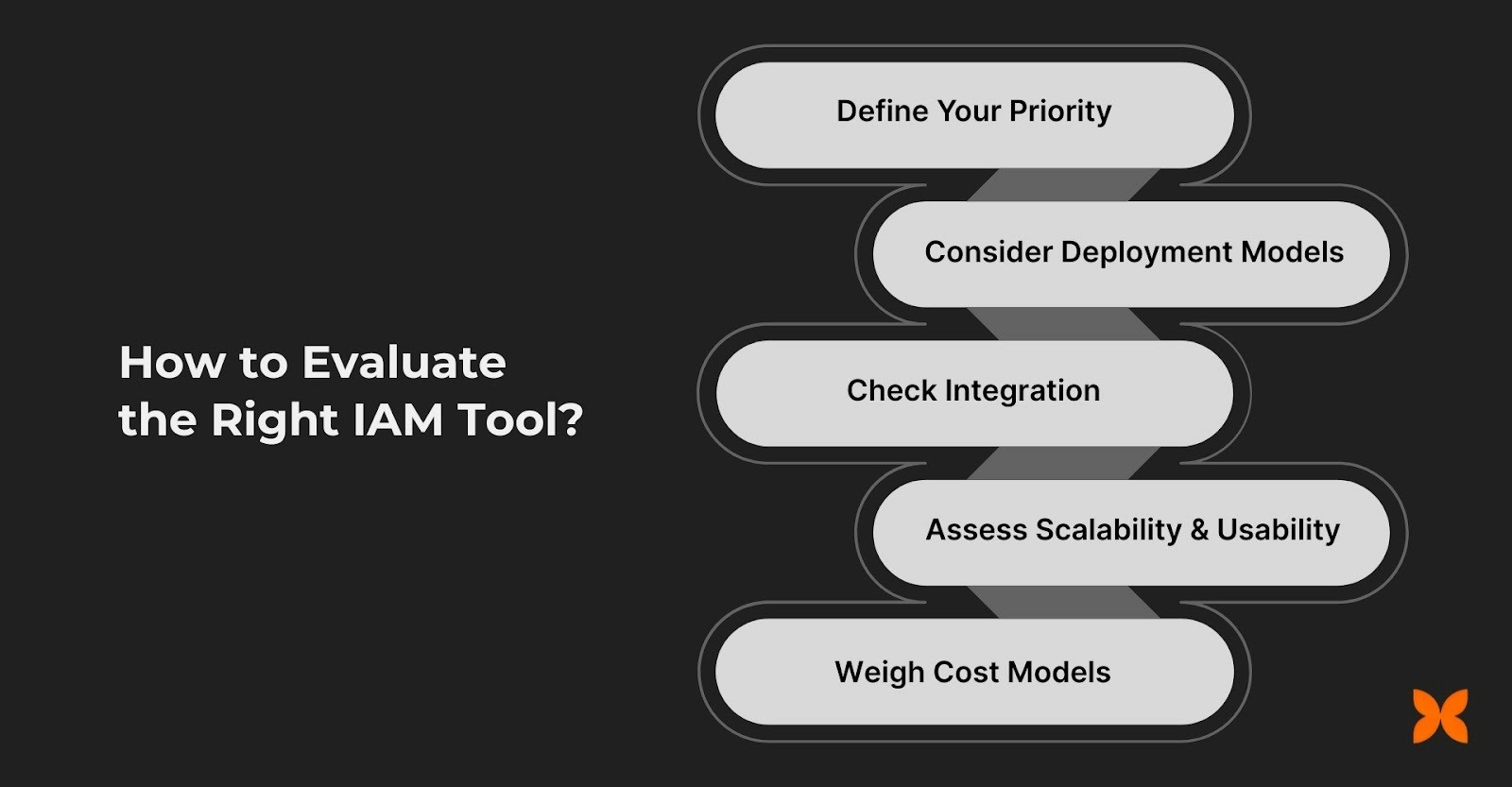
Choosing the right IAM tool involves understanding your specific business requirements and aligning them with the features and capabilities offered by various solutions. It’s essential to assess how well a tool fits within your existing infrastructure and future growth plans.
1. Define Your Priority: Understand whether your focus is on managing human identities, securing machine identities, or controlling privileged access for admins. This will help narrow down which tools provide the best support for your specific needs.
2. Consider Deployment Models: Cloud, On-premises, or Hybrid: Consider where your data resides and how your infrastructure is configured. Cloud-based IAM is ideal for businesses relying heavily on cloud services, while on-premises solutions might be better suited for companies with strict data privacy requirements.
3. Check Integration with Indian Compliance, HR Systems, and Directory Services: Make sure the IAM solution is compatible with your existing HR systems, such as payroll, leave management, and complies with Indian regulations like the IT Act and data privacy laws.
4. Assess Scalability and Usability, Especially for SMBs and Startups: Ensure the tool can grow with your business and remains easy to use as your team expands. Look for intuitive solutions, especially if you have a smaller team without dedicated IT support.
5. Weigh Cost Models, Support Availability, and Future Flexibility: Evaluate pricing structures to ensure the IAM tool fits your budget. Consider the level of customer support provided and how adaptable the solution is for future business changes.
Also Read: HR Metrics in 2025: 10 Trends, Examples & How to Use Them
Selecting the right IAM solution is only the first step. To fully realise its benefits, businesses must adopt the tool strategically—planning implementation, testing workflows, and engaging teams ensures the system delivers security, compliance, and efficiency from day one.
Successfully adopting a new IAM solution requires a clear strategy and collaboration across teams. Following best practices ensures a smooth integration and maximises the effectiveness of your IAM system.
Run a proof-of-concept (PoC) with key teams like IT and security: Test the IAM solution with a small group of users before full deployment to identify any potential issues and ensure it meets security and functionality needs.
Define roles, access policies, and audit workflows upfront: Establish clear access controls, define user roles, and implement audit workflows early to ensure that everyone understands their responsibilities from the outset.
Train administrators on SSO setup, MFA deployment, and user lifecycle: Equip your IT team with the knowledge and skills to manage Single Sign-On (SSO), Multi-Factor Authentication (MFA), and user lifecycles effectively to ensure secure access.
Monitor logs and user behaviour to fine-tune security rules: Continuously track user activity and system logs to detect anomalies and refine security rules, ensuring that access controls evolve with your organisation’s needs.
By following these best practices, you can ensure a smooth adoption of IAM software, increasing security and operational efficiency.
Effective Identity and Access Management (IAM) is the backbone of secure, compliant, and efficient operations for businesses in India. With employees, contractors, and third-party vendors interacting across multiple systems, unmanaged access can quickly become a major risk. The right IAM solution ensures only authorised users can access critical systems, automates onboarding and offboarding, enforces MFA and SSO, and keeps your business audit-ready.
From startups to large enterprises, evaluating tools based on your priorities, human or machine identities, privileged access, scalability, and compliance, is key to choosing the right fit. By adopting IAM thoughtfully and following best practices, organisations can reduce identity-based threats, streamline workflows, and protect sensitive data while confidently supporting hybrid and cloud environments.
Take the first step toward secure, streamlined, and compliant access management for your business. Talk to CrazeHQ for a free demo!
1. Can IAM tools integrate with biometric authentication systems?
Ans: Yes. Modern IAM solutions often support biometric authentication—like fingerprint, facial recognition, or iris scans—alongside MFA. This adds an extra security layer, ensuring that only verified users can access sensitive systems, reducing the risk of credential theft or unauthorised access.
2. How do IAM solutions help with remote workforce security?
Ans: IAM tools secure remote access by enforcing MFA, SSO, and conditional access policies. They monitor user activity in real time, detect unusual behaviour, and ensure that remote employees, contractors, and third-party partners only access the resources they’re authorised for, maintaining compliance and reducing breaches.
3. Is open-source IAM secure for enterprise use?
Ans: Yes, open-source IAM can be secure for enterprises if properly configured, regularly updated, and monitored. Skilled IT teams can customise it to meet organisational policies, integrate with existing systems, and ensure compliance, making it a cost-effective and flexible alternative to proprietary IAM platforms.
4. Can IAM manage both employee and third-party vendor access?
Ans: Absolutely. Advanced IAM solutions provide granular control over access for employees, contractors, and vendors. They enable role-based permissions, temporary access, and automated de-provisioning, ensuring that all users have the right level of access without exposing critical systems to unnecessary risk.
5. How does IAM support zero-trust security models?
Ans: IAM is central to zero-trust frameworks by continuously verifying user identities, enforcing least-privilege access, and adapting permissions dynamically based on context like device, location, or behaviour. This ensures that every access request is evaluated before granting entry, minimising insider and external threats.
Looking to optimise other aspects of your HR operations? Check out these top HRMS tools and software for your use case:
