


Managing HR in a fast-growing IT company can quickly become overwhelming.
Payroll errors impact nearly 40% of employees every year, and each error costs businesses an average of $291 to fix. Add disconnected HR tools, compliance risks, and rapid hiring cycles, and HR operations often turn into a constant drain on founder time and engineering productivity.
For teams focused on shipping features and scaling fast, spreadsheets and email-based workflows simply do not hold up. You need an HRMS that fits your tech stack, handles compliance properly, and makes onboarding fast and repeatable.
In this guide, we cover the best HRMS software for IT companies in 2026, including startup-friendly tools to enterprise-grade platforms, so you can choose what fits your stage and operating style.
Before we get into the tools, here’s a quick summary of what you should expect from a good HRMS today.
Manual HR processes create payroll errors, compliance risks, and operational inefficiencies in IT companies.
A modern HRMS automates onboarding, payroll, attendance, and compliance, and reduces manual coordination.
Founders get visibility into workforce costs, HR teams cut repetitive admin work, and engineers get back productive hours.
Top HRMS tools for IT companies in 2026 include Craze, Keka, Darwinbox, HROne, Qandle, sumHR, and ZingHR.
Craze stands out for fast onboarding, transparent pricing, and full feature access without paywalls.
Now that you have the gist, let’s quickly define what HRMS software actually includes.
HRMS (Human Resource Management System) software centralises core people operations like payroll, attendance, leave, onboarding, performance management, and compliance into one system.
Modern HRMS platforms go beyond basic record-keeping by offering automation, real-time synchronisation, and built-in statutory handling. For IT companies, the “right” HRMS is the one that fits how tech teams work, meaning it should connect smoothly with tools like Slack, accounting software, and SSO, and support fast hiring and clean offboarding.
In simple terms, a good HRMS reduces manual work, prevents avoidable errors, and gives leadership clearer visibility into workforce operations.
Next, let’s talk about why this matters more for IT companies than it does for most other businesses.
IT companies run on speed. Hiring plans change quickly, teams work across time zones, and the company’s tool stack grows every quarter. When HR processes are manual, the impact shows up where it hurts most: delayed onboarding, payroll confusion, compliance gaps, and constant follow-ups that waste time across teams.
A modern HRMS helps IT companies create repeatable processes, improve accuracy, and keep HR operations out of the way so product and engineering can stay focused.
Here are the benefits by role.
1) Benefits for Founders and CTOs
Get real-time visibility into workforce costs, hiring pipeline, and utilisation
Scale teams quickly without operational bottlenecks
Reduce time spent on payroll coordination and compliance firefighting
2) Benefits for Engineering Leaders
Faster onboarding and system access for new hires
Performance cycles aligned with OKRs and continuous feedback
Better visibility into availability and workload distribution
3) Benefits for HR and Operations Teams
Automated PF, ESI, TDS, PT, and statutory reporting
Attendance, leave, and payroll data synced automatically
Less admin work, more time for hiring, culture, and retention
Once you’re clear on the value, the next step is knowing what features actually matter when you evaluate tools.
Not every HRMS is built with tech teams in mind. If you are comparing tools, these are the features that usually make the biggest difference for IT companies:
Tech stack integrations: Slack, accounting tools, SSO providers, Web hooks, APIs for custom workflows
Fast onboarding workflows: Offer letters, document collection, access provisioning
Payroll automation: Accurate calculations and compliant payroll processing
Performance management: OKRs, feedback cycles, structured reviews
Compliance automation: Statutory reporting, audit trails, policy handling
Real-time analytics: Workforce cost dashboards, attrition trends, utilisation visibility
Scalability: Works as you grow without forcing upgrades for basics
SSO and role-based access control (RBAC): Secure login with SSO and granular role permissions to control who can view, edit, or approve HR and payroll data
Mobile access: Leave requests, attendance, payslips, approvals on the go
Now that you know what “good” looks like, let’s get into the tools you should shortlist.
Craze
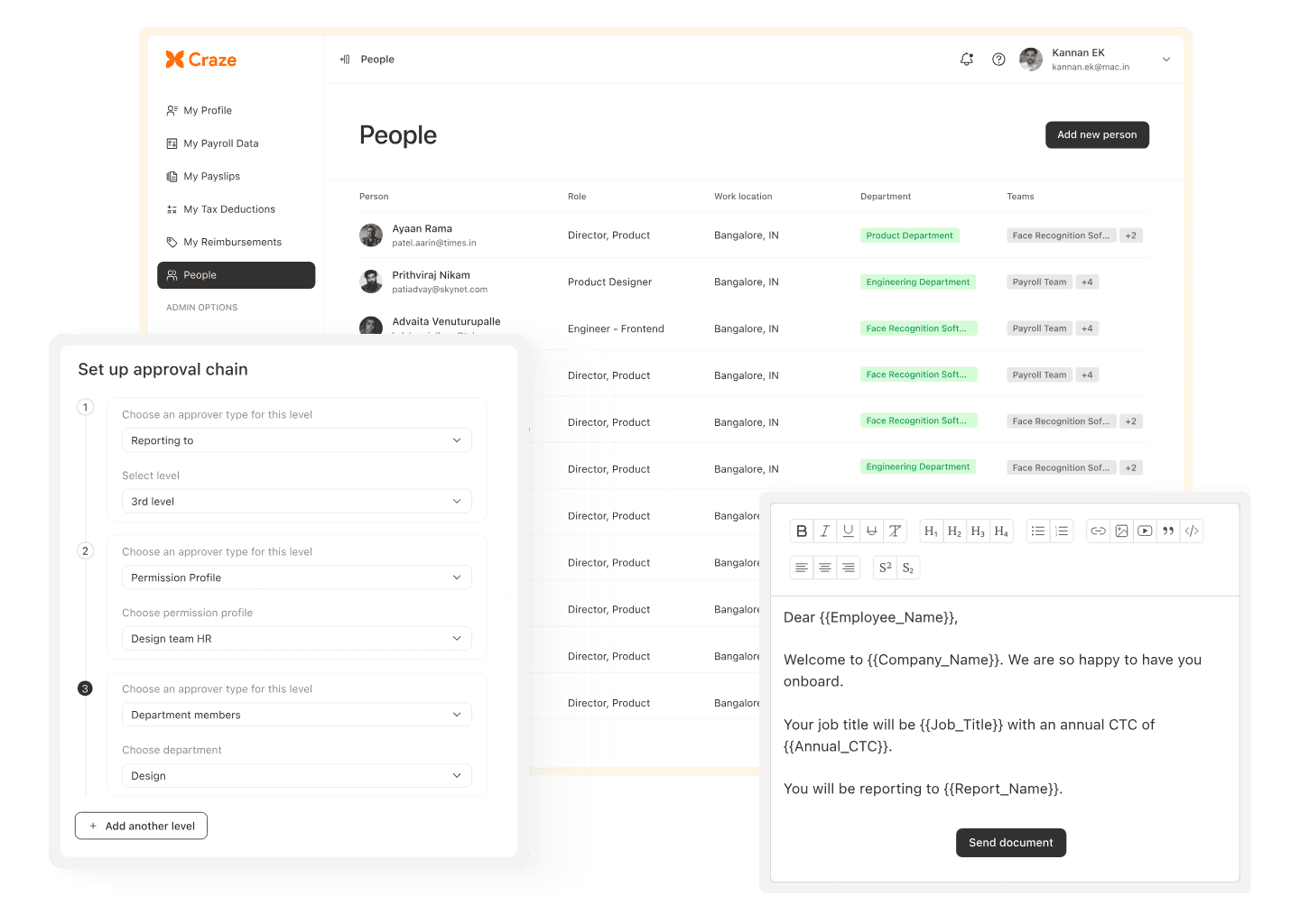
Craze is an integrated people operating system, best for small & mid-sized fast-growing IT companies in India, bringing HR, payroll, finance, and IT management into one platform. It is designed to replace fragmented tools and manual coordination, with fast onboarding and real-time sync across modules.
Key Features
Onboarding & Offboarding workflows with automated offer letters, document collection, and employee setup
Automated payroll processing with accurate TDS, PF, ESI, and statutory compliance handling
SSO and role-based access control (RBAC) to ensure secure access and clear permission boundaries
Real-time synchronisation across attendance, leave, and payroll without manual reconciliation
Tech stack integrations with accounting tools, and modern business software
Performance management tools including goals, reviews, and continuous feedback cycles
No feature gating with full platform access from day one, regardless of team size
Best For: IT startups and scale-ups (20 to 500 employees) that want fast rollout and transparent pricing.
Keka
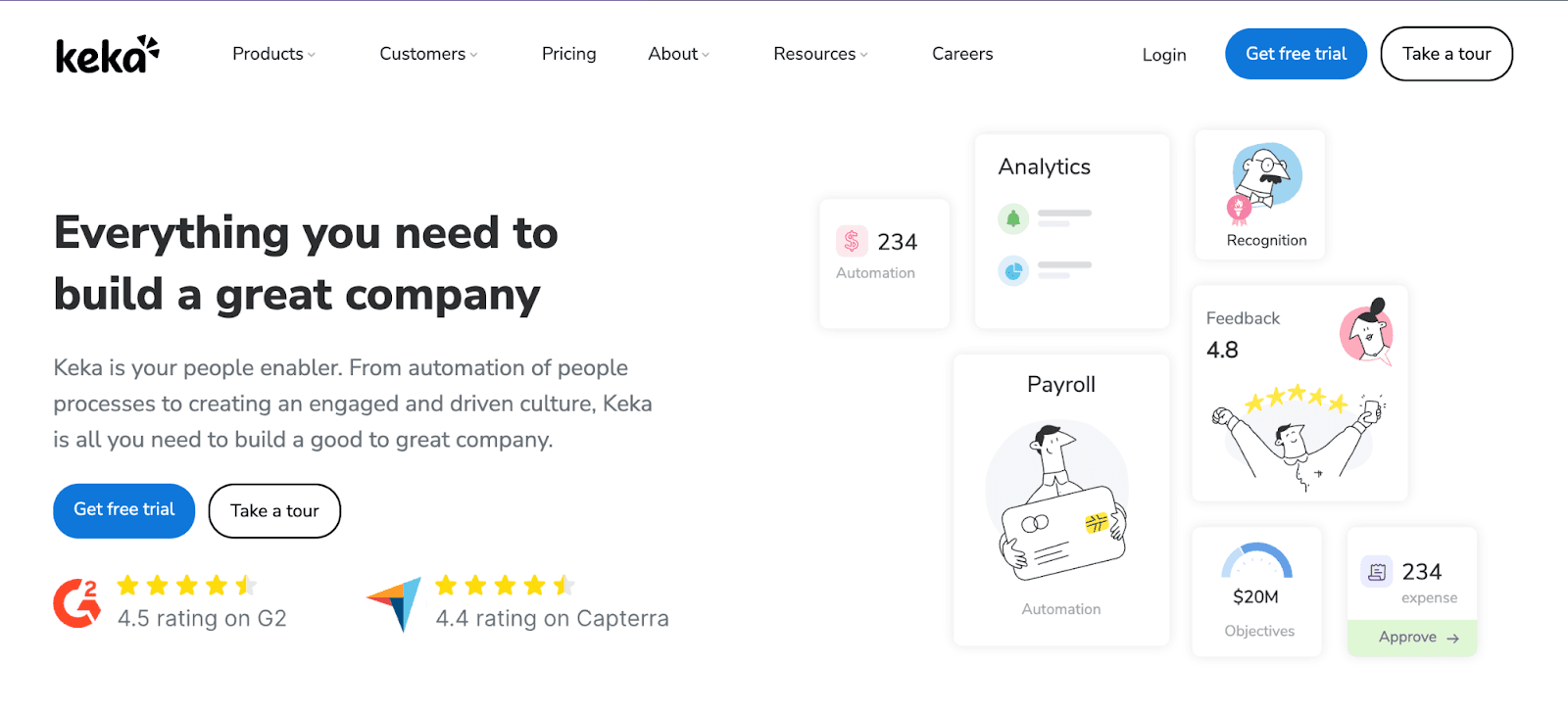
Keka combines payroll, attendance, performance management, and employee engagement into one platform. It is popular with teams that want a strong UI, structured performance cycles, and employee engagement features alongside core HR operations.
Key Features
Payroll and compliance reporting
Attendance and leave management
OKRs, reviews, and 360-degree feedback
Employee engagement and pulse tools
Mobile-friendly experience
Best For: Large IT companies (500+ employees) that want strong engagement and performance features with core HR.
Darwinbox
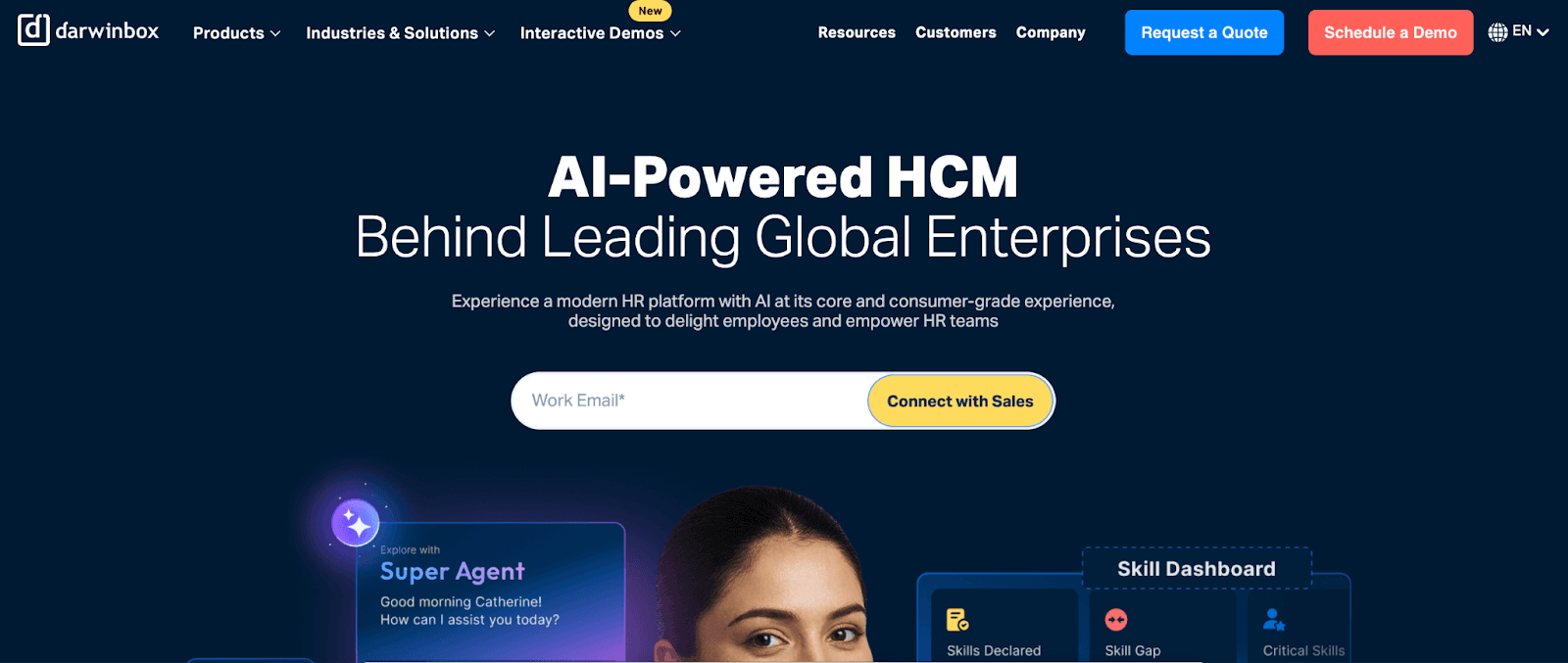
Darwinbox is an enterprise-grade HRMS platform with advanced analytics and talent management capabilities. It is built for larger organisations that need deeper reporting, complex workflows, and structured processes across teams and locations.
Key Features
Enterprise HR workflows and approvals
Advanced reporting and workforce analytics
Talent management and performance cycles
Support for complex organisational structures
Multi-location and policy handling
Best For: large IT companies (1000+ employees) needing enterprise-ready HR depth.
HROne
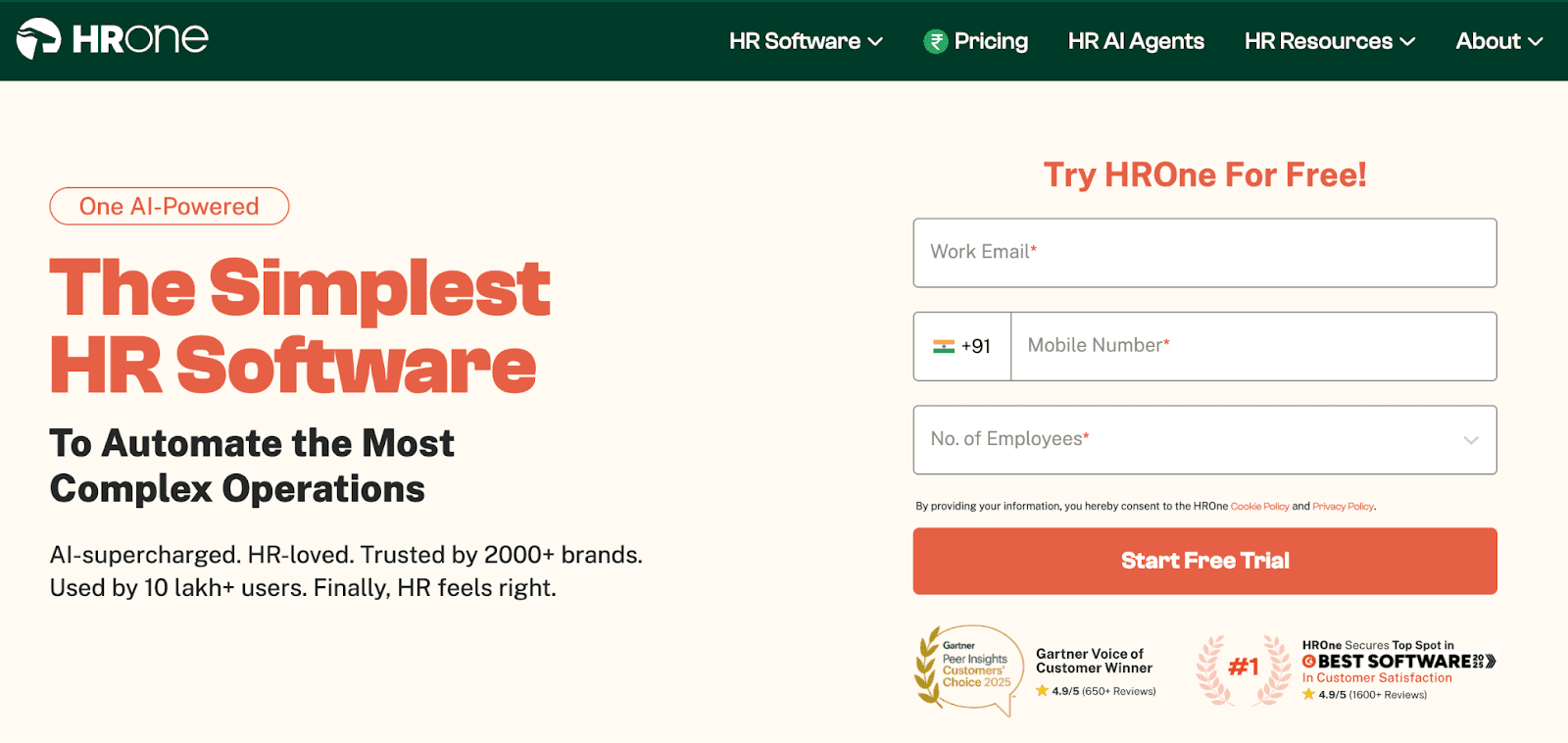
HROne focuses on India-first HR operations with strong statutory compliance support. It is especially useful for teams that want payroll and compliance to be handled cleanly, particularly when operating across different Indian states.
Key Features
PF, ESI, PT handling and reporting
Automated statutory workflows and documentation
Payroll processing designed for India
Leave and attendance policy setup
Employee self-service and basic HR workflows
Best For: Indian IT companies that prioritise compliance accuracy and statutory reporting.
Qandle
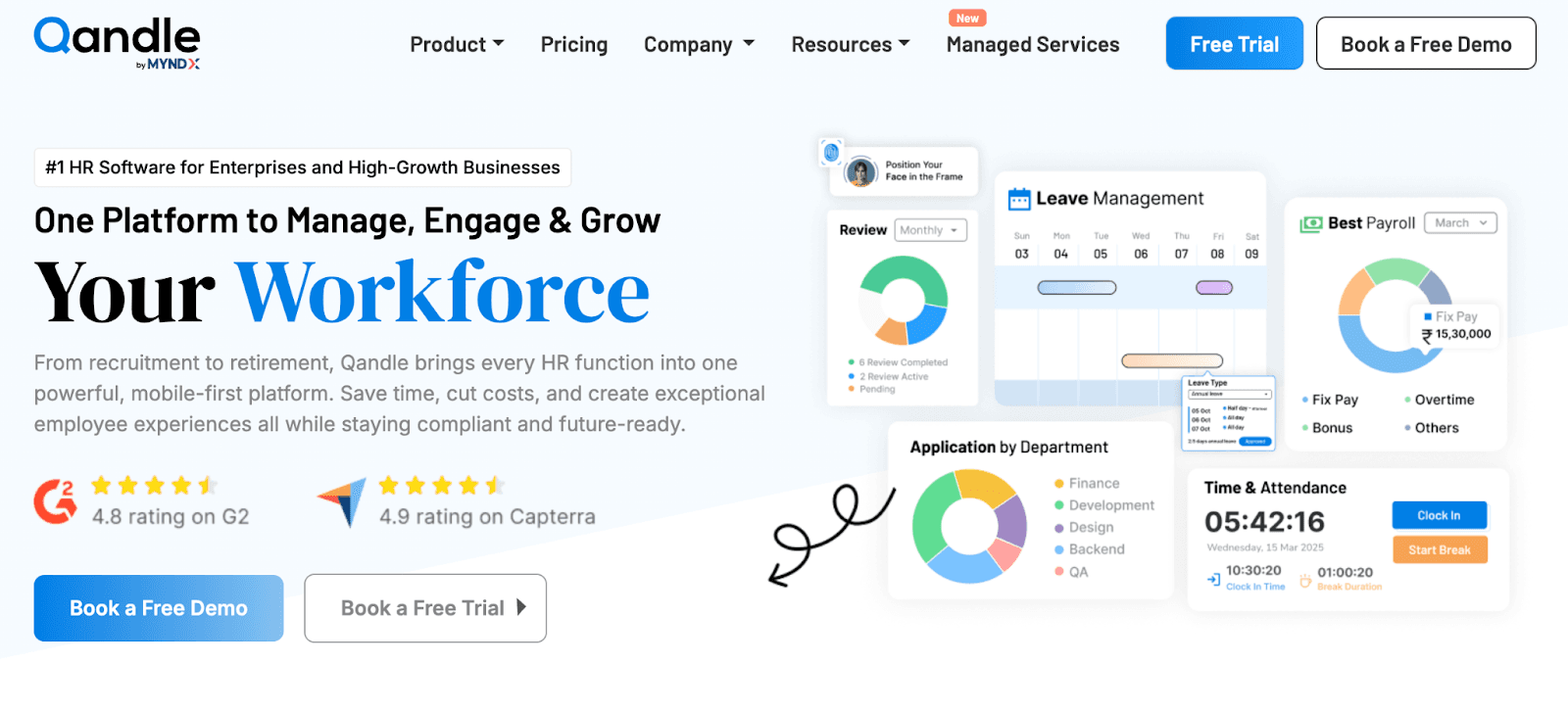
Qandle offers a clean HRMS with workflow automation and quick deployment. It suits growing companies that want to move away from manual approvals and repetitive HR tasks without paying enterprise pricing.
Key Features
Payroll, attendance, and leave automation
Workflow approvals for HR operations
Self-service portal for employees
Mobile-first access
Easy setup for growing teams
Best For: Growing IT teams (20 to 100 employees) looking for affordable automation and quick implementation.
sumHR
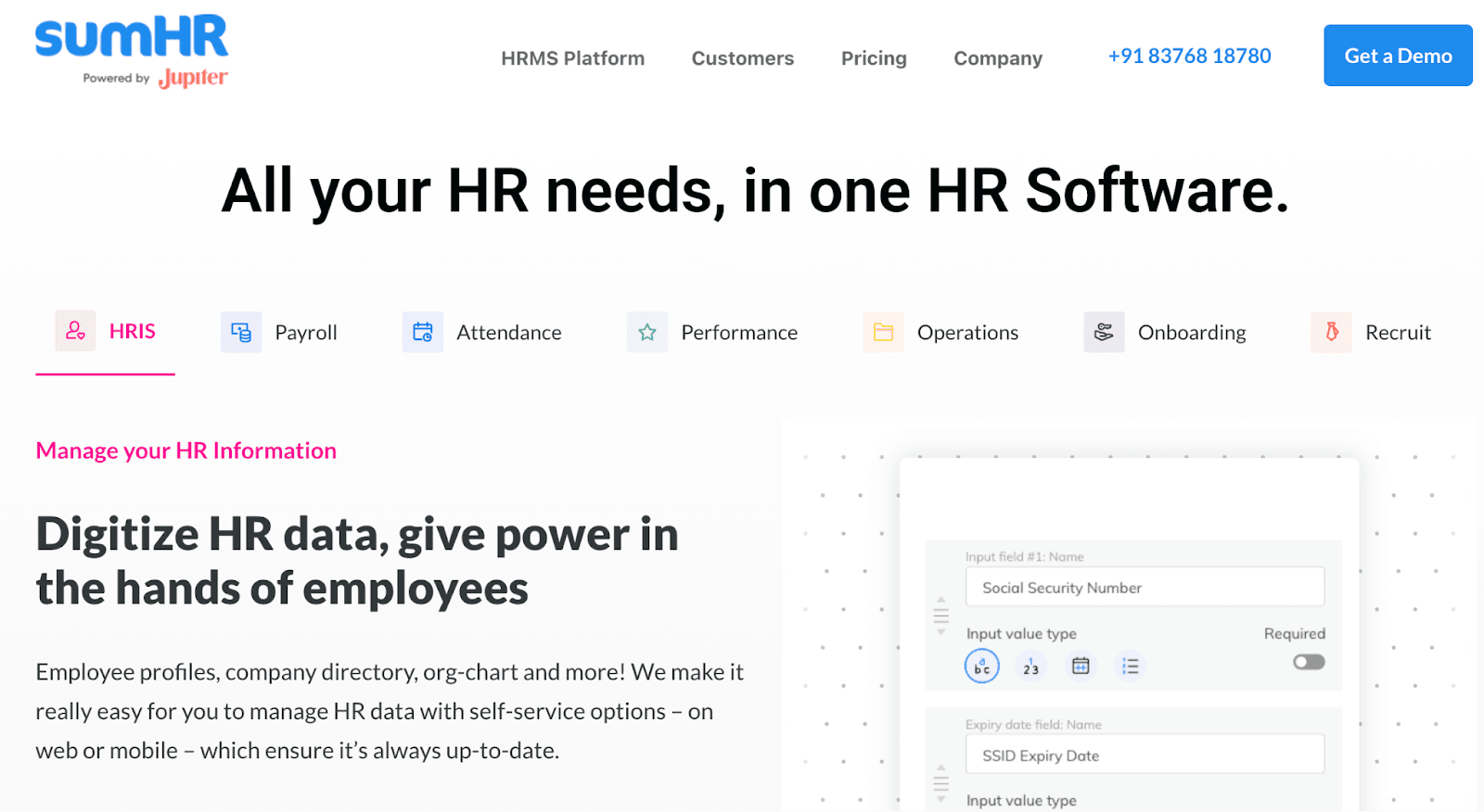
sumHR is a simple HRMS that covers essentials like leave, attendance, and payroll for small teams. It is typically chosen by startups that are just outgrowing spreadsheets and want something lightweight.
Key Features
Basic payroll and HR record management
Attendance and leave tracking
Employee self-service for common actions
Simple workflows with minimal setup
Cost-effective plans for smaller headcounts
Best For: Small IT teams (10 to 50 employees) that want a simple tool for the basics.
ZingHR
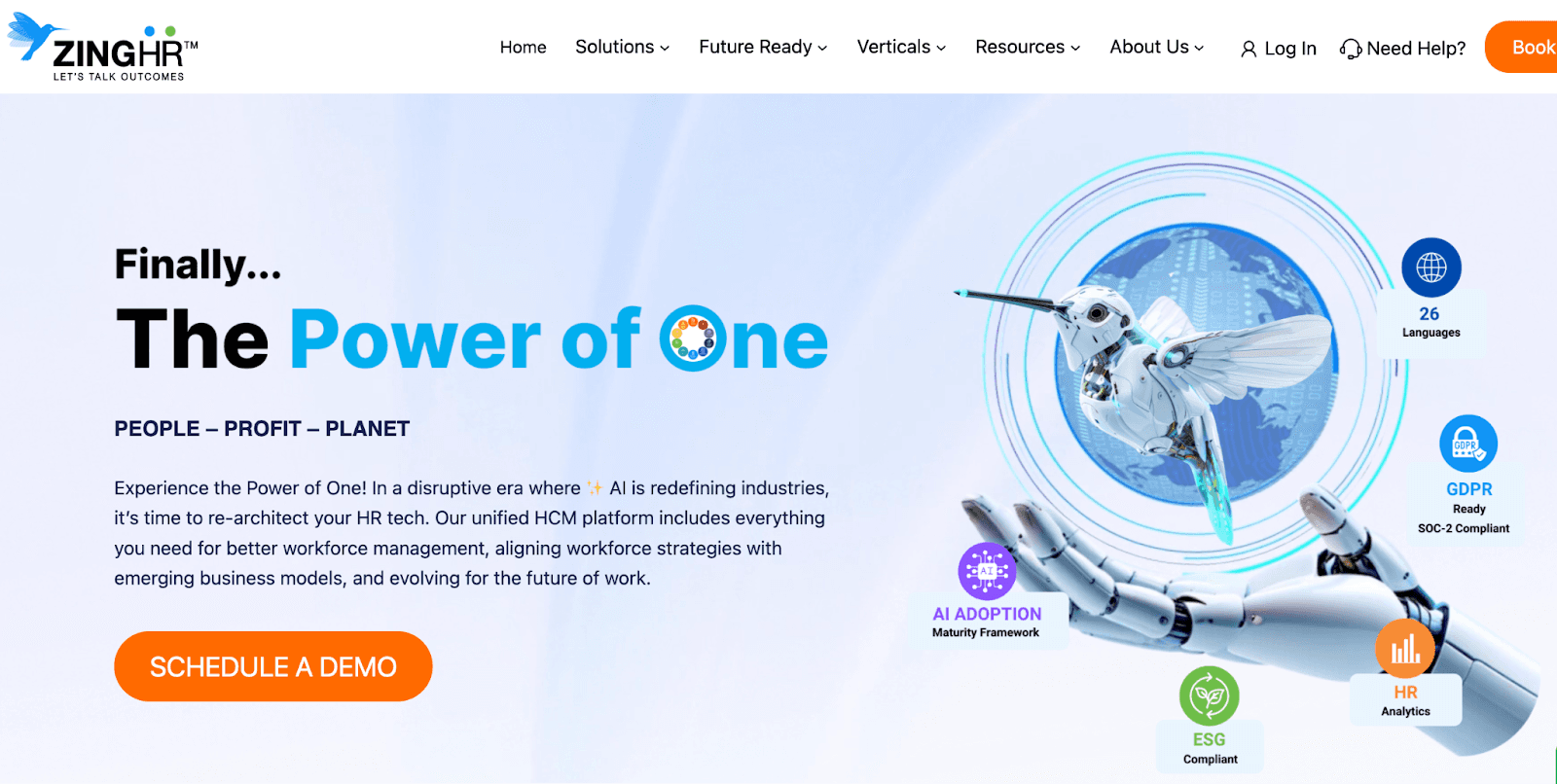
ZingHR is a comprehensive HRMS platform built for large and mid-sized organisations, with a strong focus on workforce management, compliance, and enterprise HR workflows. It supports complex organisational structures, large employee bases, and India-specific HR requirements, making it a familiar choice for traditional and enterprise IT companies.
Key Features
End-to-end HRMS covering core HR, payroll, attendance, and compliance
Strong India-focused statutory compliance and reporting
Workforce management for large, distributed teams
Policy-driven workflows and approval structures
Analytics and reporting for enterprise HR operations
Best For: Mid-sized to large IT companies that need structured HR workflows and strong India-centric compliance support
Now that you’ve seen the options, the real win comes from choosing the tool that matches your stage and operating model.
With so many platforms claiming to be “all-in-one”, choosing an HRMS can feel like comparing feature lists that all sound the same. The best approach is to start with your company’s reality, your constraints, and your operating rhythm.
1) Start with your team size and growth plan
If you are 25 people today and aiming for 80 within a year, you need a tool that can scale smoothly without forcing an expensive migration later. At the same time, avoid buying enterprise complexity too early. Many teams overpay for features they do not use for the first 12 months.
A good rule: choose a platform that fits your current needs, and clearly supports your next growth milestone.
2) Check integration fit with your stack
For IT companies, integrations are not a nice-to-have. They decide whether your HRMS becomes a “system of record” or another silo. At minimum, most tech teams need:
Slack or Teams notifications
Accounting integrations for payroll sync
SSO support for access control
APIs or webhooks if your workflows are custom
If integrations are weak, you will end up doing manual reconciliation again, just in a different place.
3) Measure time-to-value, not just features
Ask: when can you realistically run your first payroll and complete onboarding with the tool?
Some tools require weeks of setup and implementation. Others can get you to live quickly. If you are hiring aggressively, onboarding delays directly cost productivity, especially for engineers joining mid-sprint.
4) Pay attention to feature access and pricing behaviour
Some platforms lock useful features behind higher tiers, even for common needs like workflows, analytics, or advanced policies. Others give full access from day one.
Look beyond the headline price. Check for:
Minimum user commitments
Setup or implementation fees
Costs that rise sharply with “modules”
Add-ons required for basics you assumed were included
5) Evaluate payroll accuracy and compliance strength
If most of your team is in India, payroll accuracy and statutory handling are essential. Ensure the system can support your compliance needs cleanly, especially if you:
Operate across multiple states
Have contractors alongside full-time employees
Need clean documentation and audit trails
Payroll issues are expensive, but they also create trust problems internally.
6) Test usability across real users
Do not only rely on a founder demo. Ask a few employees and an HR operator to try real actions:
Applying leave
Downloading payslips
Approving requests
Updating employee details
Checking attendance or policies
If adoption is low, you will end up with partial usage and messy data.
Once you shortlist based on these factors, the final step is simple: run a short pilot, test real workflows, and pick the platform that feels like it reduces work rather than adding another layer.
Now, let’s wrap this up with a clear takeaway.
The right HRMS helps IT companies scale without operational chaos. It reduces payroll errors, improves compliance, streamlines onboarding, and gives leadership visibility into workforce operations.
If you are building a fast-moving company, HR cannot be a daily coordination problem across spreadsheets, emails, and disconnected tools. It needs to behave like infrastructure, consistent, automated, and reliable.
Each of the platforms listed here can work, depending on your company size and priorities:
If you want fast rollout, transparent pricing, and full feature access, Craze is a strong fit for IT startups and scale-ups with 20-500 employees..
If you need structured engagement and performance workflows, Keka is often a solid option.
If you are at 1000+ employees and need deeper enterprise capabilities, Darwinbox fits that stage well.
If India-first compliance is your biggest concern, HROne is worth considering.
If you want affordable automation for a growing team, Qandle can be a practical shortlist pick.
If you are a small team moving off spreadsheets, sumHR covers essentials.
If you need enterprise-grade HR workflows with strong India-focused compliance, ZingHR is a suitable choice for larger IT organisations.
The best next step is to shortlist two or three tools, request a demo, and test them using your real workflow, onboarding, payroll, approvals, and integrations. The right tool will feel less like “new software” and more like a system that quietly keeps your operations clean.
1) What is HRMS software for IT companies?
HRMS software for IT companies is a platform that automates payroll, attendance, onboarding, compliance, and performance management, while supporting tech-stack integrations and fast hiring cycles.
2) Why do IT companies need specialised HRMS tools?
IT companies hire fast, operate across tools and locations, and often manage distributed teams. A specialised HRMS reduces onboarding delays, prevents payroll errors, and integrates better with modern workflows.
3) What features matter most in an HRMS for IT teams?
Tech-stack integrations, fast onboarding, accurate payroll and compliance handling, performance management support, real-time reporting, and scalability without constant plan upgrades.
4) How quickly can an IT company implement an HRMS?
Implementation timelines vary by tool. Some platforms can go live quickly for core workflows, while others may require multi-week setups, especially for enterprise use cases.
5) How much does HRMS software typically cost?
Pricing varies based on employee count, modules, and plan structure. Some tools offer per-employee pricing, while others enforce minimum commitments or charge separately for advanced features.
Looking to optimise other aspects of your HR operations? Check out these top HRMS tools and software for your use case:
